Scan Date:Jul 12, 2026
Show More


Kodi fits living room use when your movies, shows, music, and photos are spread across phones, drives, and home servers. It brings everything together in one interface that is easy to see from the couch and simple to control with a remote. You choose the sources, and Kodi focuses on your own media and official services you add. If you plan to download Kodi, set expectations first because the app does not include any content by default.
TV friendly interface
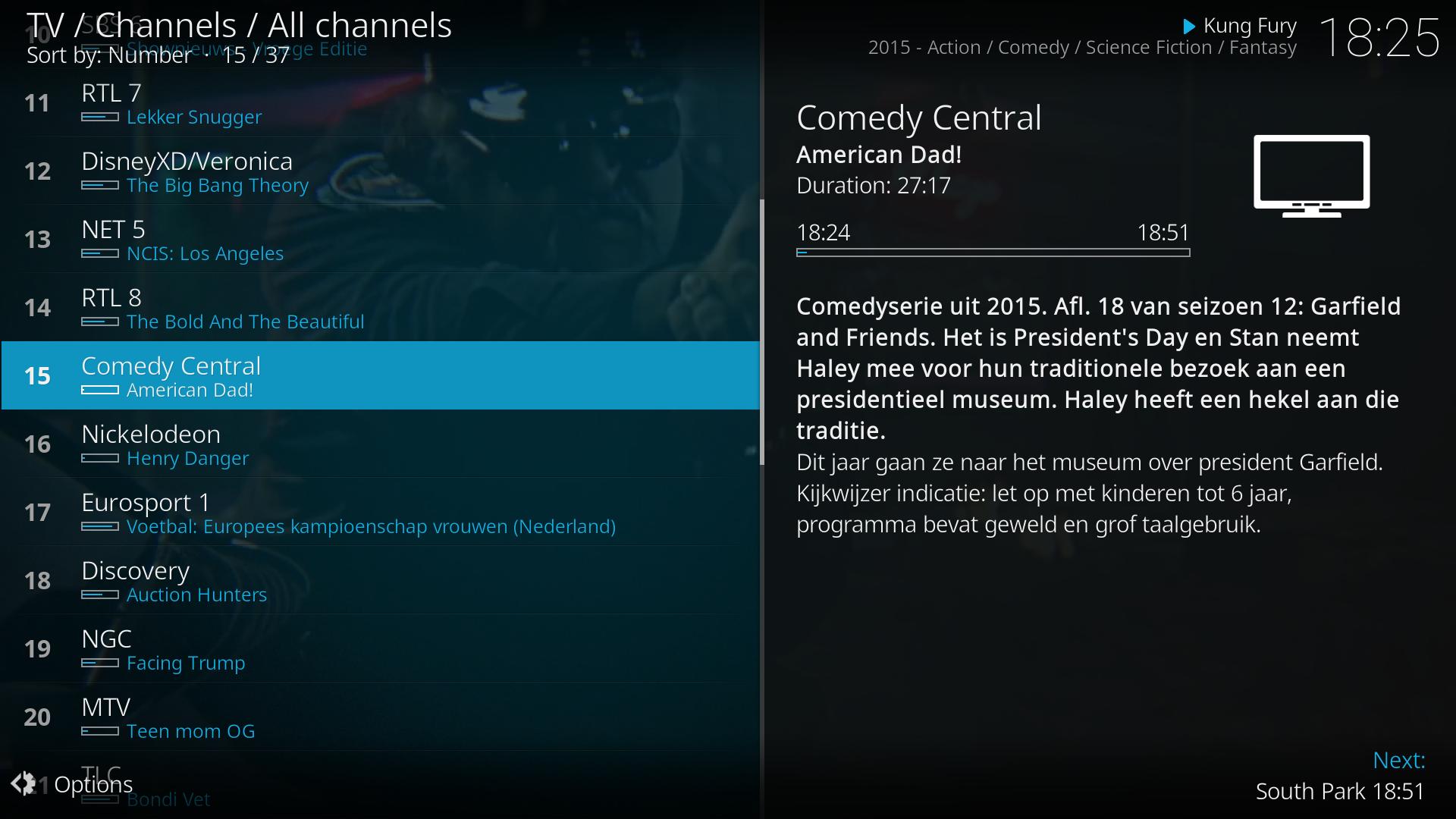
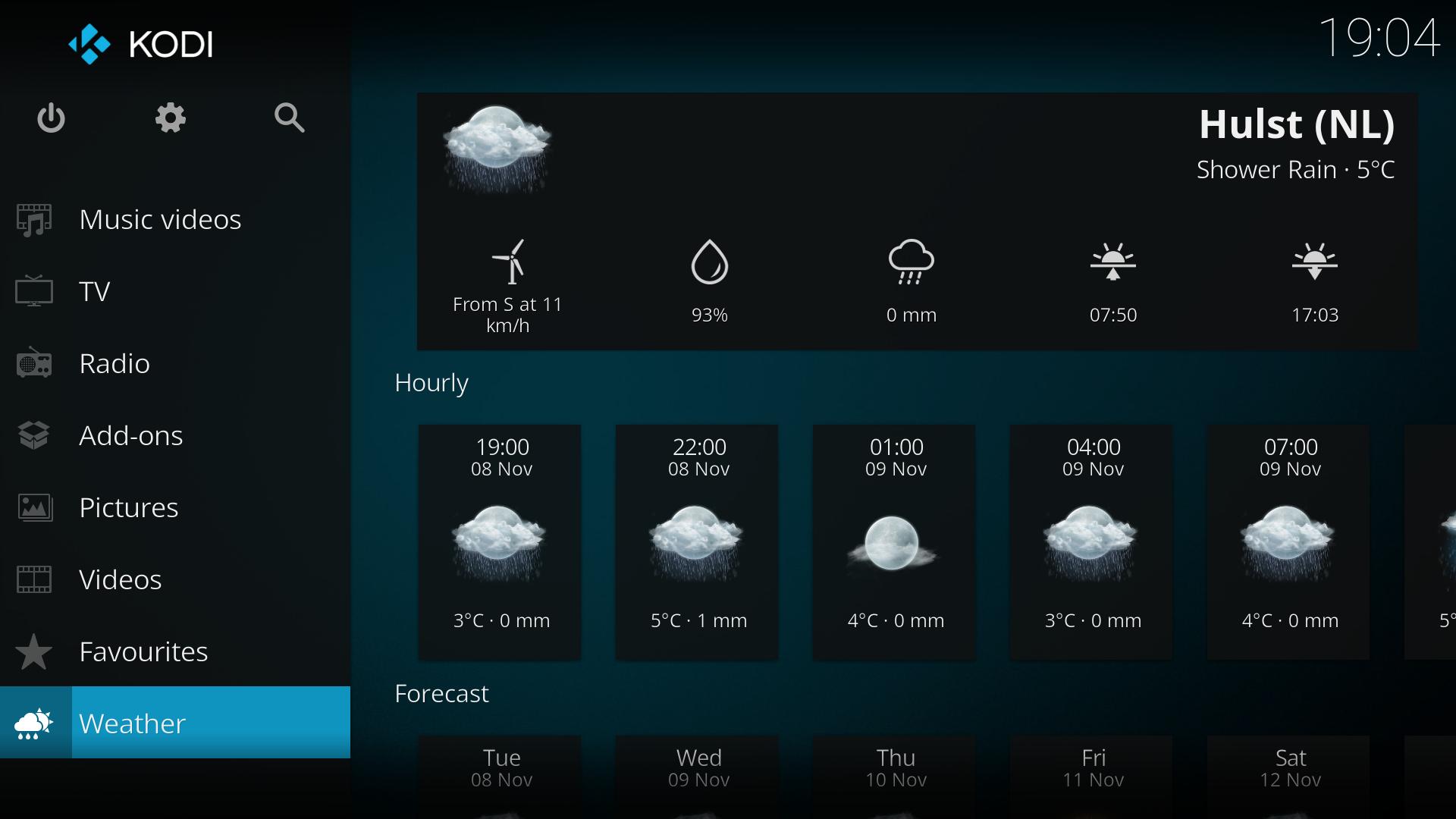
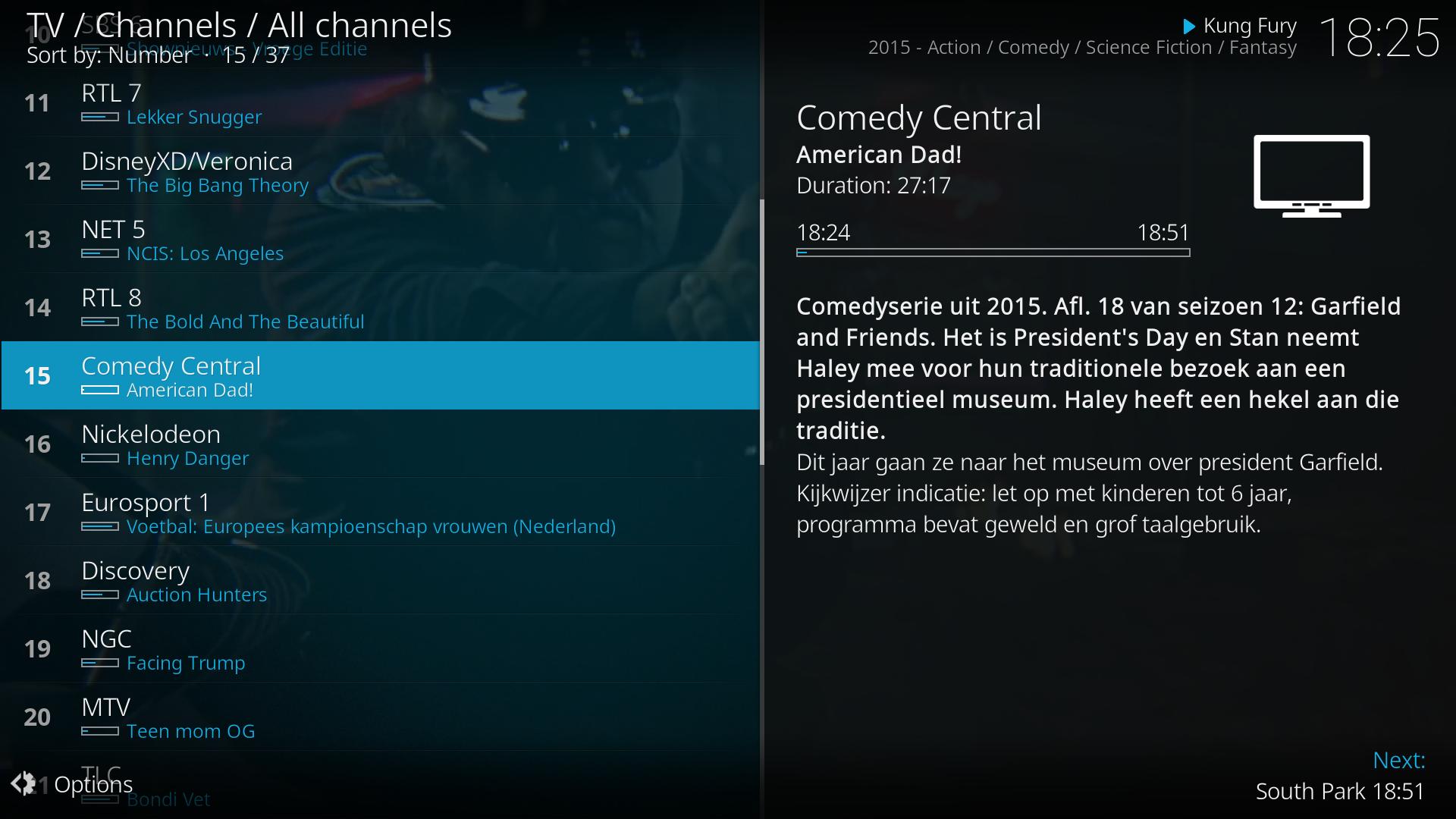
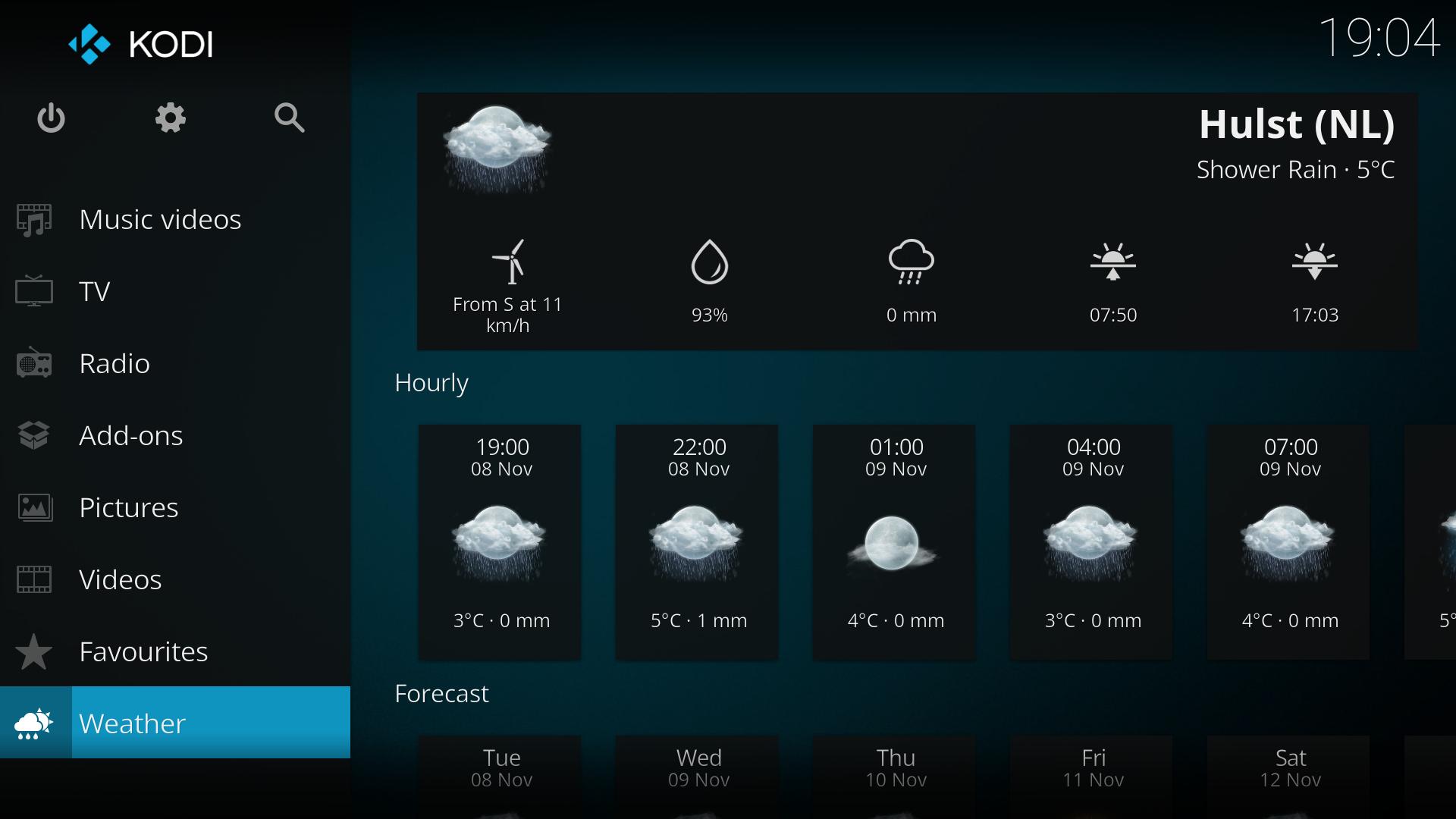
Kodi presents a clean 10 foot interface suited to TVs and remotes. The default Estuary skin lays out sections for videos, music, and pictures in large, readable tiles. On larger phones and tablets, the Estouchy skin offers bigger touch targets for easier navigation. This design helps you browse from across the room without constant tapping or typing.
Your media, your sources
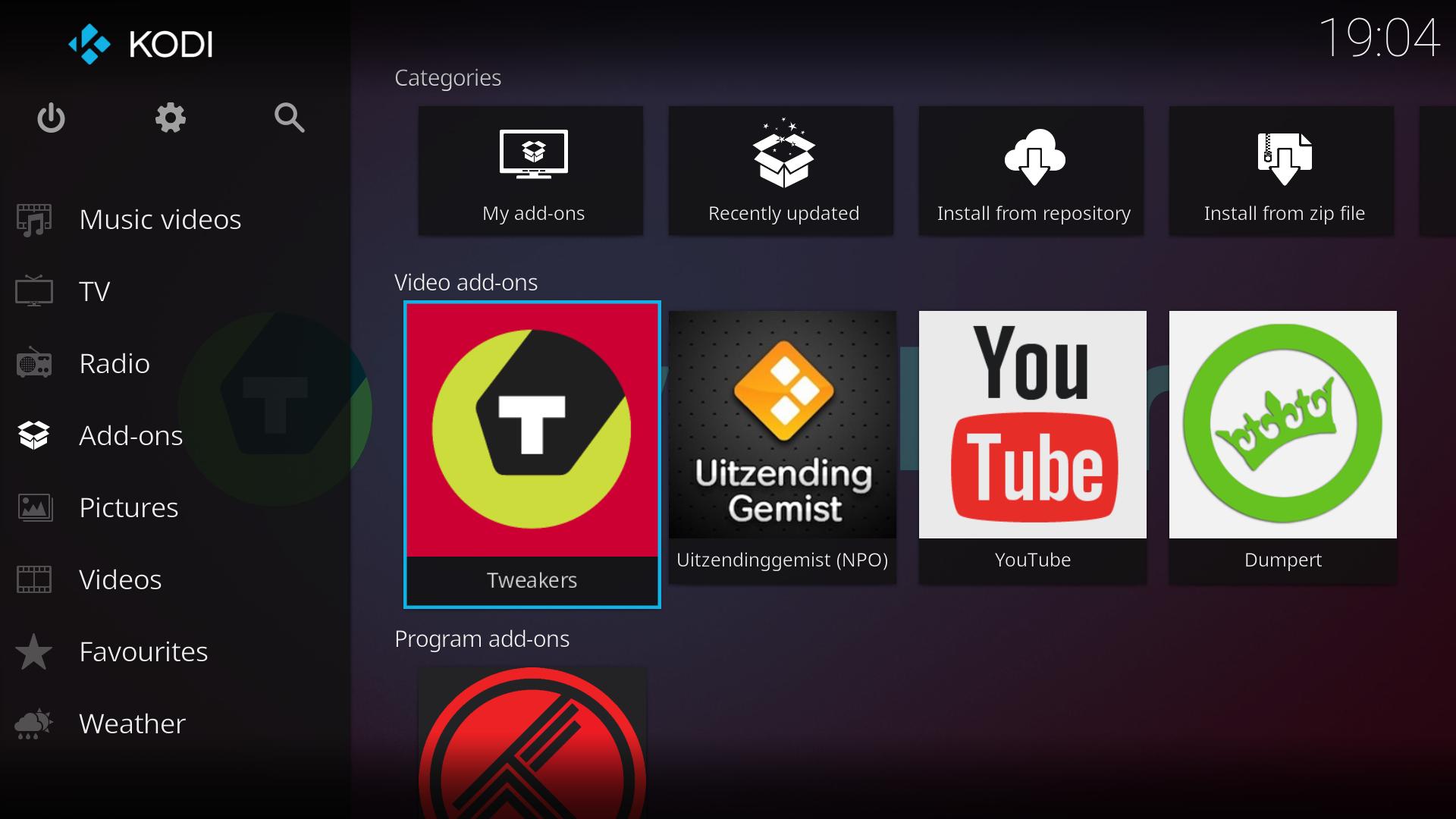
You control where Kodi looks for content. Add folders from device storage, network shares like NAS and SMB, and approved online services you select. Kodi does not ship with any media or shortcuts to third party content. Instead, you add your own libraries or install official add-ons that connect to provider sites you trust.
Organized libraries with artwork
Kodi can scan your sources and match titles to fetch posters, fan art, and detailed info. It uses well known databases such as TheMovieDB for movies, TheTVDB for shows, and MusicBrainz for music. After scanning, you browse by genre, year, and other fields with clear thumbnails and metadata. This structure makes large collections easier to explore and manage.
Add-ons you control
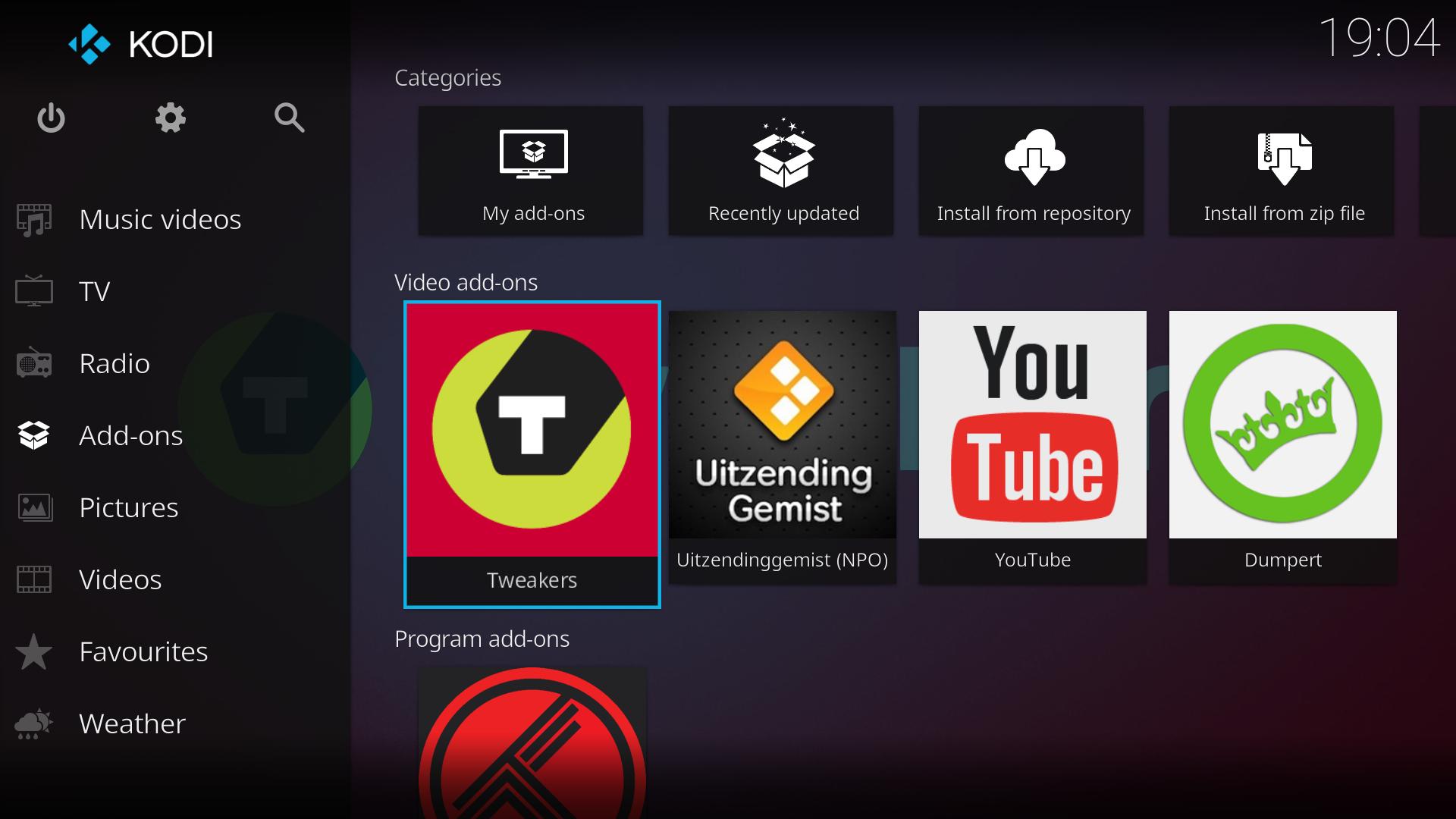
Extend Kodi with add-ons from the official repositories to add features or connect to services. You can install video, audio, game, subtitle, and utility add-ons directly inside the app. Because you pick what to add, you keep control over what content and capabilities appear in your setup. If needs change later, you can update or remove add-ons at any time.
Cross platform and remote control
Kodi keeps a consistent experience across Android, Windows, macOS, Linux, iOS, tvOS, Raspberry Pi, and webOS. This helps you use the same layout on TV, phone, and PC without relearning menus. For couch control, Kore on Android and the Official Kodi Remote on iOS let you navigate, launch items, and type searches from a phone. These remote apps reduce the need for extra hardware in the living room.
Stable releases are recommended for daily use on TVs and family setups. They receive regular fixes and are aimed at most users. Development builds are available for testing new features and offering feedback. Pick the channel that matches your needs, and switch only if you want to try new changes before they roll into stable.
Kodi is actively maintained and continues to work on Android and other platforms. Feature availability can vary by device and Android version, and performance depends on your hardware and network. If you are returning after earlier versions known as XBMC, expect a familiar layout with ongoing improvements. Community support is available through the forum, wiki, and GitHub linked from the official website.
This quick setup helps you get from a fresh install to an organized library. It covers adding local folders, scanning artwork, and installing official add-ons for services you use. If you installed the Kodi APK manually, follow these steps to finish setup.
Open Kodi, go to Settings, and confirm basic preferences like language and region.
Grant storage permission when prompted so Kodi can read media on your device.
Go to Videos or Music, choose Files, then Add videos or Add music, and select folders on your device or network.
Set the content type for each source, start a scan, and let Kodi fetch metadata and artwork for your library.
Open Add-ons, select Install from repository, and choose official add-ons you want, then configure Kore on your phone if you need remote control.
Kodi focuses on your personal media and official services you add, with a TV friendly layout and flexible add-ons. To explore new fixes and features, check the Kodi latest version information when you update.
For help and project news, visit the official website.
Official site: https://kodi.tv
Latest Version
22.0-BETA1Uploaded by
Myat Ko
Requires Android
Category
Free Video Players & Editors AppContent Rating
Everyone
Security Report
Report
Flag as inappropriateLast updated on Jul 12, 2026
https://kodi.tv/article/kodi-21-2-omega-release/
Full list of changes can be viewed at https://github.com/xbmc/xbmc/releases/tag/21.2-Omega



APKPure - A multi-platform app store primarily focused on Android, providing extensive app-related content. Discover the app you want easier, faster, and safer, with quick and efficient downloads and installations.