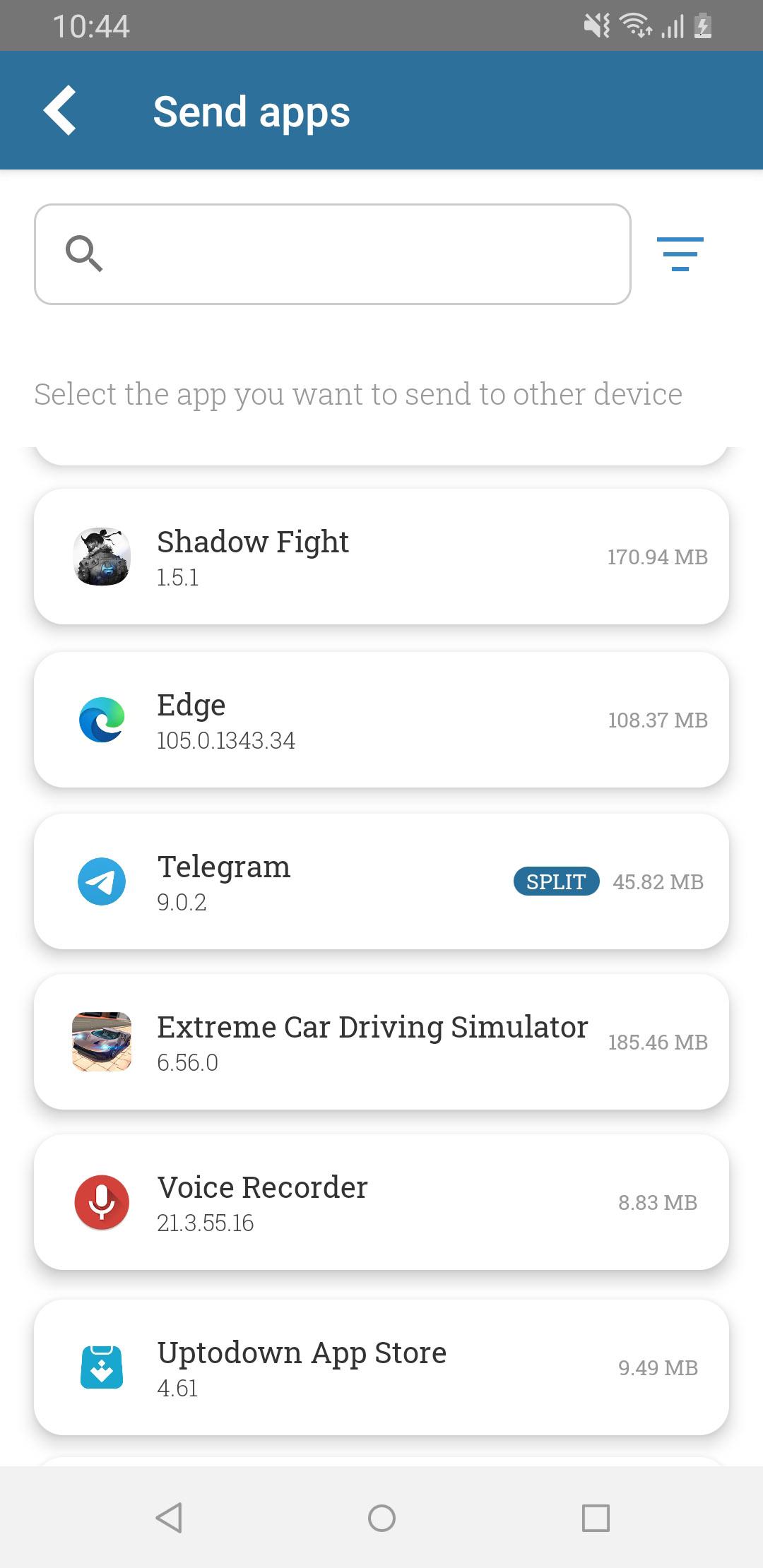
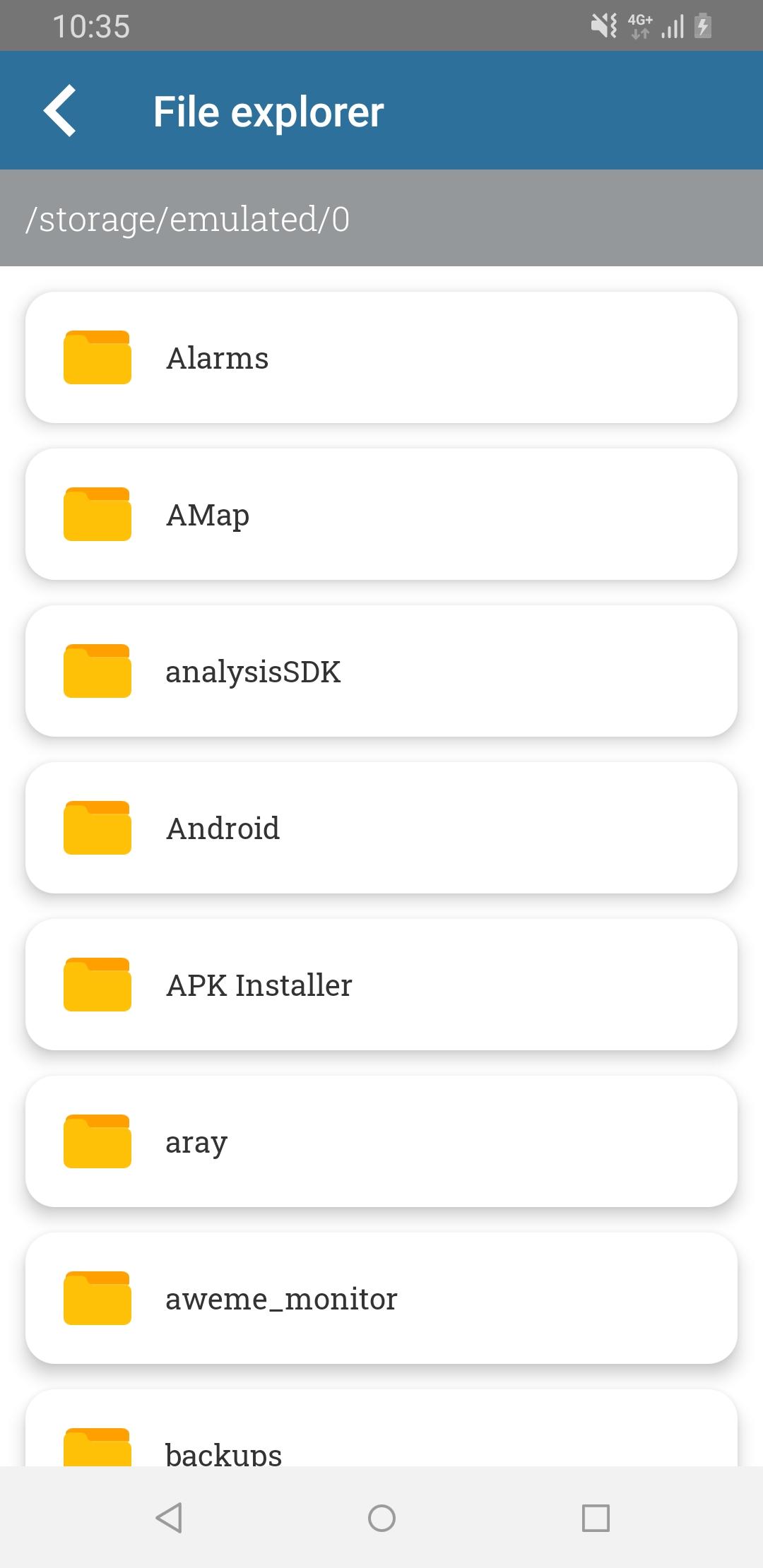
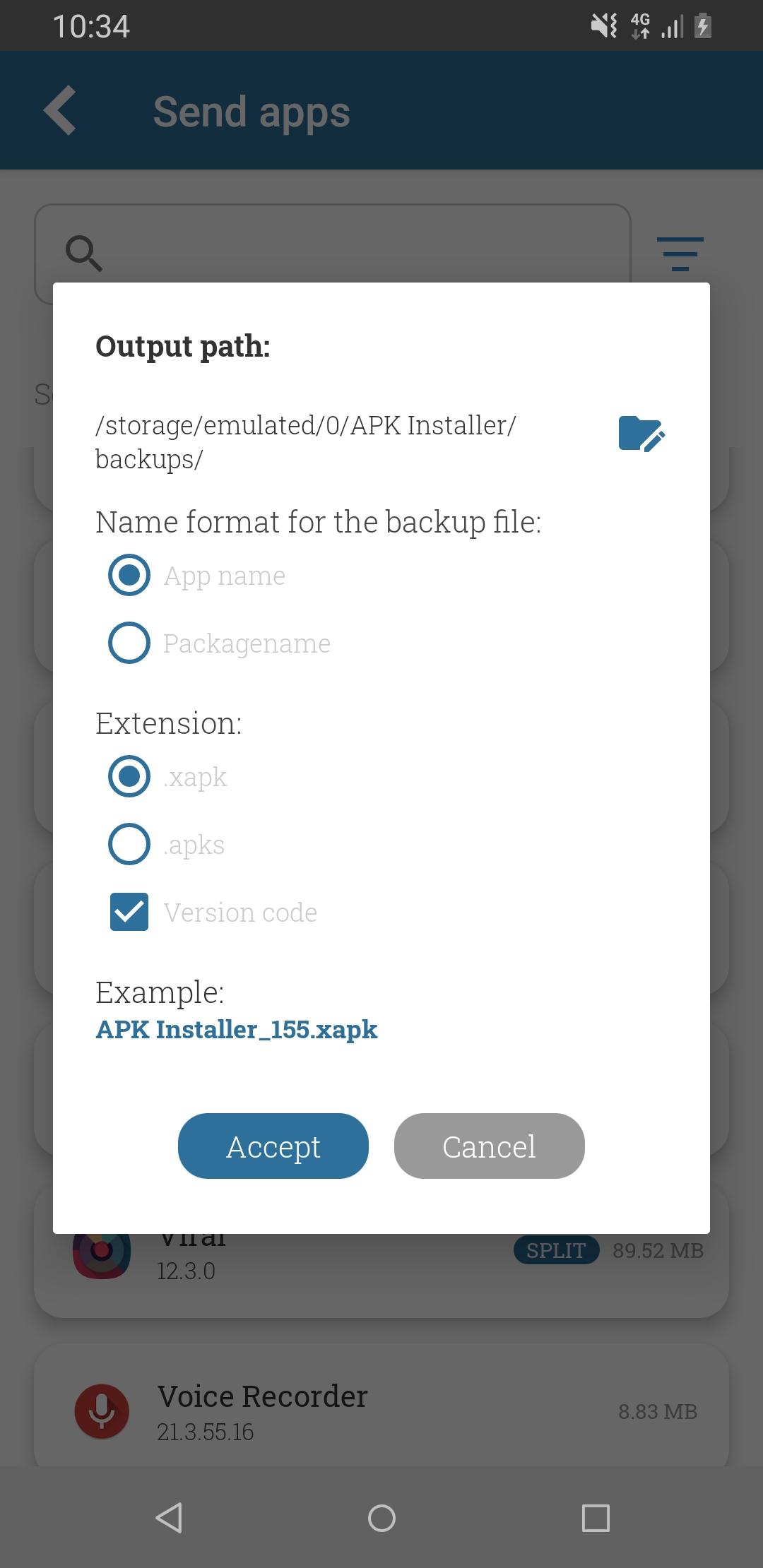
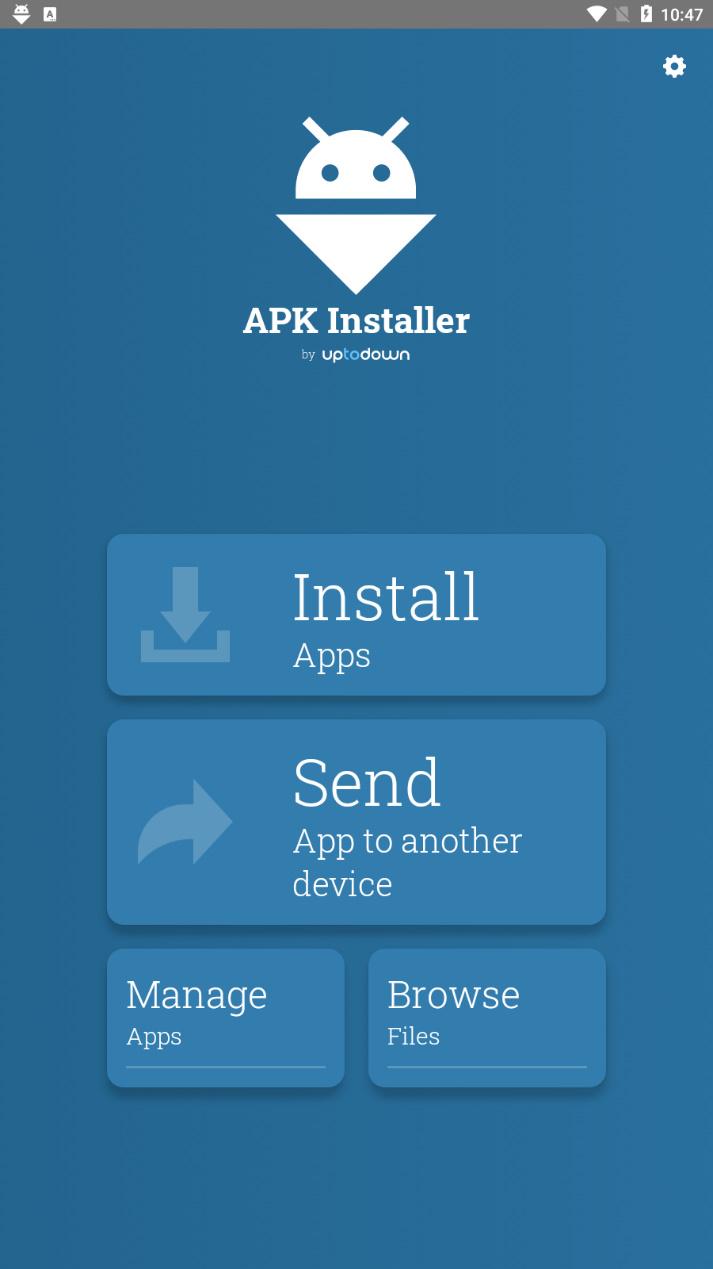
APK installer is a free tool that lets you install Android apps that use formats that are not detected by the default package installer included in the operating system. It uses the standard XAPK packaging to support the new APK distribution system used by Google, the so-called APK split.This app works both ways so you can create backups of your installed apps and install the private copies in your smartphone, regardless of the packaging format. Apk Installer includes these features:■ Automatically searches for all the apps installed on your Android and creates backup copies.■ Installs any APK or XAPK in your smartphone’s memory. You can forget about its internal structure - search, install and go!■ Browses your smartphone’s folders using an integrated file browser■ Send apps to nearby devices connected to the same networkThe way to install and download apps has evolved over time. A short while ago, installing an app using an external APK involved simply clicking on it and letting the package installer included by default in your Android do all the work. This was true until the arrival of other standards that added complexity to the process..OBB data (a file that includes extra multimedia files within the app such as video or audio) turned out to be the way to exceed the maximum size allowed by Google for uploading APKs to its platform. That change complicated things when manually installing apps by having to install these additional files separately in specific folders on the device. Therefore, the most convenient solution was to insert the APK and OBB data into the same file and have it installed by an external tool. Thus, the XAPK standard was born.Later on, Google started using a dynamic distribution system, the so-called Android App Bundle. When a developer publishes an app on Google Play, it is 'disassembled' into several pieces called split-APKs. From then on, many apps consisted of a base APK and several others that included information related to the language of the app, the supported screen dimensions, and the required CPU architecture. Therefore, when a user downloads the app in question, they only install the 'pieces' that are necessary for the app to work correctly on their device, saving bandwidth and costs for both parties, the user and the distribution platform itself.Apk Installer’s main objective is to make it possible for you to continue installing Android apps manually without having to do extensive research on file formats and destination folders. When making backups, the app packages all these files (APK + split-APKs + OBB if any) into a single XAPK file. Therefore, when you install private copies of your apps you only have to find one file and install it without having to worry about formats and standards.