
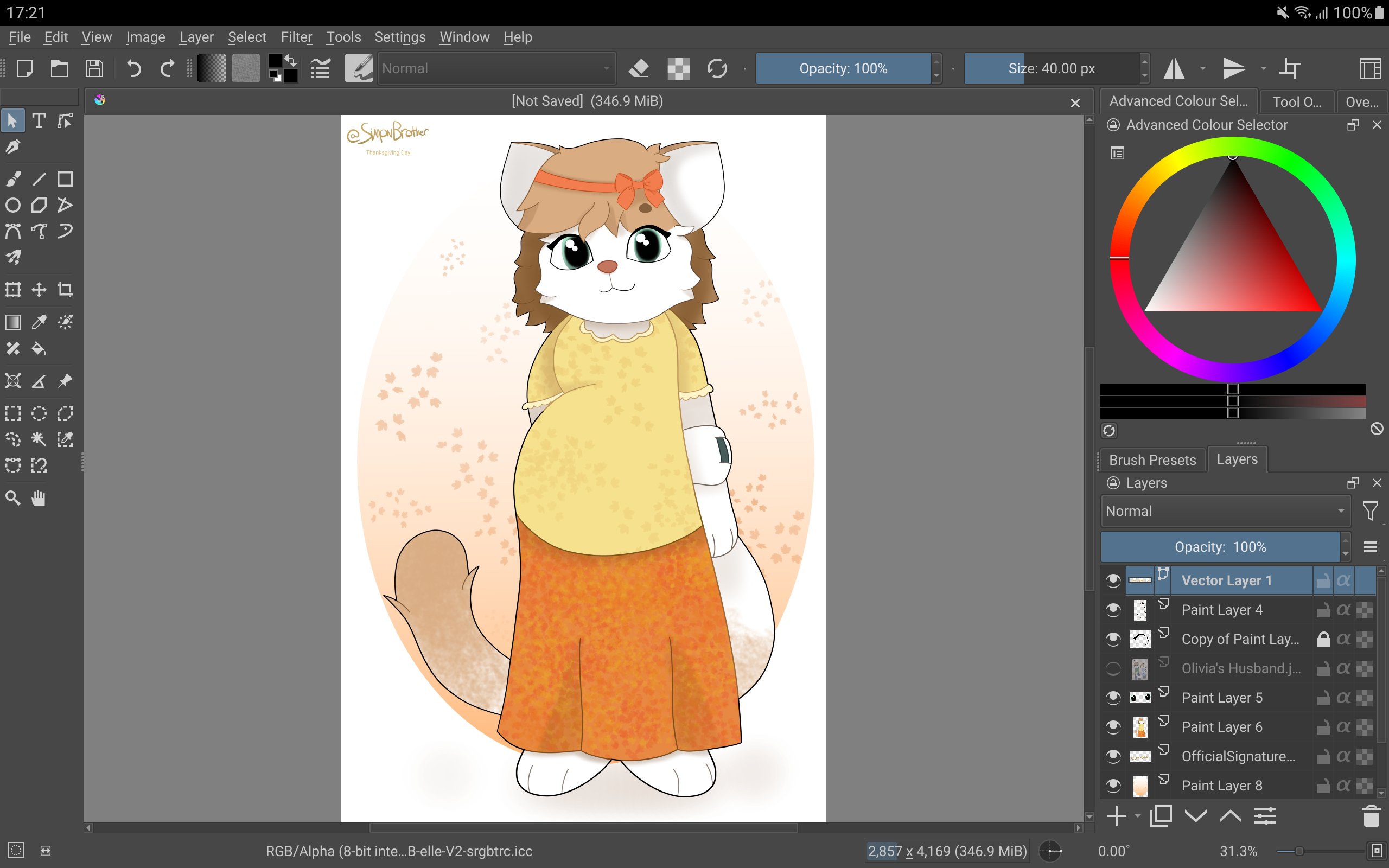
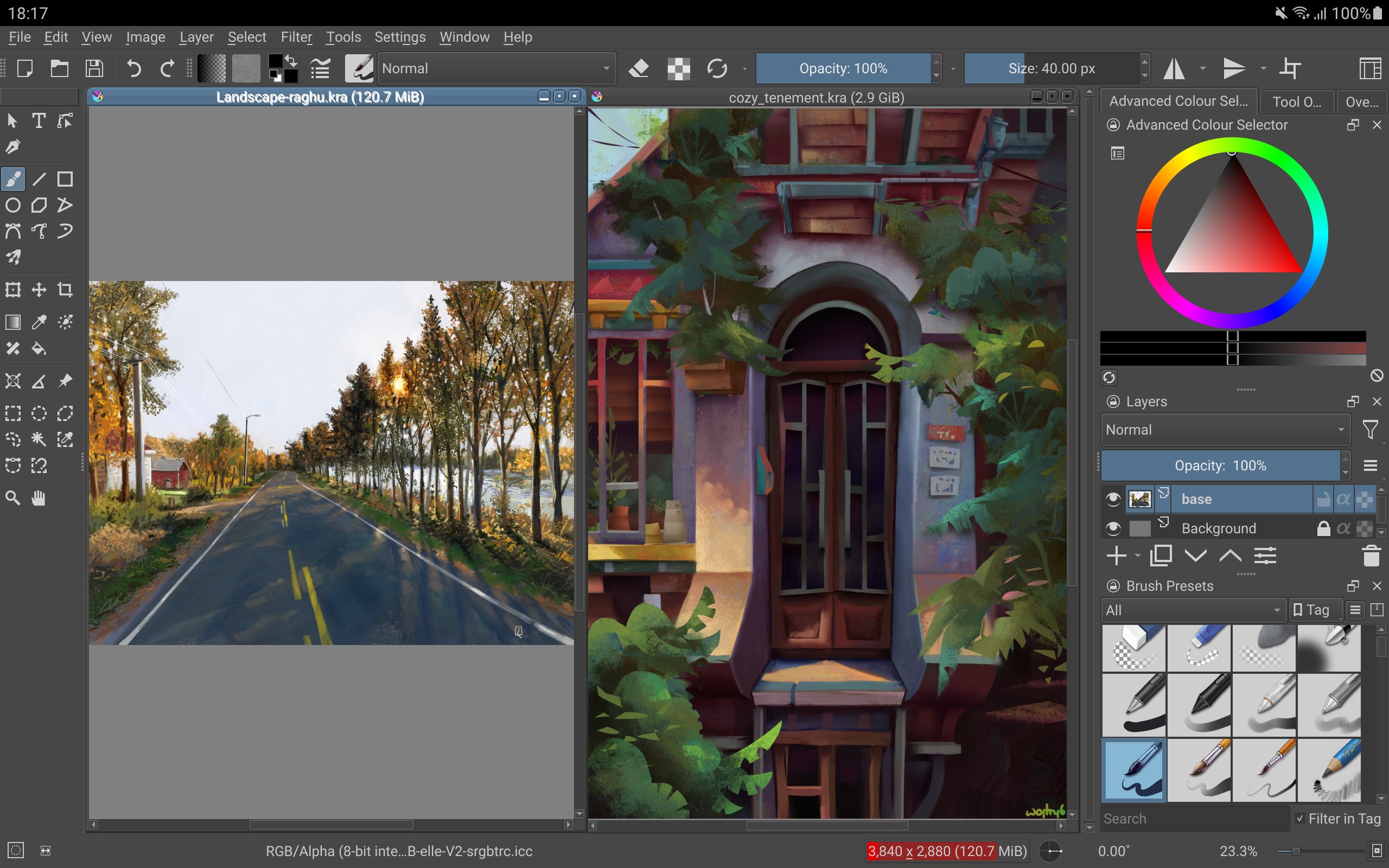
Krita serves illustrators, comic creators, and animators who work on Android tablets and need a clear workspace. It suits concept art and storyboard tasks, and the interface favors larger screens. This beta is for testing and is not suitable for real work yet. Phones are not supported at this time. When you want to try new builds, download Krita and install on a tablet or Chromebook.
Brush engines and inking stabilizers
Krita offers many brush engines for sketching and painting. You can add stabilizers to smooth freehand lines during inking. This helps keep strokes steady while you draw.
Layers, styles, and masks
Beyond brushes, Krita supports clone layers and layer styles for organized artwork. Filter masks and transform masks enable non destructive edits, so you can adjust effects and transforms without changing the original layer.
Assistants and workspace control
For scene setup, assistants provide guides to construct complex perspectives. A canvas only mode hides panels for distraction free drawing. Flexible workspaces let you arrange tools to fit your task.
Animation and project tools
When moving to motion, Krita supports animation with onion skinning, so you can see neighboring frames while timing actions. Storyboarding and comic project management organize pages and sequences. Python scripting and many filters, selections, and colorizing tools extend workflows. Common file formats are supported, including PSD.
This beta is focused on tablets and Chromebooks and is not ready for production work. Phones are not supported yet. To test features safely, install the Krita latest version on a big screen device and explore its tools at your own pace.
Latest Version
5.3.4Uploaded by
Sergio Ramirez
Requires Android
Android 7.0+
Category
Free Art & Design AppContent Rating
Everyone
Report
Flag as inappropriateLast updated on Sep 23, 2026
A bugfix release of Krita 5.3.4 contains many bugfixes and improvements. It finally brings video exports to Android, which means you can now render animations and timelapses from the recorder. Apart from that, Arkady Flury has been improving Krita's icons at a steady rate. Thanks! Also of note: the GIMP XCF file import plugin has been removed. The plugin relied on a third party library that is no longer maintained and had many security issues.





APKPure - A multi-platform app store primarily focused on Android, providing extensive app-related content. Discover the app you want easier, faster, and safer, with quick and efficient downloads and installations.