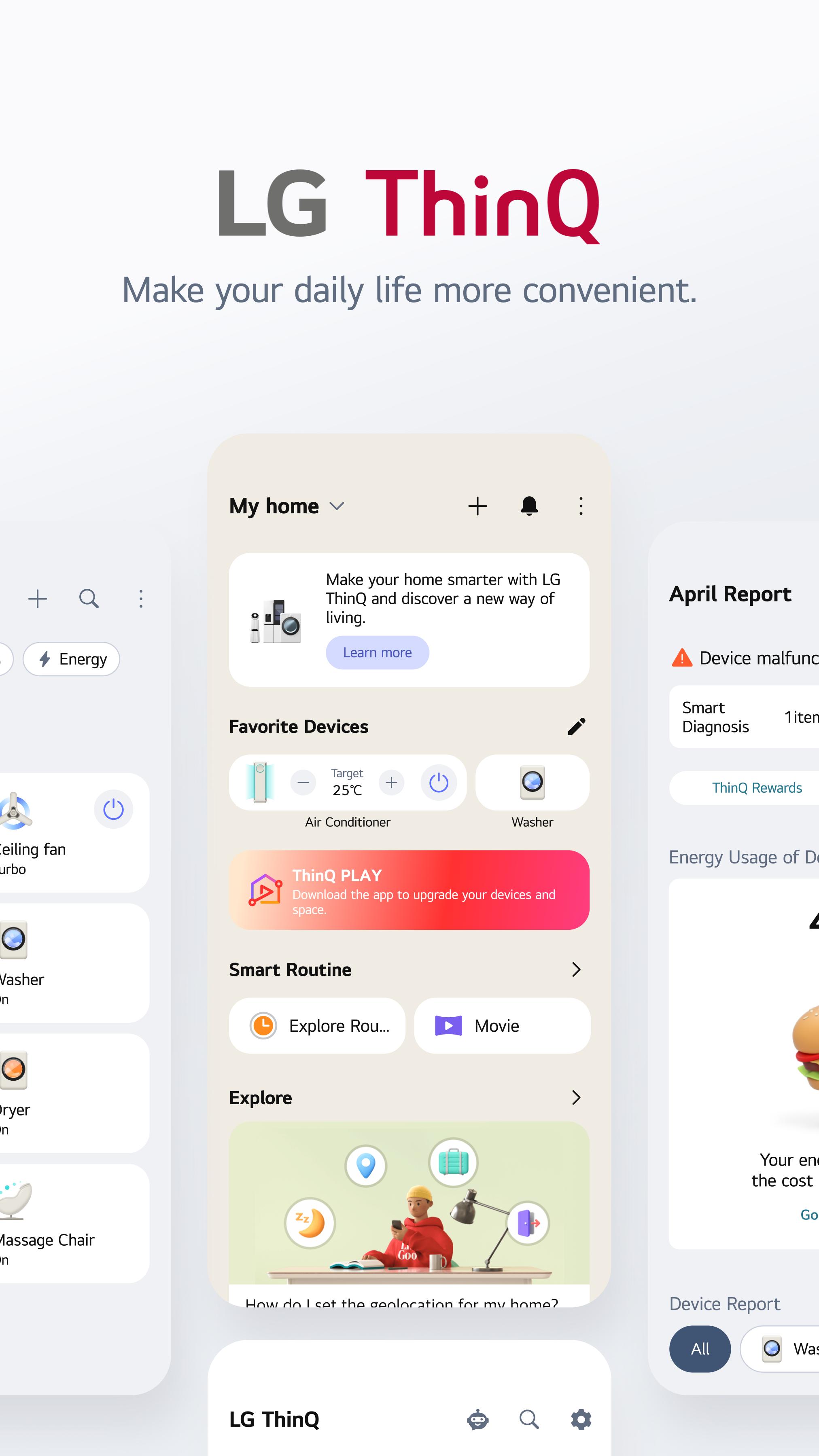
LG ThinQ helps users who own several LG home appliances check and control them without moving between different panels or remotes. The LG ThinQ app is built for daily home situations, such as leaving the house, coming back after work, washing clothes, cooling a room, or checking whether an appliance needs attention. In addition, it brings device control, status information, energy details, and customer care access into one place, so users can make simple decisions from an Android phone.
Control LG appliances from one place
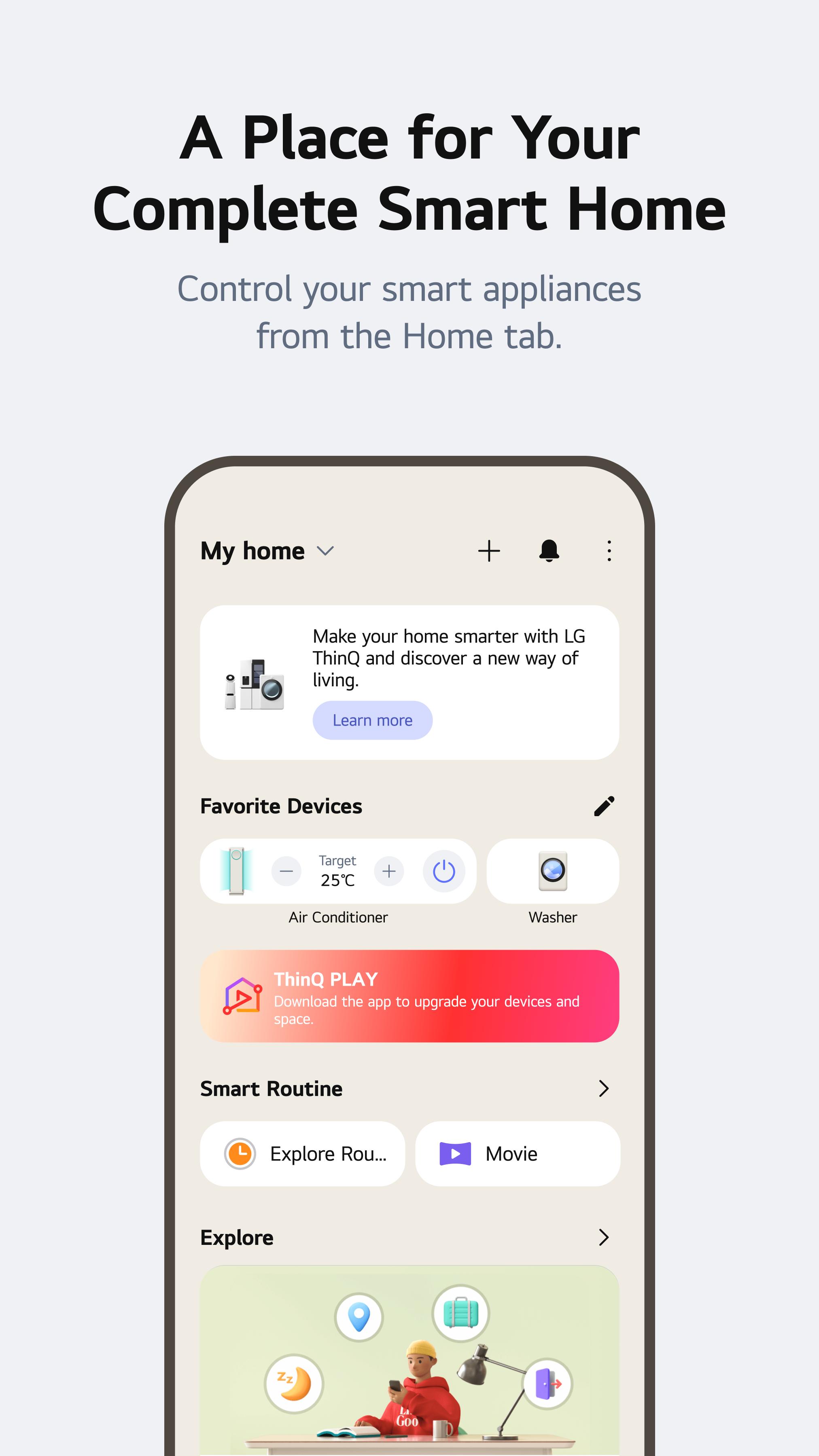
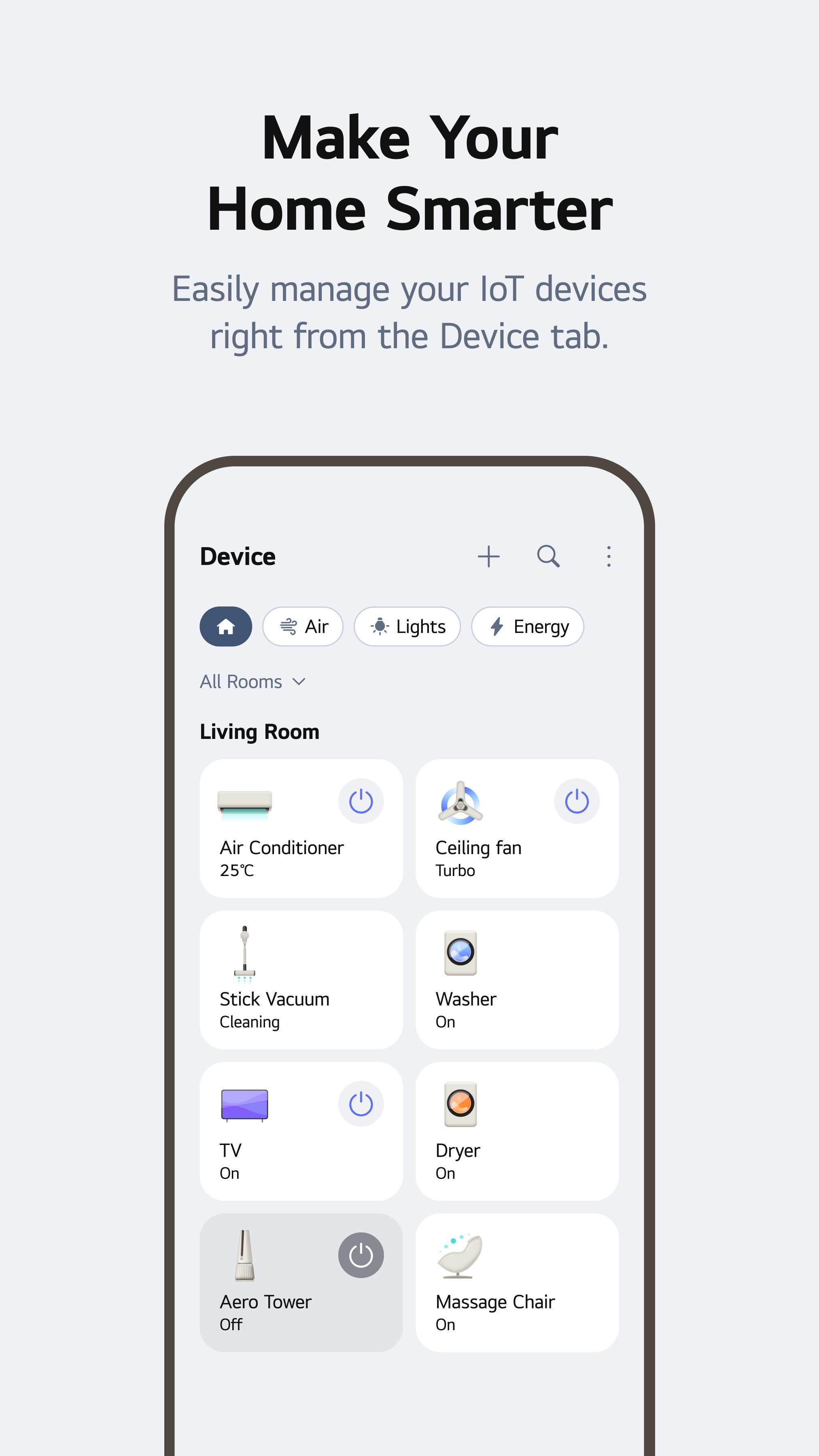
LG ThinQ lets you connect supported LG smart appliances and manage them through a single app. You can add products such as TVs, refrigerators, washers, dryers, air conditioners, air purifiers, microwaves, vacuums, and other compatible home devices. This is useful when your home has more than one LG appliance, because the app keeps the main controls and status details in one place.
Check and control devices remotely
You can use LG ThinQ to control connected appliances when your phone has an internet connection. For example, you can turn on the air conditioner before arriving home, or check the progress of a laundry cycle while doing something else. As a result, the app helps you respond to normal home tasks without standing near the appliance.
Create routines for daily situations
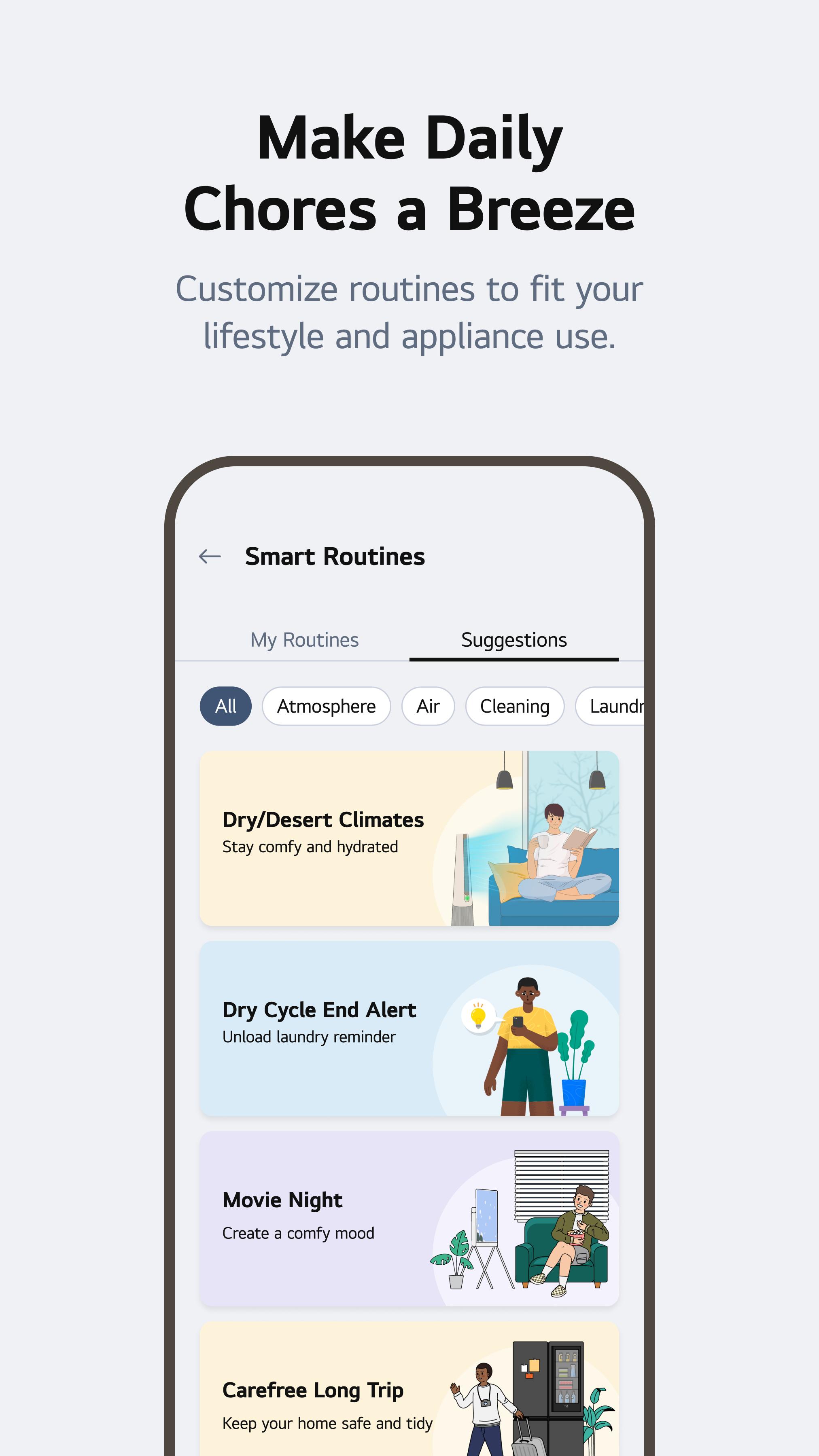
LG ThinQ supports smart routines for common moments like waking up, sleeping, leaving for vacation, or arriving home. You can set connected appliances to react automatically based on the routine you choose. For instance, a vacation routine can help reduce unnecessary appliance activity while you are away, while an arriving home routine can prepare selected devices before you get back.
Track energy use at home
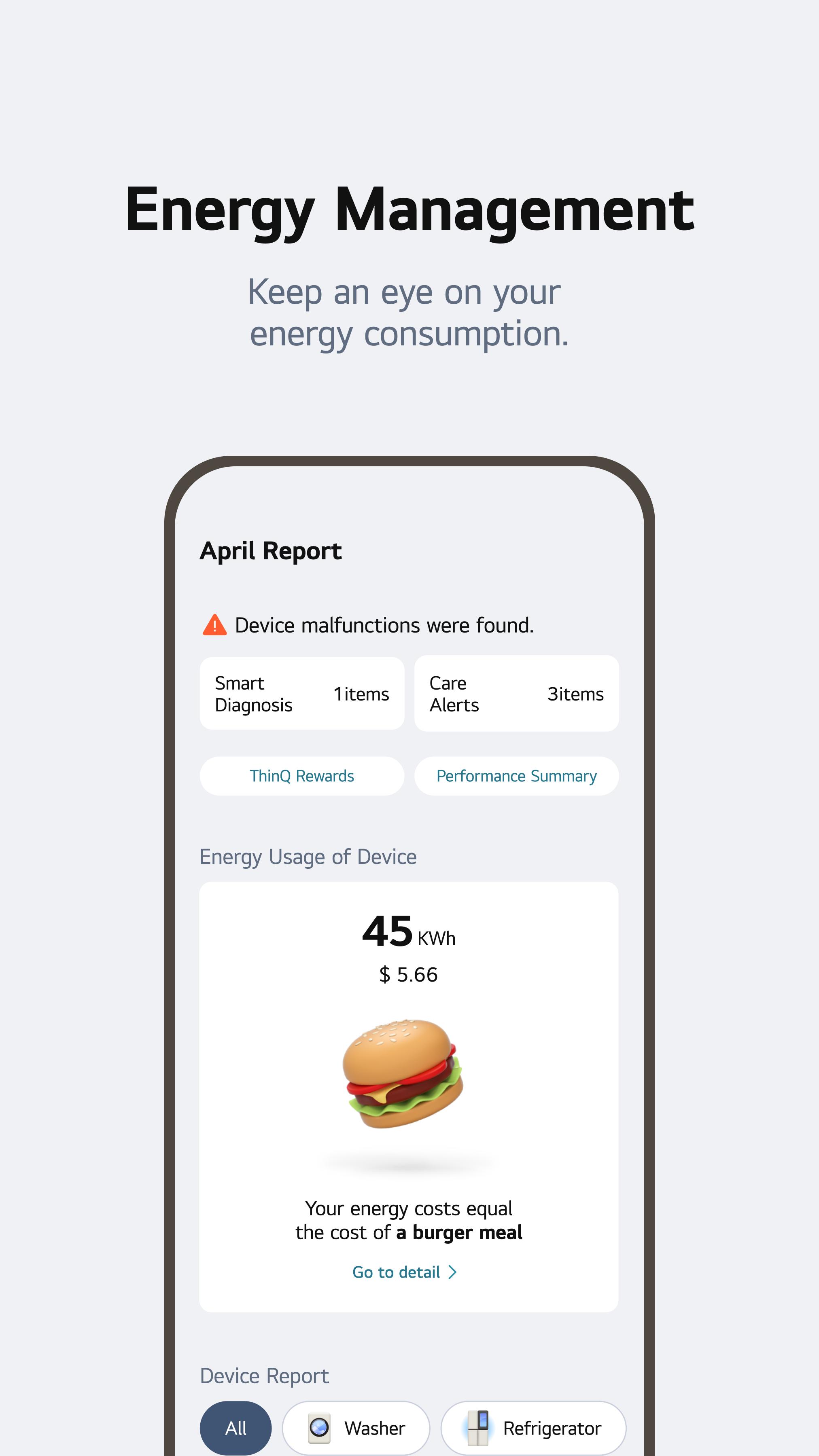
LG ThinQ includes Energy Monitoring for checking how much power supported appliances use. You can compare consumption, set energy saving goals, and receive notifications about usage. This helps users who want a clearer view of daily appliance activity, especially when managing air conditioners, washers, dryers, or other products that may affect household power use.
Get care and support for appliances
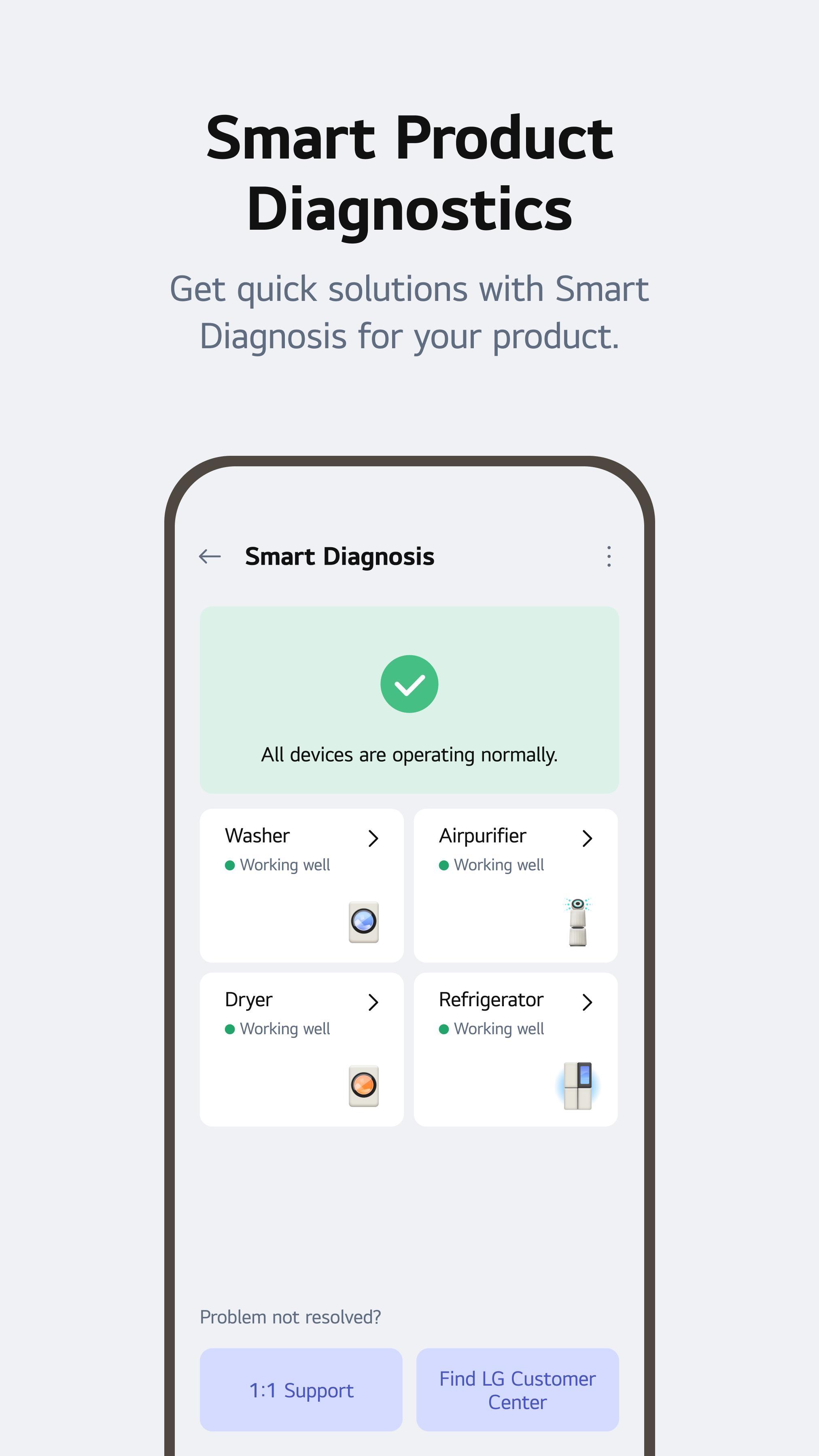
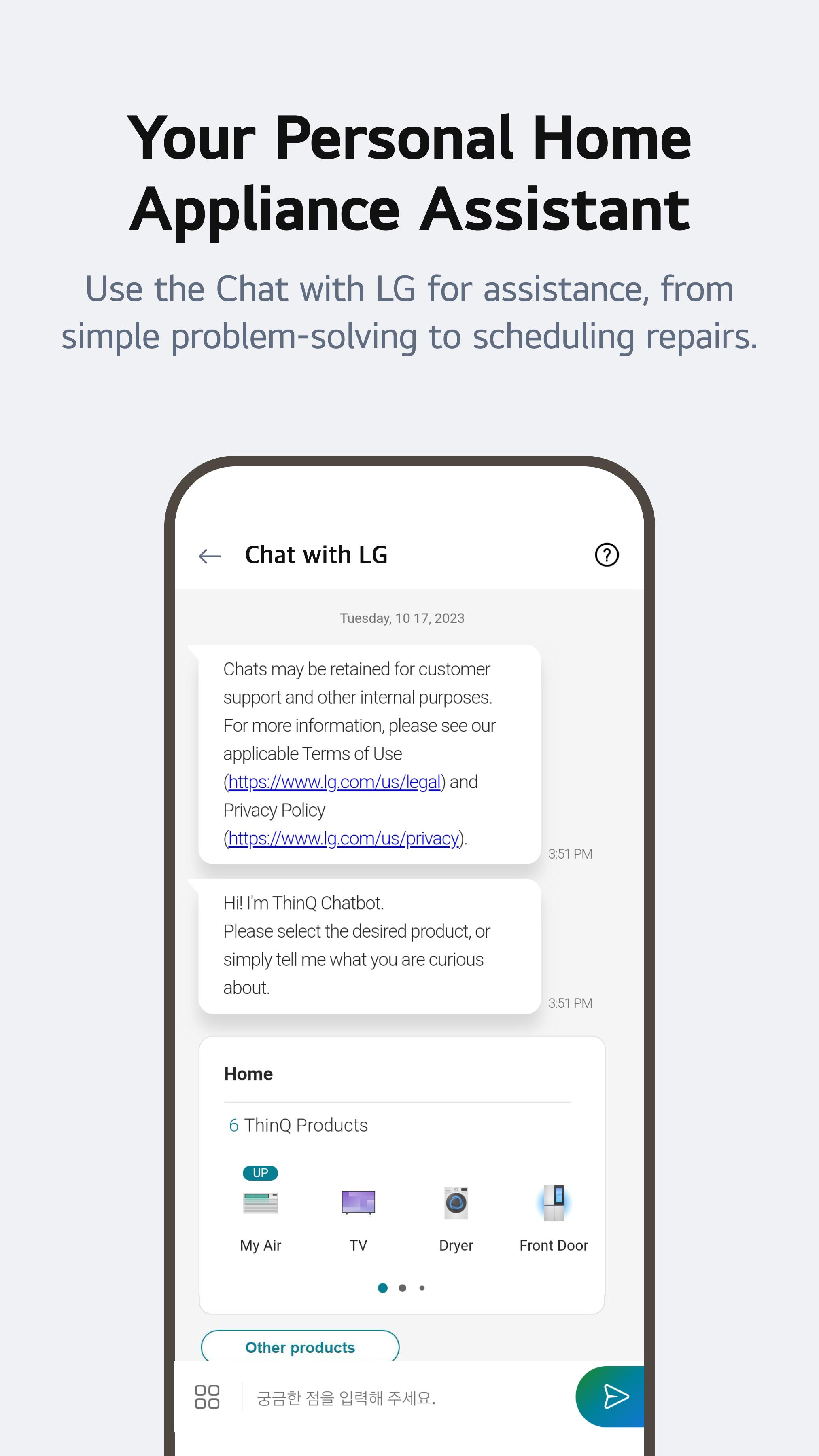
LG ThinQ provides customer care tools for supported LG products. Smart Diagnosis helps check appliance issues, while ThinQ Care can send alerts when attention may be needed. If a problem needs service, you can book a service request through the app, and Chat with LG can provide product specific support inside the same experience.
LG ThinQ works best for users who already have compatible LG smart appliances at home. Before you look for the LG ThinQ APK, check whether the products you want to manage support ThinQ connection and whether they are connected to a stable home network. Some functions depend on the appliance model, so a TV, washer, refrigerator, or air conditioner may not show the same options as another device.
The app also includes TV related tools for supported models. You may be able to use your phone for screen sharing, casting, sound sharing, or as a replacement remote control. These options can be helpful when the physical remote is not nearby, but availability depends on the TV and setup.
LG ThinQ may also support shopping related convenience for some products and regions. Users can receive replacement reminders, buy original supplies where available, and use smart reorders through an Alexa supported setup. These tools are meant for routine maintenance items, so availability can vary by appliance, location, and connected service.
After installing the LG ThinQ APK, open the app and prepare the LG appliance you want to connect. The setup process usually starts with signing in, adding a product, and following the pairing instructions shown on the phone screen.
LG ThinQ brings supported LG smart home controls, appliance status, energy monitoring, routines, and service access into one Android app. Users who want one app for total control of multiple LG devices can download LG ThinQ and manage daily home tasks from their phone.
Official information is available from LG:
Latest Version
5.2.12500Uploaded by
Htoo Myat Chon
Requires Android
Android 9.0+
Category
Free Lifestyle AppContent Rating
Everyone
Report
Flag as inappropriateLast updated on Sep 28, 2026
We’ve improved the app experience to make using ThinQ easier and more stable.
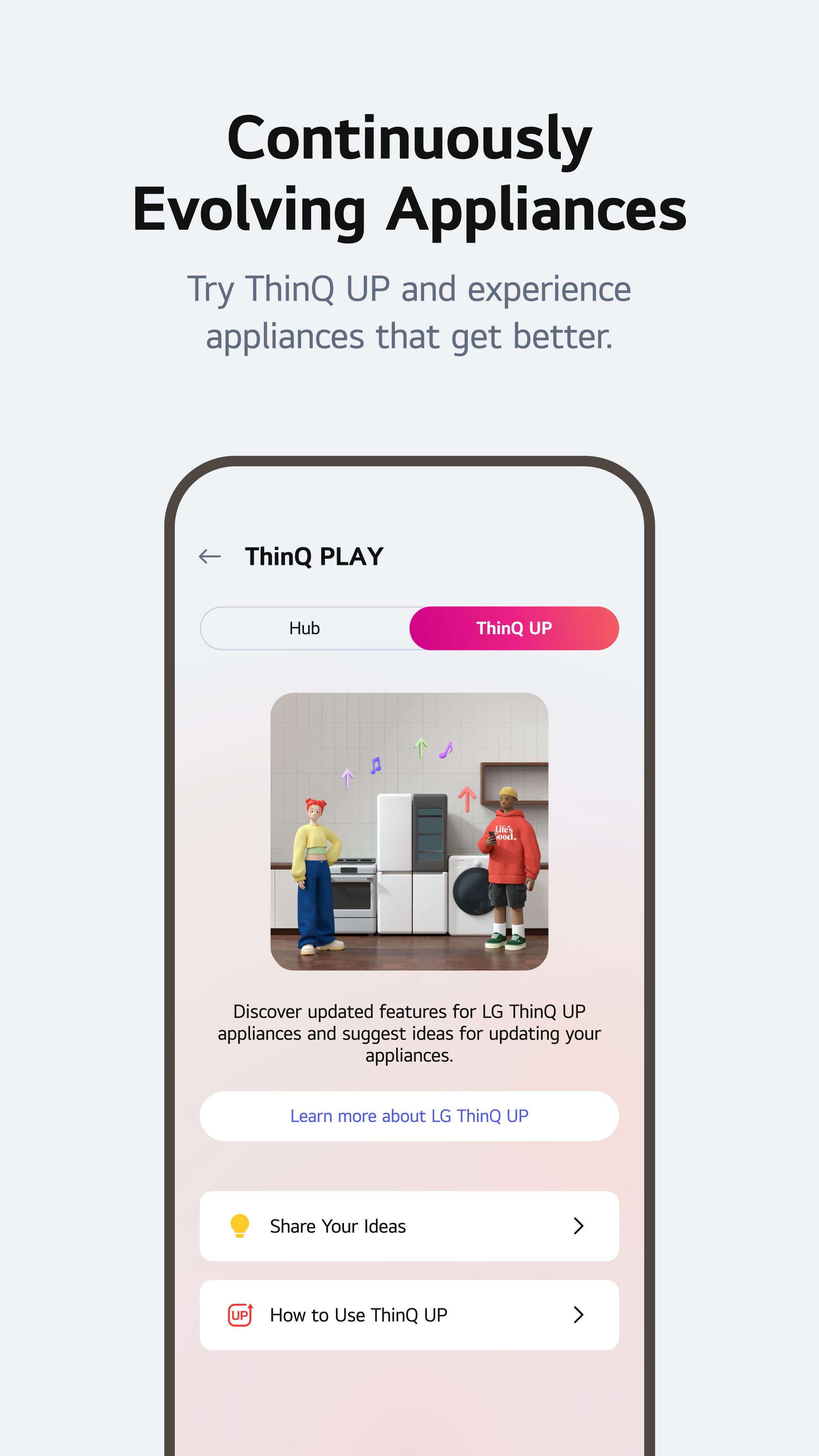


APKPure - A multi-platform app store primarily focused on Android, providing extensive app-related content. Discover the app you want easier, faster, and safer, with quick and efficient downloads and installations.











![[Deprecated] LG TV Remote APK](https://image.winudf.com/v2/image/Y29tLmxnZS50di5yZW1vdGVhcHBzX2ljb25fMF9mOWE4NWMyMg/icon.png?w=102&fakeurl=1)