Scan Date:Mar 23, 2026
Show More


Limore suits users who want to access their PC games while away from the desktop. It provides a remote, interactive HD desktop view so you can control your existing games on an Android phone. Whether at home or on the go, the experience stays familiar, using the PC you set up as the host. As a result, you can enjoy consistent controls and visuals without switching platforms, and you can find Limore APK when you need a direct install option.
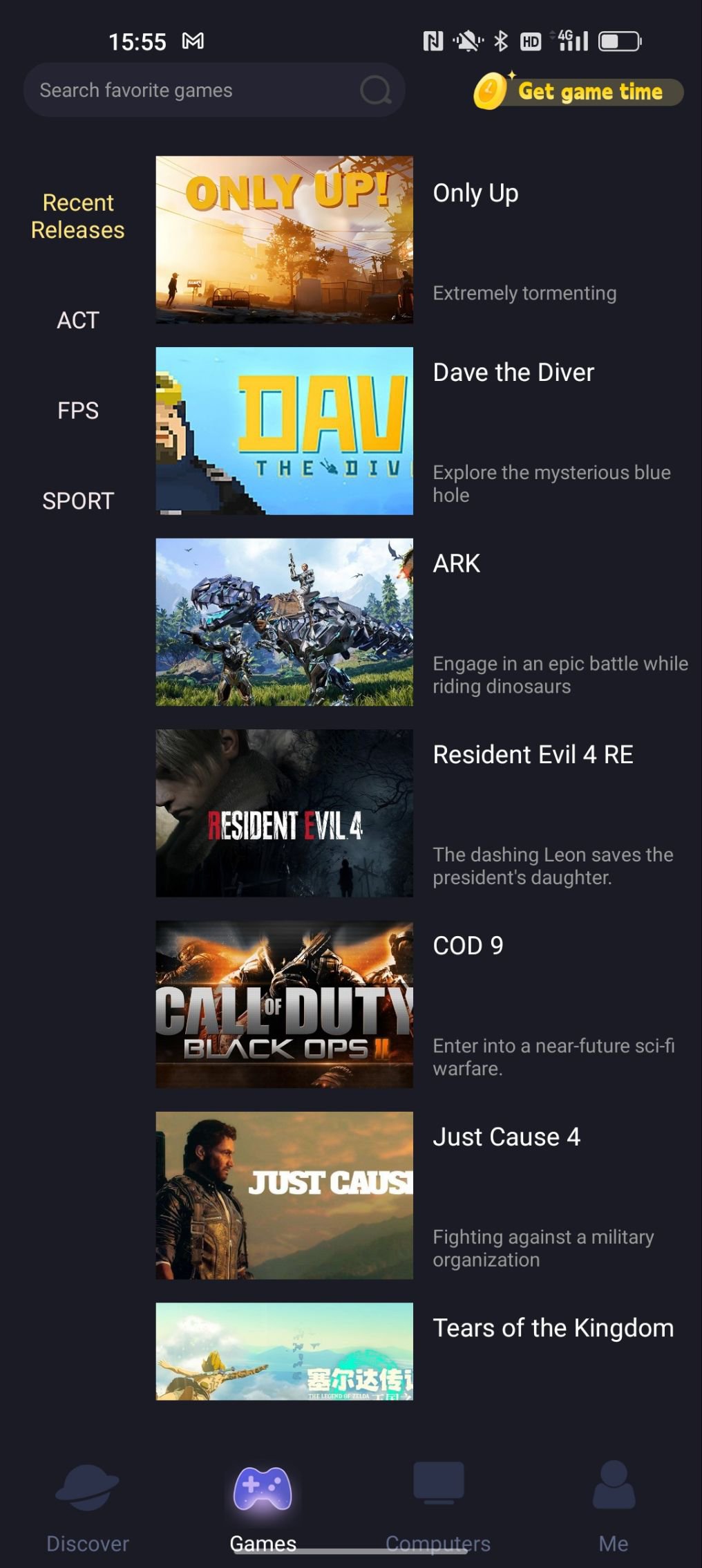
Limore lets you control many well-known PC and console games through cloud-style streaming from a connected Windows computer. You can play titles like GTA 5, FIFA 23, Elden Ring, Red Dead Redemption 2, Spider-Man, and God of War on your phone. Your phone becomes the controller and display, while the heavy processing runs on the PC. This approach keeps the gameplay experience close to what you expect on desktop.
Start playing without game downloadsYou do not need to download or install large game files on your phone. After signing in, you tap Play to start streaming from the host PC. This saves mobile storage and reduces waiting time for installations. As a result, you move from setup to gameplay with fewer steps.
Clear, interactive HD with low delayLimore focuses on a clear and responsive remote desktop. You get interactive HD visuals and controls designed to reduce delay during play. With consistent input feedback, you can navigate menus, aim, and perform actions more reliably. This helps keep the session smooth while you play from different locations.
Simple cross-platform setupLimore uses a practical Android plus Windows setup. You install the app on your phone and the client on the PC, then sign in to the same account to connect. If you do not own a PC, you can join by using a friend’s computer ID and password with permission. This flexibility helps you get started even when your primary hardware is not nearby.
Play with friends and community supportYou can invite friends to join sessions and coordinate play from different places. Limore also has an official Discord community where users share tips and get help. This gives you a place to discuss settings, troubleshoot connection issues, and find co-play partners. It makes organizing sessions easier when multiple players are involved.
Limore streams from a Windows computer you set as a host, or from a friend’s computer with their consent. Your Android device receives the desktop feed and sends inputs back to the PC. Because of this, a stable and reliable network is important for good results. Free try options are available, and users can test the experience before considering longer sessions or advanced settings.
Limore for PC is part of the required setup, and the Android app connects to it through your account or a shared computer ID. Keeping Limore latest version on both devices helps maintain compatibility and improves overall reliability. If you need a direct package, Limore APK is commonly used to install on Android, while the PC client should match the same account for a smooth handshake.
To get started, download Limore on your phone and pair it with the PC client for remote play. The app uses your shared account to link both devices, and you can launch sessions without local game downloads on your phone.
Limore turns your phone into a controller and display for PC games through remote streaming. For a direct Android install, you can look for Limore Cloud gaming and connect to your PC to begin.
For official resources and support, visit the website or contact the team below.
Latest Version
1.2.7Uploaded by
บิว หุ้มไธสง
Requires Android
Android 6.0+
Category
Free Tools AppContent Rating
Everyone
Security Report
Report
Flag as inappropriateLast updated on Mar 23, 2026
1.Optimize user experience
2.Fixed some known issues





APKPure - A multi-platform app store primarily focused on Android, providing extensive app-related content. Discover the app you want easier, faster, and safer, with quick and efficient downloads and installations.