Scan Date:Jan 9, 2025
Show More


Macrorify helps when repetitive tapping, swiping, or timed actions take too much time. It automates tasks on screen, reacts to changes, and keeps actions consistent. As you handle routine phone tasks, games, or testing, it stays flexible through clear controls. For a smooth start, download Macrorify and review the guide in the app before building your first macro. Settings are straightforward, and you can tailor behavior to fit your routine. The developer offers help if you run into problems.
Touch Actions and Gestures
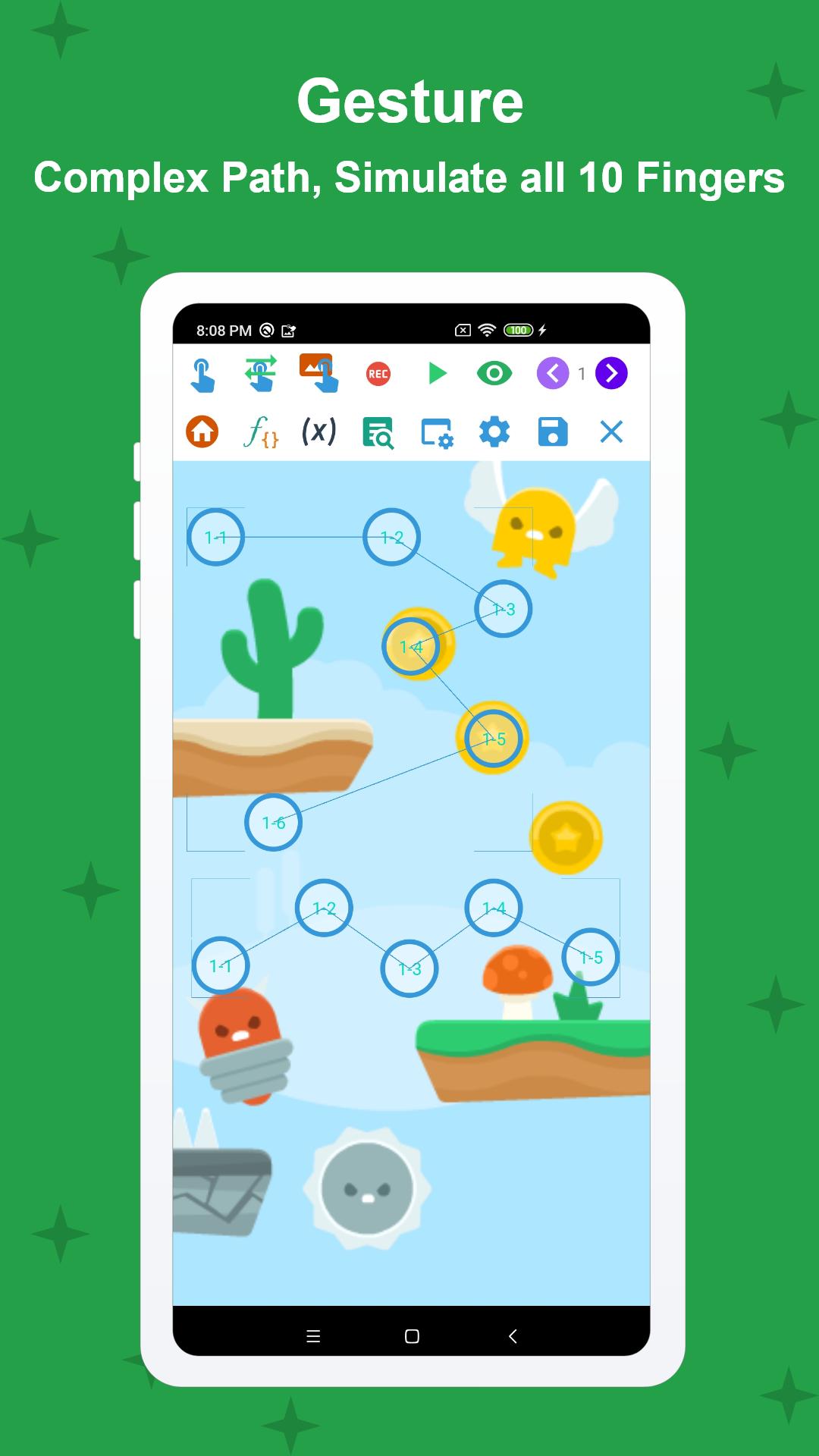
Macrorify performs taps, long presses, double taps, and swipes. It supports drag and drop, pinch, and zoom. Multi touch is available for up to ten fingers when a script requires it.
Record and Replay
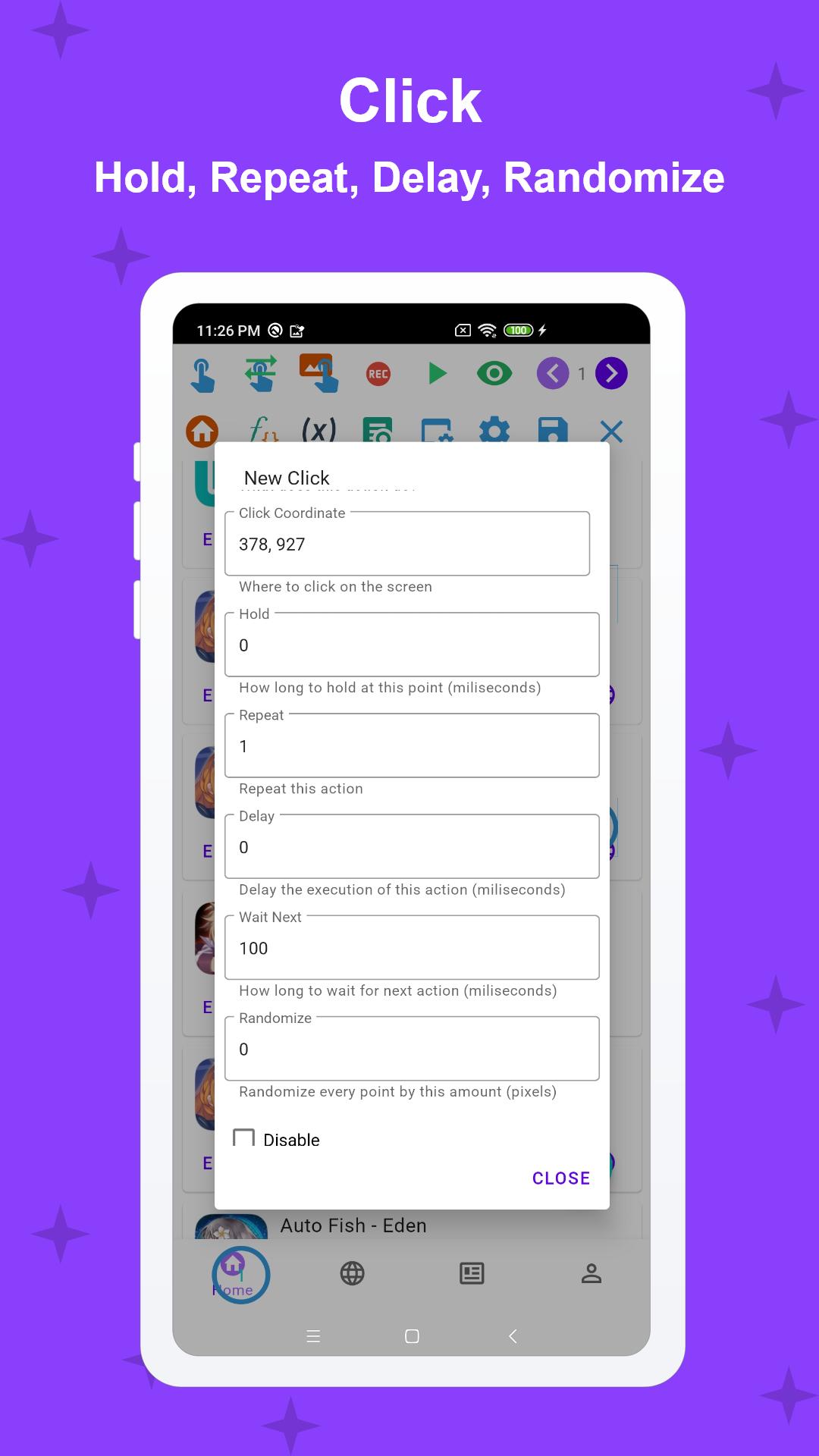
You can record touches and play them back. Edit the sequence, change order, and adjust speed or intervals. Randomize touch points to avoid repetitive patterns during longer runs.
Image and Text Detection
Macrorify detects images on screen and acts when they appear or disappear. It can chain multiple triggers to build conditional flows. Text recognition checks whether words are present and lets you define the next step in a macro. This helps a macro respond to the right screen state without manual checks.
Setup and Compatibility
No root is required. The app works from Kitkat and also in emulators. Accessibility Service must be enabled for auto clicking, pasting text, and navigation actions. On Android 6 and below, follow the guide in the app to install a Native Service via PC after installing the Macrorify APK.
Macrorify automates touch tasks and reacts to screen changes with detection tools. It suits routine actions, testing, and repetitive gameplay. Update to the Macrorify latest version to access improvements and compatibility fixes.
Latest Version
1.6.0.2Uploaded by
Hama Sport
Requires Android
Android 5.0+
Category
Free Tools AppContent Rating
Everyone
Security Report
Report
Flag as inappropriateLast updated on Jan 9, 2025
1.6.0.1-1.6.0.2
- Fix crash in Custom Action list
- Fix delete resource in Abstract
1.6.0
- Add Custom Setting for job and variable in Abstract Mode.
- Add resource management in Abstract Mode.
- Fix toast on newer Android.



APKPure - A multi-platform app store primarily focused on Android, providing extensive app-related content. Discover the app you want easier, faster, and safer, with quick and efficient downloads and installations.