
Package Name:com.studiosirenia.minimuse
SHA-256:af1f0dd15fac9b2989643679794cd3654bde1fa16967e7057110f7e748a8408c
Show More

MiniMuse suits users who want to make original characters and present them in their own visual stories. It combines character design with scene creation, so you can work on an individual muse before placing it in a larger composition. The app is free to use and comes from Studio Sirenia. For users looking for a MiniMuse APK, the app focuses on personal designs, creator made content, and community sharing rather than preset character templates alone.
Build a muse from individual assets
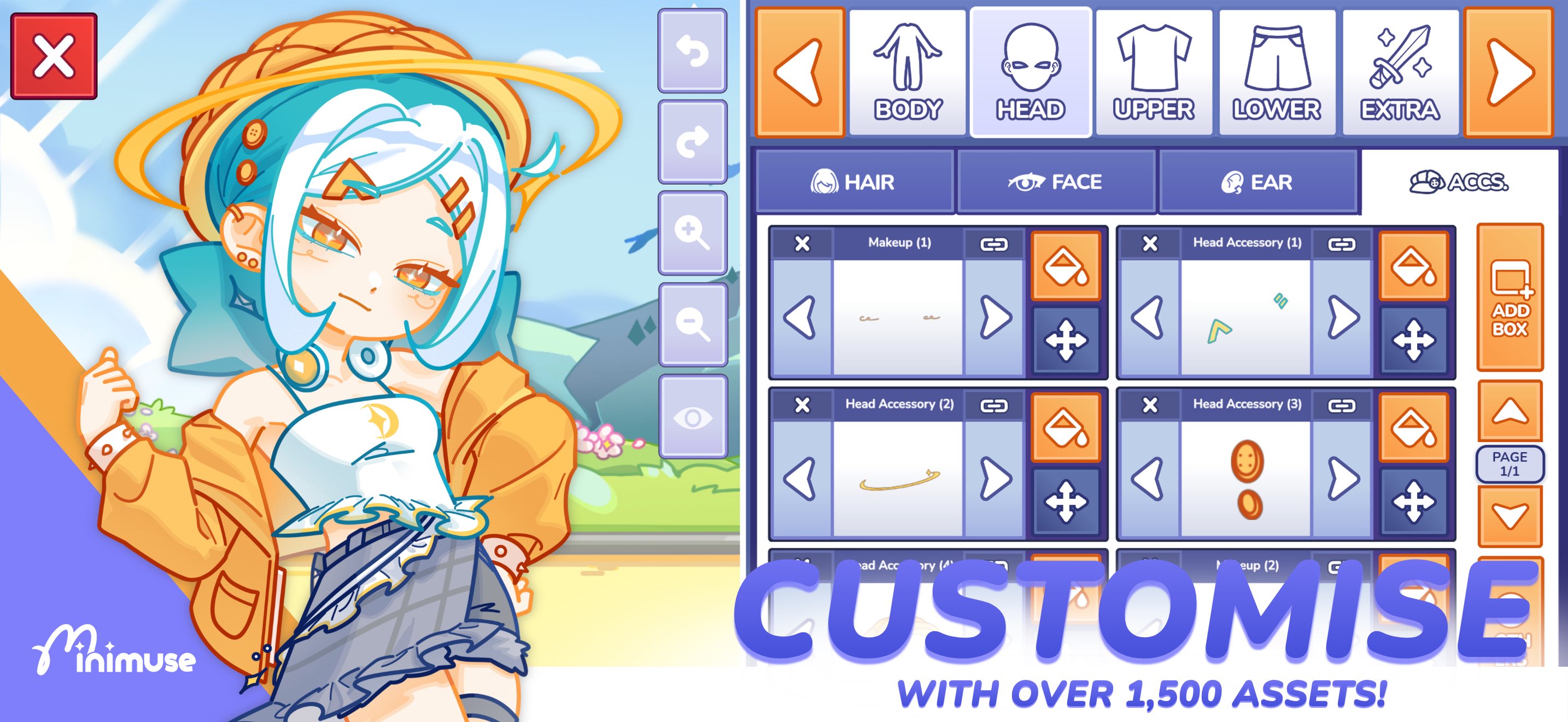
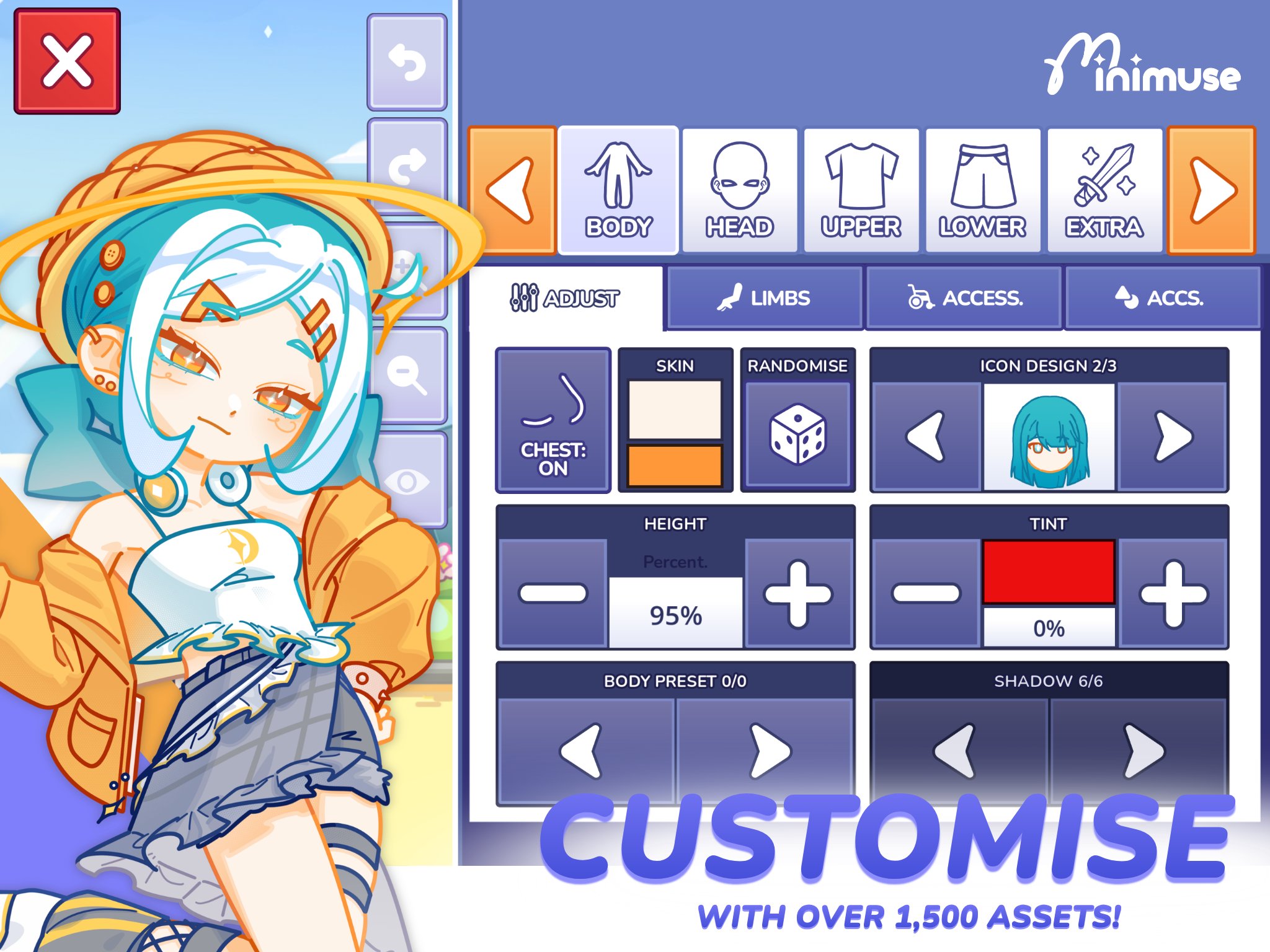
MiniMuse lets you create a character from scratch by selecting and placing separate visual assets. You can work on each part of a muse instead of relying on a fixed outfit or appearance. This approach can help when you want to create an original character with a specific look.
Choose from more than 1,500 assets
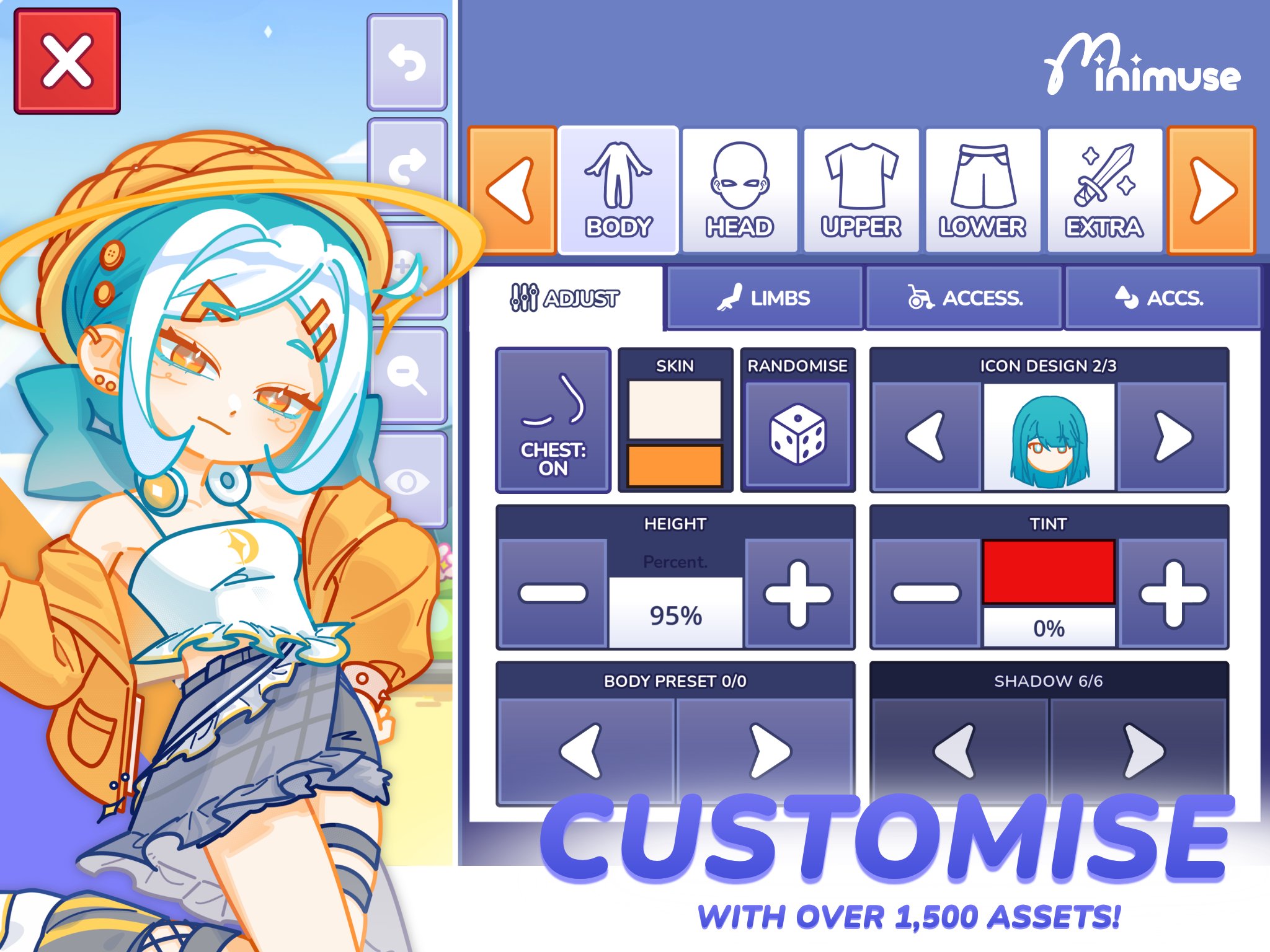
You can style muses with more than 1,500 clothing items, accessories, and other creative assets available at launch. These items give you starting material for different character concepts. In addition, you can combine pieces in ways that fit the story or setting you want to make.
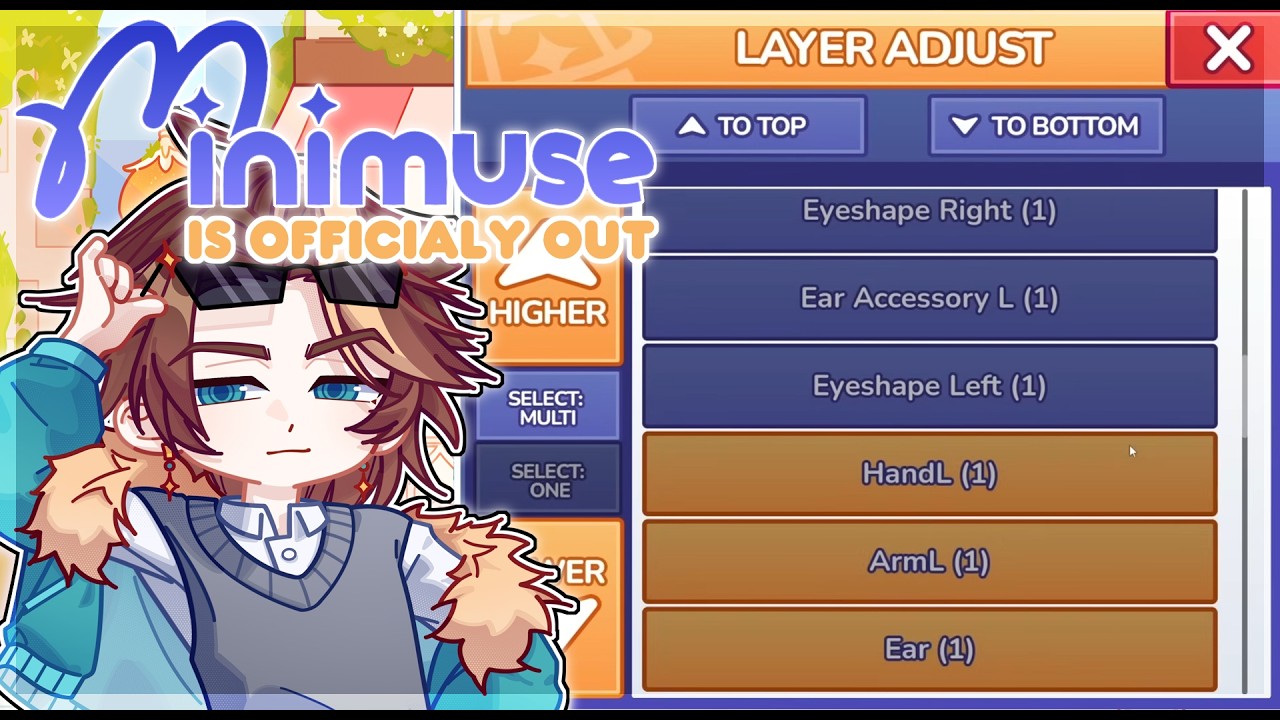
Adjust placement and layer order
MiniMuse allows you to spawn assets one at a time and control which item appears in front of another. You can recolour, resize, and reposition items while editing a character. As a result, you can correct overlaps and arrange details more carefully within the composition.
Import custom assets
You can import character and stage assets made by yourself or shared by the community. This gives you a way to include designs that are not part of the standard asset collection. Imported content can be useful when an existing item does not match your character idea or scene setting.
Create scenes in Studio Mode
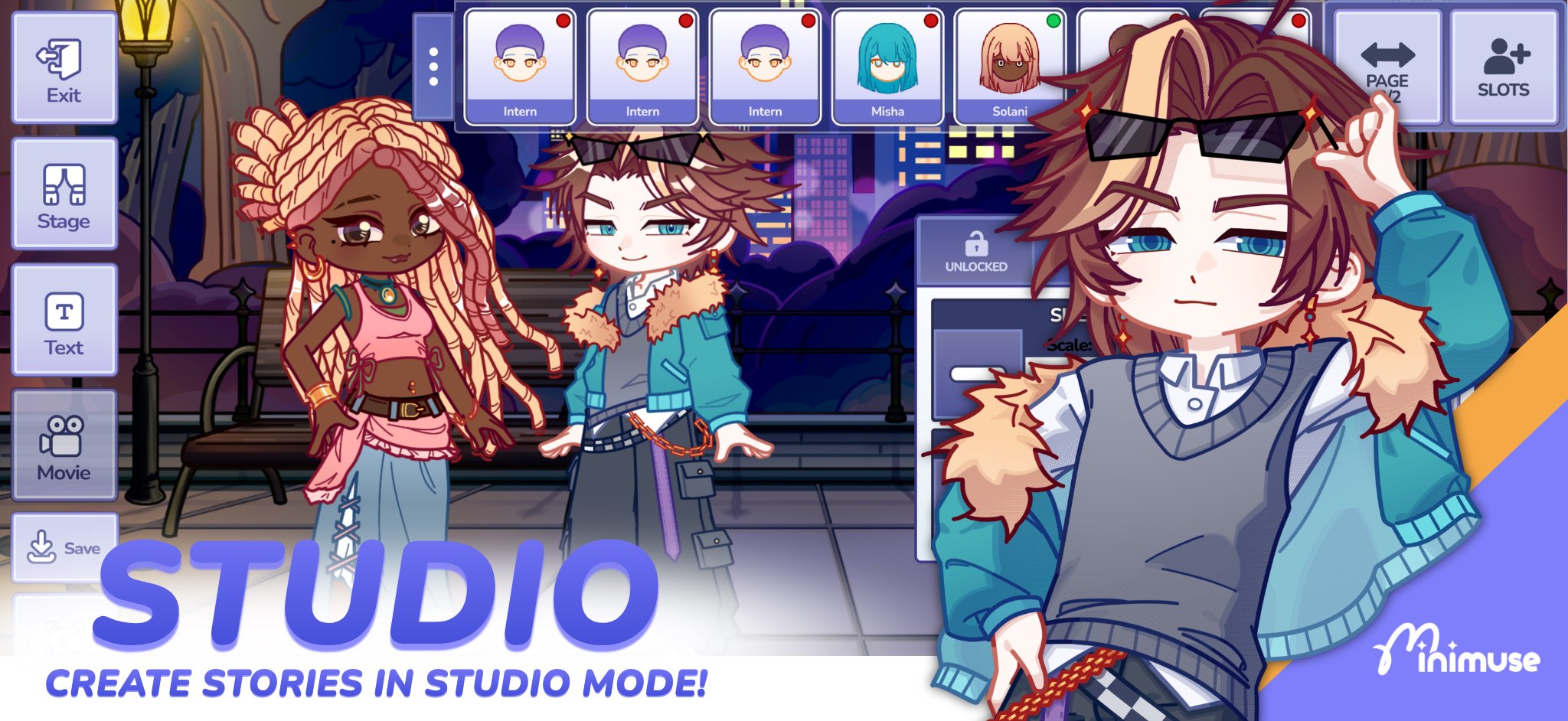
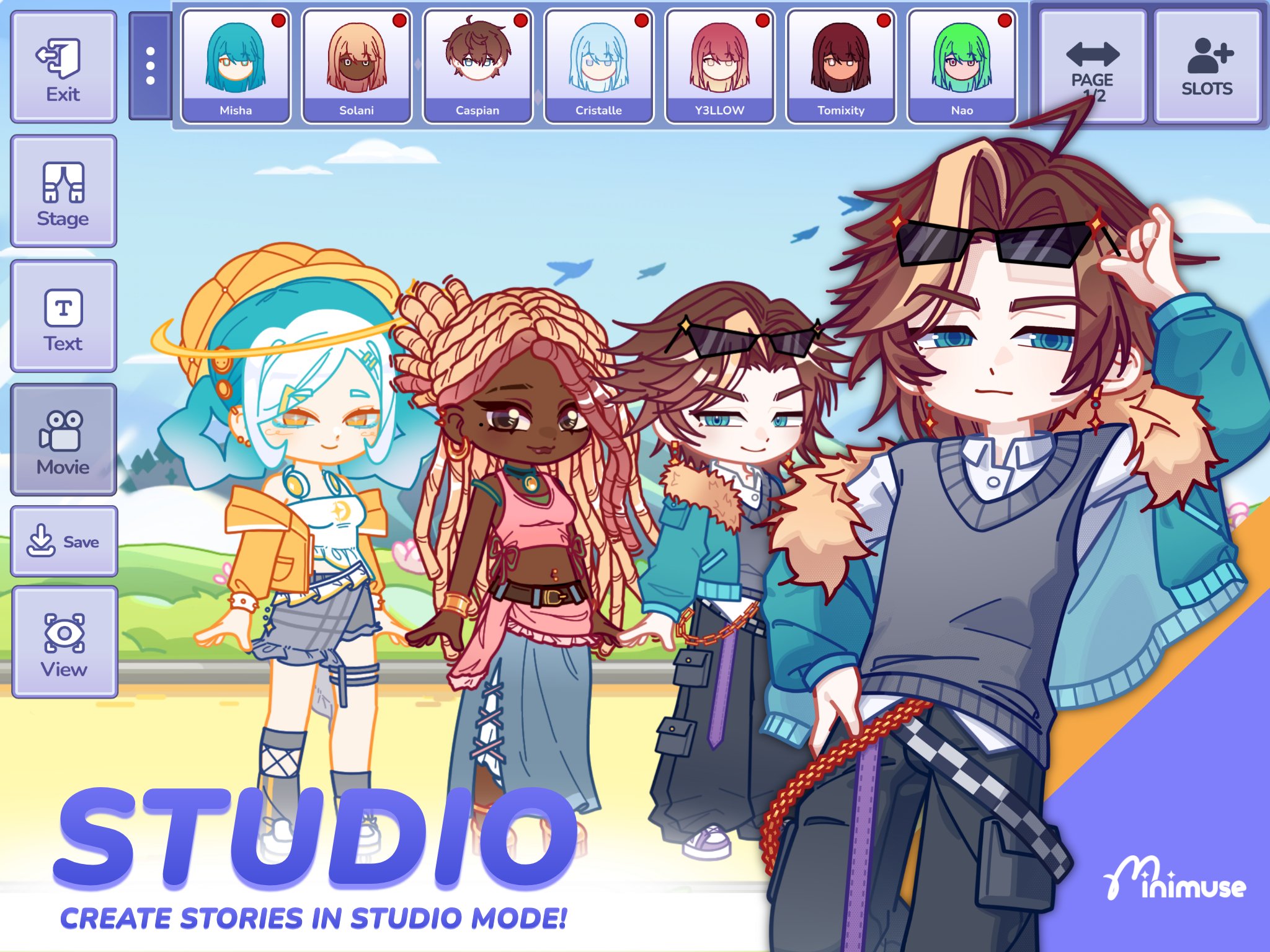
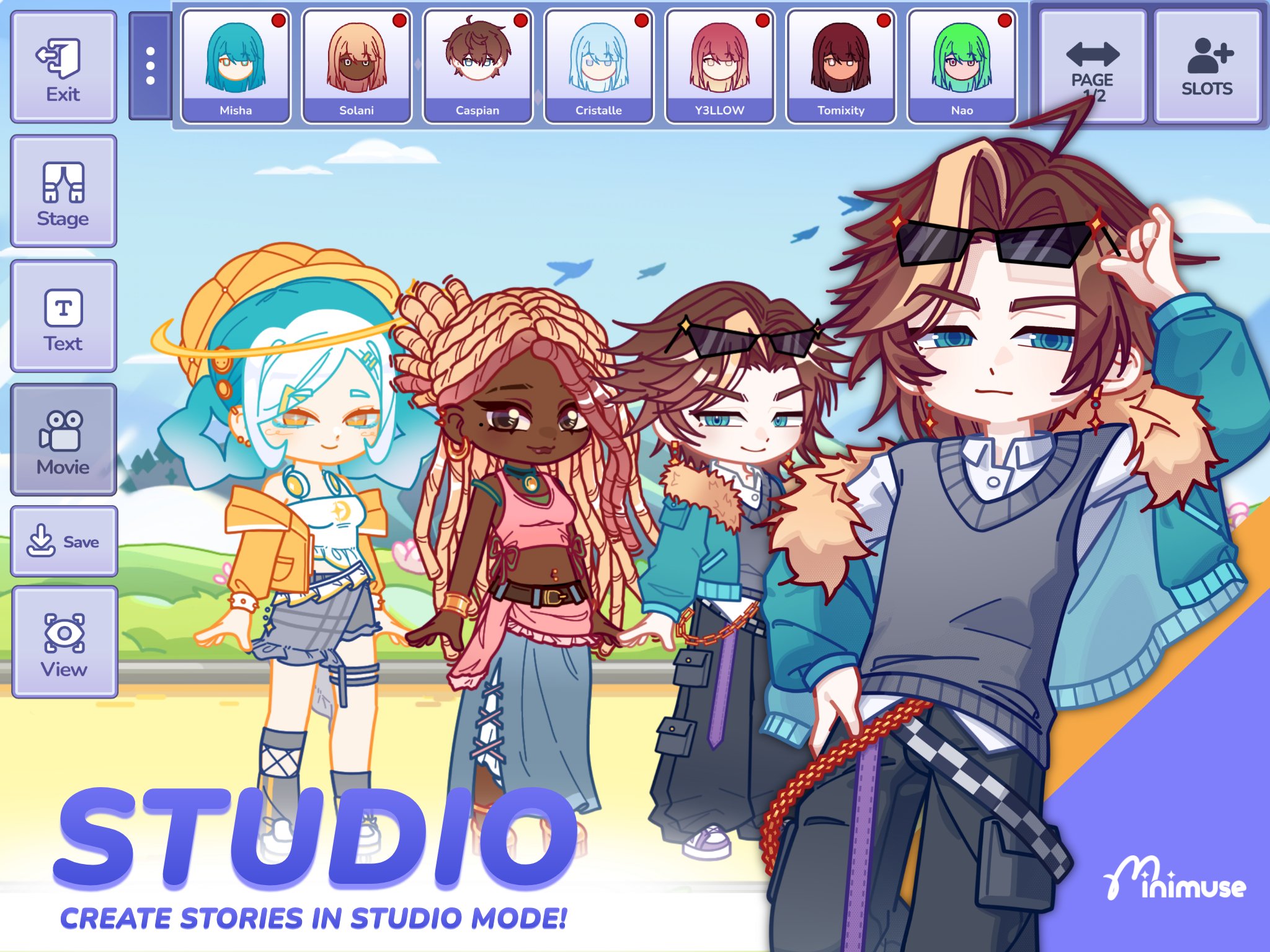
Studio Mode turns your finished characters into visual story scenes. You can add backgrounds, foregrounds, props, text, and several posed muses in the same composition. Once the scene is ready, MiniMuse lets you share it with the MiniMuse community.
MiniMuse includes community focused options for users who want to share work beyond individual character designs. You can exchange custom assets through the Boutique and take part in community events when they are available. The official Discord community also provides a place to contact moderators and follow community activity.
These options may matter if you plan to use custom assets regularly or want to show your scenes to other creators. Community content can vary because it is made and shared by users. Therefore, it is useful to check whether available assets fit the type of character or story you want to create.
MiniMuse starts with character design and then lets you move into scene building when your muse is ready. Before using the MiniMuse latest version, consider whether you want to create a single character, a reusable design, or a complete story image. This can make it easier to choose assets and arrange the scene.
Open MiniMuse and begin a new character, then choose the visual assets you want to use as the base for your muse.
Add clothing, accessories, and other items individually, adjusting their size, colour, position, and layer order as you work.
Import your own character or stage assets if the included collection does not contain the detail you need.
When the character is ready, open Studio Mode and place your muse with backgrounds, foregrounds, props, and text.
Add more posed muses if the scene needs multiple characters, then save or share the completed creation with the community.
MiniMuse combines a detailed character creator with tools for arranging visual story scenes. If you want to design original muses, use custom assets, and share scene creations, you can download MiniMuse for Android and begin with a character or Studio Mode project.
Official MiniMuse information is available through the developer's contact channels:
Website: https://minimusegame.com/
Support email: support@minimusegame.com
Latest Version
0.9.6Uploaded by
Mích Nông
Requires Android
Android 7.0+
Category
Free Role Playing GameContent Rating
Everyone
Security Report
Check Now
Report
Flag as inappropriateLast updated on Sep 24, 2026
This release includes minor bug fixes and general improvements. Update to the latest version for the best experience.

APKPure - A multi-platform app store primarily focused on Android, providing extensive app-related content. Discover the app you want easier, faster, and safer, with quick and efficient downloads and installations.