Scan Date:Nov 28, 2025
Show More


Mobinime helps users who want to watch anime with Indonesian subtitles on a phone without using a computer. It gathers videos from several third party websites so you can browse and play in one place. The layout is kept simple for quick access on small screens, and playback starts with a tap. For those who prefer a compact setup, the Mobinime APK brings everything into a single app. Overall, it focuses on convenient viewing for Indonesian audiences.
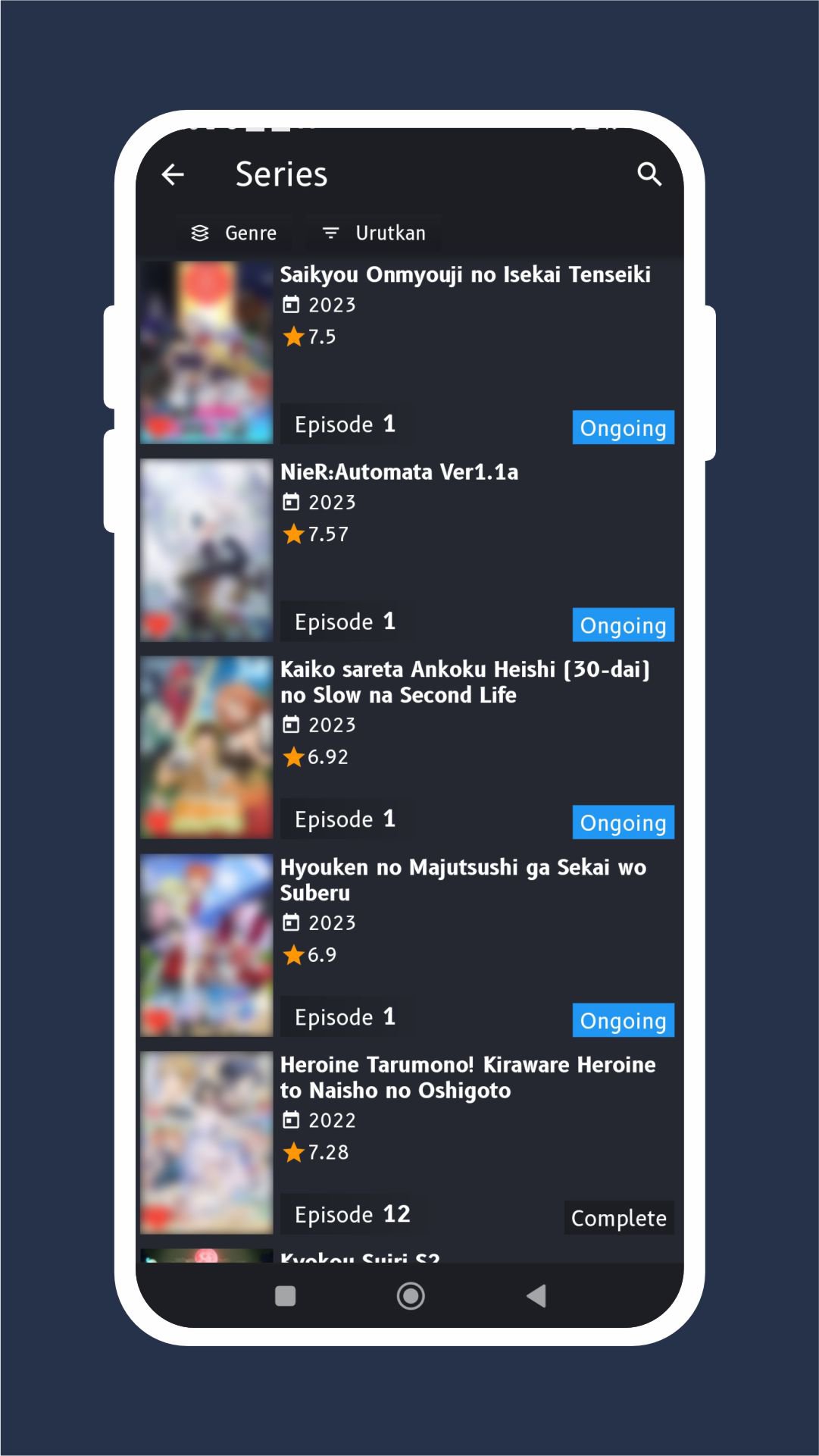
Mobinime focuses on Indonesian subtitles for both ongoing and completed titles. You can find series, movies, live action adaptations, and OVA in one app. This range helps you keep up with new releases while also finishing older shows. It suits users who want “nonton anime Sub Indo” on mobile without switching between different sites.
History, Bookmark, and Resume toolsMobinime gives you simple controls to manage what you watch. History keeps track of episodes you have already seen, while Bookmark lets you save titles for later. When you return, Resume continues from the last moment you paused. These tools make it easy to pick up where you left off at any time.
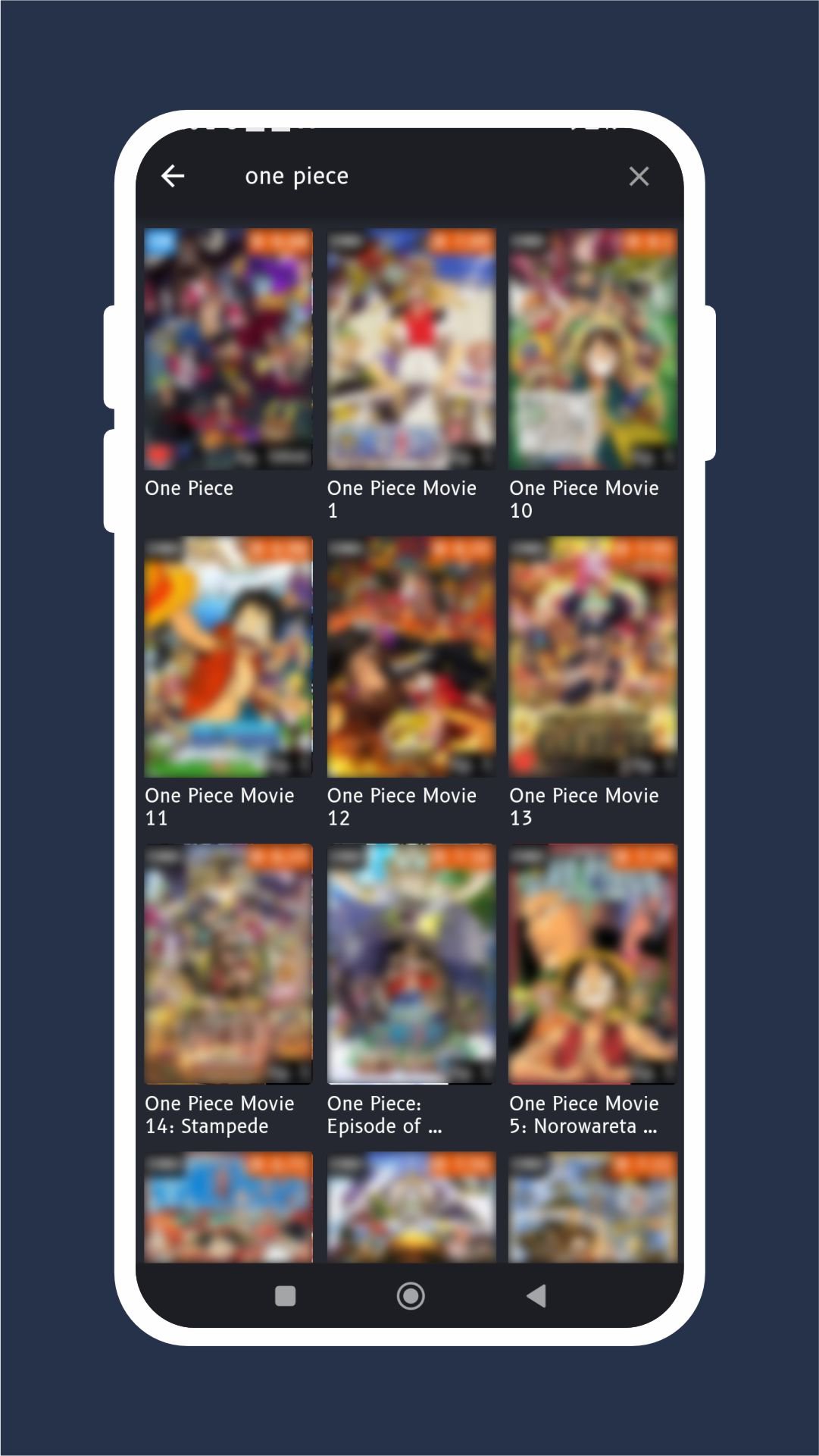
Search, sort, and recommendationsYou can quickly find what you want through accurate search and organized lists. Sort titles by genre, rating, year, or alphabet to scan the catalog in a way that fits your preference. When you do not have a plan, the recommendation option offers random picks to try. This makes discovery straightforward even if you are not sure what to watch next.
Notifications for new and updated titlesMobinime sends alerts when a new anime starts with episode one. You also get notifications when a bookmarked title receives an update. This helps you stay informed without checking the app repeatedly. You can open the alert and go straight to the show.
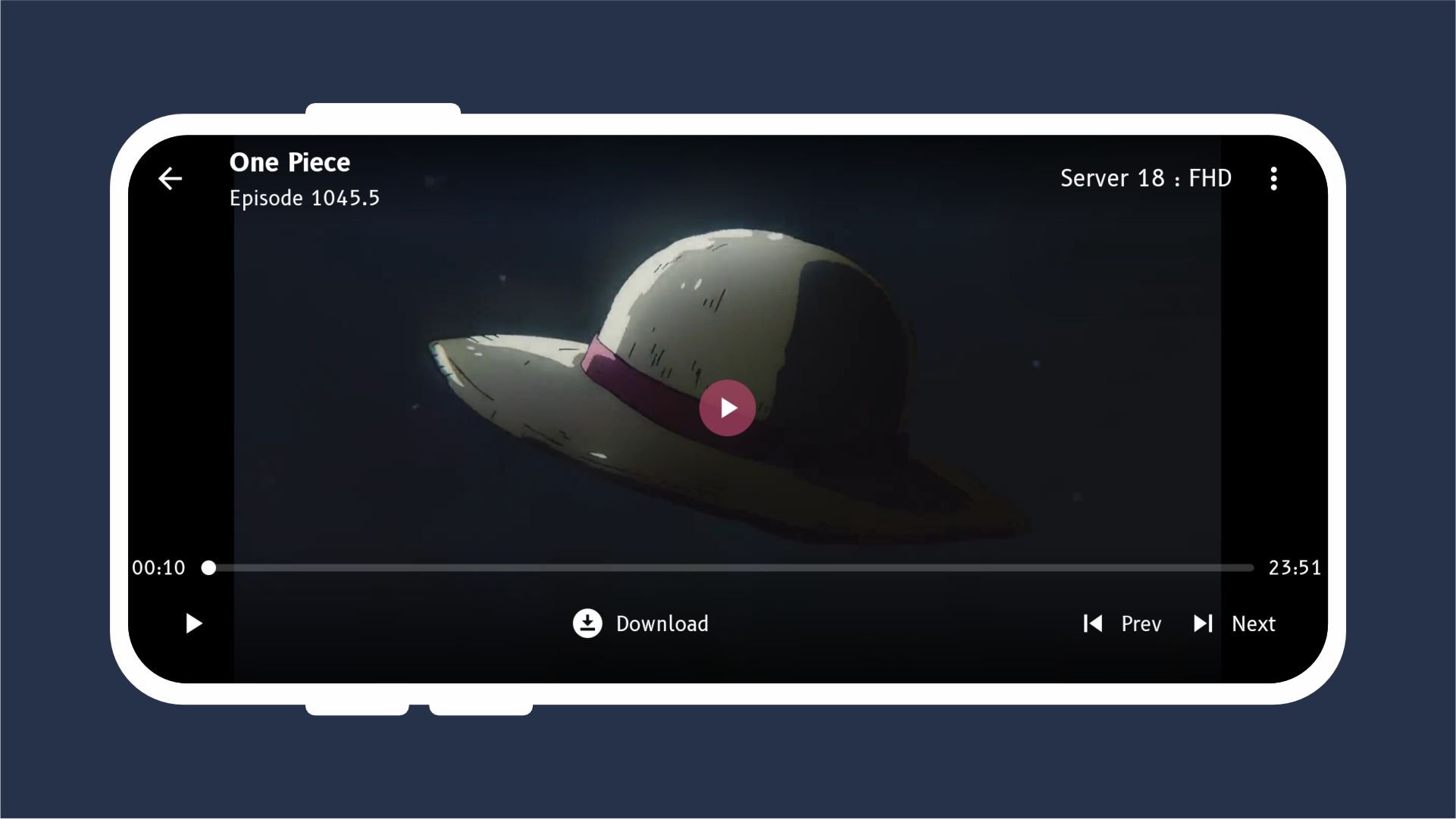
Mobile-first browsing and playbackThe interface is built for quick tapping and swiping on a phone screen. Menus are clear, and playback begins without extra steps. You can move from browsing to watching in a few seconds. This keeps the focus on streaming instead of navigating complex menus.
Mobinime is an unofficial aggregator that indexes links and content from third party sources. Availability can change if a source removes or modifies a video, and some titles may appear or disappear over time. The developer states that takedown requests are respected, and content can be removed on request by rights holders. This approach helps users find Sub Indo streams in one place while clarifying that the app itself does not host the videos.
Follow these steps to start watching with the Mobinime app on your phone. If you plan to download Mobinime, the process below shows the basic flow from opening the app to tracking your shows.
Mobinime organizes Indonesian subtitled anime into a single, mobile-friendly experience. Users can find ongoing and completed shows, manage watch progress, and receive alerts for updates. To begin, install the Mobinime latest version and explore the catalog at your own pace.
For reference, find the developer information below.
Latest Version
1.1.6Uploaded by
Milan Kuncak
Requires Android
Android 5.0+
Category
Free Entertainment AppContent Rating
Everyone
Security Report
Report
Flag as inappropriateLast updated on May 13, 2024
* Menghapus kode yang tidak efisien yang mengakibatkan smartphone jadi panas berlebih
* Memperbaiki notifikasi update yang di bookmark
(Untuk masalah ini diharuskan logout dulu dan login ulang.
Catatan: Jika bookmark ternyata banyak maka akan butuh waktu lebih lama saat login untuk sinkronisasi data bookmark di server dan di smartphone)





APKPure - A multi-platform app store primarily focused on Android, providing extensive app-related content. Discover the app you want easier, faster, and safer, with quick and efficient downloads and installations.