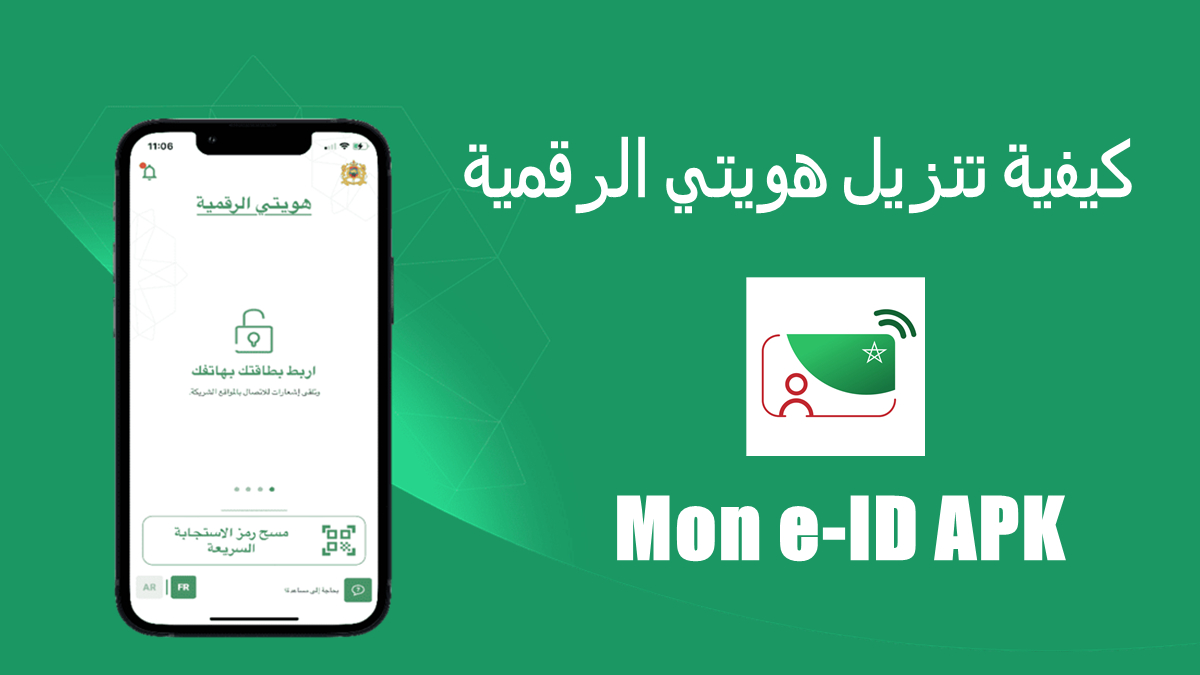
هويتي الرقمية | Mon e‑ID helps users confirm their real identity online using the new Moroccan national e‑ID card or the updated residence card. It reduces the hassle of managing many passwords and offers a straightforward path to access partner services. With NFC support, activation is quick, and there are official alternatives if your phone does not support it. As a result, the app fits everyday needs like signing in to public or private services without sharing extra data. For reference, هويتي الرقمية | Mon e‑ID APK can be used on compatible Android phones.
هويتي الرقمية | Mon e‑ID lets you use your CNIE v2 or the new Moroccan residence card to sign in to partner services. This keeps access simple and tied to your card, so you avoid separate logins across different sites. The process is designed for clarity, and the app guides you with prompts when a partner requests authentication.
Flexible activation on AndroidYou can activate your digital identity from a phone with NFC for a faster start. If NFC is not available, begin the process on the Citizen Portal and complete it at a CEDI kiosk or on any NFC‑enabled phone. This flexibility ensures activation remains accessible even when your current device does not match the technical requirements.
Fewer usernames and passwordsCard‑based authentication reduces the need to create and remember multiple credentials for various services. You present your card and follow simple steps during partner sign‑ins. As a result, everyday access feels consistent while keeping your identity linked to an official document.
Data protection by designهويتي الرقمية | Mon e‑ID does not store card data centrally. After successful authentication, required information is sent directly to the partner service. When requested, face verification adds another check to confirm the person presenting the card is the actual holder. This model focuses on minimizing shared data and aligning with privacy expectations.
Transparent usage and audit logsThe app records each identity action, including authentications and password changes, so you can review activity later. Through your Citizen Portal space, you can see when and where your identity was used. This transparency helps you keep track of access across partners in a clear, organized way.
To use core functions, you need a CNIE v2 or the new Moroccan residence card as your primary identity document. For quick activation, a phone with NFC is recommended, although official alternatives exist through the Citizen Portal and CEDI kiosks if NFC is not available. The data handling model sends information directly to partner services after authentication and avoids central card data storage, with optional face verification when a partner requires extra confirmation. For practical questions, check the official FAQs at identitenumerique.ma.
If you need guidance on activation, supported devices, or registration steps, visit the official portal at identitenumerique.ma. The FAQ explains what e‑ID means, how to start activation with or without NFC, and how to open the app for daily use. It also covers compatible phone features and how to complete activation at a CEDI kiosk.
Getting started is straightforward and follows a clear flow from activation to service access. To keep things simple, ensure your card and phone are ready before starting. For easy installation, you can download هويتي الرقمية | Mon e‑ID and then follow the steps below.
هويتي الرقمية | Mon e‑ID centralizes your online identity around your official card and offers clear controls over how it is used. To stay current, install هويتي الرقمية | Mon e‑ID latest version and follow the activation flow that matches your phone and card.
For official information and support, visit the portal below.
Latest Version
3.1.8Uploaded by
Abd Elrahman Wilson
Requires Android
Android 10.0+
Category
Free Tools AppContent Rating
Everyone
Report
Flag as inappropriateLast updated on Sep 24, 2026
corrections mineures.



APKPure - A multi-platform app store primarily focused on Android, providing extensive app-related content. Discover the app you want easier, faster, and safer, with quick and efficient downloads and installations.