

MXL TV suits users who already have IPTV playlists and want a simple way to watch them on Android. It is a neutral player that does not include channels or videos by default, so you add your own lists to access live TV, movies, or series. You can load local files or remote links and organize them in a clear layout. For convenience, the MXL TV APK lets you choose how to play content and view big lists without slowing down.
Flexible playlist support
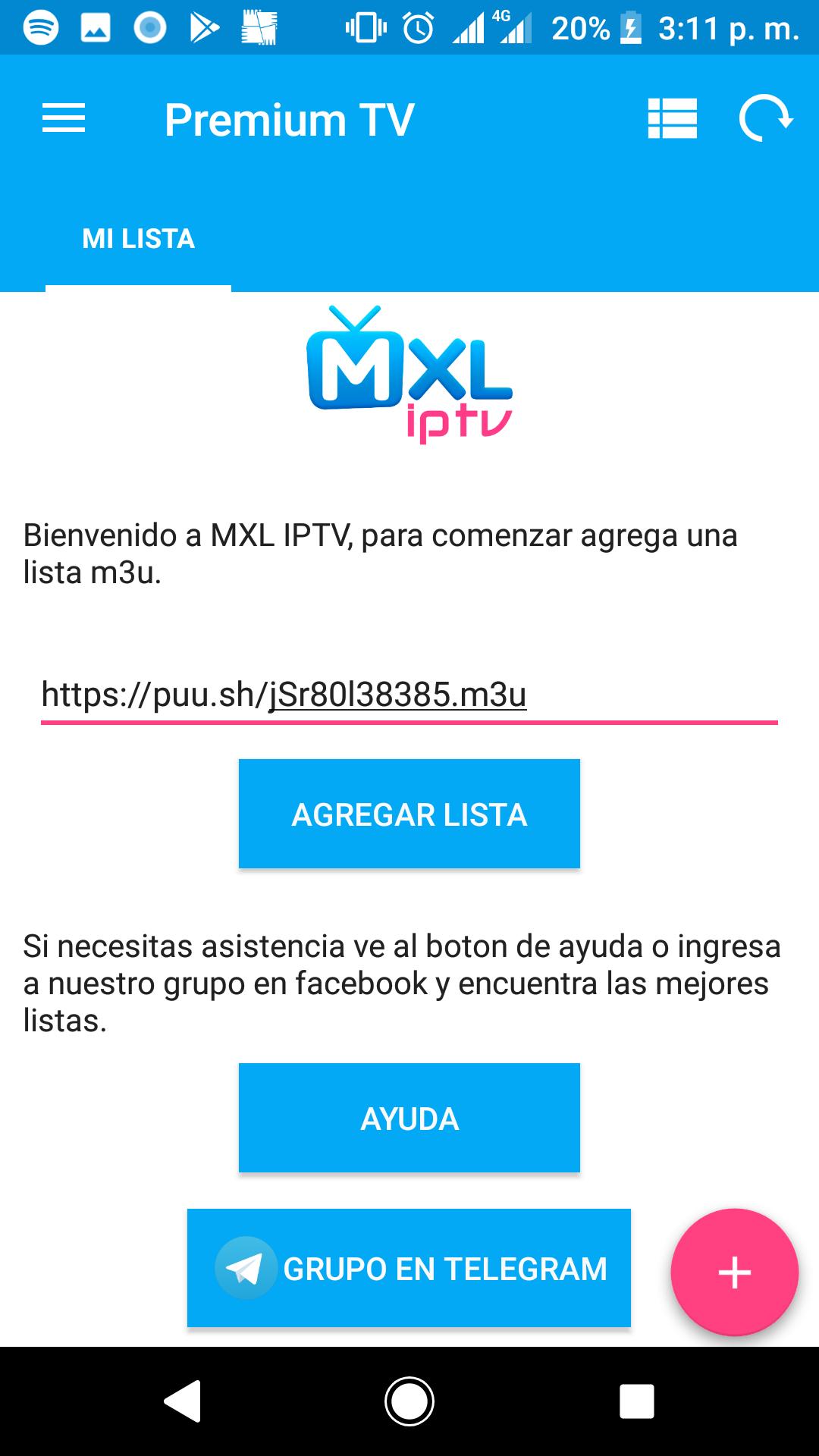
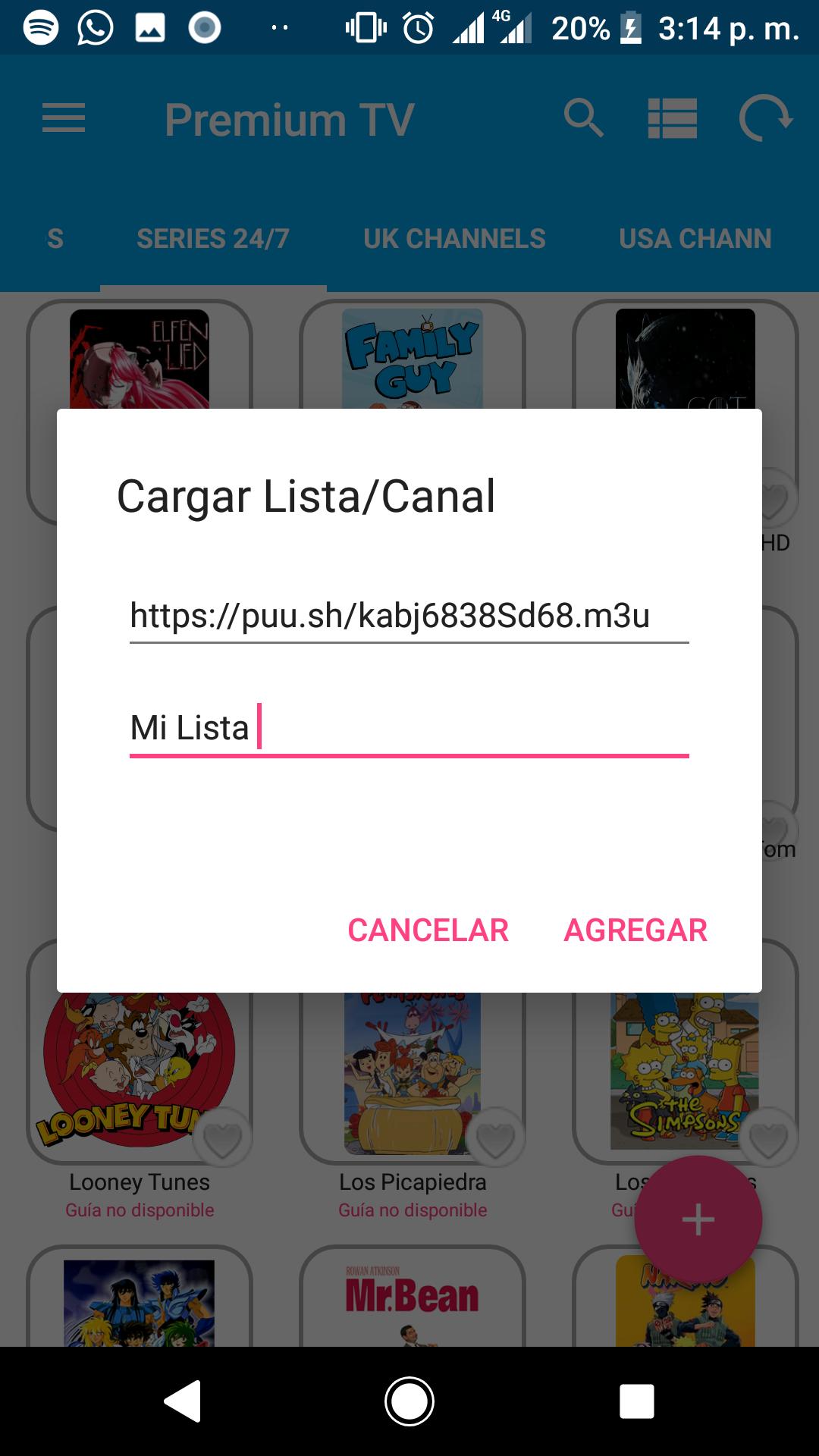
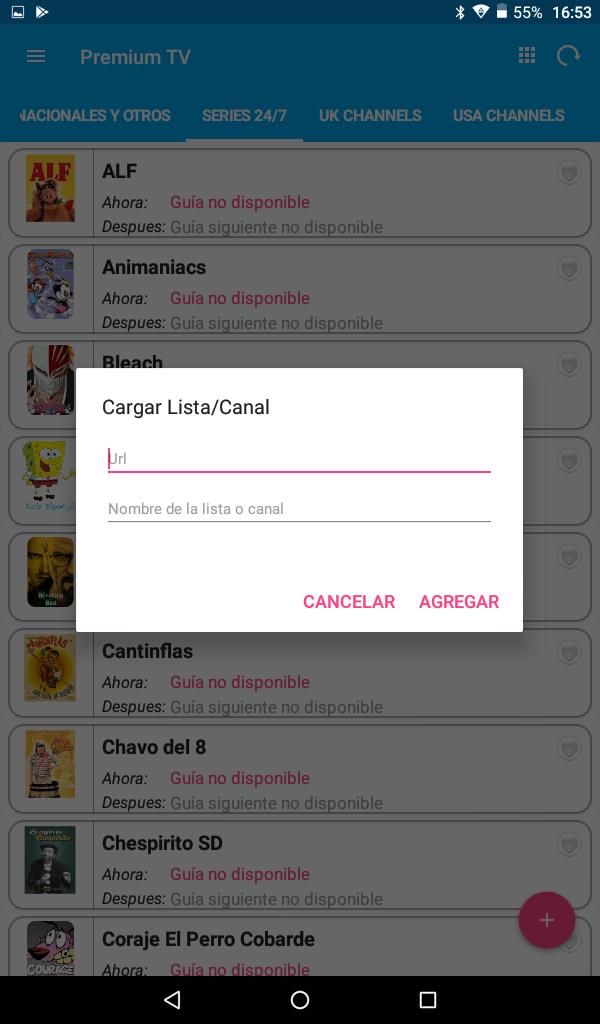
MXL TV lets you add local or remote M3U and M3U8 playlists, paste direct URLs, or use JSON formats. If you use an IPTV service with Xtream Codes, you can sign in with those credentials as well. This flexibility helps you connect to different sources without extra steps. You can manage multiple lists and switch between them as needed.
Wide protocol compatibility
The app supports popular streaming protocols so your channels open reliably. It can handle http and https links, and also works with mms, rtsp, and rtmp. This broad support reduces the need for converters or extra tools. As a result, you can keep your current links and start watching with minimal setup.
Player choice and HD playback
You can use the built-in player or choose an external player such as MX Player if you prefer. MXL TV aims for smooth video and audio in HD when your connection is stable. Switching players only takes a moment, which is helpful if certain channels work better with a specific player. This approach gives you control over how each stream is rendered.
EPG, favorites, and parental control
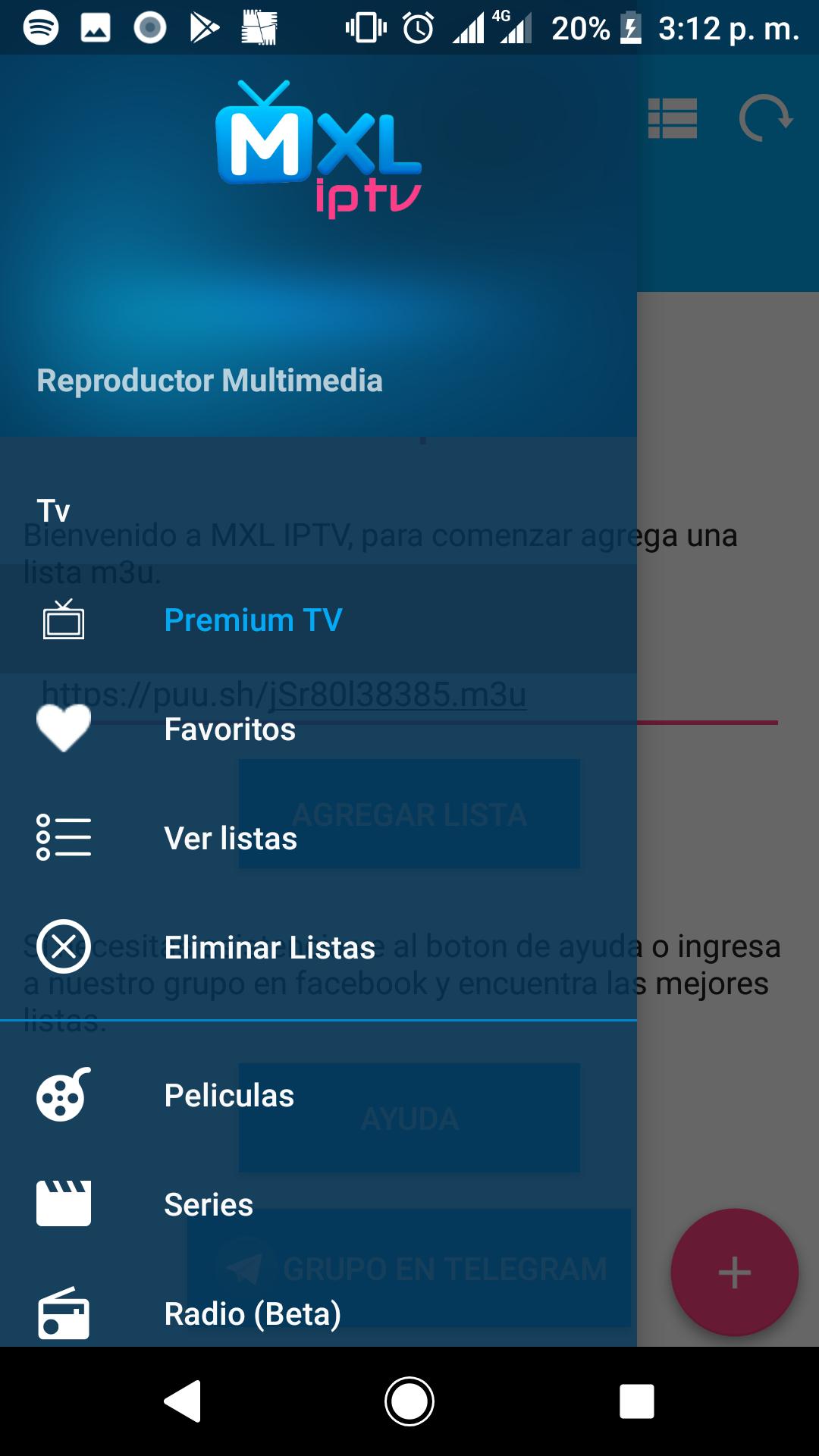
To make browsing easier, MXL TV can load electronic program guides automatically when available from your list. You can mark channels and items as favorites to find them faster later. A PIN-based parental control is available to restrict +18 content, which helps manage what appears on screen. These tools keep large libraries easier to navigate and safer for shared devices.
Casting and big-screen viewing
MXL TV includes Chromecast support so you can send content to a compatible TV quickly. If you use Roku, Samsung, or LG TVs, you can cast through companion apps such as Web Video Caster. The interface is optimized for phones and TV Box devices, and it includes a dark mode for comfortable viewing. Even with large playlists, navigation remains responsive so you can reach the content you want faster.
MXL TV does not host or provide channels, movies, or series. It is a neutral IPTV player, and you must add your own public or private playlists to watch content. If a list stops working, it must be updated or replaced by the user. This design keeps the app focused on playback and organization only.
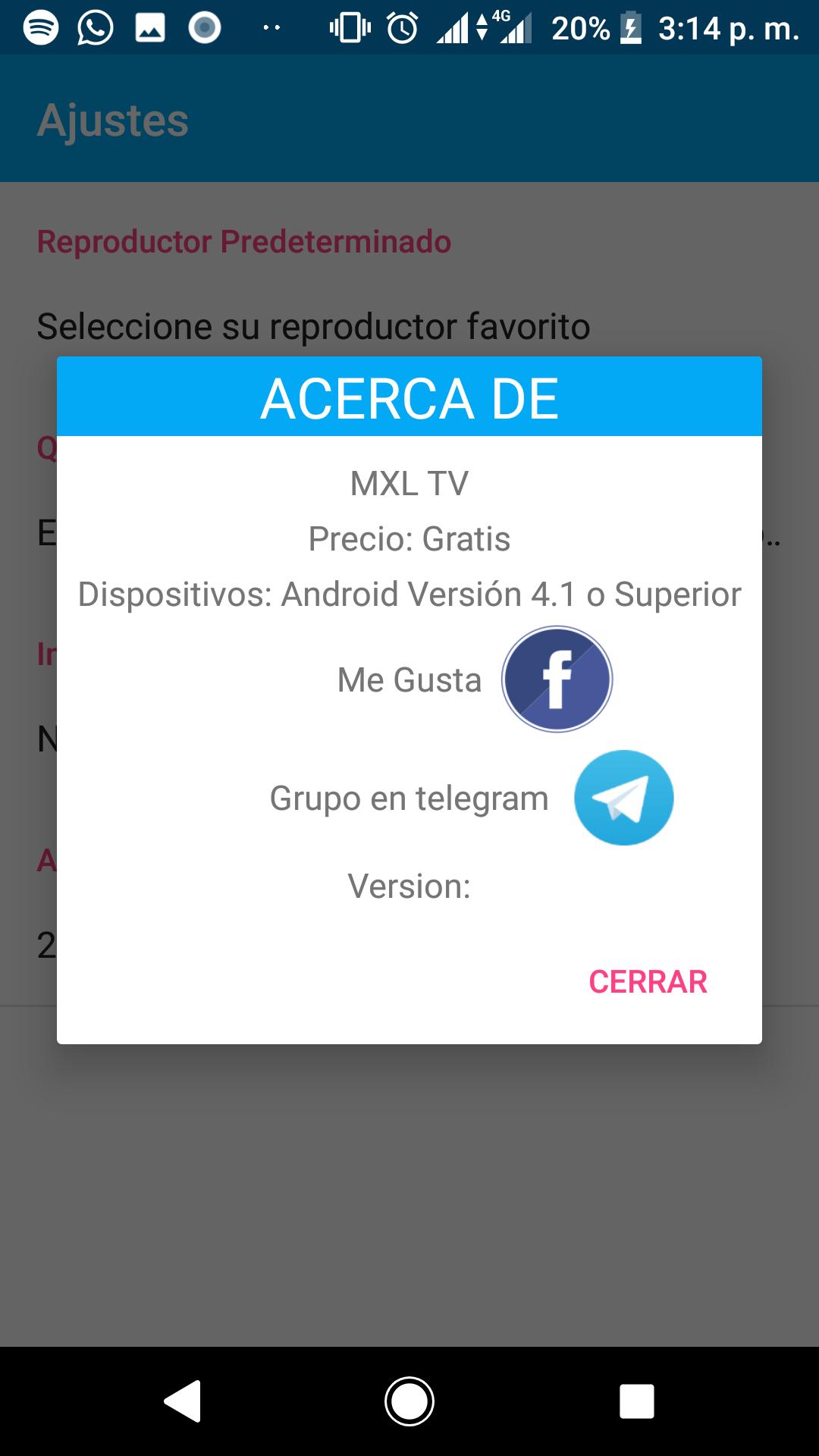
MXL TV is free to use with ads. There is also an optional one-time license that removes advertising. The core playback experience remains available in the free tier, so you can decide later whether the license fits your needs. No recurring subscription is required for the ad removal option.
The app supports multiple languages, including Spanish, English, and French, which is useful for mixed households or international users. MXL TV works on Android phones and TV Box devices, and it can also be installed on Fire TV by using the APK. If your TV is not directly supported, casting provides another way to watch on a larger screen. Choose the setup that matches your hardware and viewing habits.
This short guide explains the basic flow from installation to watching your first channel. It focuses on adding your own lists and keeping them organized. To get started, make sure you have a playlist link or file ready before you download MXL TV APK.
Open the app after installing it on your Android device.
Add your source by importing a local M3U file, pasting a remote M3U or M3U8 link, entering Xtream Codes credentials, or loading a JSON list.
Wait for the app to parse categories and load the EPG when available, then check the sections that appear.
Mark key channels as favorites and, if needed, set a PIN in parental control to limit +18 content.
Select a channel or video to start playback, choose the internal or an external player, and cast to Chromecast if you want to watch on TV.
MXL TV focuses on playing the playlists you provide, with support for popular formats, protocols, and casting. It offers free use with ads and an optional one-time license to remove them. To keep up with improvements and fixes, download MXL TV latest version APK from APKPure when available.
Latest Version
3.3.0-phonesUploaded by
MXL
Requires Android
Android 6.0+
Category
Free Entertainment AppContent Rating
Everyone
Report
Flag as inappropriateLast updated on Jul 14, 2026
This release includes minor bug fixes and general improvements. Update to the latest version for the best experience.



APKPure - A multi-platform app store primarily focused on Android, providing extensive app-related content. Discover the app you want easier, faster, and safer, with quick and efficient downloads and installations.