
My Earthquake Alerts helps you stay aware of recent earthquakes wherever you are. It suits residents in quake prone regions as well as travelers planning visits to seismic hotspots. The interface is simple and map focused, so you can check nearby activity at a glance, then open more detail when needed. Because updates come from official networks, information appears soon after events are recorded. If this matches your needs, you can download My Earthquake Alerts to keep track with minimal effort.
Live global map and feed
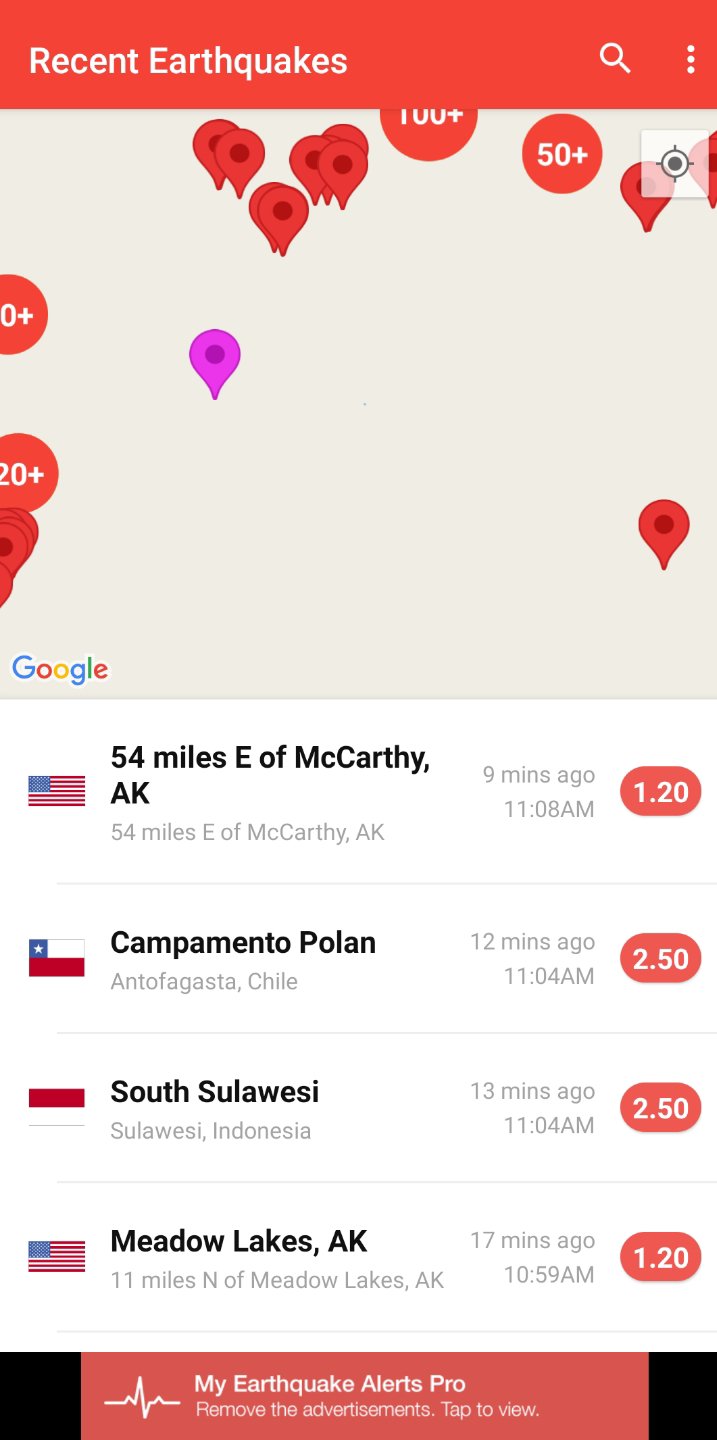
My Earthquake Alerts centers the experience on a real time map that updates as new events are reported. You can scan clusters, spot recent activity, and track how events unfold across regions. For quick reading, the feed lists new quakes in order so you can see what happened most recently.
Customizable push notifications
This earthquake alerts app lets you tailor push alerts to your needs, with no built in limits. Choose magnitude thresholds, regions, and time windows so you only hear about quakes that matter to you. Alerts are sent shortly after official networks publish an event, helping you stay informed without constant checks.
Search and decades of history
You can explore earthquake data going back to 1970. Search by place name or scan dates to review patterns over time and understand activity in areas you plan to visit. This historical view supports planning and helps separate unusual events from regular background activity.
Detailed quake information
Each event page shows the exact location on the map with key details at a glance. You can see magnitude, depth, time, and your distance from the epicenter in one place. This makes it easy to compare events and decide which ones deserve closer attention.
Trusted global data sources
My Earthquake Alerts combines reports from official US and worldwide networks, including USGS and EMSC. Using multiple sources provides broad coverage and redundancy across regions, which helps the app display events promptly and consistently. As a result, you get a reliable picture of global seismic activity.
Alerts are based on official seismic network reports in near real time. This is not an early warning system, and notifications may arrive after shaking begins or after an event has finished depending on reporting times. For residents in active regions and for travelers, this approach offers timely awareness once networks release confirmed data. Set expectations accordingly and rely on tuned filters to focus on what you truly need.
To minimize power usage, My Earthquake Alerts uses Google location services periodically rather than constant GPS checks. This approach keeps distance readings useful while keeping battery impact small. If you prefer, you can limit location access and refine notification filters by magnitude and region to further reduce background activity.
The app is free to use and supported by ads. All core monitoring and alert functions are available without fees.
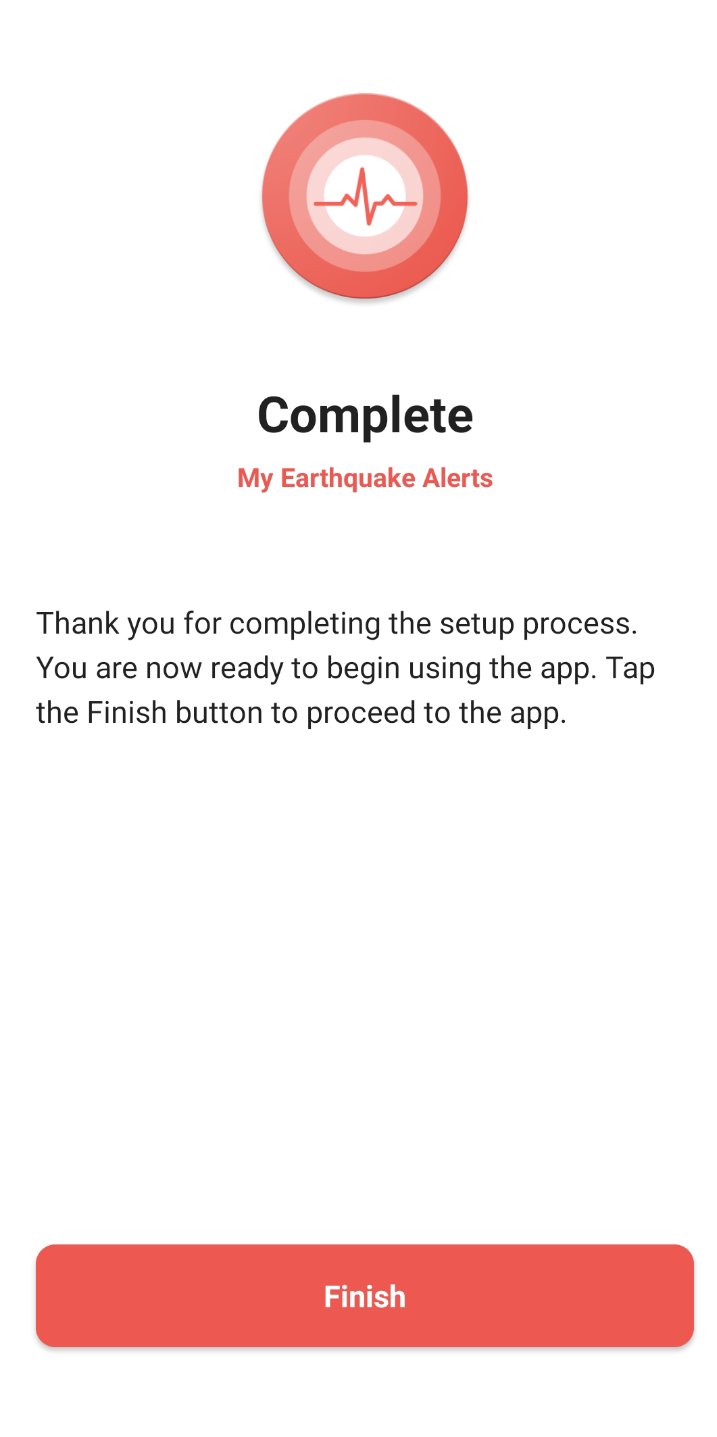
After you install the My Earthquake Alerts APK, the app opens to a map of recent earthquakes. The setup is quick, and you can adjust alerts at any time as your needs change.
Open the app, then allow notifications and location access if you want distance based information and nearby alerts.
Set your alert filters by choosing a minimum magnitude, preferred regions, and any time limits to control how often you are notified.
Browse the live map to see current activity, or switch to the feed to scan the most recent events in order.
Tap any earthquake to view details, including magnitude, depth, time, location on the map, and your distance from the epicenter. Share the event if someone needs the information.
Adjust your notification settings as needed to cut noise, especially when traveling or focusing on specific areas.
My Earthquake Alerts offers clear maps, timely event details, and flexible alerts so you can focus on the quakes that matter. For the most current experience, install the My Earthquake Alerts latest version and set filters that match your region and interests.
For official support or more information, use the links below.
Official website: https://www.jrustonapps.com/
Support email: meaandroid@jrustonapps.com
Latest Version
26.5.3Uploaded by
Roderick Maximillian DFont
Requires Android
Category
Free Weather AppContent Rating
Everyone
Report
Flag as inappropriateLast updated on Sep 17, 2026
- Improved support for tablets and foldable phones.
- Bug fixes and performance improvements.




APKPure - A multi-platform app store primarily focused on Android, providing extensive app-related content. Discover the app you want easier, faster, and safer, with quick and efficient downloads and installations.