Package Name:com.netmod.syna
SHA-256:5b33edcf212521262cd4ed1b910e8d1b7a178d3dc4ebe696d4875d933dc14d5a
Show More


NetMod helps when you need reliable access through restrictive networks, more privacy on public Wi-Fi, or quick tools to diagnose connection issues. It suits casual users who want a simple tunnel as well as professionals who manage complex setups. The app supports multiple tunneling approaches, so you can match your server and region needs. Because profiles are easy to switch, it fits daily use and travel. If you plan a portable setup, NetMod APK offers practical configuration options that carry over cleanly.
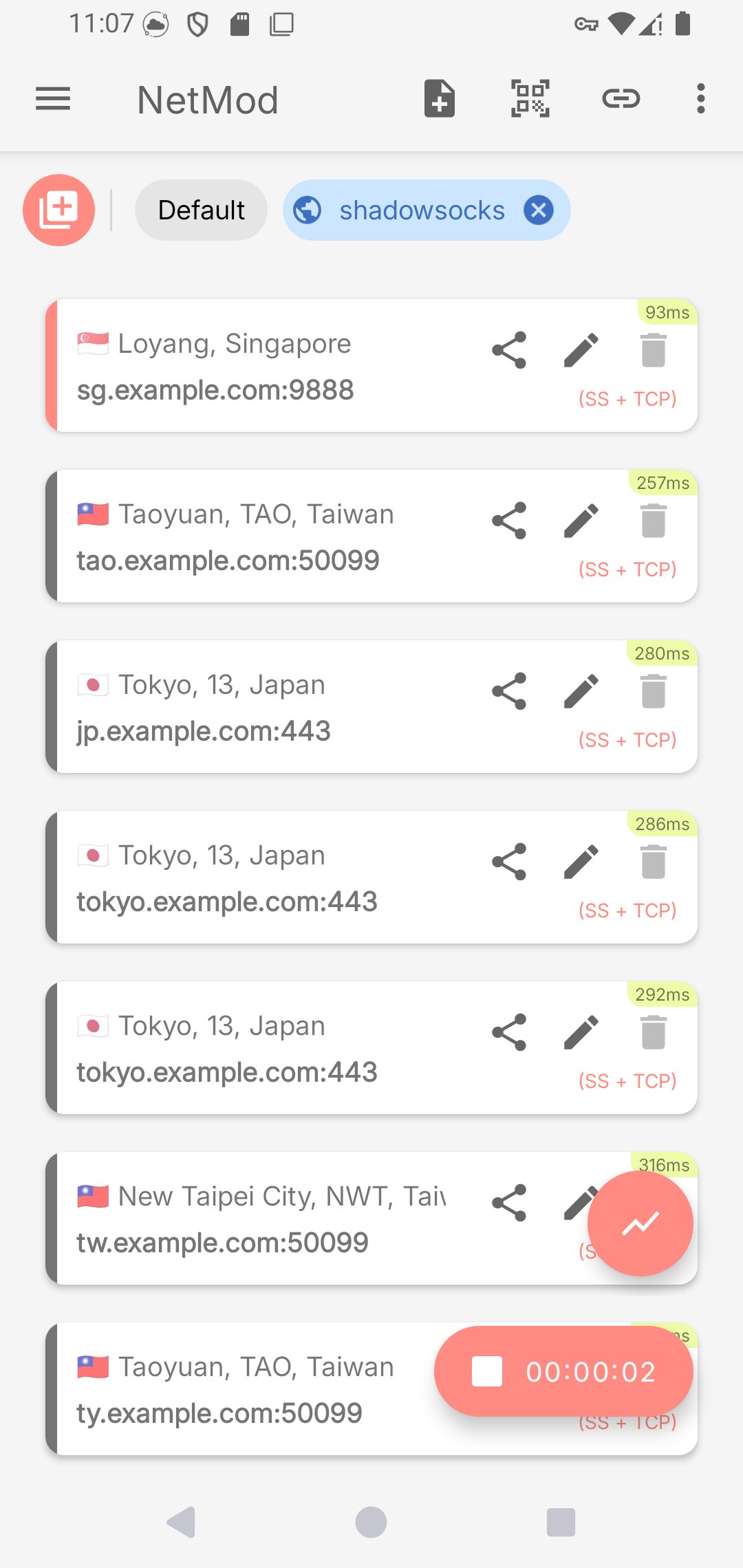
NetMod supports SSH, HTTP and HTTPS, Socks, VMess and VLess with V2Ray and Xray, Trojan, Shadowsocks and ShadowsocksR, WireGuard, and DNSTT. With these options, you can align the client with the server technology you already use. This range helps you stay connected when certain ports or methods are blocked.
Bypass and privacy toolsNetMod adds SSL and TLS encryption, DNSTT DNS tunneling, and WebSocket fronting with Cloudflare or CloudFront. You can also tunnel over an existing VPN for layered protection. These choices help you navigate censorship and reduce exposure of your traffic metadata. As conditions change, you can switch to the method that passes through more reliably.
Per app routing and hotspot sharingYou decide which apps use the tunnel and which connect normally through your ISP. NetMod also lets you share your connection through a VPN hotspot when you need another device to benefit from the same route. This control is useful when an app needs a local path while others require a secure tunnel.
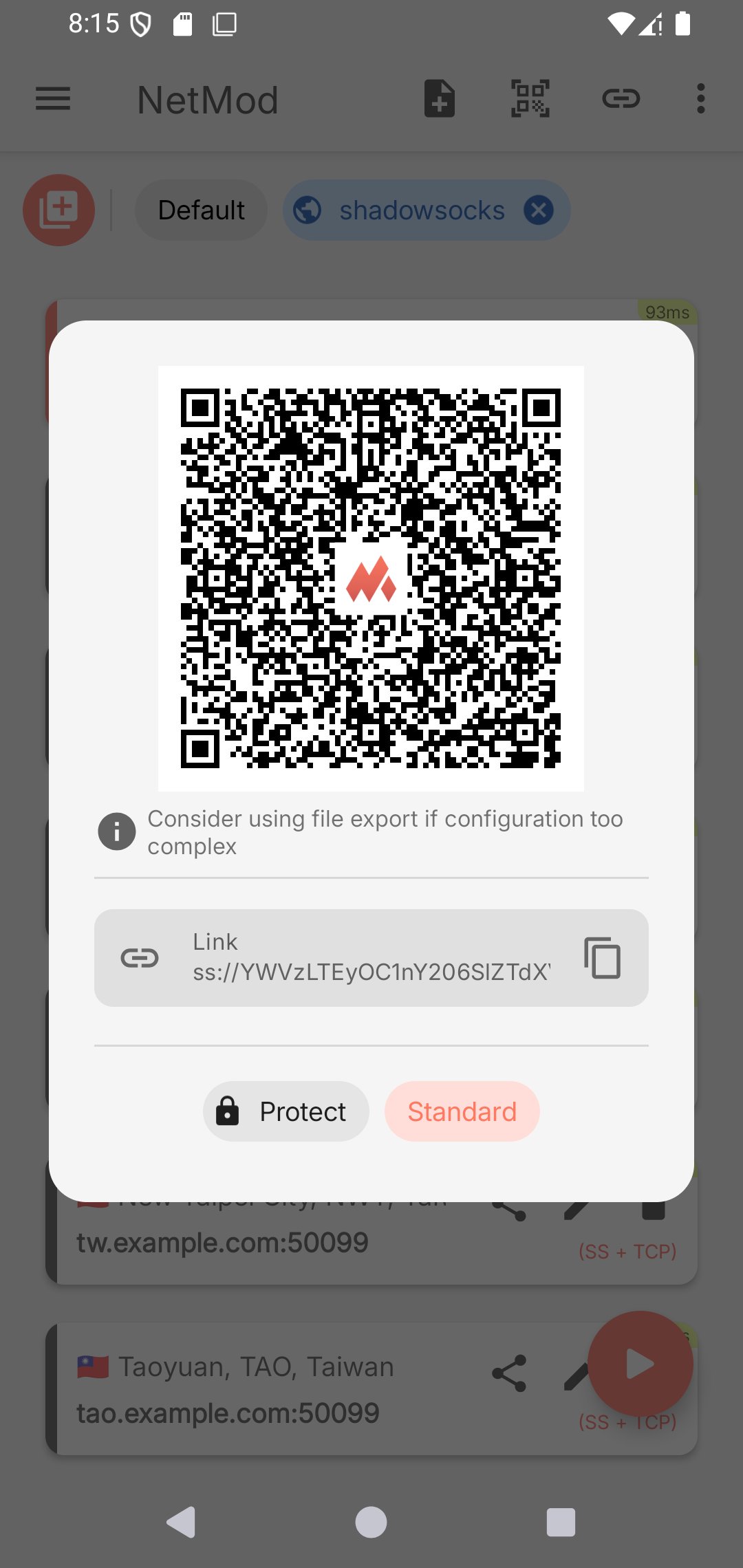
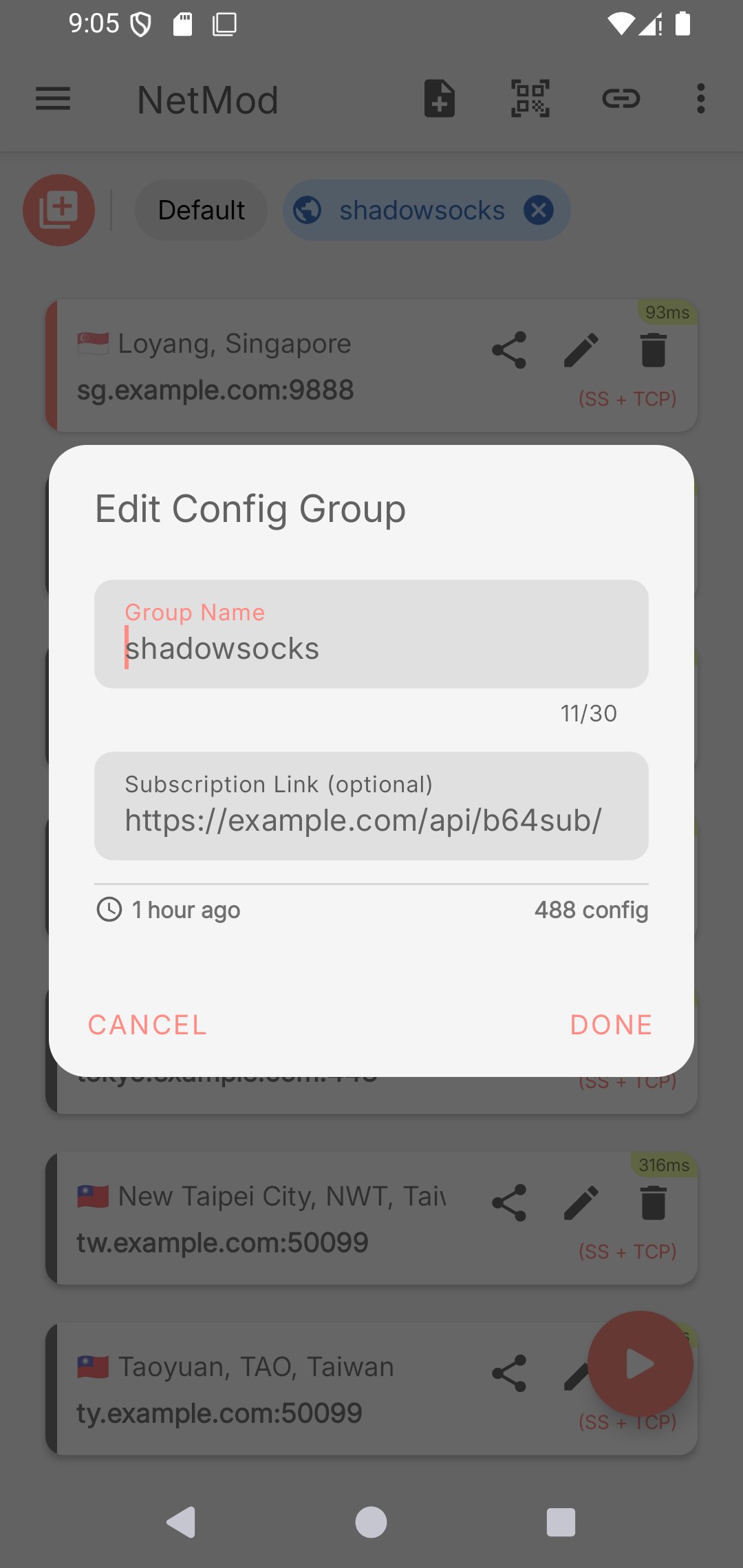
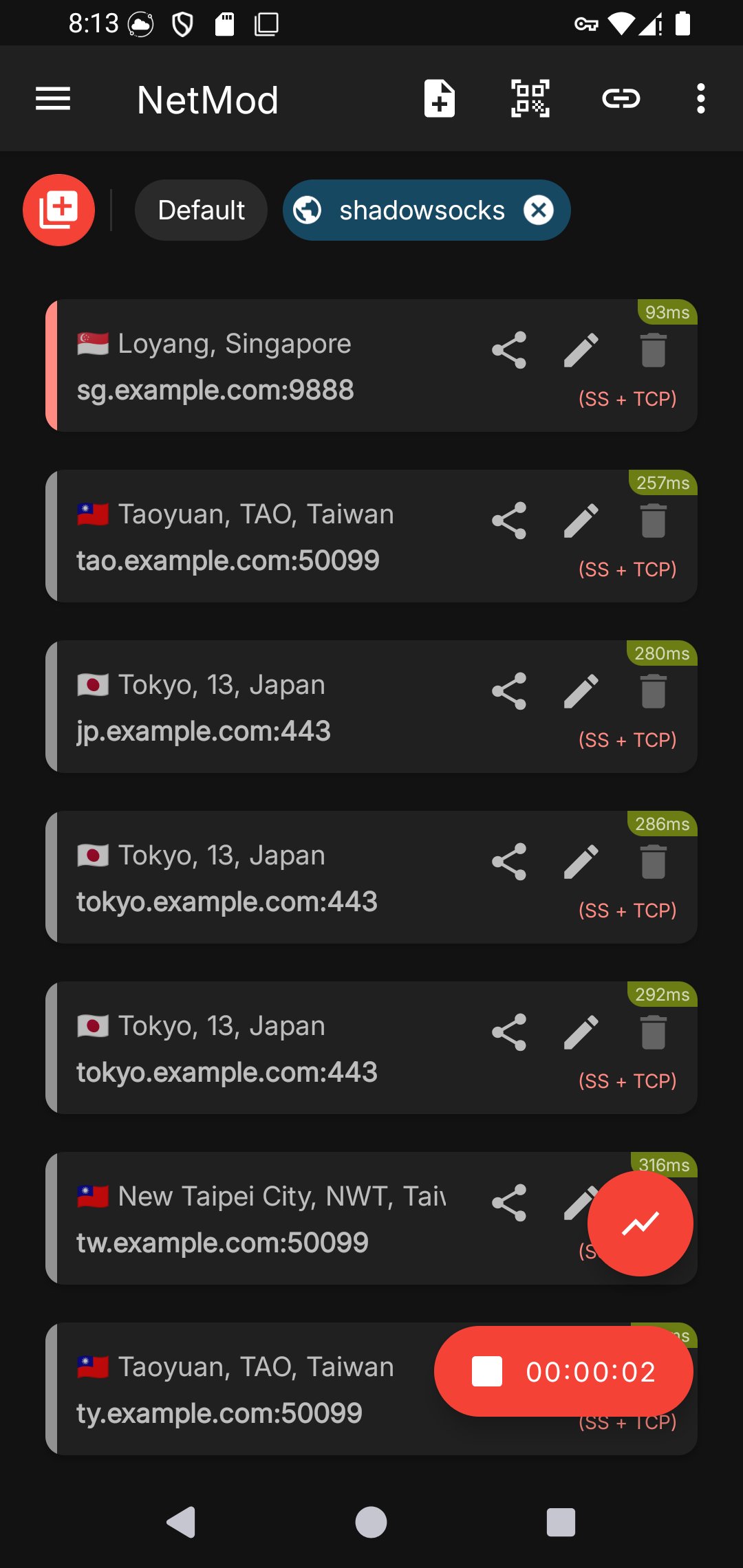
Easy configuration managementNetMod streamlines setup with multiple profiles, private config files, and QR code import and export. You can convert host names to IP and IP to host names, then confirm details with a quick IP lookup. These tools reduce manual entry and help you back up your settings for later use or share them with trusted contacts.
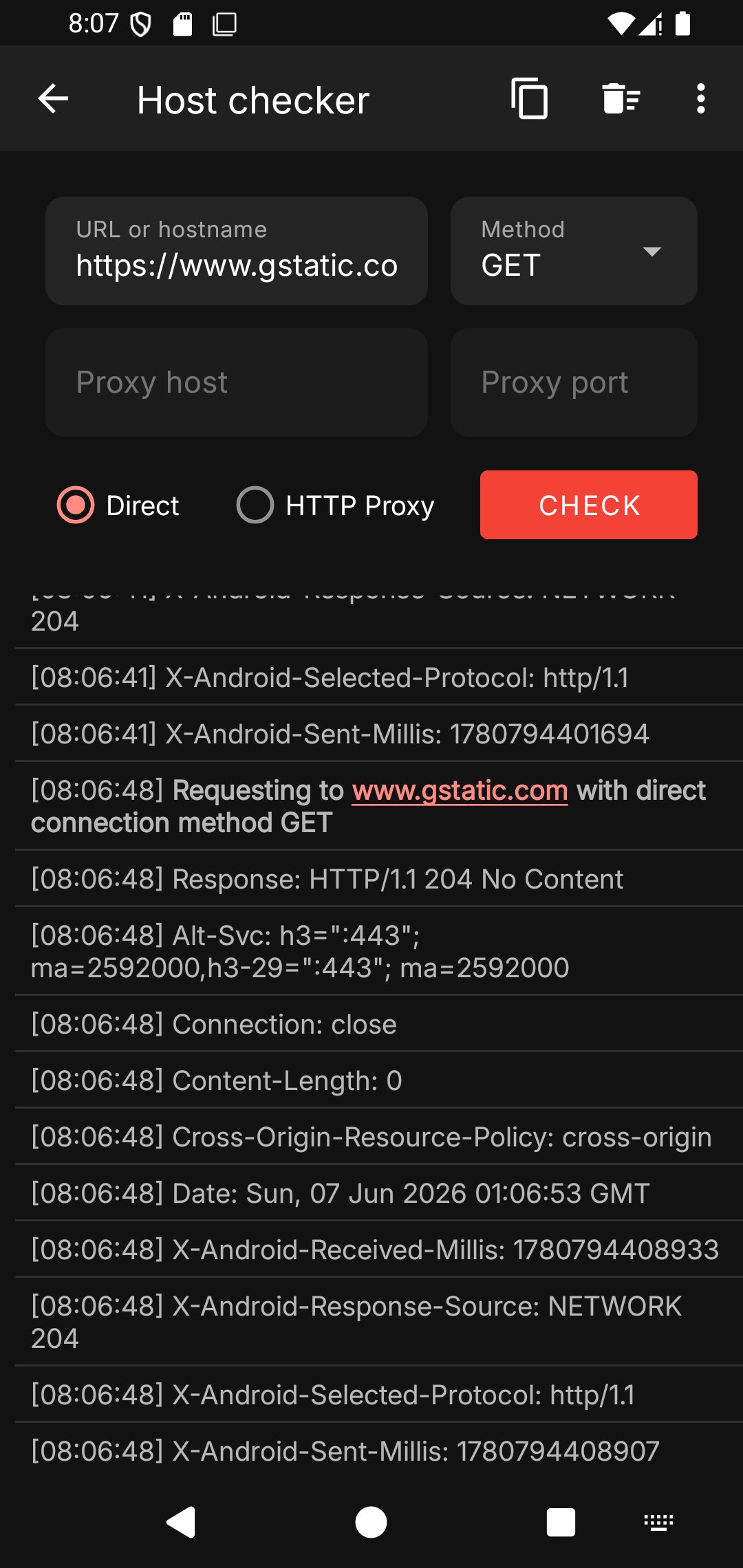
Diagnostics and pro utilitiesNetMod includes an HTTP payload generator, an HTTP response replacer, and a host checker for fast troubleshooting. There is also an integrated SSH client, V2Ray Xray core support, and pentest utilities for assessing network behavior. With these utilities, you can test services, tune requests, and identify routing problems without leaving the app.
Consider which protocol your server supports and whether your region blocks certain ports or domains. If you use community presets, confirm that the profiles match your server side settings and that credentials are current. For cross-device setups, exported QR codes can help you reuse the same parameters on other clients that support V2Ray, Shadowsocks, or WireGuard.
Private config files and QR import and export make it easier to share settings with a team or community. If you encounter references to NetMod Syna in community lists, treat them as naming tags rather than separate apps. As long as the protocol and server match, you can import and run that profile inside NetMod without rebuilding it by hand.
The developer’s companion app, DNS Changer - Resolvr, can help you set a stable DNS resolver before connecting. In regions with DNS interference, adjusting DNS first may improve initial handshakes and name resolution. Use it to test different resolvers and then return to NetMod to start your tunnel.
The steps below outline a basic setup that you can adapt to your server. If you use NetMod latest version, the screens may show minor layout changes.
NetMod offers flexible tunneling, practical privacy options, and portable configs for everyday and advanced needs. To begin, download NetMod and create a profile that matches your server and region.
Latest Version
4.3.0Uploaded by
Ram Arban
Requires Android
Android 6.0+
Category
Free Tools AppContent Rating
Everyone
Security Report
Check Now
Report
Flag as inappropriateLast updated on Sep 21, 2026
-Added Hysteria2
-Update Xray core to v26.1.23




APKPure - A multi-platform app store primarily focused on Android, providing extensive app-related content. Discover the app you want easier, faster, and safer, with quick and efficient downloads and installations.