Instagram Update 2026: Profile Cards, Reels Teleprompter and Your Algorithm

2026-10-08
Instagram added Profile Cards, a native Reels teleprompter, Your Algorithm controls for Reels, and profile grid reordering. Here's how the new features work.

Instagram shipped a batch of changes through 2026, and the October cluster is the one that touches how most people actually use the app. Profile Cards turn your profile into something shareable, Reels get a built-in teleprompter for talking-head videos, and Your Algorithm hands you the dials for what you see in Reels. There's a new typeface system behind the scenes, plus the ability to finally reorder your profile grid.
None of these are huge on their own. Together they point to a clear direction: Instagram is giving users more control over discovery and more tools to make content without leaving the app. Here's what each one does.
Instagram Profile Cards Turn Your Bio Into a Digital Business Card
Profile Cards are customizable, two-sided, animated cards that pull from your Instagram profile: profile picture, bio, links, music, and a QR code. Think of a virtual business card you can send to someone instead of asking them to search your name.
You personalize the card with a background image of your choice, tapping the pencil icon in the top-right corner to edit details. To share it, tap Share Profile from your profile banner, then send it via text or download it for use on other platforms.
The QR code is the practical part. At a conference, a meetup, or a class, a scannable code beats spelling out a handle, and it works when the other person doesn't already have Instagram open. For anyone who uses the app as a light networking tool rather than a content channel, this is the change most likely to earn a permanent spot in your routine.
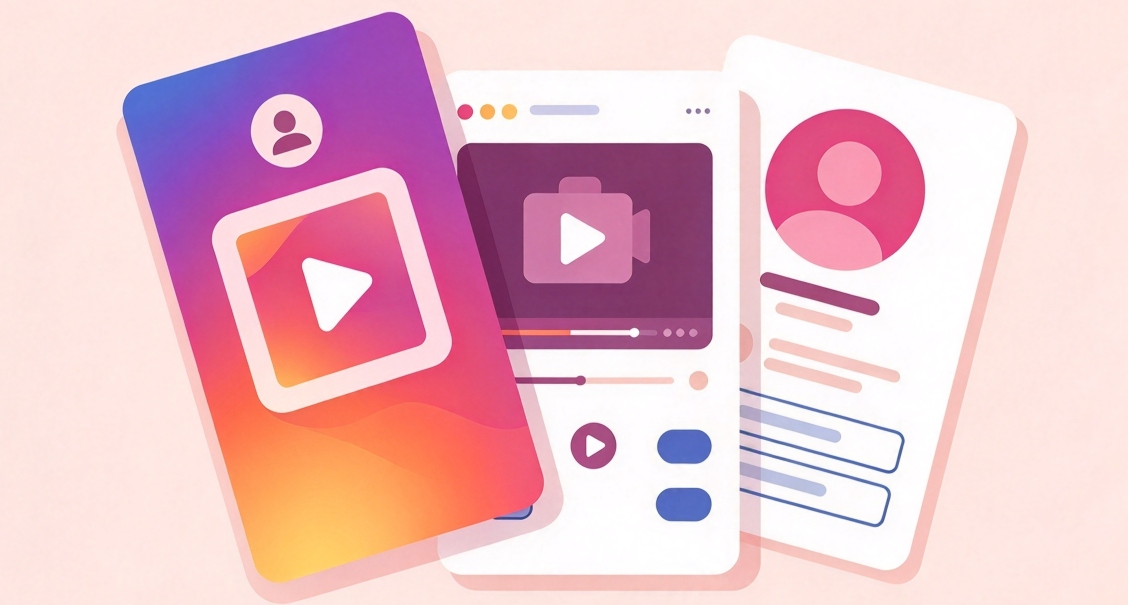
Instagram Reels Teleprompter Kills the Script Struggle
The teleprompter is exactly what it sounds like: a tool that shows your script on screen while you record, so you can read your lines instead of memorizing them or fumbling through retakes.
It arrived as part of Instagram's editing push and lands directly in the Reels creation flow. For talking-head videos, which is where most creators live or die, this removes the single biggest friction point. Recording a clean one-take without a second device or an external app used to be a hassle. Now it's native.
The upside is fewer retakes and shorter shoot time, which matters if you post regularly and don't have a production setup. The honest downside is delivery. Reading from a screen flattens your tone if you're not careful, and viewers can tell. Use it as a crutch for accuracy, not as a replacement for knowing what you want to say.
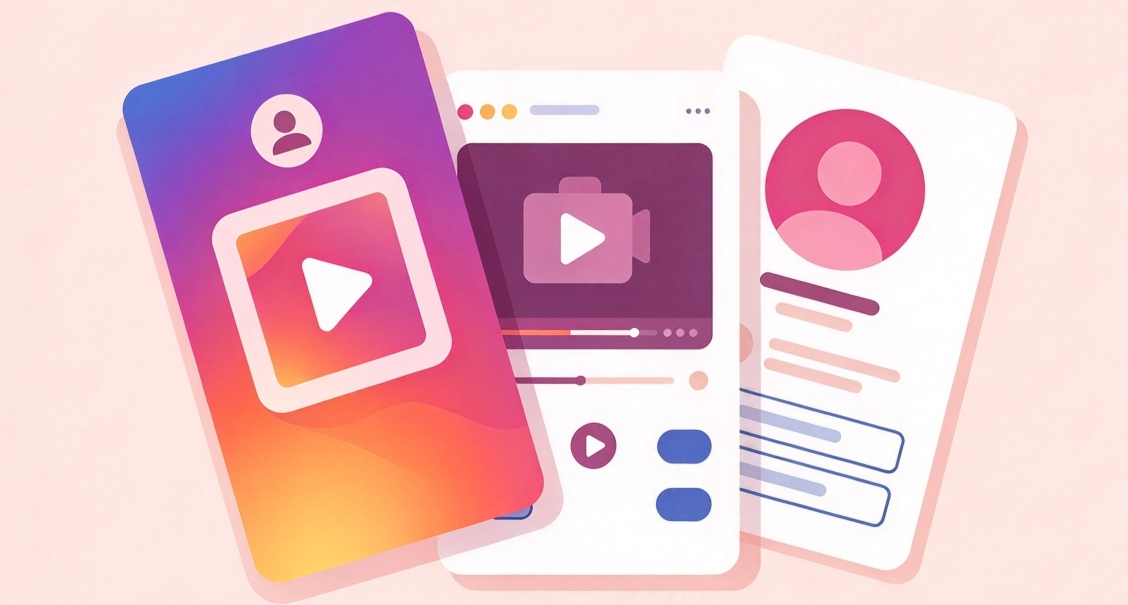
Instagram: Your Algorithm Gives You Control of Reels
Your Algorithm is the biggest change in the batch because it shifts control from the system to you. Instagram is rolling it out to all English-speaking users, and it lets you manually set your interests for Reels rather than only reacting to what the algorithm guesses.
To use it, open the Reels tab, tap the controls button in the top-right corner, and select or deselect topics. Instagram pre-fills a list based on your activity, and you can add custom tags for interests it missed. The feature has expanded across Instagram surfaces over the year, including Feed and Explore, so the settings now influence more than just Reels.
It's the first real lever users have had over what gets served to them. If your Reels tab is stuck showing content you've grown tired of, this is how you steer it, without the old workaround of liking and saving things you don't want to nudge the feed.
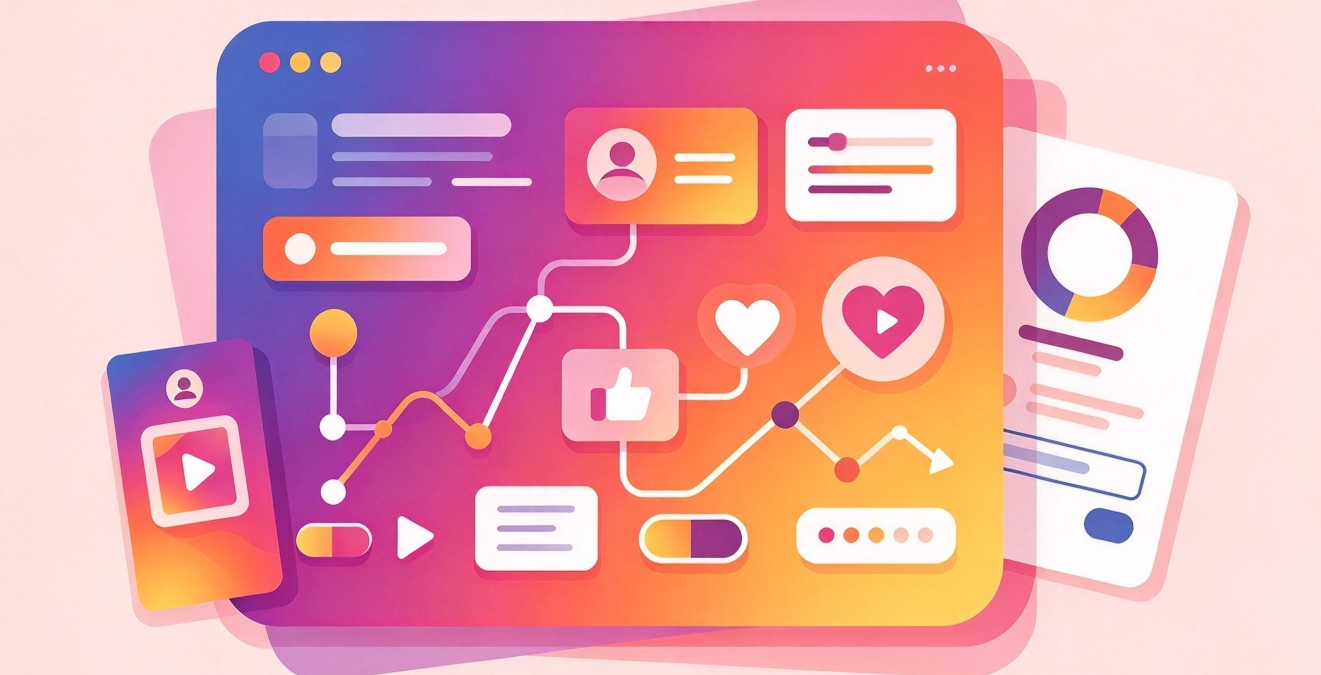
Instagram's New Type System and Wordmark
Less visible but still worth knowing: Instagram refreshed its visual identity. The wordmark changed for the first time in a decade, and the design system behind it now uses three typefaces. There's an updated Instagram Sans, plus two new ones: Instagram Pen for handwriting and Instagram Mono.
The gradient is used more sparingly now, and refreshed motion, layout, and interface work is rolling out through the rest of 2026. You'll notice this as small shifts in how text and elements appear across the app rather than one dramatic redesign.
If you manage a brand, the old wordmark is probably still sitting in email footers, media kits, follow-us graphics, and website social icons. None of it breaks. It just quietly ages, the way an old Facebook logo does, so a quick sweep of your materials is worth the time.
Instagram Lets You Reorder Your Profile Grid
For anyone who cares about how their profile looks, the grid is now yours to arrange. Instagram lets you reorder posts instead of leaving them in reverse-chronological order.
Go to your profile, tap and hold a post, choose Reorder grid, then drag content to a new position. The grid keeps a tagged icon on posts that were added through tags, and you can now pull posts you're tagged in onto your main grid.
The tagged-posts angle ties into Profile Cards and the general push toward profiles as destinations rather than feeds. If you run a business or creator account, a curated grid reads as more intentional than a chronological dump, and this is the first time the app has let you make that choice directly.
What This Adds Up To
Instagram is quietly rebuilding itself around creator tools and user control. Profile Cards make your identity shareable off-platform, the teleprompter lowers the bar for making video, Your Algorithm gives you a say in what you're shown, and grid reordering lets you present your profile the way you want.
The thread running through all of it: Instagram wants to be the place you make content, not just post it. Every one of these features reduces how often you need to leave the app for another tool. That's the same strategy behind its editing app and the expanding video tools, and it's why the pace of updates hasn't slowed.
For a regular user, the practical advice is to pick the two features that fit how you actually use the app and ignore the rest. Creators get the most from the teleprompter and Profile Cards. People who mostly scroll get the most from Your Algorithm.
So which one should you try first? Start with the feature that fixes your biggest annoyance today, and leave the rest for when you need them.
Note: Features roll out server-side, so two people on the same app version can see different things. If a new tool isn't showing up, it's usually not a bug, just a staged release.
- How to Download Skinseed for Minecraft APK Latest Version 6.6.2 for Android 2026
- OpenAI GPT-6 Update: Intelligent UI Comes to ChatGPT
- How to Download Personal Safety APK Latest Version for Android 2026
Download or update Instagram from APKPure to get these features on the current build, since some roll out server-side and won't appear until your app is current. Update the app once, then check the Reels tab for the algorithm controls and your profile menu for reordering, and you'll know which pieces have reached your account. While you're in settings, it's worth reviewing your account's privacy and permissions options, since the same updates that add control over your feed also add new profile-sharing surfaces worth understanding before strangers use them.
- How to Download Skinseed for Minecraft APK Latest Version 6.6.2 for Android 2026
- OpenAI GPT-6 Update: Intelligent UI Comes to ChatGPT
- How to Download Personal Safety APK Latest Version for Android 2026
 NEWS
NEWS REVIEWS
 HOWTO
HOWTO