Scan Date:Apr 22, 2026
Show More


OiTube: Skip Ads Tube is intended for Android users who want to watch videos or listen to music while staying focused on their chosen content. It brings playback, discovery, and account tools into one interface, so users can search for content and manage what they follow in the same place. In addition, the OiTube: Skip Ads Tube latest version is designed for people who often switch between videos, music, messages, browsing, and social apps during the day.
Ad and popup blocking inside OiTube
OiTube: Skip Ads Tube reduces video ads, adverts, and popups while content plays in its own player. This ad blocker applies to videos opened directly in OiTube. It does not remove ads from videos played in other apps.
Keep audio or video playing in the background
You can continue playback after leaving OiTube to reply to messages, browse websites, or use another app. This background play option can be useful when you only need to listen to music, a talk, or other video audio. Playback remains available while you move between supported activities on the phone.
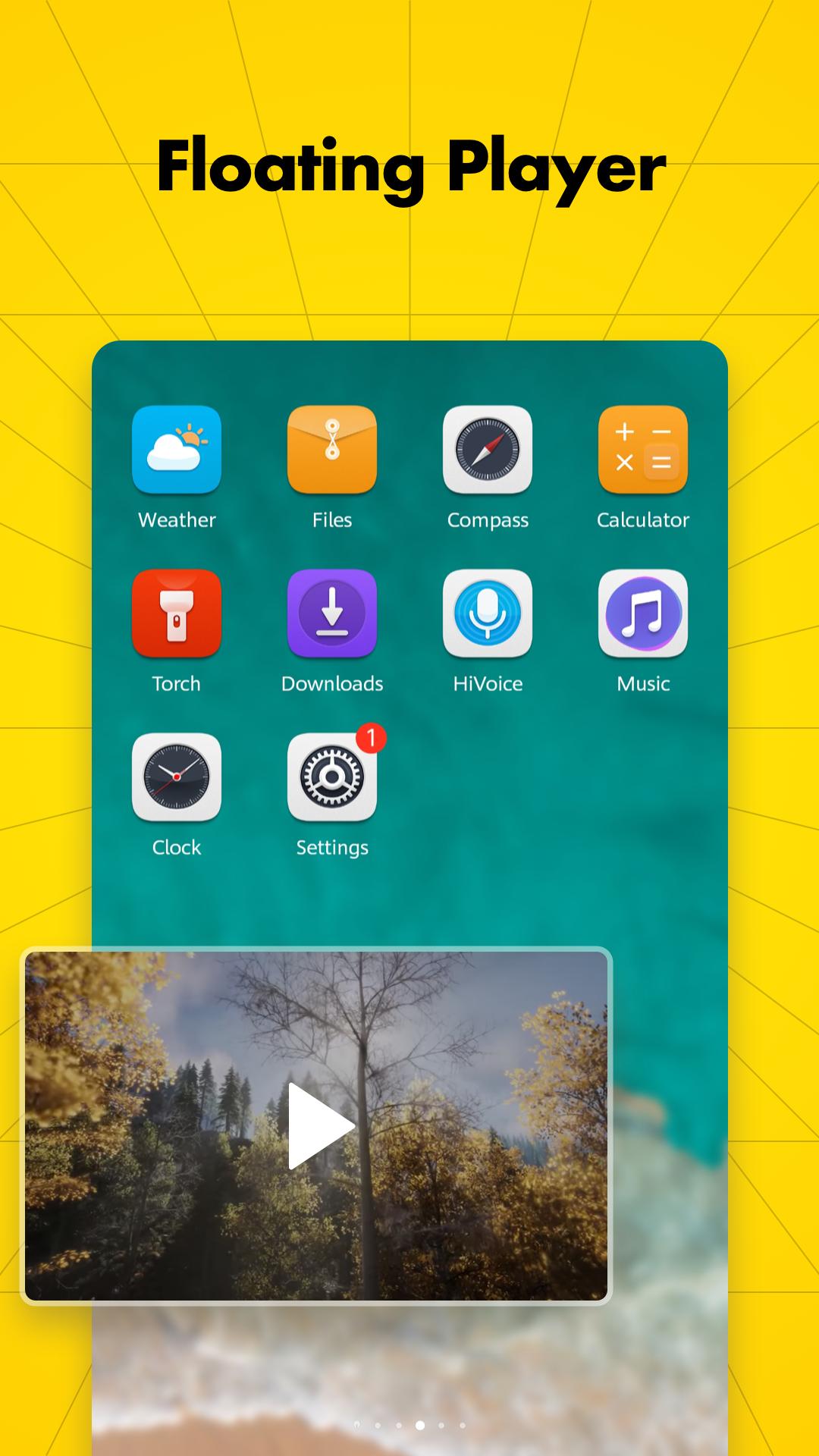
Use a movable video window
OiTube: Skip Ads Tube offers Floating Play Mode for watching a video in a popup window. You can move the window around the screen and resize it to fit the space you need. When you want to focus only on the video, you can return to full screen viewing.
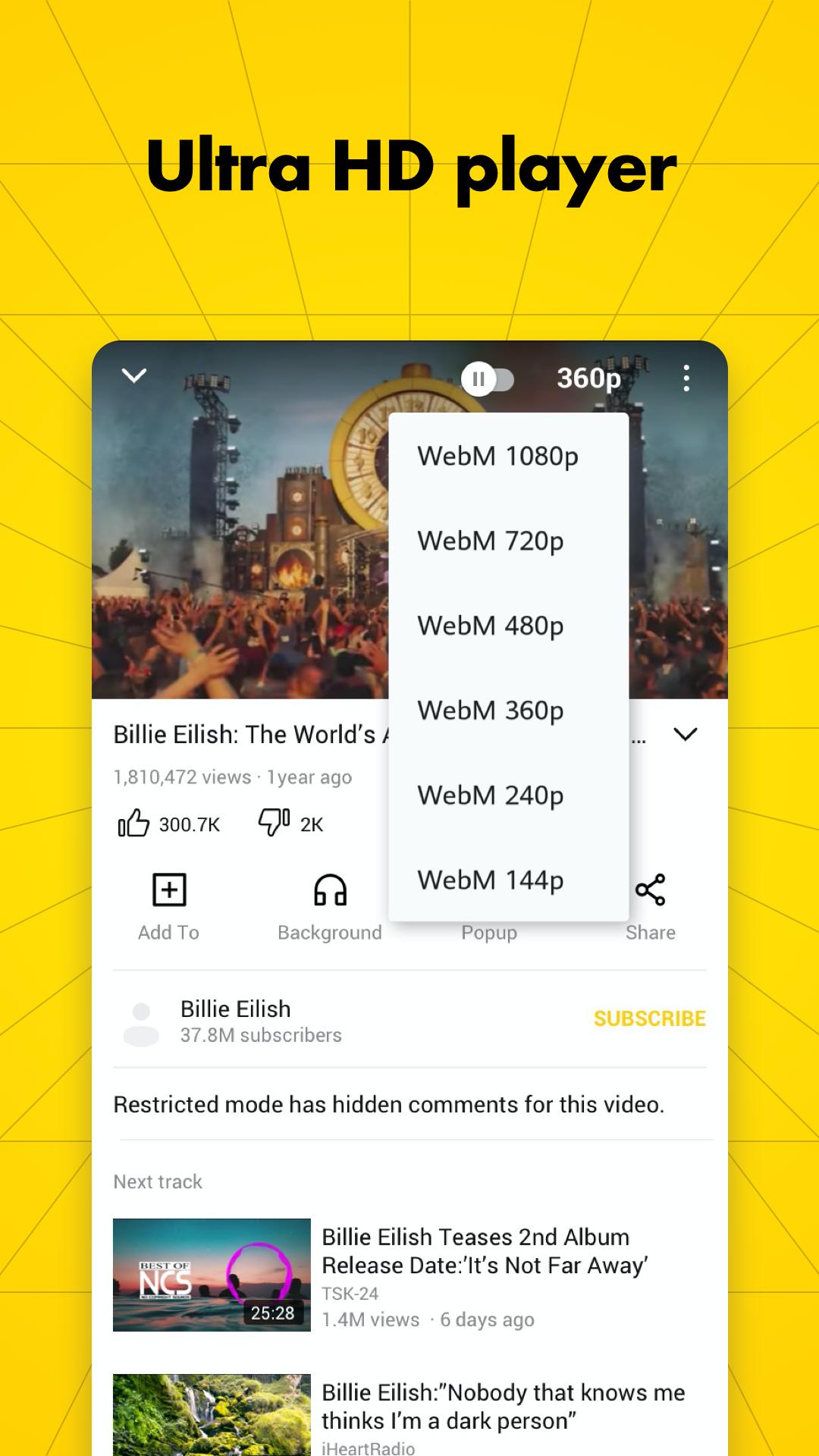
Choose available video quality
You can play supported videos in several resolutions, including 720p, 1080p, HD, Ultra HD, and 4K. The available quality can depend on the video and your network connection. This makes OiTube useful as a 4K video player when the selected content supports that resolution.
Control playback and find content
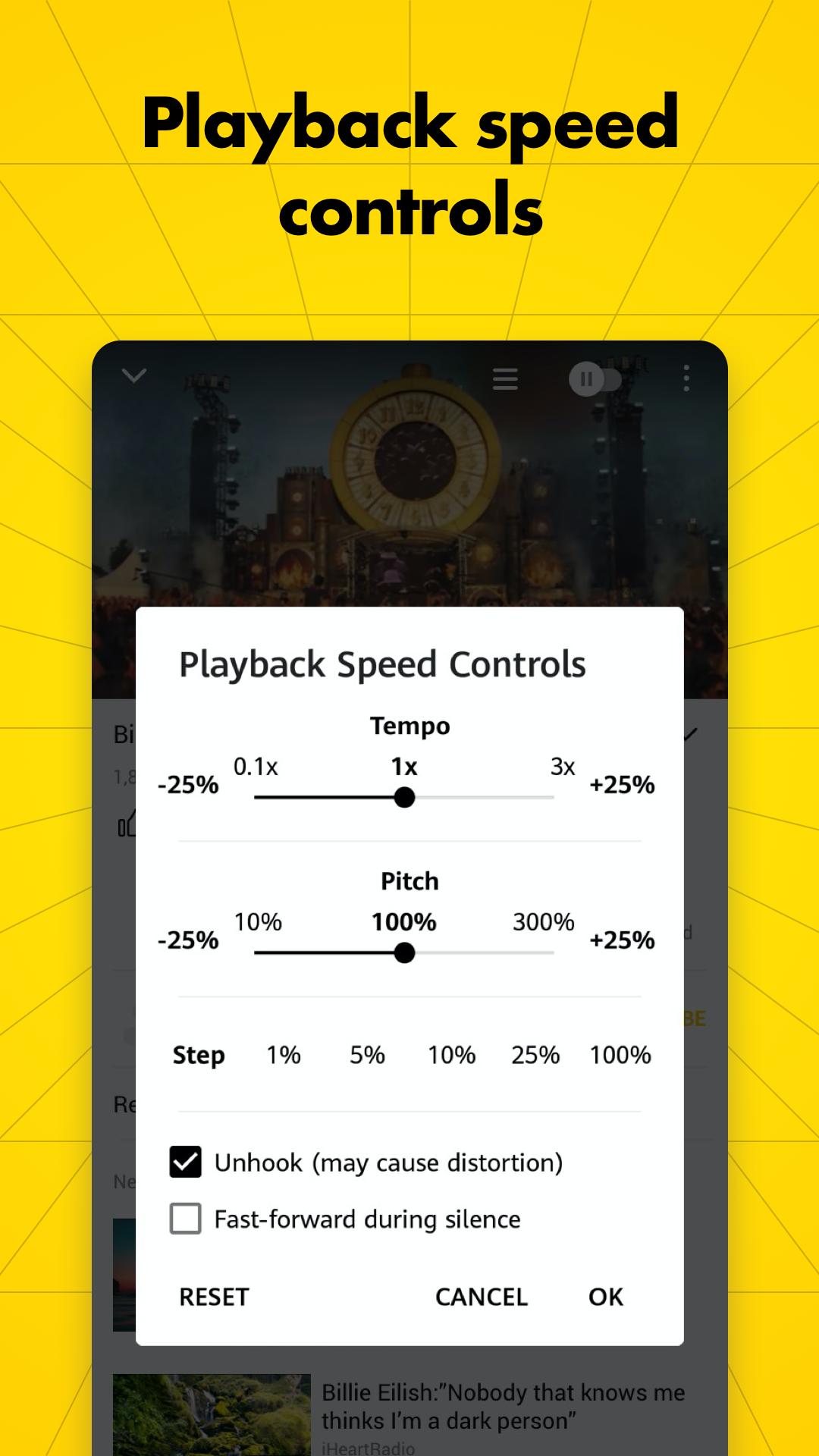
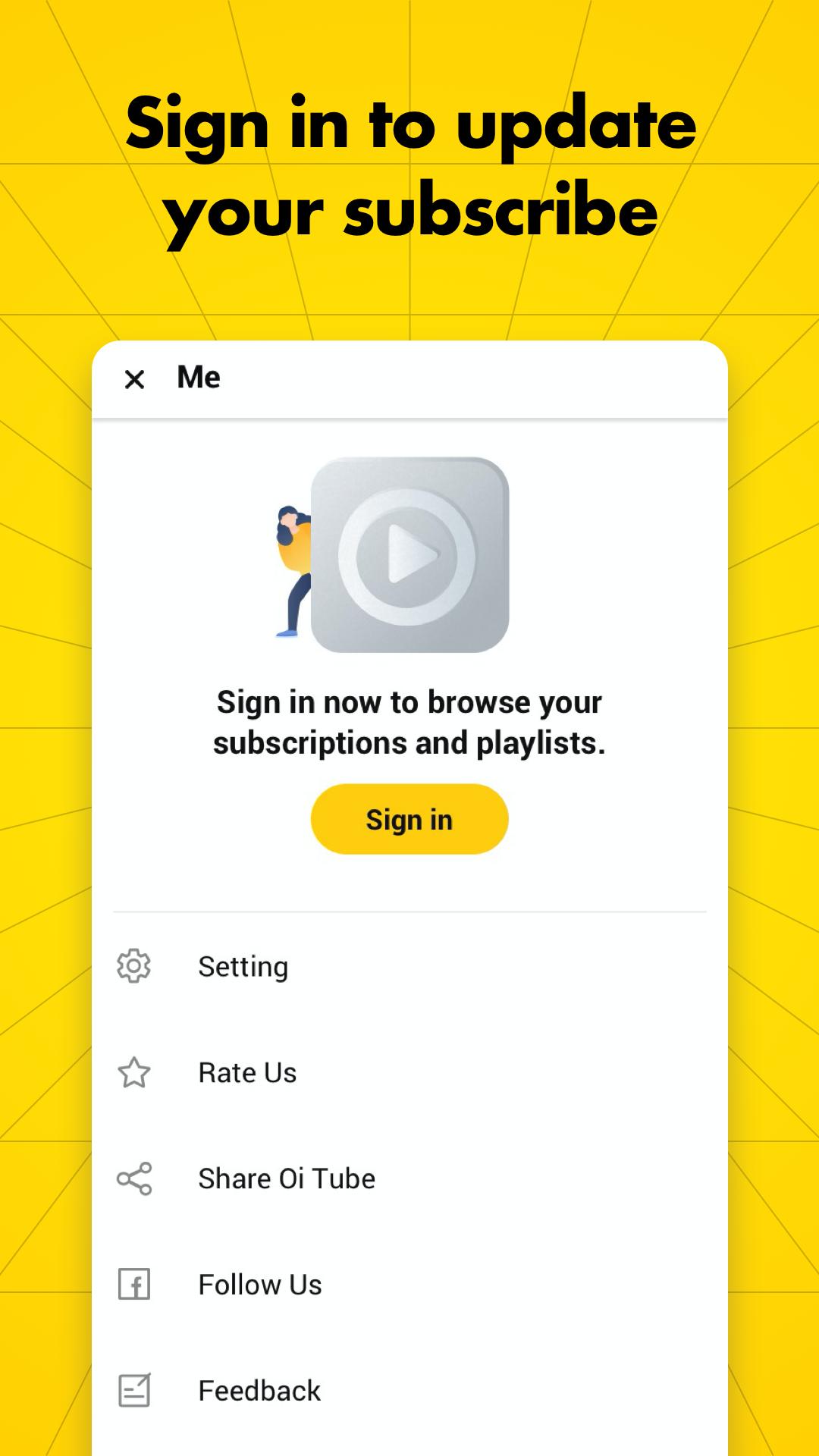
OiTube: Skip Ads Tube lets you adjust brightness, volume, and playback speed directly from the player. You can also search for videos or music, browse trending content, save favorites, and share videos. If you sign in, the app can show updates from channels you follow and help organize subscriptions.
Ad blocking works within OiTube only, so content must be opened and played in OiTube for the feature to apply. It does not change ads shown by other video or streaming apps. Also, some video ads may still appear or may not be skippable, depending on the content being played.
If ads continue to appear, first confirm that the video is playing in OiTube rather than another app. Next, close and restart OiTube, then try the video again. If playback buffers, check the network connection and clear the app cache through your Android device settings before retrying.
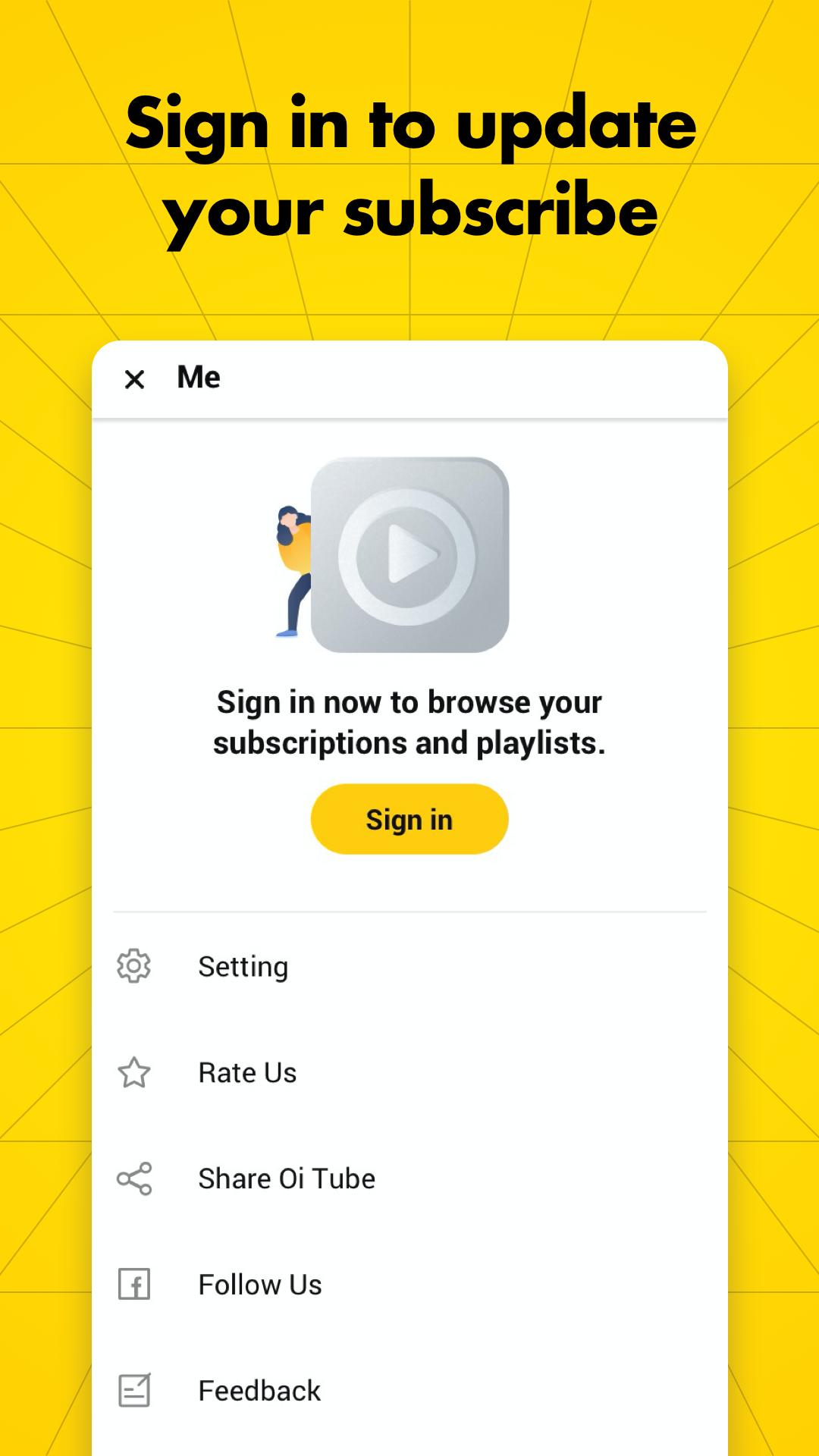
You can search for content and browse trending videos without signing in. Signing in is mainly useful if you want to follow channels, view subscription updates, and keep your followed content organized. Consider whether these account tools are important before choosing how to use the app.
After you download OiTube: Skip Ads Tube, open it and use the search area or trending section to find a video or music track. Start playback in OiTube to use its player controls and in app ad blocking.
Open OiTube: Skip Ads Tube on your Android phone and search for a video, music track, or channel.
Select the content and begin playing it inside OiTube instead of opening it in another app.
Use the player controls to change the volume, brightness, or playback speed as needed.
Switch on Floating Play Mode if you want the video in a movable window while using messages, browsing, or social apps.
Leave the app when you want background playback, or sign in later if you want to follow channels and check subscription updates.
OiTube: Skip Ads Tube combines in app ad blocking, video and music playback, and multitasking controls for Android users. Download the OiTube: Skip Ads Tube APK if you want to play content directly in OiTube and use its background and floating playback options.
Latest Version
5.6.40.101Uploaded by
OiTube Team
Requires Android
Android 5.0+
Available on
OiTubeCategory
Free Tools AppContent Rating
Mature 17+ · Strong Language
Security Report
Report
Flag as inappropriateLast updated on Apr 24, 2026
This release includes minor bug fixes and general improvements. Update to the latest version for the best experience.




APKPure - A multi-platform app store primarily focused on Android, providing extensive app-related content. Discover the app you want easier, faster, and safer, with quick and efficient downloads and installations.