Scan Date:Jun 18, 2026
Show More
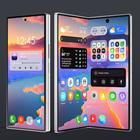

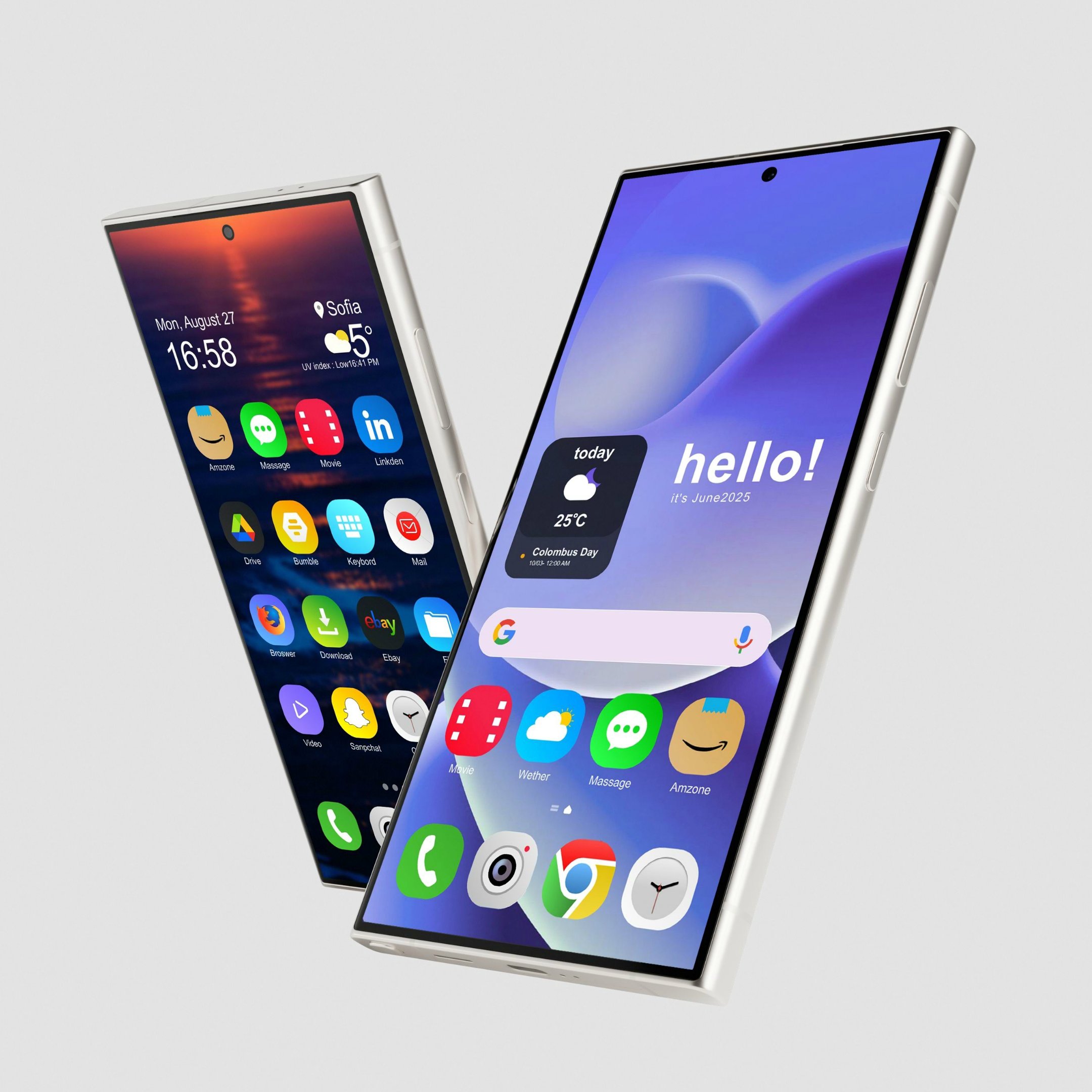
OneUI 8 Icon Pack suits users who want a consistent Samsung One UI 8 look across their home screen without heavy tweaking. It focuses on simple setup through a built in dashboard and offers a cohesive visual style for everyday apps. If you plan to download OneUI 8 Icon Pack, note that it is not a standalone app and requires a compatible launcher such as Nova, Lawnchair, Apex, or Smart to apply icons. This helps avoid confusion during installation and ensures a smooth first use.
OneUI 8 Icon Pack provides crisp, modern icons that follow the Samsung One UI 8 design language. Shapes and colors are kept consistent so the grid looks tidy at a glance. This gives your home screen a unified appearance that matches the style you expect from One UI.
One tap apply from the dashboardYou can change all supported app icons with a single tap inside the app dashboard. The apply flow guides you to pick your launcher and confirms the change quickly. This reduces manual steps and makes it easier to switch themes whenever you prefer.
Matching wallpapers for a cohesive lookThe pack includes curated wallpapers designed to pair with the icons. You can select a wallpaper that complements the icon colors and shapes, then set it to complete your home screen. This approach keeps icons and background aligned for a cleaner result.
Wide support for popular launchersOneUI 8 Icon Pack works with many Android launchers, including Nova, Lawnchair, Apex, and Smart. Choosing one of these launchers allows the icon pack to apply properly and maintain consistency across your apps. This flexibility helps users keep their preferred launcher while updating their theme.
Free style changes and ongoing updatesYou can adjust the icon style without extra cost, which makes it easy to refresh your setup over time. New icons and wallpapers are added on a regular basis, so coverage grows as more apps are included. This keeps your layout current as your app list evolves.
The app is inspired by the Samsung One UI aesthetic but is not affiliated with or endorsed by Samsung. Icons and wallpapers are applied through compatible third party launchers rather than through system settings.
The app contains ads. According to the developer, data is encrypted in transit to protect information during transfer.
If you need the OneUI 8 Icon Pack latest version, check the version details shown on this page before installing. Updates gradually add new icons and wallpapers over time to expand coverage.
After installing the OneUI 8 Icon Pack APK, you can apply the icons through a compatible Android launcher. The process uses the app’s dashboard and takes only a few steps. A launcher such as Nova or Lawnchair is required to complete the change.
OneUI 8 Icon Pack offers a consistent One UI style with quick apply and broad launcher support. To refresh your home screen with cohesive icons and matching wallpapers, download OneUI 8 Icon Pack and follow the simple apply steps. This setup helps you keep a clean look while using your preferred Android launcher.
For support or more details, use the official links below.
Latest Version
v1.1.0Uploaded by
Sanjay Hazra
Requires Android
Android 6.0+
Category
Free Personalization AppContent Rating
Everyone
Security Report
Report
Flag as inappropriateLast updated on Jun 18, 2026
This release includes minor bug fixes and general improvements. Update to the latest version for the best experience.





APKPure - A multi-platform app store primarily focused on Android, providing extensive app-related content. Discover the app you want easier, faster, and safer, with quick and efficient downloads and installations.