

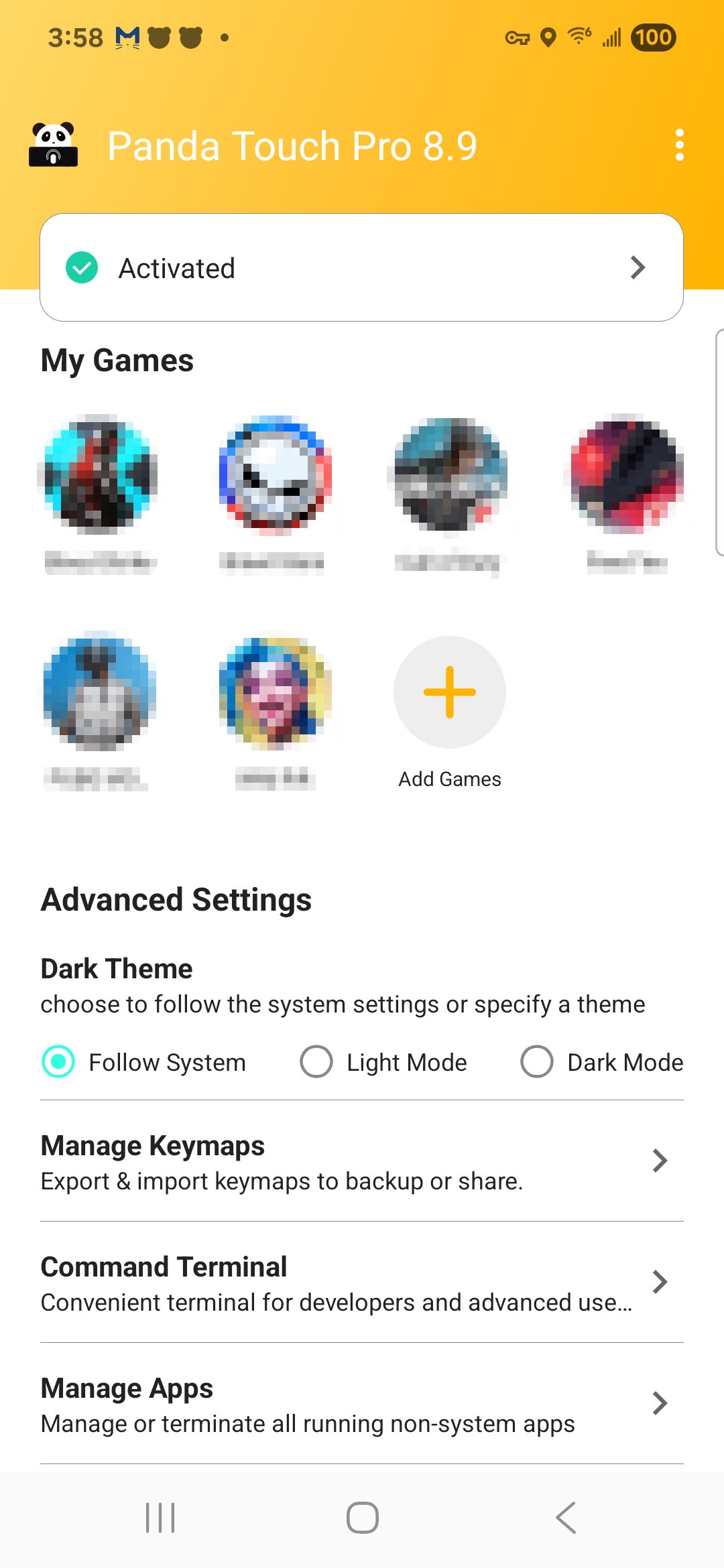
Panda Touch Pro helps when a game demands more inputs than your thumbs can manage. It turns routine gestures into reliable, repeatable actions so you can focus on timing and positioning instead of juggling controls. The app is built for players who want steady inputs across different titles, and it supports modern Android setups with a simple activation flow. It also works alongside companion tools for keyboard, mouse, or gamepad use, making control changes smoother between sessions. For easy access and installation, Panda Touch Pro APK is widely used by Android gamers.
Panda Touch Pro lets you convert hardware keys such as volume and power into multi touch gestures, directional swipes, ordered taps, and mapped macros. You can place virtual buttons on the screen to match a game’s layout, then link each button to a chosen input. This setup aligns physical presses with exact touch points so actions trigger where you expect. It also helps keep your layout consistent between titles that share similar interfaces.
One tap executionYou trigger chains of gestures with a single press for faster reactions during tight scenarios. For example, a dodge, aim, and shoot sequence can become one input that fires in the order you define. This reduces repeated manual steps and makes common routines easier to repeat. As a result, you keep attention on movement and positioning while the app handles the sequence timing.
Macro engine for routinesThe macro editor supports clicks, multiple clicks, delays, slides, presses, and multi presses so you can automate longer patterns. You can fine tune delays to match cooldowns, reloads, or animation lengths for your game. Separate macro groups can be saved into different profiles, which helps when switching between genres or control schemes. Once saved, these sequences run the same way each session to keep your inputs predictable.
Custom crosshair for FPS aimingPanda Touch Pro provides crosshair options with selectable types, colors, and sizes so the reticle remains visible on different maps and lighting. You can adjust the reticle until it fits your preferred aim reference and works with the game’s field of view. Because the crosshair is managed by the app, it stays steady while you move and shoot. This adds a clear center point for tracking targets and refining aim habits over time.
Activation and ecosystem supportActivation is streamlined on newer Android versions, and on device steps guide you through the process for Android 11 and later. On Android 10 and earlier, a quick activation using a computer may be required, while rooted devices can complete auto activation. Additionally, Panda Touch Pro complements Panda Mouse Pro and Panda Gamepad Pro so you can maintain consistent controls whether you use touch, a keyboard and mouse, or a gamepad. The app is free to use with ads, which allows you to evaluate setups and profiles without upfront payment.
The steps below outline a simple way to get Panda Touch Pro running in a mobile game. If you use the Panda Touch Pro latest version, the overall flow remains similar on most supported Android devices. Adjust details later to fit each title you play.
Panda Touch Pro focuses on precise touch mapping, one tap execution, macros, and crosshair tools for mobile games. If these controls match your needs, download Panda Touch Pro and create a profile that suits your preferred titles.
For official resources and support, use the following channels:
Latest Version
14.5Uploaded by
Jigme Ngawang Namgyal
Requires Android
Android 6.0+
Category
Free Tools AppContent Rating
Everyone
Report
Flag as inappropriateLast updated on Sep 30, 2026
• Staged recoil control: in the "Use for firing" section of a Multiply or Macro key, build a pattern from stages, each with its own duration and strength.
• Horizontal recoil control (Panda Pro+).
• Recoil timing is now accurate and unaffected by device lag.
• Gyro|Recoil settings are grouped for easier access.
• Larger maximum crosshair size.
• New guide animation for the Swipe key.
• Sharper icons on tablets and high-resolution screens.
• Fixed the background process restarting after exit.



APKPure - A multi-platform app store primarily focused on Android, providing extensive app-related content. Discover the app you want easier, faster, and safer, with quick and efficient downloads and installations.













