

Scan Date:Feb 21, 2025
Show More

PdaNet+ helps when your mobile hotspot is blocked, metered, or unreliable. It lets you bring a laptop or tablet online through your phone without rooting or needing a special carrier tether plan. The setup is guided inside the app with clear tips, and you can choose the connection method that fits your situation. As a result, you stay connected on the go with practical options that work in everyday scenarios. For users comparing options, PdaNet+ APK provides a straightforward way to get started.
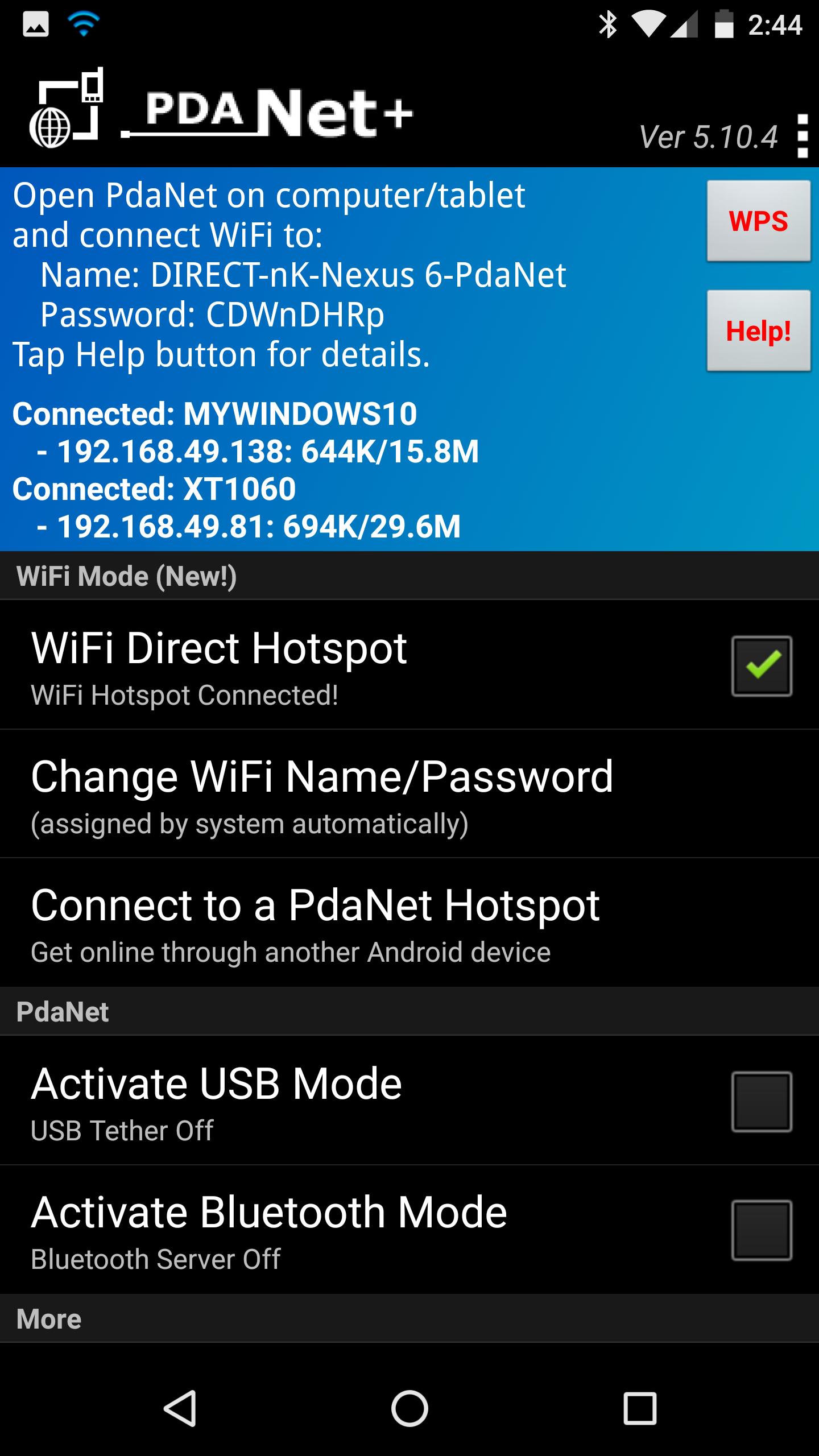
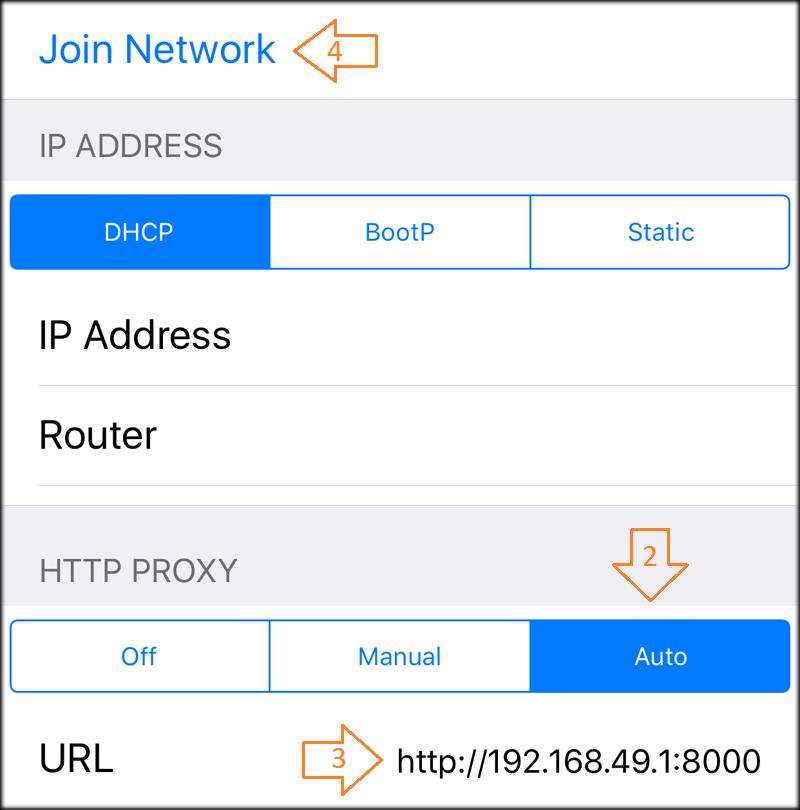
PdaNet+ offers a WiFi Direct Hotspot so you can connect laptops and tablets even when standard hotspot is blocked. You join the hotspot using the companion client app or by setting a proxy as instructed in the Help section. This mode is meant for computers and tablets only, and it does not support game consoles, TVs, or streaming boxes. It is a practical choice when you need to bypass carrier restrictions in a simple way.
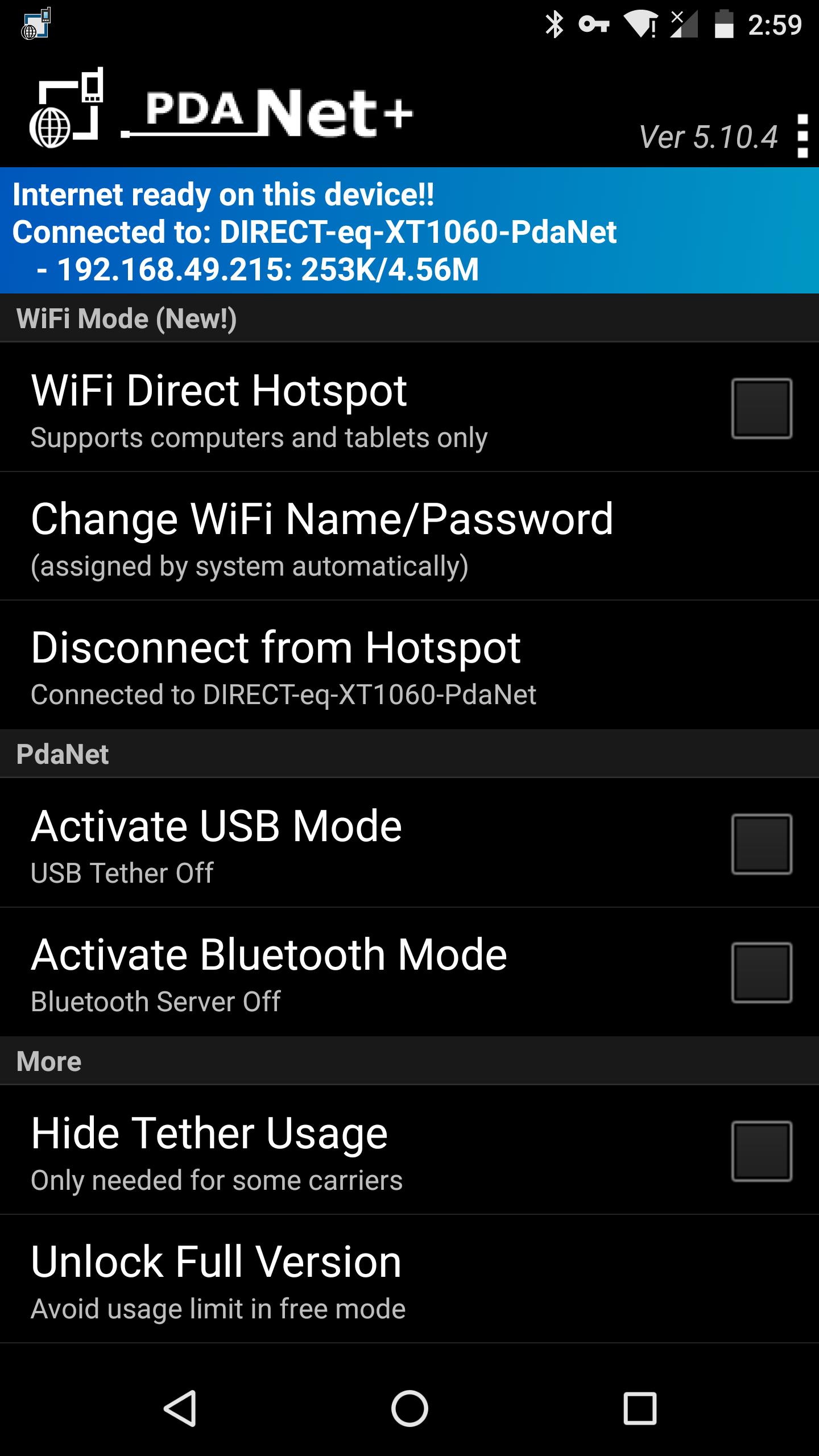
USB tethering with WiFi ShareYou can tether by USB for a fast and steady link to Windows or Mac. After the USB connection is active, PdaNet+ includes WiFi Share on your computer so you can turn the computer into a hotspot and pass the connection to other devices. This is useful when you want multiple devices online from one phone connection. It keeps the phone link stable while extending access to nearby devices.
Bluetooth tethering optionBluetooth tethering lets you connect to Windows without a cable. It helps when USB is not convenient or when WiFi Direct is not ideal in your environment. While Bluetooth may be slower than USB, it can be reliable in places with busy WiFi. The in-app Help guides you through pairing and connection steps.
No root and works around hotspot blocksPdaNet+ does not require root and is designed to function even when carriers block or meter standard hotspot features. This can reduce the need for a separate tether plan on many data plans. The app focuses on practical access so you can use your existing phone data. It gives you choices that fit common plan limits.
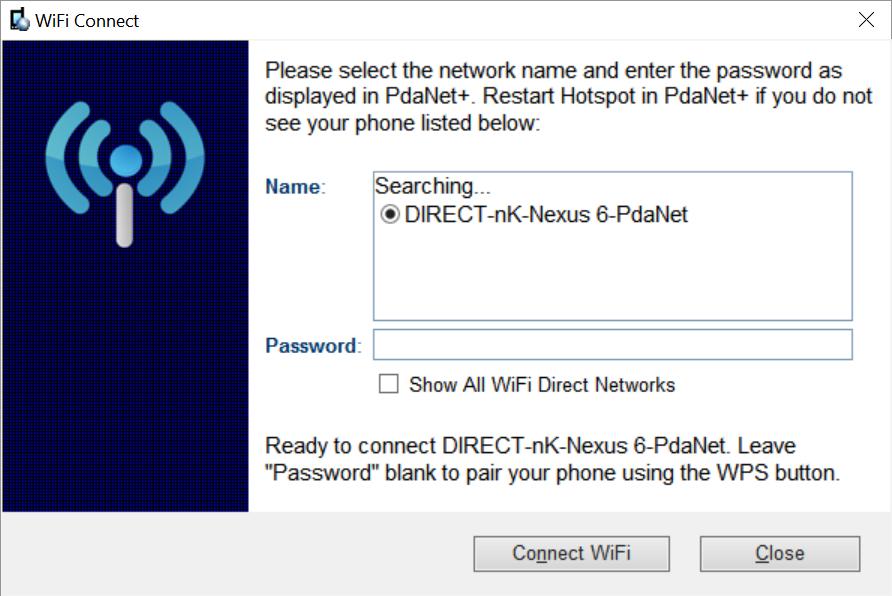
Guided setup and simple troubleshootingThe Help section walks you through setup and common issues in clear steps. If Windows pairing is a problem, you can restart the hotspot and use the “Show All WiFi Direct Hotspot” option to check for 5GHz support. The app explains client installation, proxy use, and connection checks. These guides keep the process straightforward for new users.
Many users face one of four data plan situations. Some plans block hotspot entirely, some allow it but count hotspot data against a smaller quota, and some slow hotspot traffic after a limit. Other plans allow hotspot freely without limits. PdaNet+ helps most in the first three cases, where standard hotspot is blocked, metered, or capped. If your plan fully allows hotspot with no extra fees or limits, you may not need it.
The WiFi Direct Hotspot requires either the client app on your laptop or tablet or a proxy configuration, as shown in the in-app Help. It is not designed for game devices, TVs, or streaming boxes. Due to changes in Android’s WiFi scan APIs, PdaNet+ requests location permission to run hotspot features correctly. For USB or Bluetooth on Windows, desktop components are available at http://pdanet.co/install. If the computer does not recognize USB, use the driver at http://pdanet.co/driver.
PdaNet+ offers a free edition with a timed usage limit, and it includes the same core features. A single license is priced at $14.94, with occasional limited-time pricing at $7.95. Users who need longer continuous sessions can consider the license for uninterrupted use. Pricing is provided for decision-making and may change over time.
After you download PdaNet+, the app guides you through permissions and connection choices. Pick a tethering mode based on your device and environment, then follow the prompts shown on your phone and computer. This keeps setup simple for daily use without extra steps.
PdaNet+ provides WiFi Direct, USB, and Bluetooth tethering without root, and it addresses common hotspot limits. It is useful for users who need reliable phone-to-computer connectivity in daily situations. For best compatibility and guidance, use the PdaNet+ latest version.
For official resources and desktop components, visit the PdaNet+ website below.
Latest Version
5.32Uploaded by
Hedayat Ozbak
Requires Android
Android 5.1+
Category
Free Communication AppContent Rating
Everyone
Security Report
Report
Flag as inappropriateLast updated on Sep 27, 2023
Fix WiFi direct connection drops. Keep the screen on to avoid on some phones.


APKPure - A multi-platform app store primarily focused on Android, providing extensive app-related content. Discover the app you want easier, faster, and safer, with quick and efficient downloads and installations.