

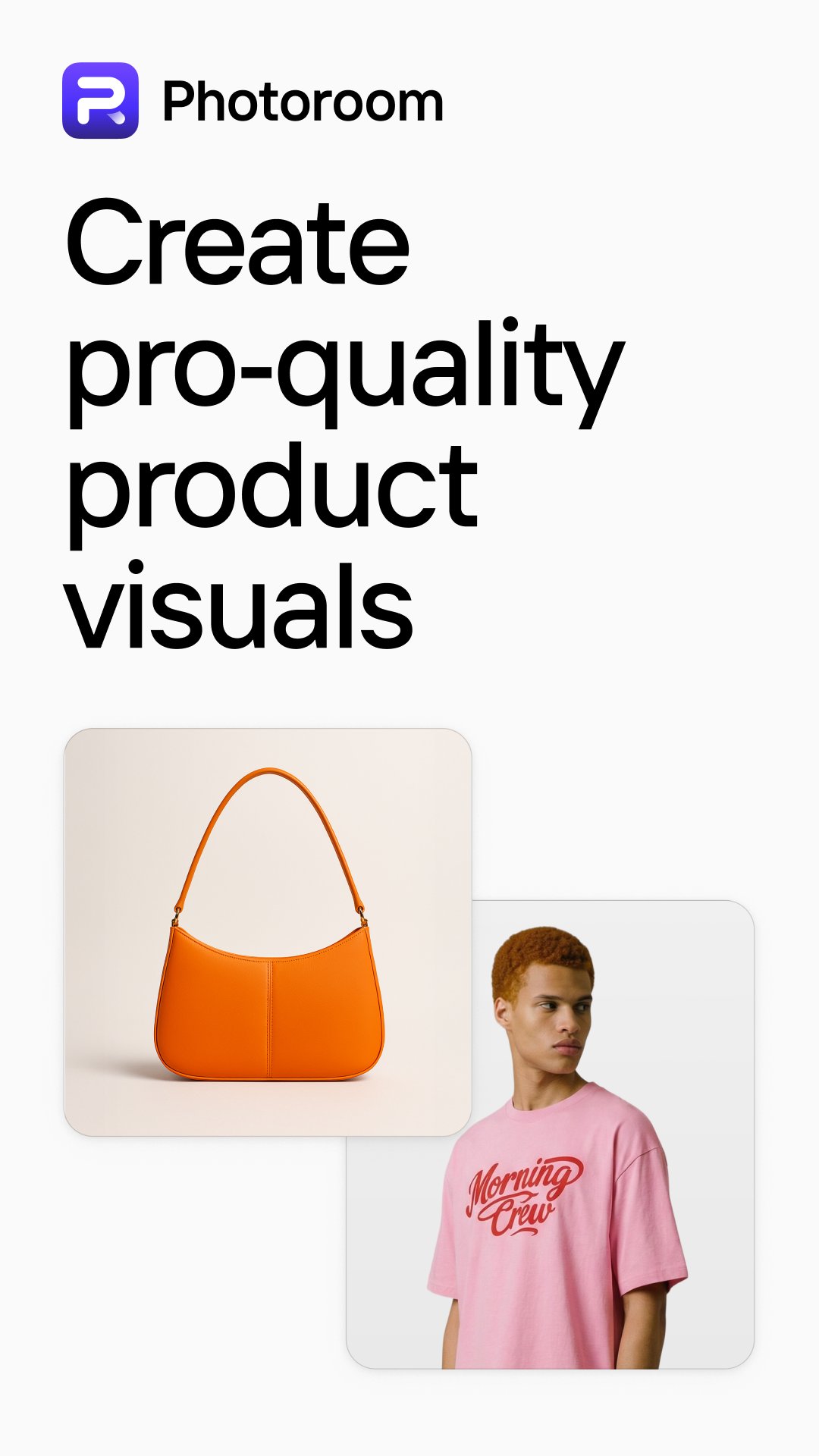
Photoroom helps sellers, resellers, and creators who need fast, consistent product images and social posts without a complex studio setup. It focuses on turning everyday photos into clear listings and simple promotional assets that fit marketplace standards. With automatic cutouts, templates, and tools for product staging, it reduces repetitive editing and keeps images aligned with your brand. If you prefer installing outside a store client, Photoroom APK is available for users who want a direct download option.
Background remover and eraser
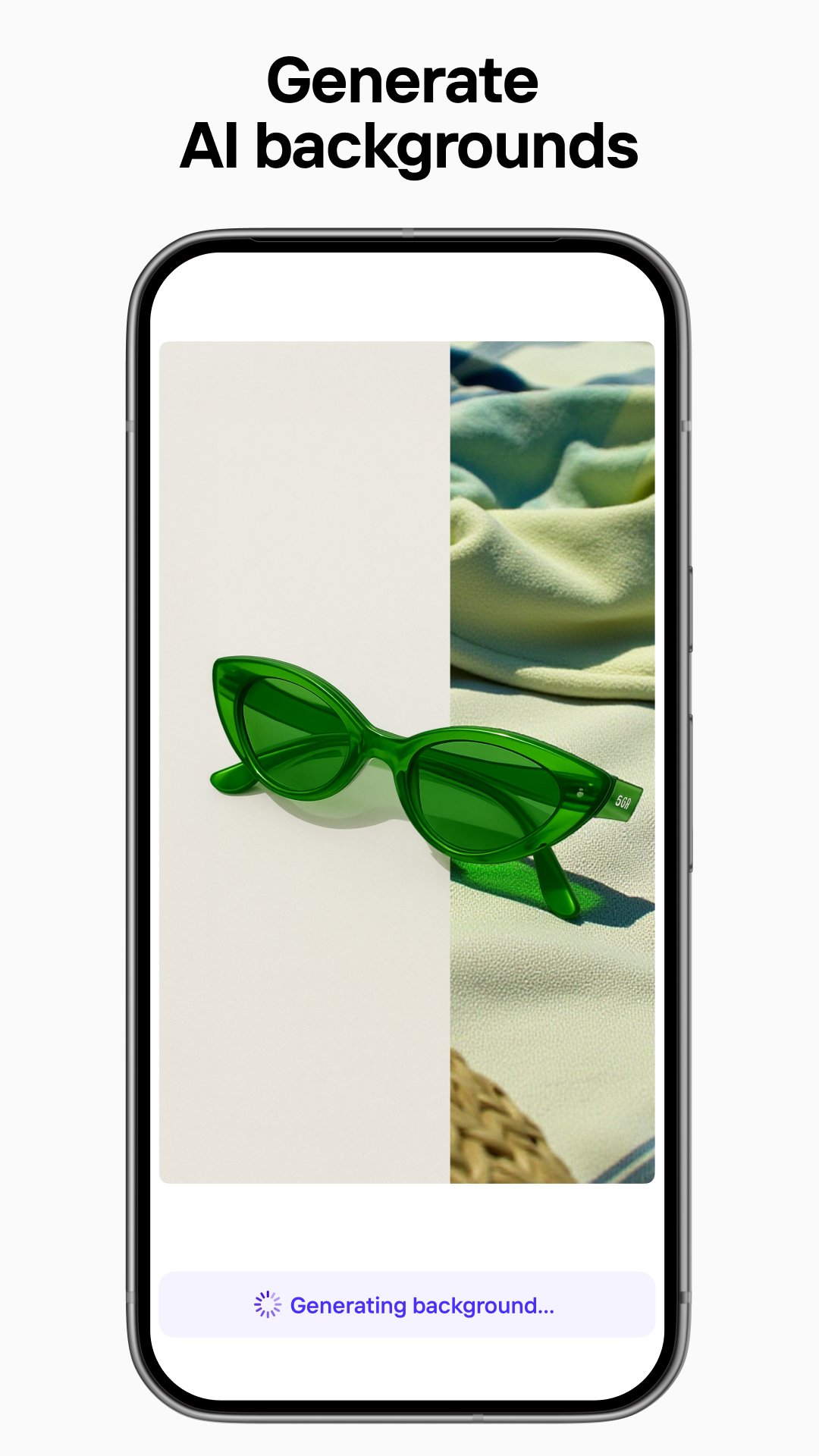
Photoroom provides pixel accurate cutouts that separate your subject from busy scenes in seconds. You can remove distractions with an eraser and switch to white or transparent backgrounds for listings. When a plain backdrop is not enough, generate a background that matches your concept and keep the focus on the product.
AI design and ready to use templates
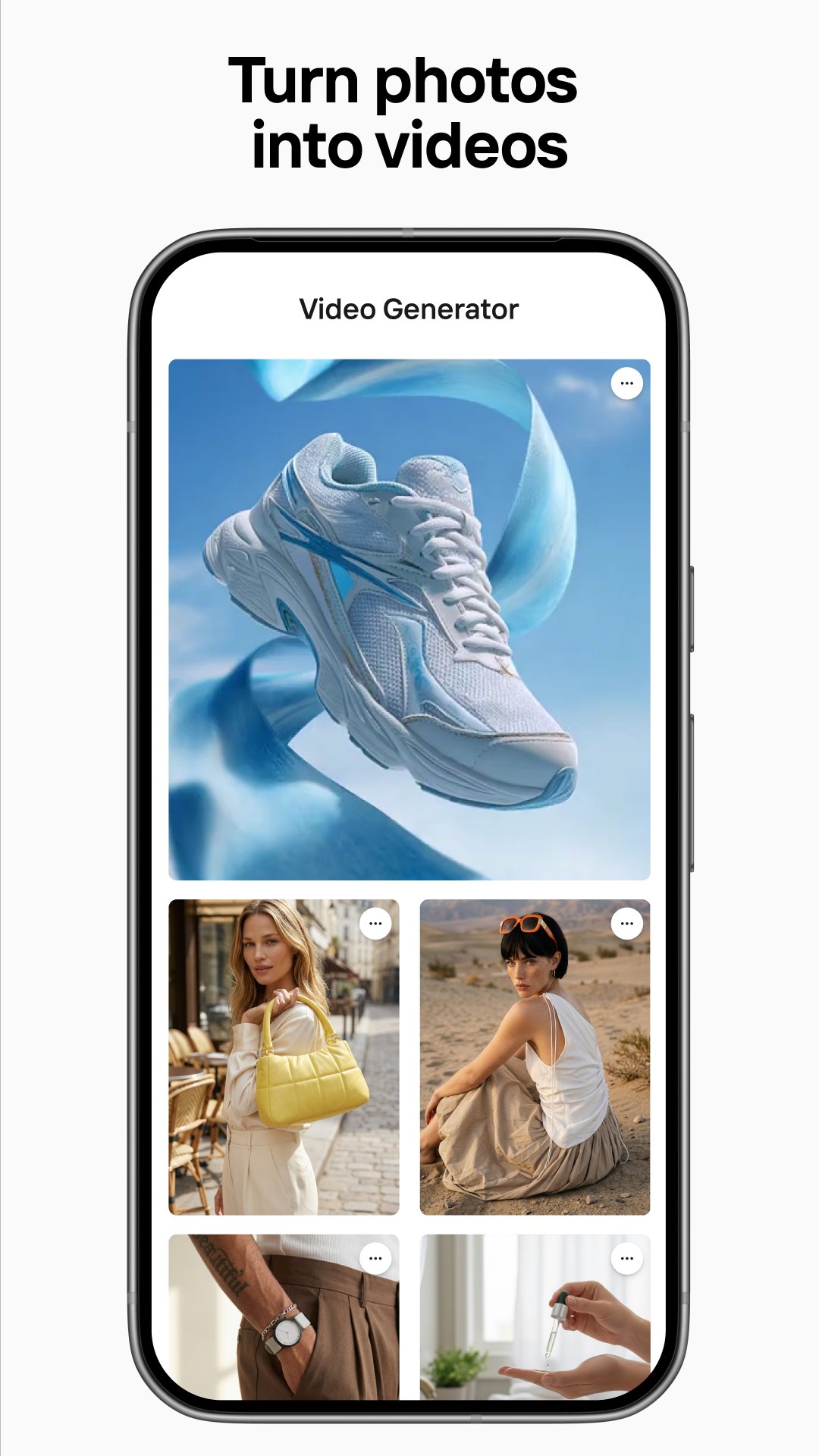
You can describe your idea to generate backgrounds, social assets, or simple logos, then adjust the result to fit your needs. Templates for promotions and posts help you stay consistent with text placement and branding. As needed, you can turn still images into short clips for listings and social feeds using the built in video option.
Product staging and virtual models
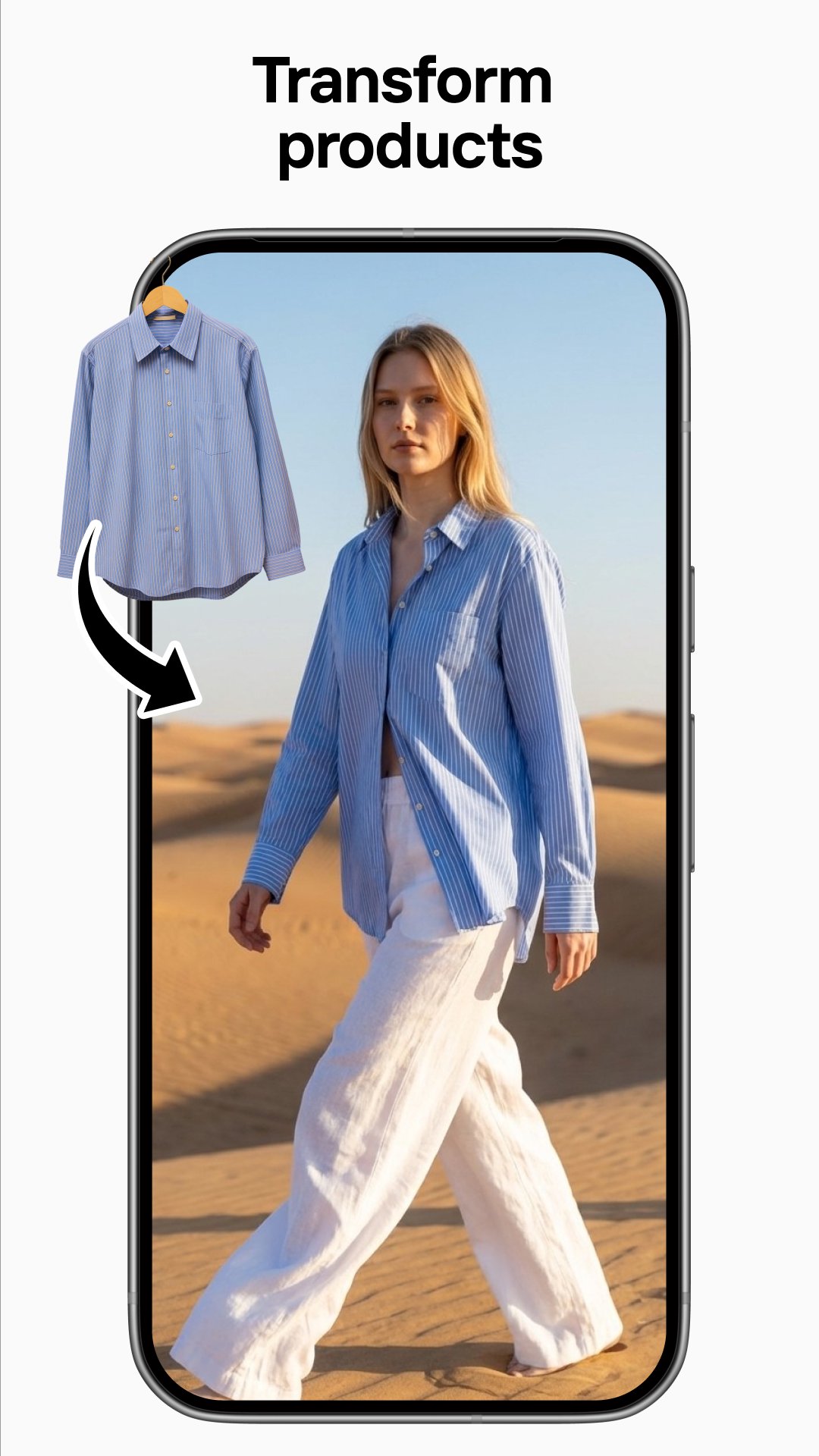
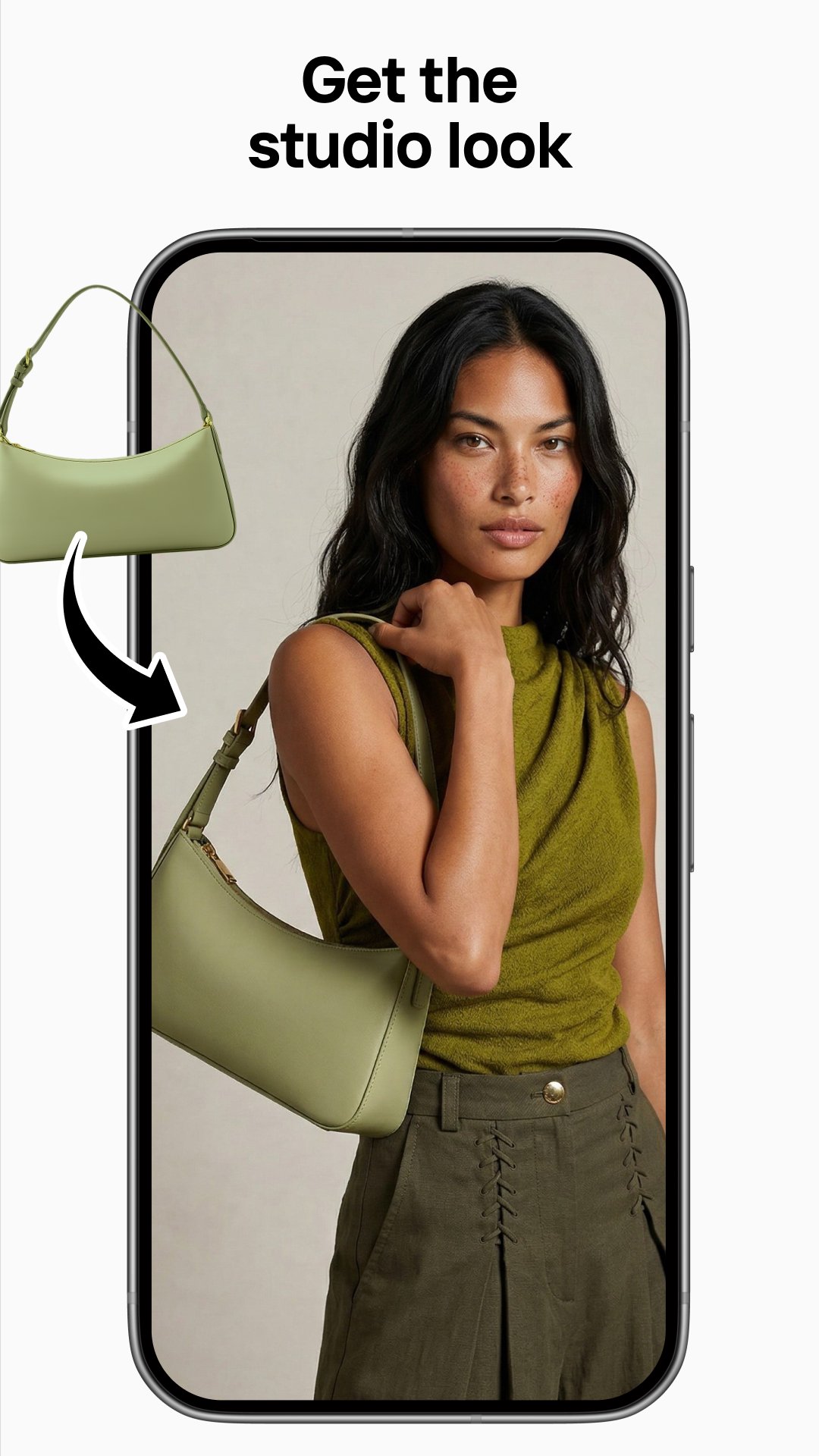
Photoroom places items in realistic lifestyle scenes so a plain pack shot becomes a clear context image. Natural shadows can be added to keep objects grounded and more believable. Apparel can be displayed with virtual fashion models or ghost mannequin, which helps show shape and fit without a live shoot.
Advanced editing controls
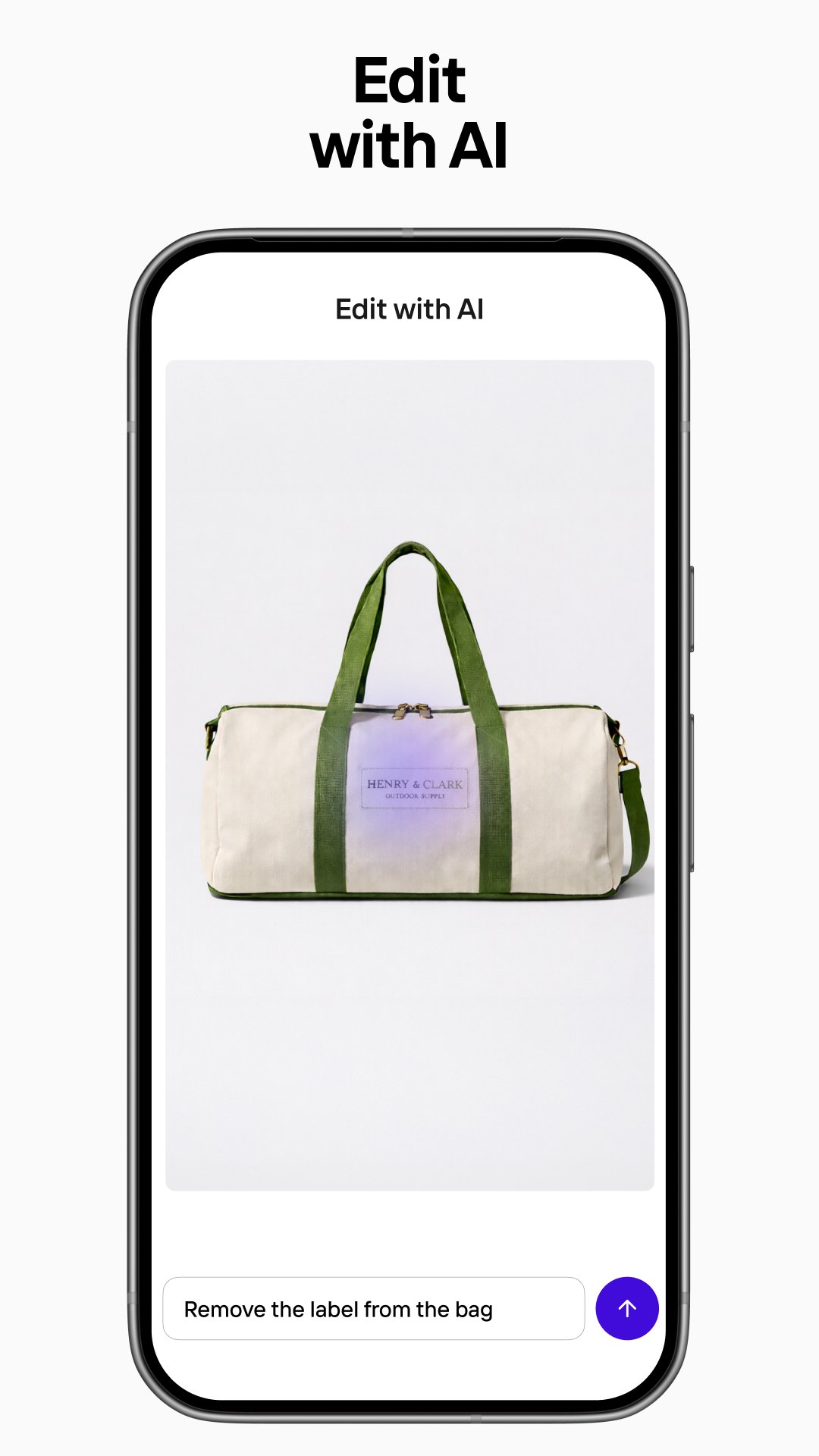
You can clean up unwanted objects and refine lighting, shadows, and sharpness to match your brand look. The Product Beautifier adjusts texture and clarity automatically when you need a quick polish. Manual tweaks remain available, so you can fine tune results before exporting.
Batch edits, Brand Kit, and instant resize
Photoroom lets you apply your logo, colors, and fonts across many images in one pass, which supports catalogs and frequent drops. Preset sizes help you export for marketplaces and social channels such as Amazon, Shopify, Instagram, and more. This approach keeps your gallery consistent and reduces repetitive work on similar items.
Plan details affect how your images can be used. The free plan adds a watermark and fits personal or non commercial needs. Paid plans such as Pro, Max, Ultra, and Enterprise remove the watermark and include commercial usage rights, higher usage limits, and more advanced tools. Users who manage ongoing catalogs or create images for clients typically benefit from those expanded options.
The Photoroom AI Photo Editor aligns with common marketplace requirements, including white or transparent backgrounds and fixed canvas sizes. Templates and instant resize presets speed up output for Amazon, Shopify, Depop, Vinted, Instagram, and YouTube. For retail categories such as fashion, beauty, jewelry, furniture, and food, seasonal and lifestyle staging options help illustrate use without a custom shoot. Teams that need scale can use collaboration features, plus available API and marketplace sync options, including Shopify connections, to automate high volume production across catalogs. Cross device access on Android, iOS, and the web supports switching between phone and computer during a busy workflow.
The steps below outline a basic flow to prepare a product image from a phone. To stay current with tools and templates, consider using the Photoroom latest version when available.
Open Photoroom and sign in or continue, then choose a project type such as product, portrait, or post.
Import a photo from your gallery or capture a new image with the in app camera for a quick start.
Select Background Remover to isolate the subject, refine edges if needed, and erase any leftover distractions.
Pick a template or staging scene, adjust the background and shadow, and position the item for a clear layout.
Apply your Brand Kit logo and colors, choose a preset size for your marketplace, then export the image or a short clip.
Photoroom focuses on fast, consistent product visuals for listings and social posts. If these tools fit your workflow, download Photoroom to prepare clean cutouts, staged scenes, and batch exports in a few steps.
For more details about the app and its services, visit the official website below.
Website: https://www.photoroom.com/
Latest Version
2026.41.02Uploaded by
Gabriel Contreras
Requires Android
Android 10.0+
Category
Free Photography AppContent Rating
Everyone
Report
Flag as inappropriateLast updated on Oct 7, 2026
This release includes minor bug fixes and general improvements. Update to the latest version for the best experience.



APKPure - A multi-platform app store primarily focused on Android, providing extensive app-related content. Discover the app you want easier, faster, and safer, with quick and efficient downloads and installations.