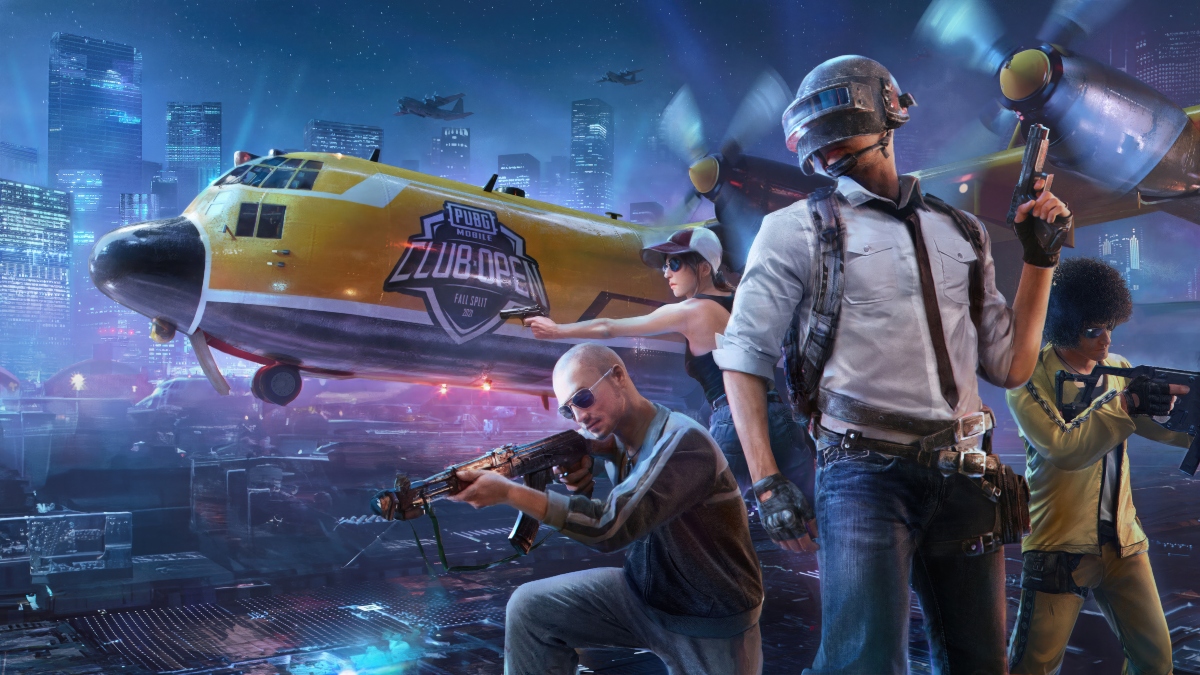
PUBG MOBILE suits players who want competitive shooting matches on an Android phone, whether they prefer solo play or squad coordination. Each match begins with a drop into a large battlefield where players look for supplies, choose safe routes, and respond to changing situations. As a PUBG MOBILE battle royale game, it places survival and tactical choices at the center of every round, while touch controls keep key actions available on screen.
PUBG MOBILE Key features
Classic 100 player matches
PUBG MOBILE lets up to 100 players enter a Classic Mode match and compete until one player or team remains. You search buildings and open areas for weapons, armor, healing items, and other supplies. Meanwhile, the playable zone changes over time, so players need to decide when to move, hide, fight, or regroup.
Maps and alternative modes
PUBG MOBILE includes battlegrounds such as Erangel, Sanhok, Livik, and Vikendi, each with different terrain and routes. In addition to Classic Mode, players can enter Payload, Infection, Metro Royale, and Arena matches when available. This gives players options for longer survival rounds, team battles, and modes with different objectives.
Shorter shooting sessions
You can choose shorter matches when there is limited time for a full Classic Mode round. These sessions focus on weapon use, movement, and quick decisions in about 10 minutes. As a result, players can practice combat and teamwork without committing to a longer match.
Adjustable touch controls
PUBG MOBILE allows you to change button positions, control layouts, and sensitivity settings. You can move actions such as firing, aiming, crouching, and jumping to areas that feel easier to reach. Adjusting these settings can help players use their preferred grip and react more consistently during combat.
Voice chat and Training Mode
You can use in-game voice chat to share enemy locations, plan movement, and coordinate with squad members. Before entering competitive matches, Training Mode gives players space to practice shooting, movement, looting, and weapon handling. This is useful when testing a new control layout or sensitivity setting.
PUBG MOBILE progression and fair play
Metro Royale uses an extraction-style PvPvE format. Players enter an area, collect loot, face enemies and other players, then reach an extraction point to keep collected items. Successful extractions can help improve gear for later Metro Royale sessions, while losing a match can affect what you bring out.
The Royale Pass provides mission-based progression across tiers. By completing missions, players can earn rewards such as outfits, vouchers, and visual effects. Players who want to follow seasonal goals should check the available missions and reward track before deciding how much time to spend in each mode.
The Security Center supports fair play in PUBG MOBILE by detecting cheating and penalizing suspicious accounts. This system is intended to protect competitive matches from behavior that breaks the rules. Players can also use the available reporting tools when they encounter suspected cheating during a match.
How to play PUBG MOBILE on Android
Before you download PUBG MOBILE APK, decide whether you want to begin with practice, short matches, or a standard battle royale round. The game uses touch controls, so taking a few minutes to set them up can make early matches easier to follow. Once ready, use the mode selection screen to join the type of match that fits your available time.
Open PUBG MOBILE and complete the initial account and in-game setup screens, then enter the main lobby.
Open the control settings and adjust button placement and sensitivity before joining a match, especially if the default layout feels difficult to use.
Select Training Mode first if you want to practice movement, aiming, shooting, and collecting items without the pressure of a full match.
Choose a map and mode, then join a solo, duo, or squad match according to how you want to play.
After landing, collect equipment, stay aware of the shrinking play area, and communicate with teammates through voice chat when playing as a squad.
Get started with PUBG MOBILE
PUBG MOBILE combines survival matches, team communication, adjustable controls, and several game modes for Android players. You can always download PUBG MOBILE APK directly from APKPure. For the current content and mode selection, you can check the PUBG MOBILE latest version details on this page.