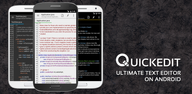

QuickEdit Text Editor helps you write, view, and modify text or source code on phones and tablets with a smooth, responsive experience. It is designed for everyday notes and also for serious coding on the go. You can switch between multiple files, keep focus while editing, and move quickly through long documents. The interface stays clean and easy to read, and it adapts well to small and large screens. If you want the QuickEdit APK for convenient installs and updates, you can get it below on APKPure.
Wide language awareness
QuickEdit recognizes and highlights syntax for a large range of programming and markup languages. You can open multiple files in tabs and jump between them without losing context. This helps you review code and text side by side while staying organized.
Fast performance with large files
QuickEdit keeps scrolling and navigation smooth even with lengthy documents. You get unlimited undo and redo, and you can go directly to any line number. This performance focus reduces waiting and helps you stay productive in long sessions.
Precise editing controls
You can search and replace, show or hide line numbers, and manage indentation with control. Auto indent keeps code tidy as you type, and physical keyboard shortcuts work well on tablets and Chromebooks. This gives you consistent results across different devices.
Accurate encoding and live previews
QuickEdit can auto detect character sets and encoding to prevent garbled text. You can preview HTML, CSS, Markdown, and AsciiDoc while you edit. This makes it easier to check formatting and fix issues before sharing.
Clean themes and color input
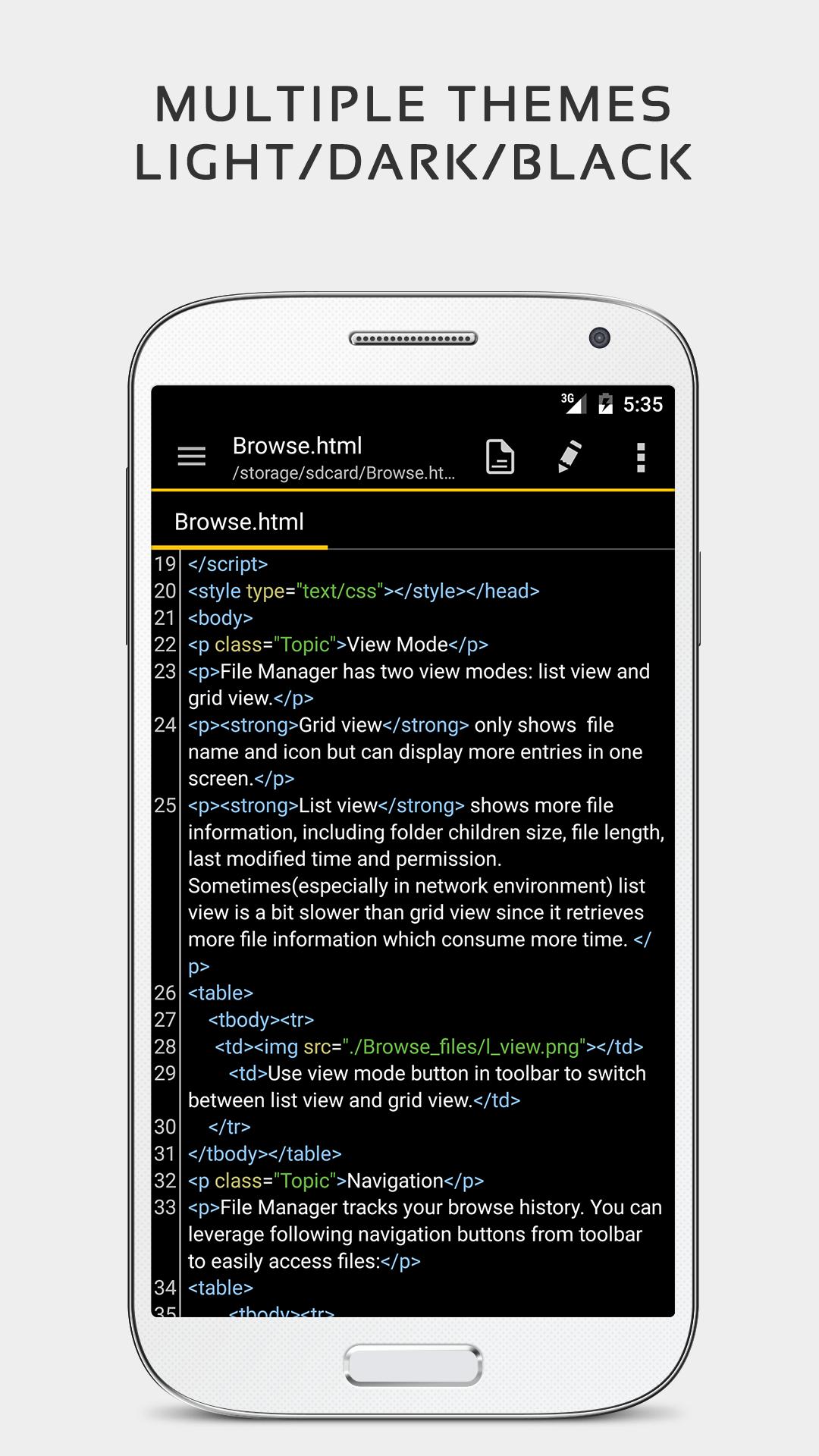
QuickEdit offers light and dark themes so you can match the environment and reduce eye strain. You can enter hex colors directly to refine styles. This creates a comfortable editing setup that fits your workflow.
QuickEdit Text Editor is the Android app from RHMsoft. It is not the quickedit.org web app that focuses on encryption and Dropbox. If you want the QuickEdit APK, use APKPure to download QuickEdit safely and avoid brand confusion.
Get the QuickEdit APK latest version on APKPure for a secure and direct install. You can also follow updates here to stay current with new releases. This helps you download QuickEdit quickly when you set up a new device or need an offline installer.
QuickEdit focuses on Android phones and tablets. Some search results mention other platforms, however this app targets Android. Check this page on APKPure when you need the QuickEdit APK latest version for your device.
QuickEdit is simple to start and flexible for advanced work. The steps below outline a basic editing flow for text and code. You can adapt the process to fit your files and projects.
QuickEdit combines speed and control for text and code on Android. It handles long files, recognizes many languages, and offers previews that reduce guesswork. Get the QuickEdit APK latest version on APKPure and start editing with a setup that fits mobile work.
Official resources are listed below for reference.
Where can I download the QuickEdit APK latest version safely?
You can download the QuickEdit APK latest version on APKPure. This page provides the current release and helps you keep QuickEdit updated with direct APK installs.
Is QuickEdit the same as the quickedit.org web app?
No, QuickEdit Text Editor is the Android app by RHMsoft, while quickedit.org is a separate web tool. To avoid confusion, use APKPure when you want to download QuickEdit for Android.
Does QuickEdit support cloud services or repositories like GitHub and GitLab?
Yes, QuickEdit can open and edit files through services such as FTP, Google Drive, Dropbox, and OneDrive, and it also offers integrated access to GitHub and GitLab. This allows you to review and adjust code without leaving your device.
Can I compile and run code directly inside QuickEdit?
Yes, QuickEdit includes an online compiler that can compile and run snippets in many languages such as Python, PHP, Java, Node.js, C and C plus plus, and Rust. This is helpful for quick checks and small experiments while you edit.
Can QuickEdit edit system files on a rooted device?
Yes, QuickEdit supports editing system files when the device is rooted. Proceed carefully and back up important data before making changes to system directories.
Latest Version
1.12.12Uploaded by
Phát Huỳnh
Requires Android
Android 7.0+
Category
Free Productivity AppContent Rating
Everyone
Report
Flag as inappropriateLast updated on Sep 17, 2026
✓ Enhanced markdown preview.
✓ Fixed a printing layout issue.
✓ Fixed a OneDrive connection issue.
✓ Target latest Android 16 SDK (API level 36).





APKPure - A multi-platform app store primarily focused on Android, providing extensive app-related content. Discover the app you want easier, faster, and safer, with quick and efficient downloads and installations.