Resume - Intelligent CV maker is useful when you need a resume, CV, biodata, portfolio, or cover letter without starting from a blank page. It is made for students, freshers, internship seekers, entry level applicants, and experienced professionals who want clear job application documents on a phone. Instead of writing every section alone, you can follow the app flow, add your details, and prepare a PDF file for sharing. Users looking to download Resume - Intelligent CV maker can use it for different job needs and career stages.
Resume designs and formats
Resume - Intelligent CV maker provides 500 plus resume designs, 50 plus templates, and 42 resume formats. These layouts cover different job types and countries, so you can choose a structure that fits your application. The app also includes ATS friendly layouts, which can help keep the resume format clear when employers use screening systems.
Cover letter support
You can create matching cover letters for many fields, including IT, engineering, nursing, teaching, sales, business, and accounting. This is helpful when a job application asks for both a resume and a cover letter. Since the cover letter templates follow the resume style, your documents can look consistent when sent together.
Guided writing for each section
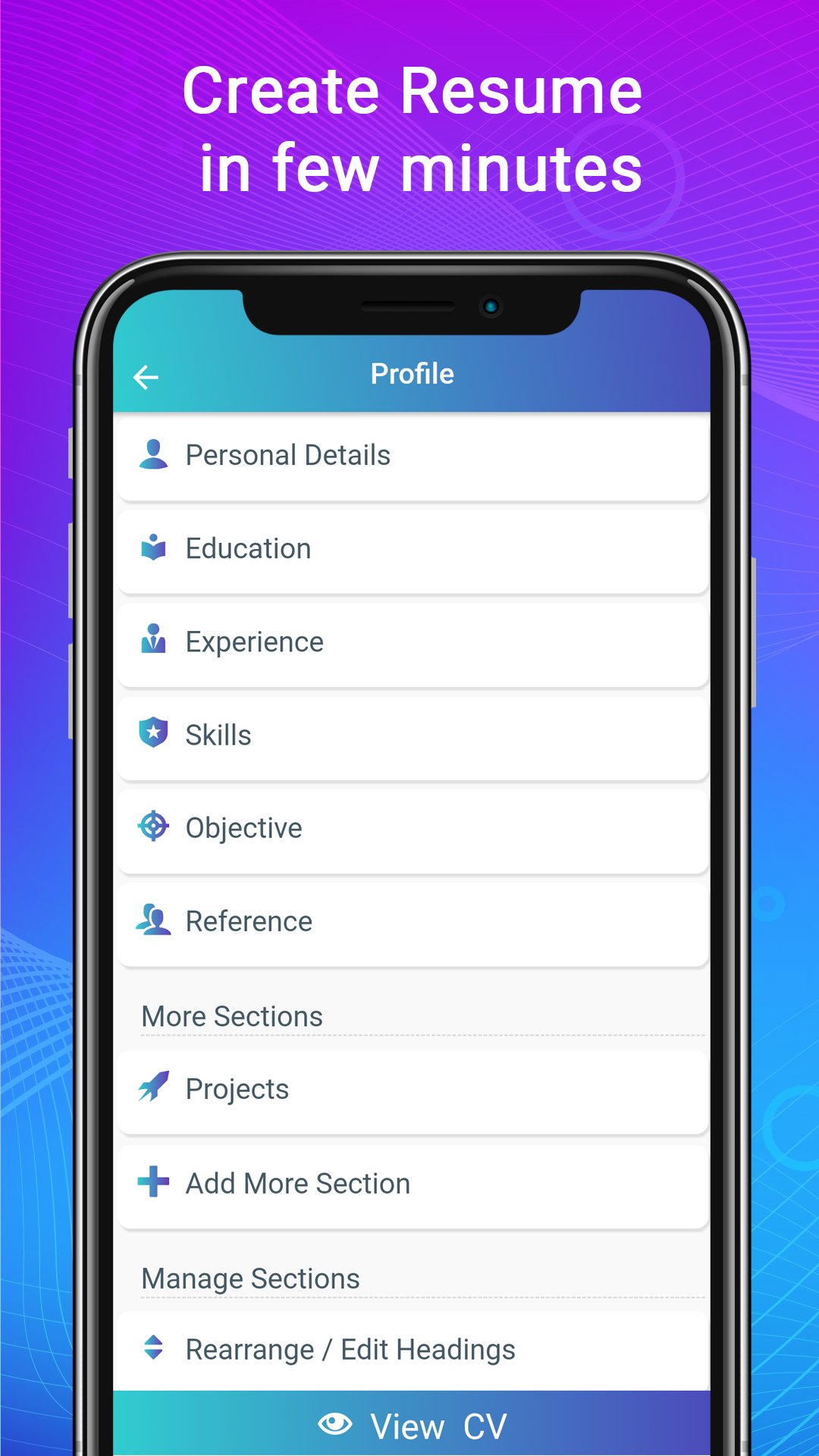
Resume - Intelligent CV maker gives step by step guidance while you fill in your CV details. It also includes resume examples, samples, and writing tips, which can help when you are not sure what to write. For freshers and students, this can make first resume writing easier because the app shows where education, skills, projects, and experience details belong.
Flexible editing and layout control
You can adjust sections, rename headings, add custom sections, and change the order of information. Resume - Intelligent CV maker also supports changes to fonts, colors, margins, spacing, and lists. Because of this, experienced users can shape a resume around work history, while internship seekers can place education, skills, and projects in a stronger position.
Profiles, preview, and PDF export
You can manage multiple resume profiles inside the app for different job applications. Before finishing, you can preview formats live and edit the resume anytime. After the document is ready, Resume - Intelligent CV maker exports it as a PDF file, with options to download, print, email, or share directly from the app.
Resume - Intelligent CV maker is connected with Intelligent CV, the resume builder brand behind the app. This matters because the official website warns users to be careful about fake apps using the Intelligent CV brand name. When checking the Resume - Intelligent CV maker APK, the app name and developer identity should match the original Intelligent CV app information.
The app is suitable for more than one kind of applicant. A fresher can use a simple resume format with education and skills, while an experienced professional can prepare a profile with work history, achievements, and job focused sections. Since the app allows multiple profiles, you can keep different versions for internships, full time jobs, or career changes without rewriting the same details each time.
Resume - Intelligent CV maker works as a guided CV maker app on an Android phone. After installing the Resume - Intelligent CV maker latest version, you can start with your personal details, choose a format, and prepare a PDF resume for job applications.
Resume - Intelligent CV maker helps users create resumes, CVs, biodata, portfolios, and cover letters with guided sections, editable templates, and PDF export. If you need a resume maker app for Android, the Resume - Intelligent CV maker APK provides tools for freshers, students, internship seekers, and experienced applicants.
Official information is available from the source below:
Latest Version
8.9Uploaded by
Harthur Hallgren
Requires Android
Android 7.0+
Category
Free Business AppContent Rating
Everyone
Report
Flag as inappropriateLast updated on Sep 29, 2026
New templates added
Fixed all bugs
Added few advanced features
Performance improvements




APKPure - A multi-platform app store primarily focused on Android, providing extensive app-related content. Discover the app you want easier, faster, and safer, with quick and efficient downloads and installations.