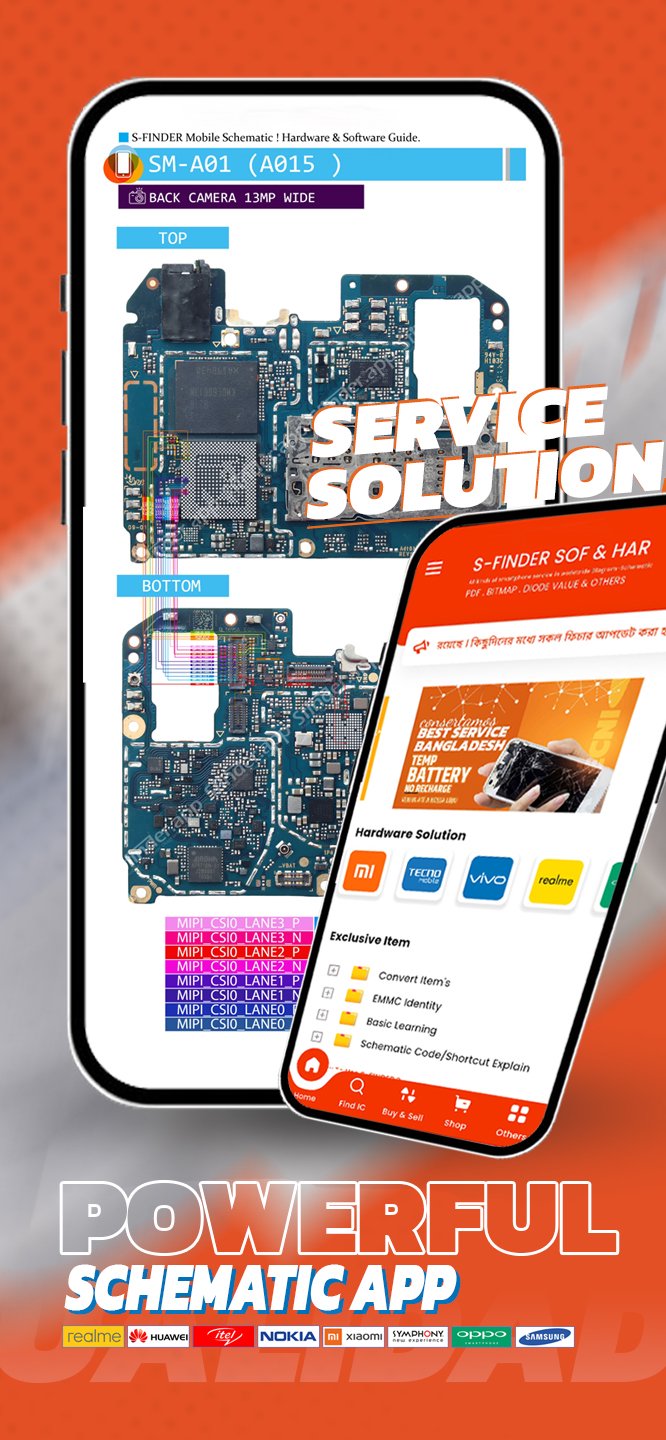
S-Finder Mobile Schematic App helps technicians and engineers handle complex board work with clear documents and practical guidance. When a device arrives with a hard fault, you can quickly check verified PDFs to see how parts connect and where components sit on the board. The app brings brand coverage together in one place so you spend less time searching and more time fixing. It also keeps related learning and service tools close by, which supports day to day bench tasks. For users who need a single download, S-Finder Mobile Schematic App APK brings these modules into one mobile workspace.
S-Finder Mobile Schematic App provides official PDF schematics and matching PCB layout visuals for Apple, Samsung, Xiaomi, Oppo, Realme, Vivo, Sony, Nokia, and OnePlus. You can open the diagram for a model, study the net connections, and review the board view to confirm component placement. This combination reduces guesswork when tracing faults on dense logic boards.
Component level location and circuit tracingWith component level guidance, you can locate parts by reference designator and follow circuit paths to see how signals move across sections. The layout PDFs help you move from a schematic symbol to the exact spot on the PCB. This approach supports faster checks for shorts, open lines, or missing rails during diagnosis.
Repair guides aligned with diagramsThe app aligns step by step repair guides with the schematics and layouts you are viewing. You can read a procedure, then cross reference the exact nets and pads mentioned without switching tools. This keeps the workflow simple from diagnosis to rework or replacement.
E learning video courses for advanced skillsS-Finder Mobile Schematic App includes an e learning platform with advanced video courses aimed at upskilling individual technicians and teams. You can study topics that match your bench tasks and then apply what you learn against the live diagrams. This creates a direct path from training to practical repair.
Marketplace and service access in one placeThe built in freelancing marketplace lets you hire or find GSM and mobile repair specialists and trade repair products worldwide. In addition, the linked platform provides access to IMEI and server or unlock services, with a reseller network and direct contact channels for support. This brings parts of the wider repair ecosystem closer to your daily workflow.
Content in S-Finder Mobile Schematic App is designed for trained technicians handling board level work. Schematics and PCB layouts require accurate interpretation and proper tools on the bench. Availability of documents and guides can vary by brand and model, so results may differ across devices.
When using IMEI or server and unlock services accessible through the linked platform, follow local laws and obtain proper authorization from device owners. Service requests and purchases are handled by the respective providers and reseller network, so review their terms and fees before proceeding. Direct contact channels are available through the platform if you need clarification or support.
Start by installing the app and signing in to reach the document library and tools. To save time on a live job, download S-Finder Mobile Schematic App and keep your common brands and models ready for quick access. The workflow below shows a simple way to move from model search to repair.
S-Finder Mobile Schematic App brings official schematics, PCB layouts, aligned repair guides, and training into a single mobile tool. It helps you move from diagnosis to action with fewer context switches. To stay current, check S-Finder Mobile Schematic App latest version when planning regular bench work.
For official information and support, use the channels below.
Latest Version
9.0.0Uploaded by
رعد كفشه
Requires Android
Android 7.0+
Category
Free Education AppContent Rating
Everyone
Report
Flag as inappropriateLast updated on Sep 9, 2026
Update ad management
improvement notice view




APKPure - A multi-platform app store primarily focused on Android, providing extensive app-related content. Discover the app you want easier, faster, and safer, with quick and efficient downloads and installations.