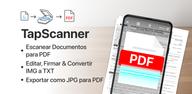

PDF Scanner app - TapScanner helps when you need to keep paper documents in digital form without using a desktop scanner. It is useful for receipts, contracts, notes, business cards, reports, and other papers that need to be saved, edited, or sent from an Android phone. In addition, the app brings scanning and PDF handling into one mobile workspace, so users who want to download PDF Scanner app - TapScanner can manage common document tasks in a single place.
Document scanning from the phone camera
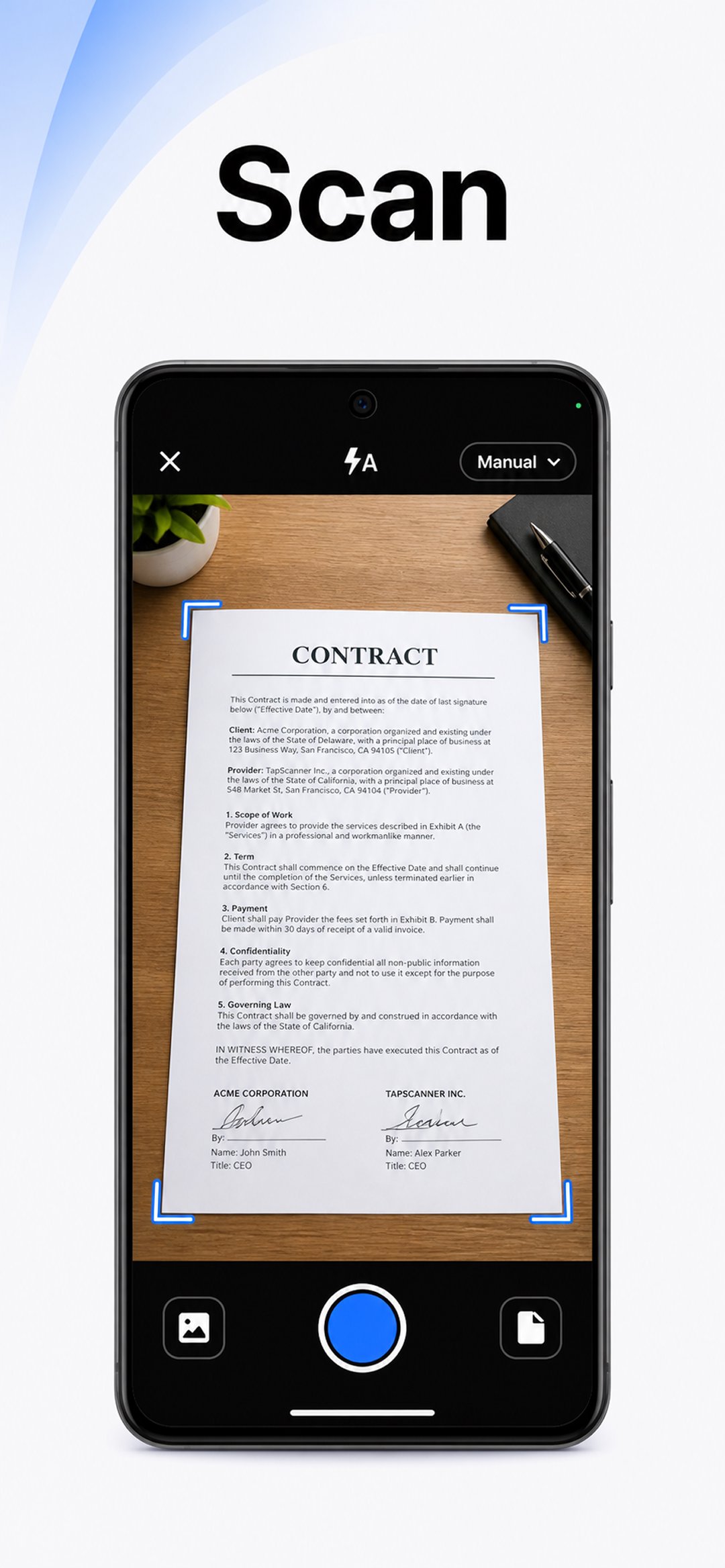
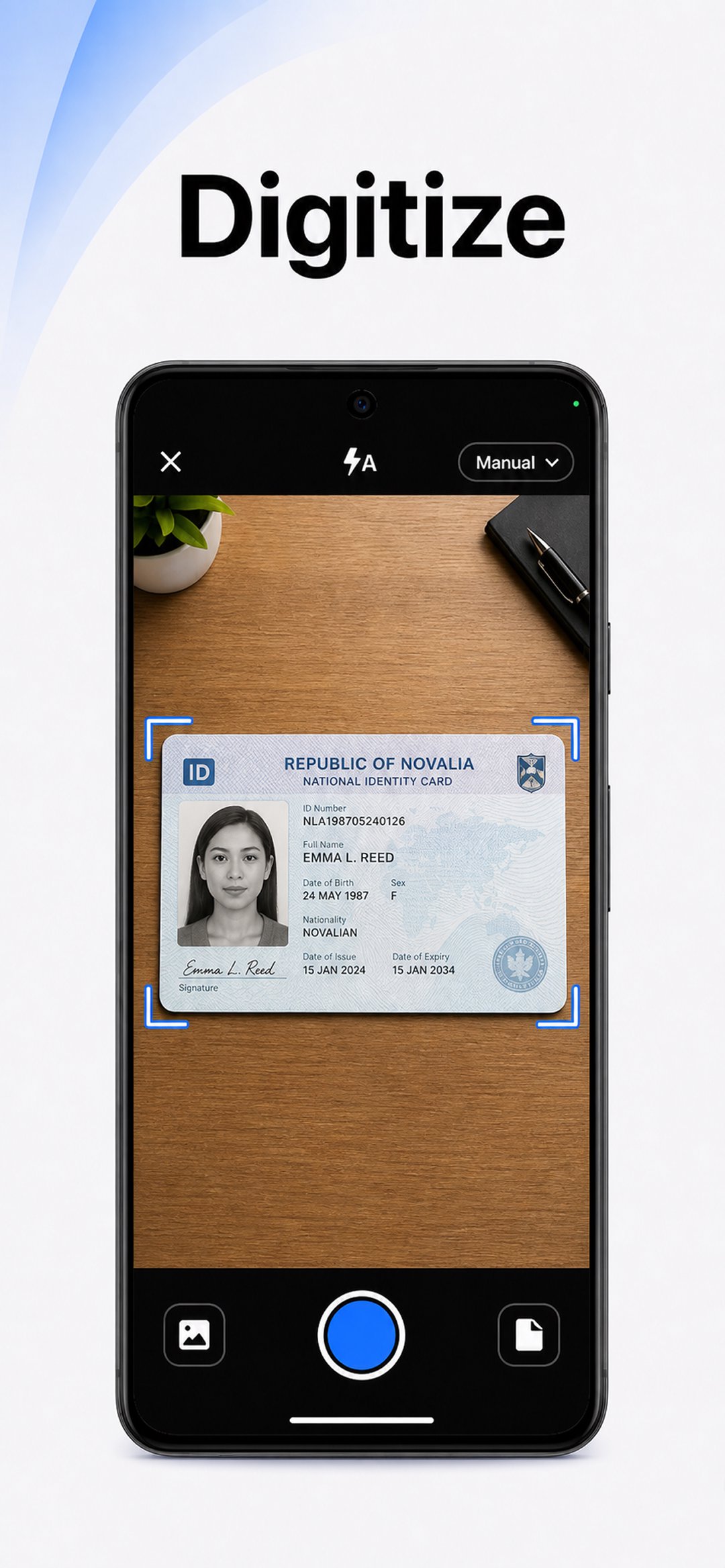
PDF Scanner app - TapScanner uses the phone camera to capture paper documents and turn them into clear digital files. It can detect document edges automatically, correct the page shape, and reduce shadows after capture. You can also adjust brightness, contrast, and filters when a scan needs better readability.
PDF editing and file arrangement
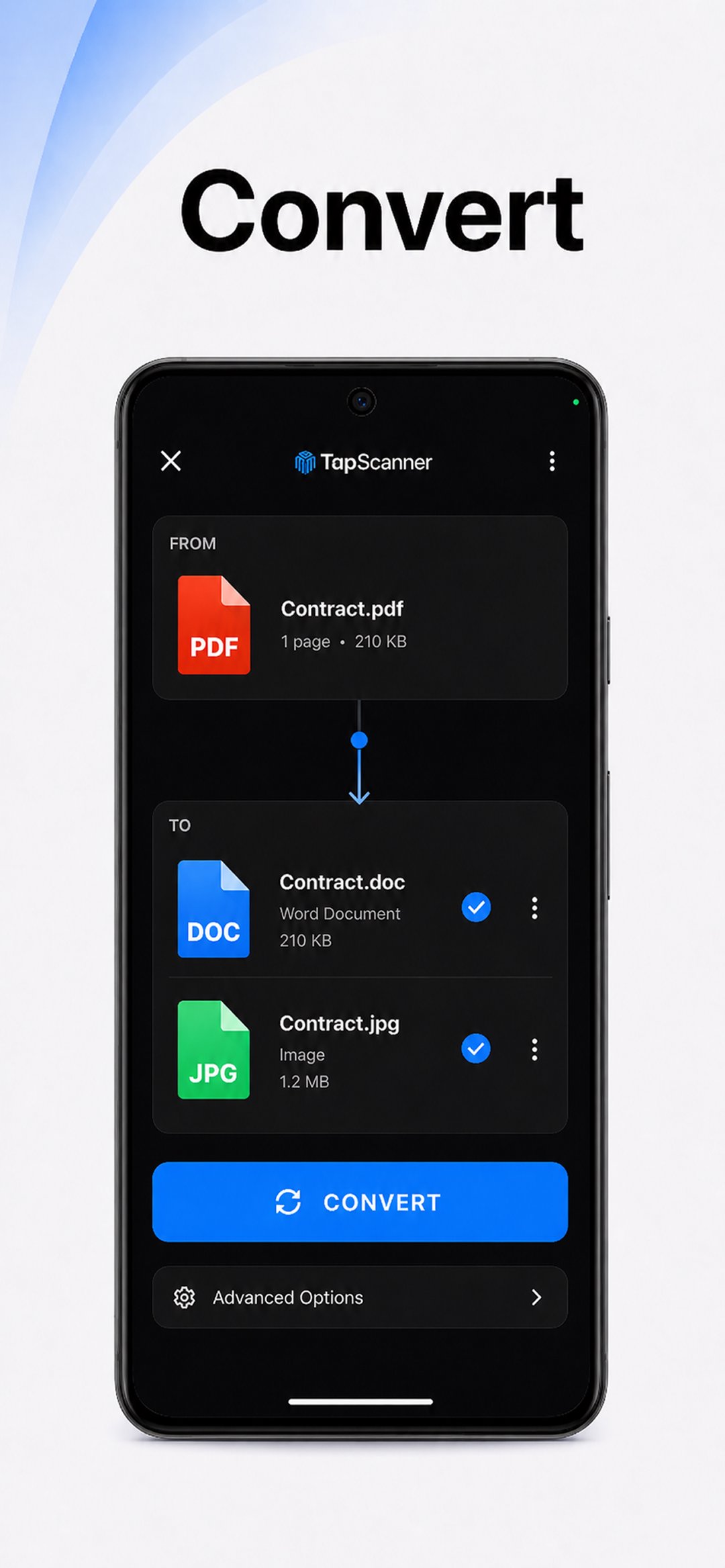
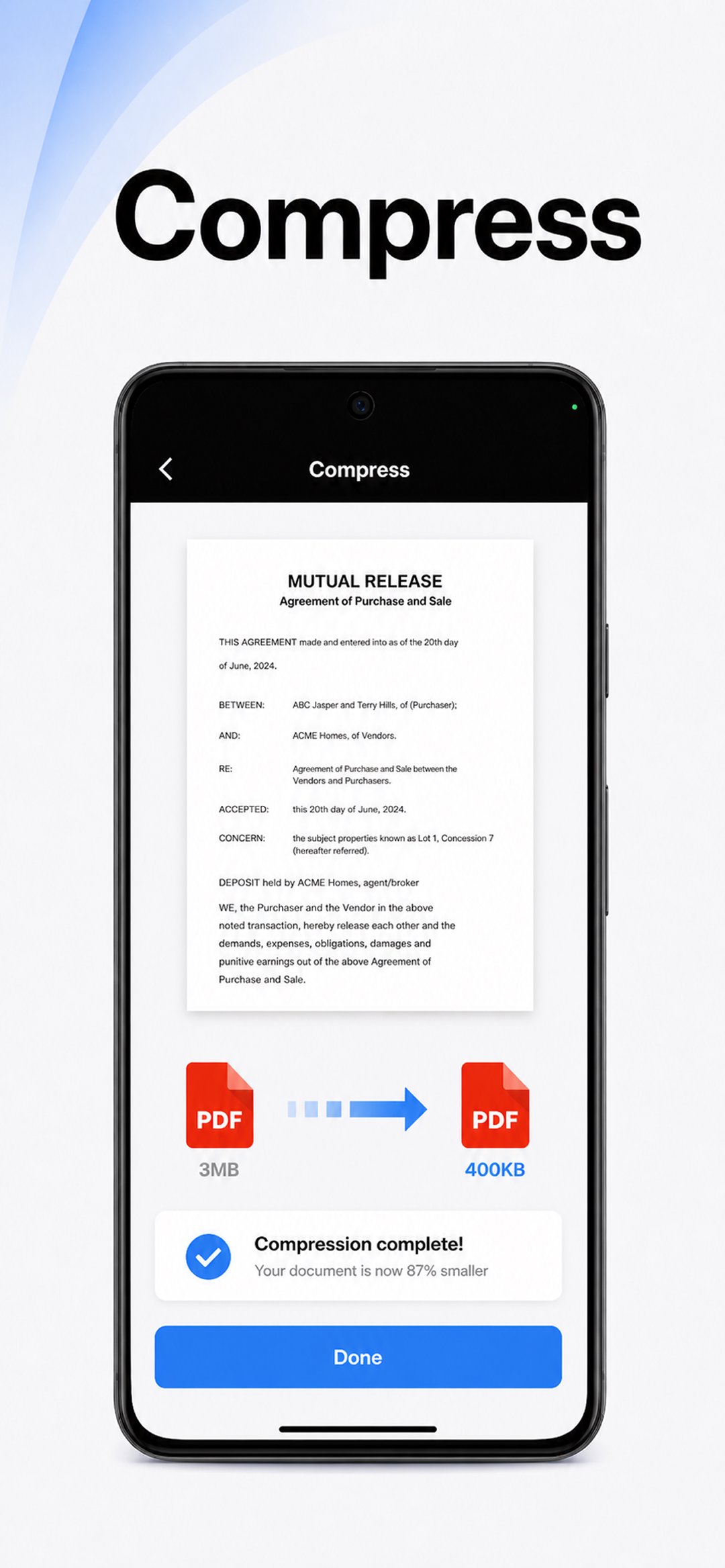
After scanning, PDF Scanner app - TapScanner lets you work with PDF files directly on the phone. You can merge related files, split a large file, reorder pages, rotate pages, compress PDFs, and organize documents into a more useful order. This helps when a report, note set, or form needs to be prepared before sharing.
OCR text recognition
PDF Scanner app - TapScanner includes OCR text recognition for turning scanned images into searchable and editable text. The app supports over 110 languages, which can help users handle documents in different languages. As a result, scanned notes or printed pages can be easier to search later instead of staying as plain images.
Batch scanning for many pages
You can use PDF Scanner app - TapScanner to scan several pages and place them into one ordered PDF. This is useful for contracts, study notes, manuals, or business documents that contain more than one page. The batch workflow reduces the need to scan and save each page as a separate file.
Sharing, backup, and file protection
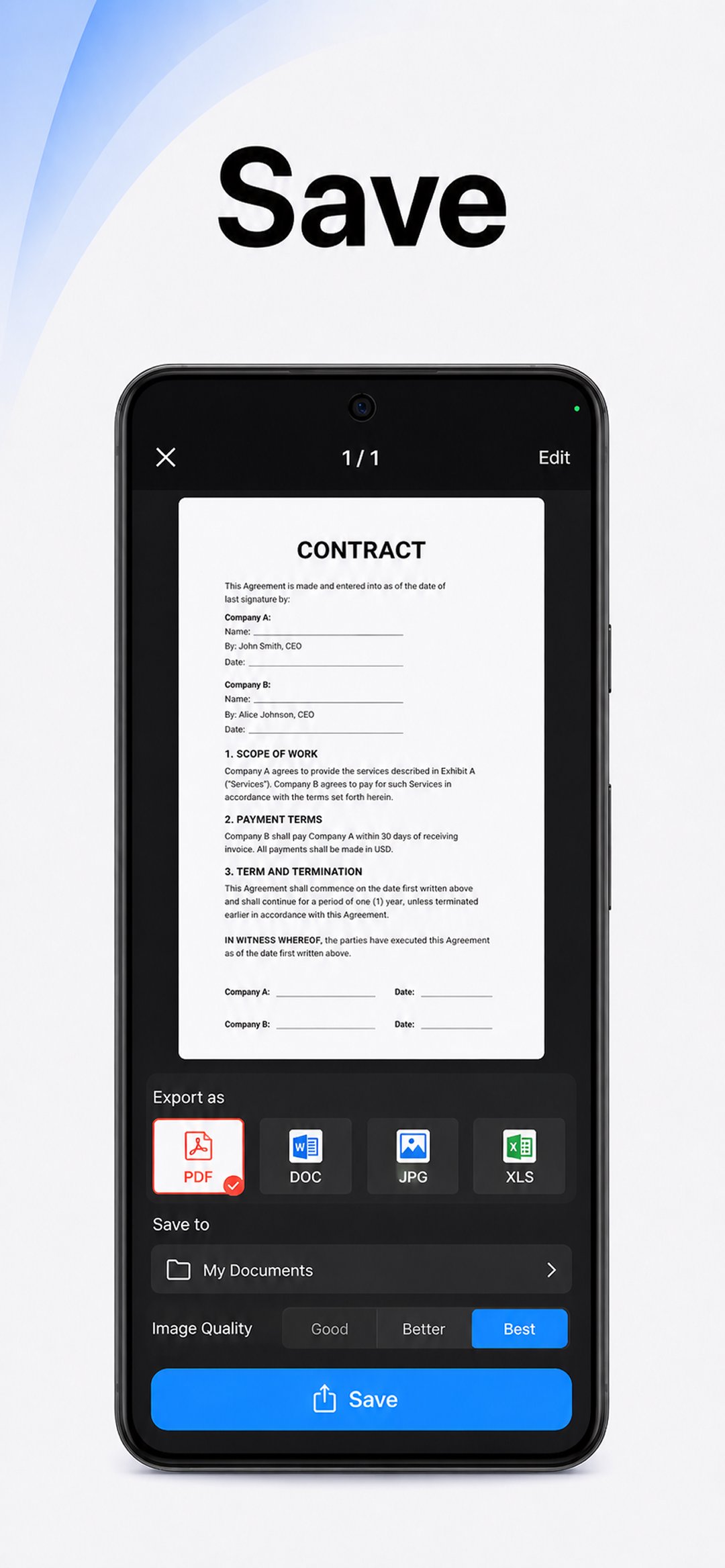
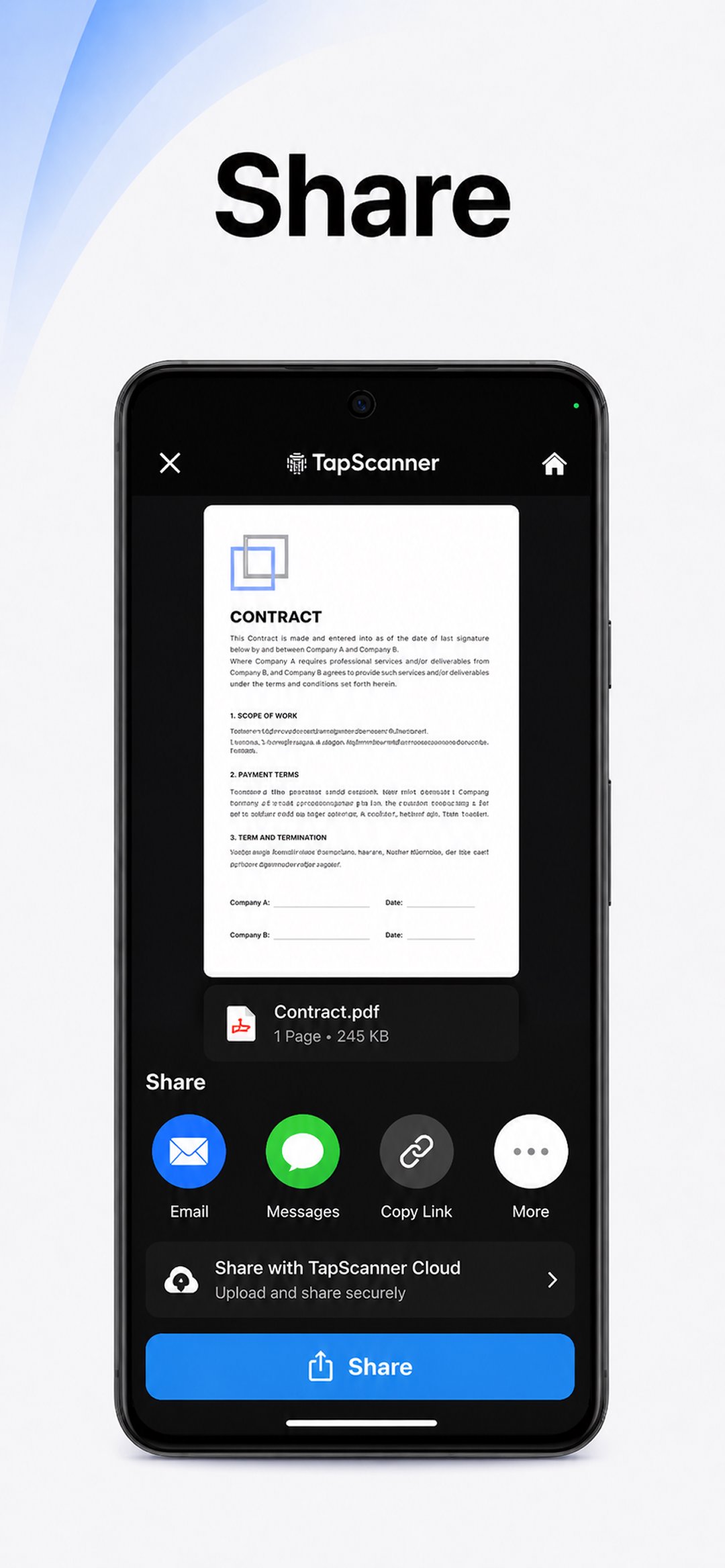
PDF Scanner app - TapScanner supports cloud backup with Google Drive, Dropbox, and OneDrive. It also includes password protection and permissions tools for documents that need controlled access. When a file is ready, you can send it by email or messaging apps, rename it quickly, or print through Wi Fi printing when available.
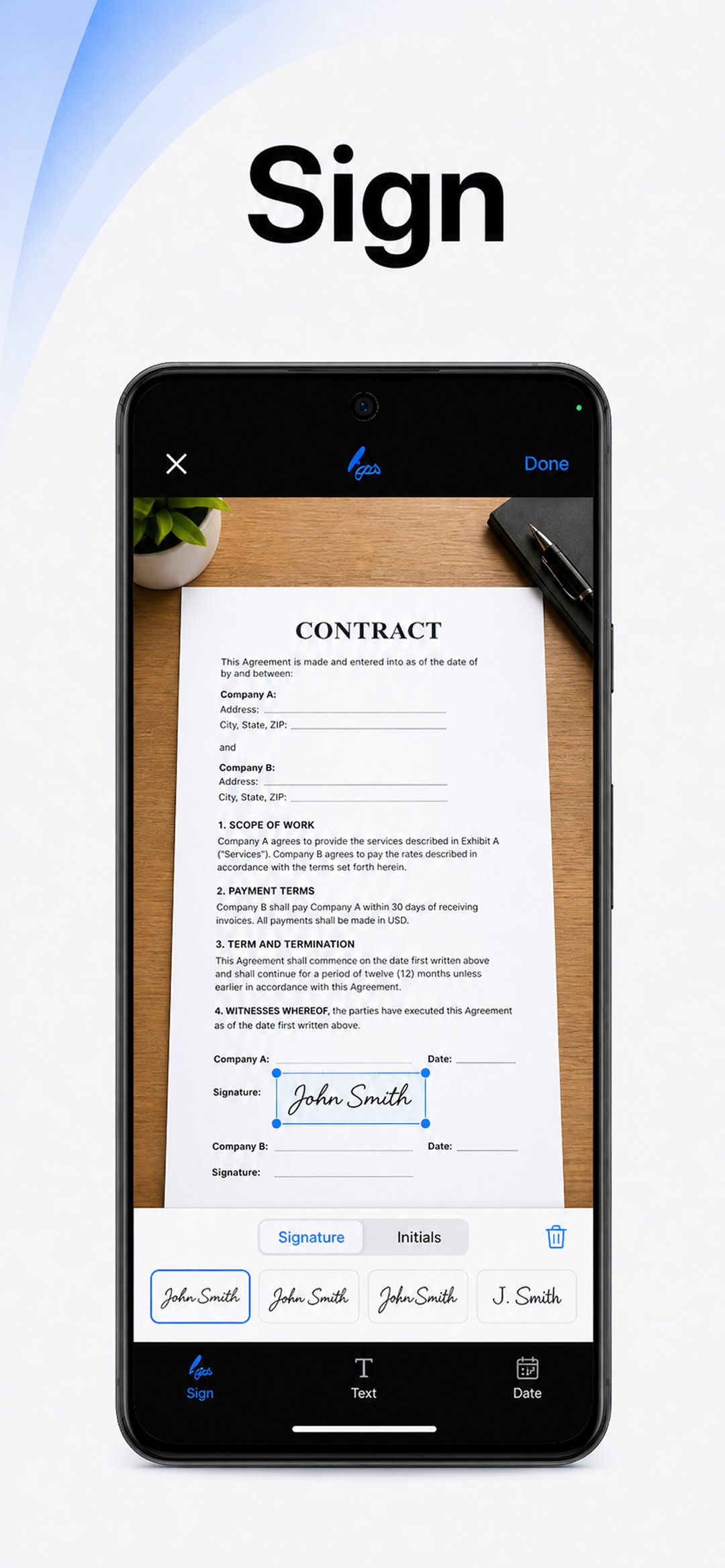
PDF Scanner app - TapScanner is suitable for users who often handle paper files but want to keep them on a phone. For example, a student can scan class notes and sort them by subject, while an office worker can combine reports, compress a PDF for email, or add a signature before sending a document. In daily use, the app is less about scanning one page only and more about keeping a simple scan, edit, organize, secure, and share workflow.
The app may also help when a file needs small changes before it is sent. You can extract specific pages from a longer PDF, combine several images into one PDF, or add notes and annotations to explain a document. Because these tasks happen on the phone, users can handle common document work while away from a computer.
PDF Scanner app - TapScanner APK is designed for scanning and managing documents from an Android phone. Before using the PDF Scanner app - TapScanner latest version, prepare the paper on a flat surface with enough light so the camera can capture the page clearly.
PDF Scanner app - TapScanner gives Android users a practical way to scan paper documents, edit PDF files, recognize text, organize pages, and share finished files from a phone. Users looking for TapScanner APK Download can check the app details and install the latest available version from APKPure.
Latest Version
3.1.23Uploaded by
Mateus Pereira da Costa
Requires Android
Android 10.0+
Category
Free Business AppContent Rating
Everyone
Report
Flag as inappropriateLast updated on Oct 2, 2026
Just like your documents, TapScanner needs some editing sometimes too. In this version you will find improvements and bug fixes. We are working hard to improve the app. If you’re satisfied, we’d appreciate it if you rate the app!

APKPure - A multi-platform app store primarily focused on Android, providing extensive app-related content. Discover the app you want easier, faster, and safer, with quick and efficient downloads and installations.