

ShootingPlus V3 helps when a mobile game does not support controllers but you still want physical buttons. You can map buttons and sticks to on-screen touch points and adjust layouts to match each title. It supports both Android and iOS devices once the controller is in the correct mode before pairing. There is also an activation flow that improves touch compatibility on some Android chipsets. For easy access and updates, many users look for ShootingPlus V3 APK to install on their devices.
Flexible key mapping
ShootingPlus V3 lets you place virtual touch points anywhere on the screen and bind them to buttons, sticks, or triggers. You can align each point with in-game controls so your physical inputs land exactly where the game expects. This approach helps you build a layout that fits each game and device, and you can adjust positions as your play style changes.
Gamepad, keyboard, and mouse converter
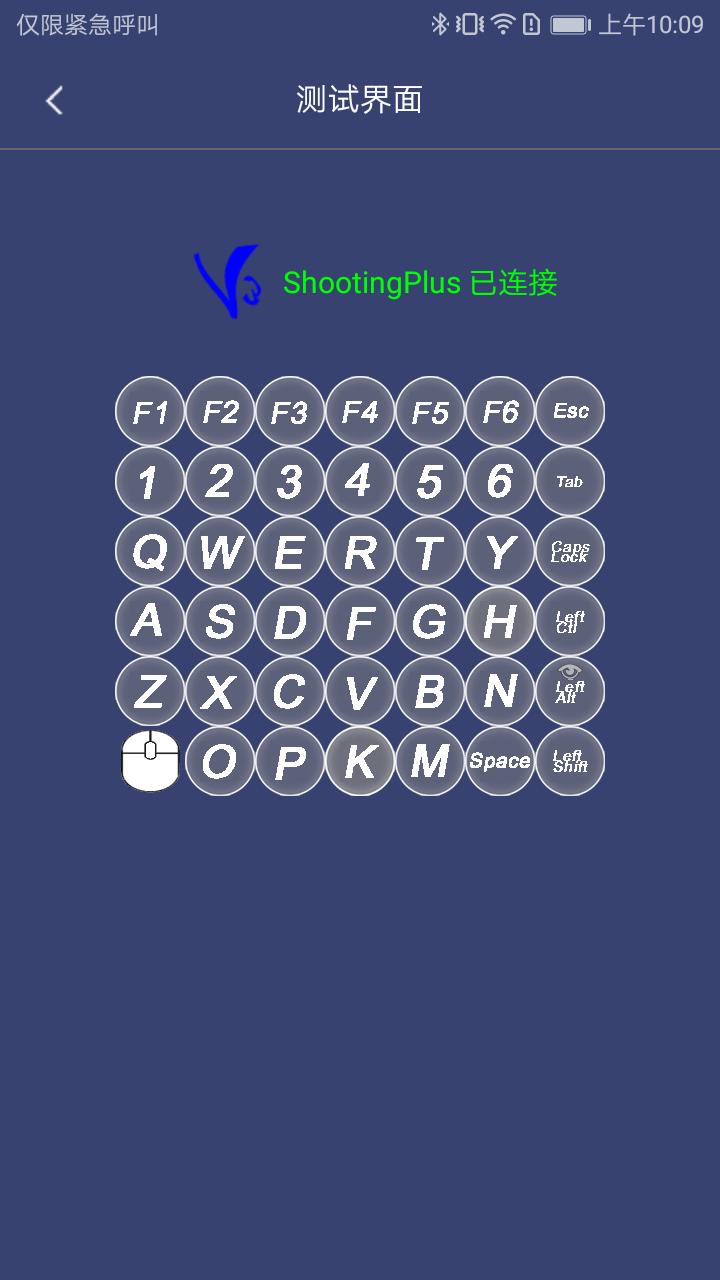
You can map a wide range of physical inputs to touch. The app translates commands from a gamepad, a keyboard, or a mouse into taps and swipes that the game can read. This is especially helpful for games without native controller support because you can keep using your preferred hardware without changing in-game settings.
Cursor simulation for precise aiming
ShootingPlus V3 provides a pointer-style cursor mode for aiming and navigation. This mode simulates a mouse-like pointer so you can make fine adjustments when targeting or moving through menus. It also keeps the mapping consistent, which reduces the need to remap when switching between different games with similar controls.
Android activation without root
To improve touch compatibility, ShootingPlus V3 includes an official V3 activator that works without root. Activation can be important on some devices, especially those using MediaTek MTK chipsets, where it unlocks advanced touch handling. It also helps stabilize control behavior across different Android versions and brand customizations.
Better casting support and multi touch fixes
When you mirror your phone to a larger display using screen mirroring hardware, joystick directions can sometimes flip or drift. ShootingPlus V3 adds fixes that keep stick directions consistent while casting. In addition, the app addresses multi touch limits found on some Android models so more simultaneous touches can register correctly during fast actions.
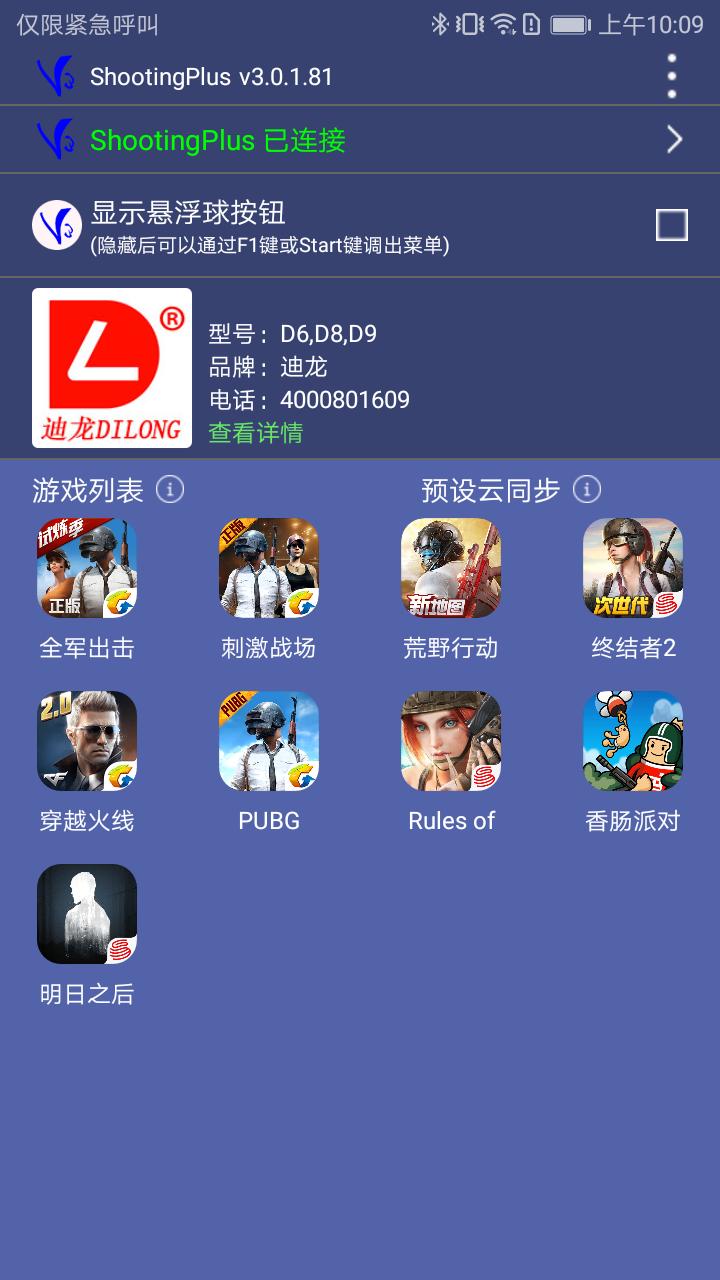
Set the controller to the correct mode first. Many controllers have a switch or button combo for Android mode or iOS mode. Then turn on Bluetooth on your phone, pair the controller in the system Bluetooth menu, and open the app to confirm the connection. If pairing fails, unpair in system settings, restart the controller, and try again. Keep the controller near the phone and avoid other active pairings that might interfere.
Some Android devices need activation to enable full V3 touch features. Activation uses Developer options and USB debugging and does not require root. On Xiaomi models, also enable the item called USB debugging in security settings. For USB connection mode, most brands work with charge only while some OPPO and Xiaomi models require file transfer. If controls feel off after mirroring the screen, rerun activation to refresh permissions.
For one handed controllers, current support differs by platform. The iOS V3 version supports one handed models at this time. On Android, support for one handed controllers requires a future firmware update. This note helps set expectations so you can plan your setup before playing.
Use the app to pair your controller, map inputs, and activate advanced touch handling when needed. If you plan to download ShootingPlus V3, the steps below outline the basic flow for most Android phones.
This app maps physical controllers to touch so you can use buttons, sticks, and a mouse in mobile games. For stable touch behavior and better casting support, use activation on devices that require it. If you prefer direct installation, you can get the ShootingPlus V3 APK from a trusted source.
For official information and product help, refer to the resources below.
Latest Version
v3.0.1.684Uploaded by
Ibrahim Xoshnaw
Requires Android
Android 5.0+
Category
Free Tools AppContent Rating
Everyone
Report
Flag as inappropriateLast updated on Mar 3, 2026
1.Fix some known issues
2. Optimize partial operational experience





APKPure - A multi-platform app store primarily focused on Android, providing extensive app-related content. Discover the app you want easier, faster, and safer, with quick and efficient downloads and installations.