Scan Date:Aug 17, 2024
Show More


Simple Factory Phone Reset helps when a phone needs a fresh start, such as before resale or after persistent glitches. It focuses on an easy, guided reset flow that avoids brand menus and technical steps, so you can proceed with confidence. Because the process is automated and consistent across many devices, it suits both newer and older phones. For installation needs on different devices, search for Simple Factory Phone Reset APK.
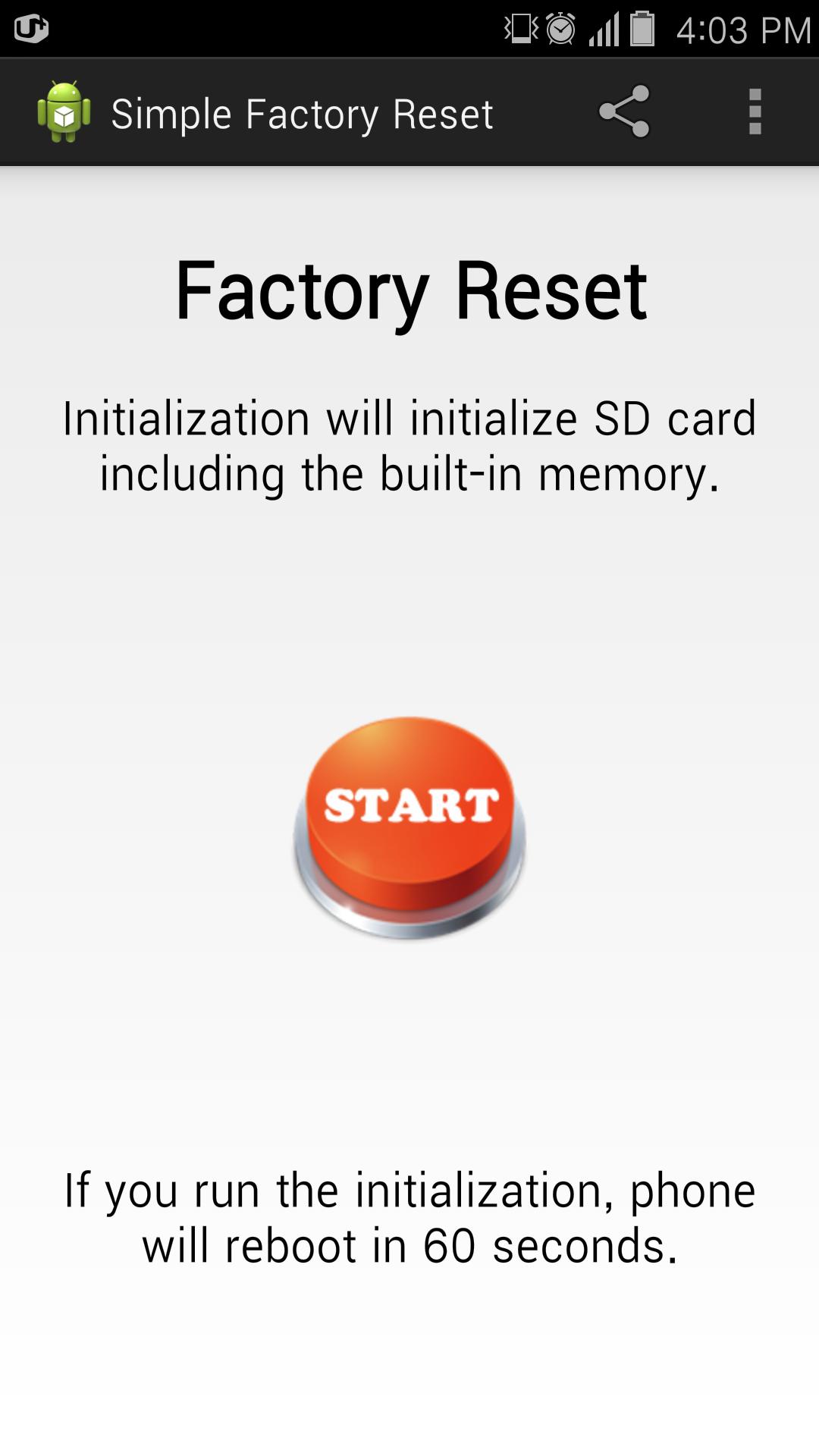
Simple Factory Phone Reset centers the entire experience around a single reset button. Before anything happens, on-screen prompts guide you through clear privacy acceptance and confirmation steps. This reduces guesswork and keeps the flow straightforward from start to finish.
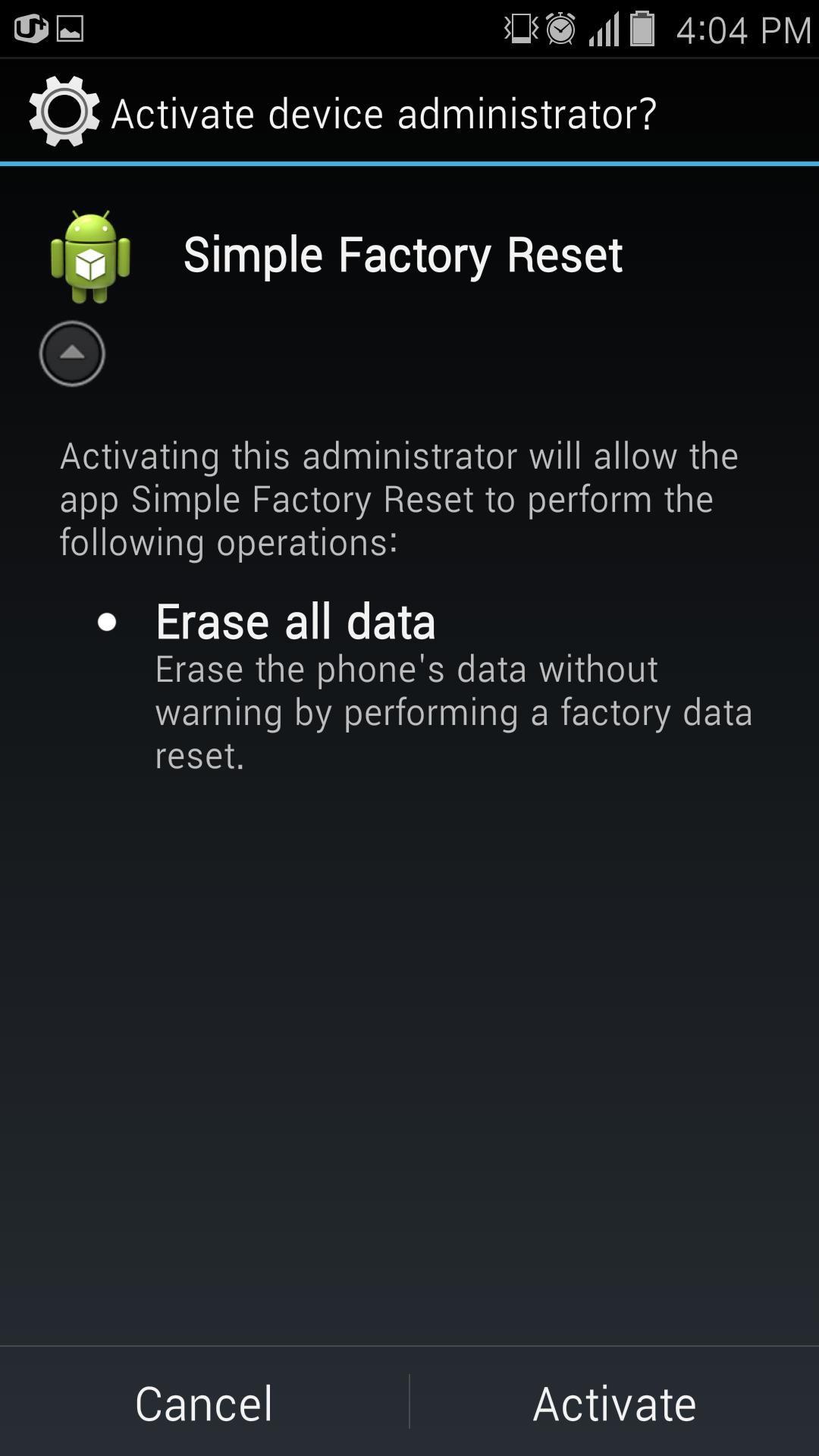
No root required, uses standard device administrator permissionYou can complete a full factory reset without rooting the device. The app requests standard device administrator permission and then handles the reset using built-in system capabilities. This approach keeps the process simple for users who do not want extra technical steps.
Broad compatibility across brands and Android versionsThe reset flow is designed to work across many Android brands without brand-specific steps. It supports Android 5.0 and above, and older builds cover Android 4.x devices. This makes it useful for mixed-device households and for older phones that still need a clean start.
Clear warnings to prevent surprisesSimple Factory Phone Reset displays clear, plain-language warnings before any action is taken. You will see what a factory reset means for your data and accounts, with a chance to cancel if needed. These prompts help you avoid unexpected data loss.
Fast, consistent reset processThe app triggers the system factory reset directly after you confirm. This keeps the timing predictable and consistent across supported devices. As a result, you can return the phone to its initial setup state quickly when troubleshooting or preparing it for a new user.
Review the following checklist to protect your information and avoid interruptions during the reset process.
Consider using the app when preparing a device for resale or handover. It can also help when a phone has persistent software issues, freezes, or performance slowdowns that do not improve with basic steps. In everyday use, it fits refurbishment tasks and quick turnaround needs for older devices.
The app supports Android 5.0 and newer devices, with older builds available for Android 4.x. This flexibility helps users working with legacy phones that still need a reliable factory reset. If you search by package name, look for com.simple.apps.factory.phone.reset. Users who need the Simple Factory Phone Reset latest version can check for the most recent build that matches their device.
The app focuses on a short, guided flow that keeps each step clear on screen. For the best results, make sure you have completed backups and signed out where necessary. If needed, confirm you are using the Simple Factory Phone Reset latest version for your device.
Simple Factory Phone Reset provides a guided way to perform a factory reset without root across many Android devices. It focuses on clarity and consistency during the reset flow, which helps when troubleshooting or passing a phone to a new owner. To begin, download Simple Factory Phone Reset and follow the on-screen prompts.
For more details from the developer, visit the official website:
Latest Version
6.3Uploaded by
이현규
Requires Android
Android 5.0+
Category
Free Tools AppContent Rating
Everyone
Security Report
Report
Flag as inappropriateLast updated on Jul 16, 2024
Fixed the issue of the app force closing.
Apply latest Android SDK version.
Fixed the issue of full-screen ads not closing with the back button.



APKPure - A multi-platform app store primarily focused on Android, providing extensive app-related content. Discover the app you want easier, faster, and safer, with quick and efficient downloads and installations.



![[Free] Simple Factory Reset APK](https://image.winudf.com/v2/image/Y29tLnNtYXJ0YXBwcy5zaW1wbGUuZmFjdG9yeS5yZXNldC5hbmRyb2lkX2ljb25fMF85ZDkwNzc0Ng/icon.png?w=102&fakeurl=1)