Scan Date:Feb 3, 2026
Show More


SoundSeeder addresses moments when music needs to play in several rooms or with friends at the same time. It connects phones on the same WiFi so everyone hears the same beat together. This suits parties, casual home listening, or workouts where timing matters. Before starting, make sure your network is stable, then download SoundSeeder and set one phone to play while others act as speakers. With a simple setup and tight sync, your devices become one coordinated sound system.
Synced Multiroom Playback
SoundSeeder syncs playback across up to 16 devices over WiFi, WiFi Direct, or a portable hotspot. Set one phone as the Player and add others as Speakers. Music stays aligned as you move between rooms, which avoids echoes and delay. A stable router and short device distance improve timing, and a fast WiFi connection is recommended. No internet is required once devices are linked.
Local, DLNA, and Radio Sources
Once playback is synced, the SoundSeeder APK lets you play local files, browse a DLNA or UPnP server, and tune into thousands of online radio stations. Common audio formats are supported, including mp3, m4a, aac, ogg, flac, and wav. Spotify Premium works through the HiFy bridge if set up, otherwise local and DLNA sources keep playback steady.
Add PCs and Raspberry Pi as Speakers
To cover more rooms, add Windows, Mac, Linux, or Raspberry Pi as WiFi speakers using the companion speaker app. Connect them to the same network and they join like any phone. This approach lets you reuse existing devices for multiroom audio without extra hardware.
Remote Control and Bluetooth Boost
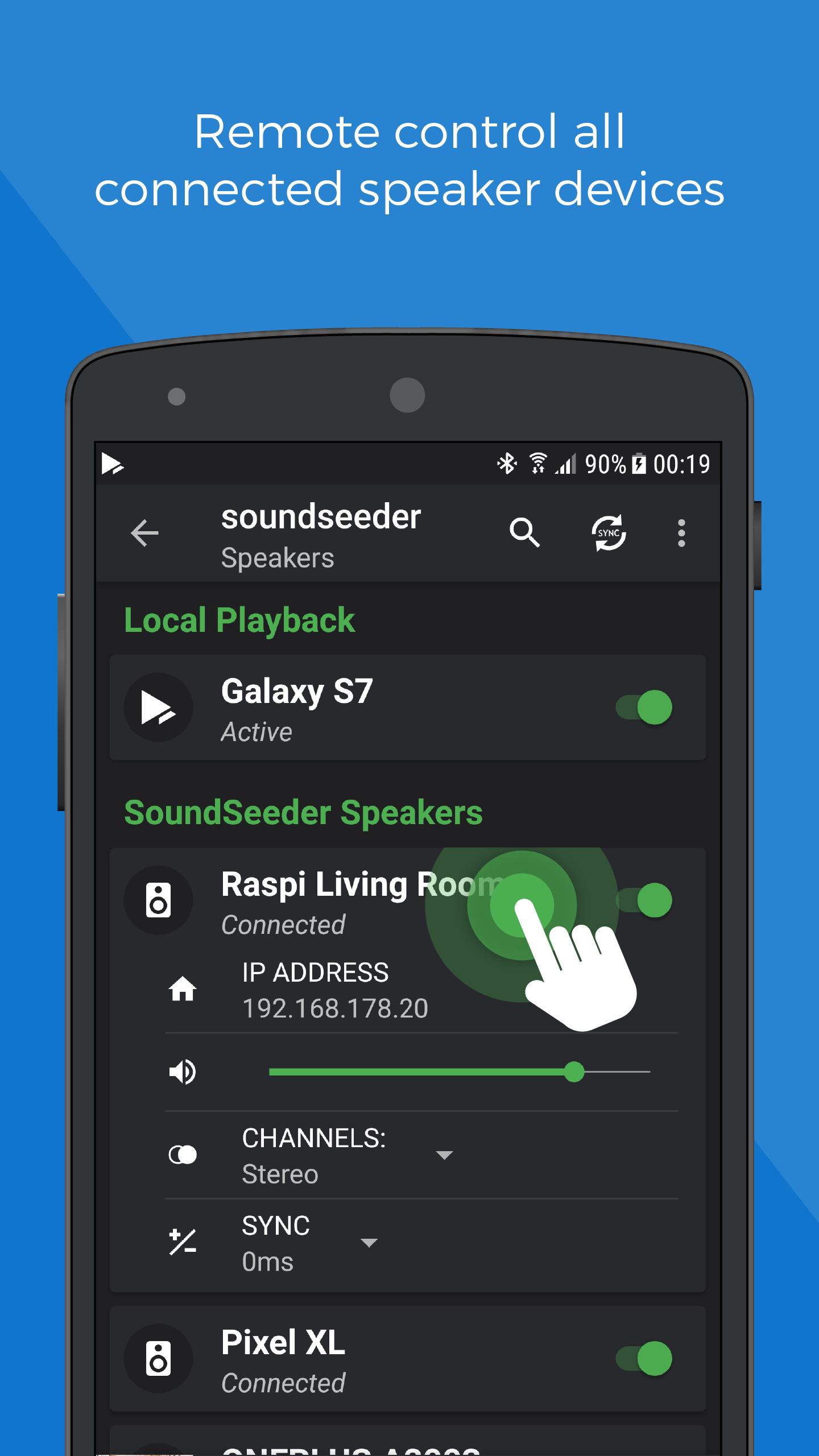
During gatherings, manage everything from the Player device and control group volume without touching each speaker. If a room needs more output, pair a phone with a Bluetooth speaker to strengthen that zone while staying in sync. Comfort options include a Sleep Timer and Day or Night themes. The free version allows two speaker connections for up to fifteen minutes per session.
SoundSeeder helps you play the same track across rooms without hassle. Set one phone as Player and connect others as Speakers over WiFi or hotspot. For reliable timing, keep devices close to your router. Check SoundSeeder latest version to ensure the newest fixes and source support.
Latest Version
2.7.1Uploaded by
စိုျပည္မိုး
Requires Android
Android 5.0+
Category
Free Music & Audio AppContent Rating
Everyone
Security Report
Report
Flag as inappropriateLast updated on Dec 7, 2023
- Fixed buffer size settings
- Some more small bugfixes





APKPure - A multi-platform app store primarily focused on Android, providing extensive app-related content. Discover the app you want easier, faster, and safer, with quick and efficient downloads and installations.