Scan Date:Jun 7, 2026
Show More


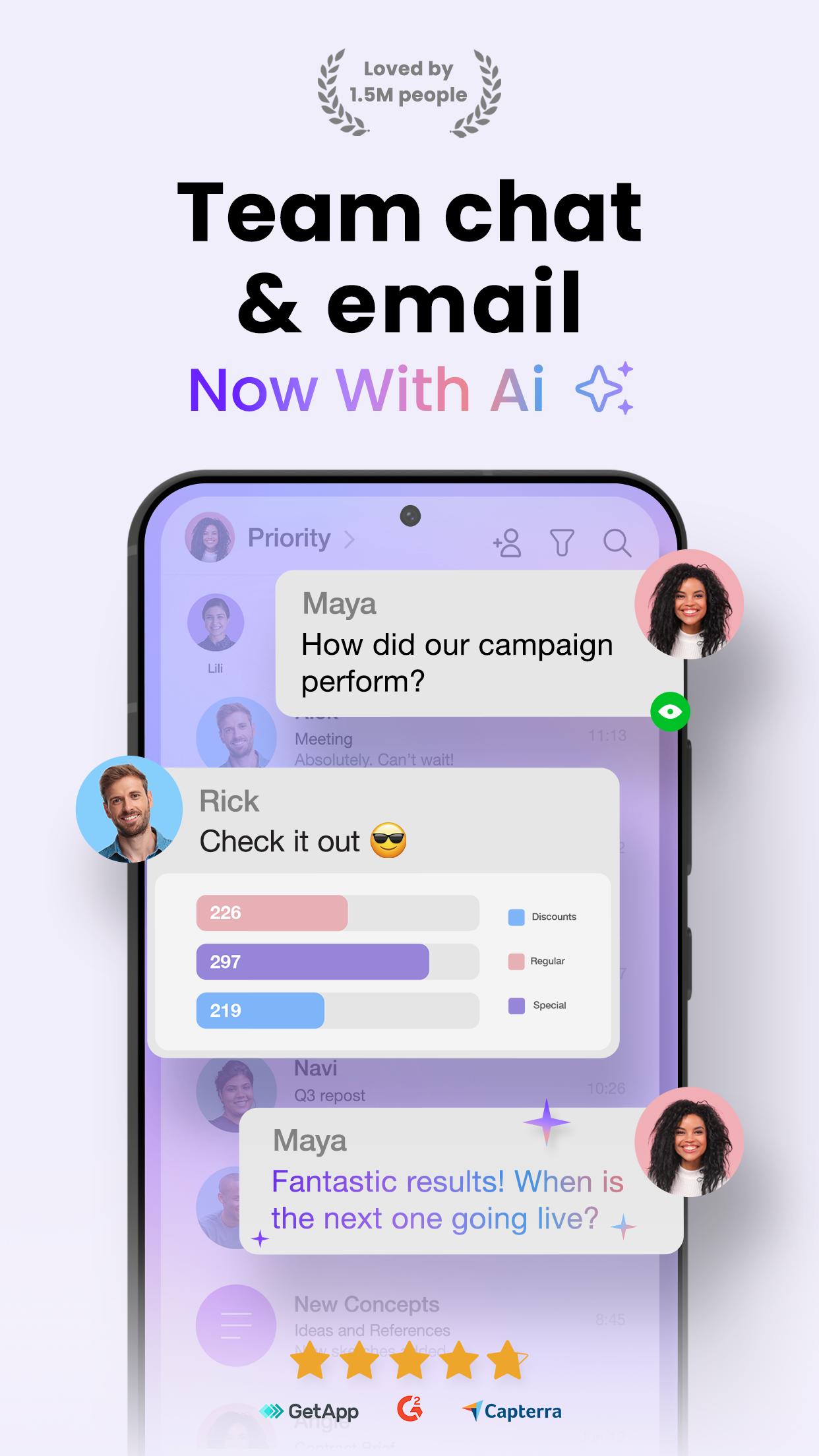
Spike helps busy professionals and teams handle daily communication when inboxes are overflowing and work is spread across many tools. It brings email, quick chat style conversations, and team work into one place so you can focus on the message in front of you. As you switch between messages and files, everything stays linked and easy to find. It fits existing email accounts and adapts to different workflows, which makes setup simple for individuals and groups who want to download Spike without changing how they already work.
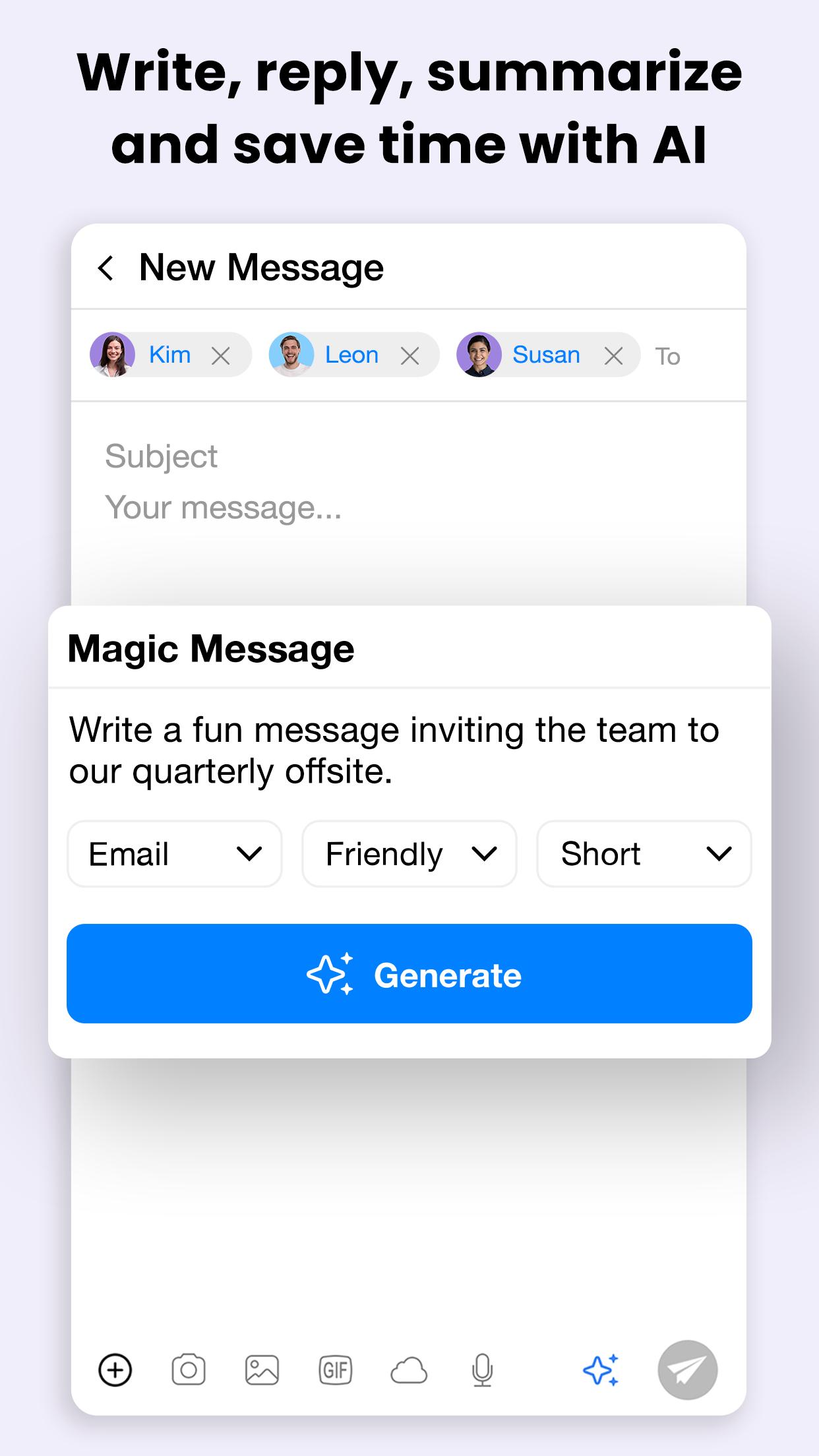
Spike uses built in AI to reduce the time you spend reading and drafting messages. It can summarize long threads in plain language and suggest replies based on the context of your conversation. Smart filters organize new messages by priority so important items appear first. This helps you triage quickly and move on to tasks that require attention.
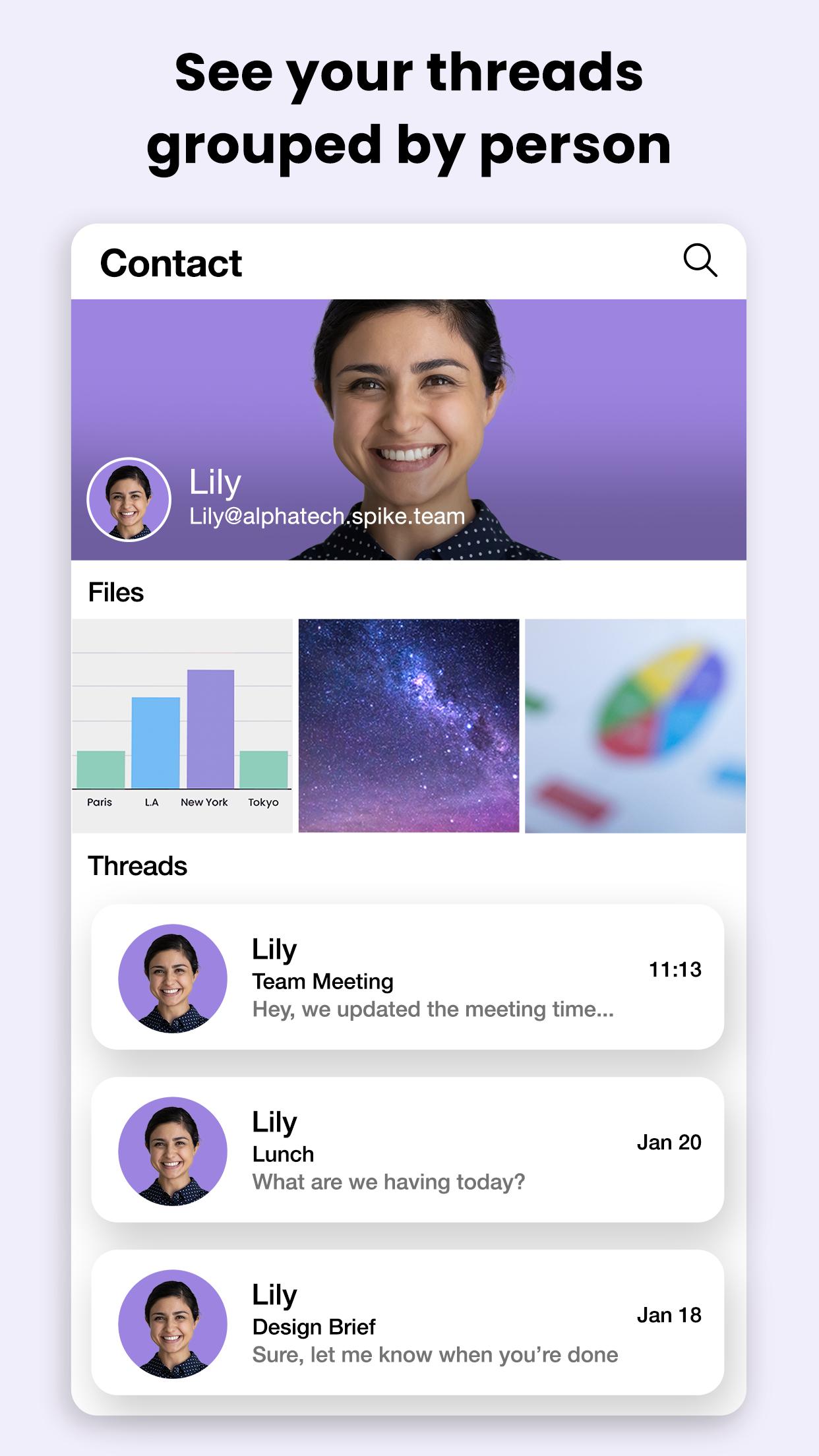
Conversational email threadsSpike organizes messages by people instead of by subject lines. You see replies in a chat like view with read indicators and presence, so it feels familiar and easy to follow. External contacts still receive standard emails, which keeps communication compatible with clients and partners. As a result, you can keep a natural flow while working with anyone.
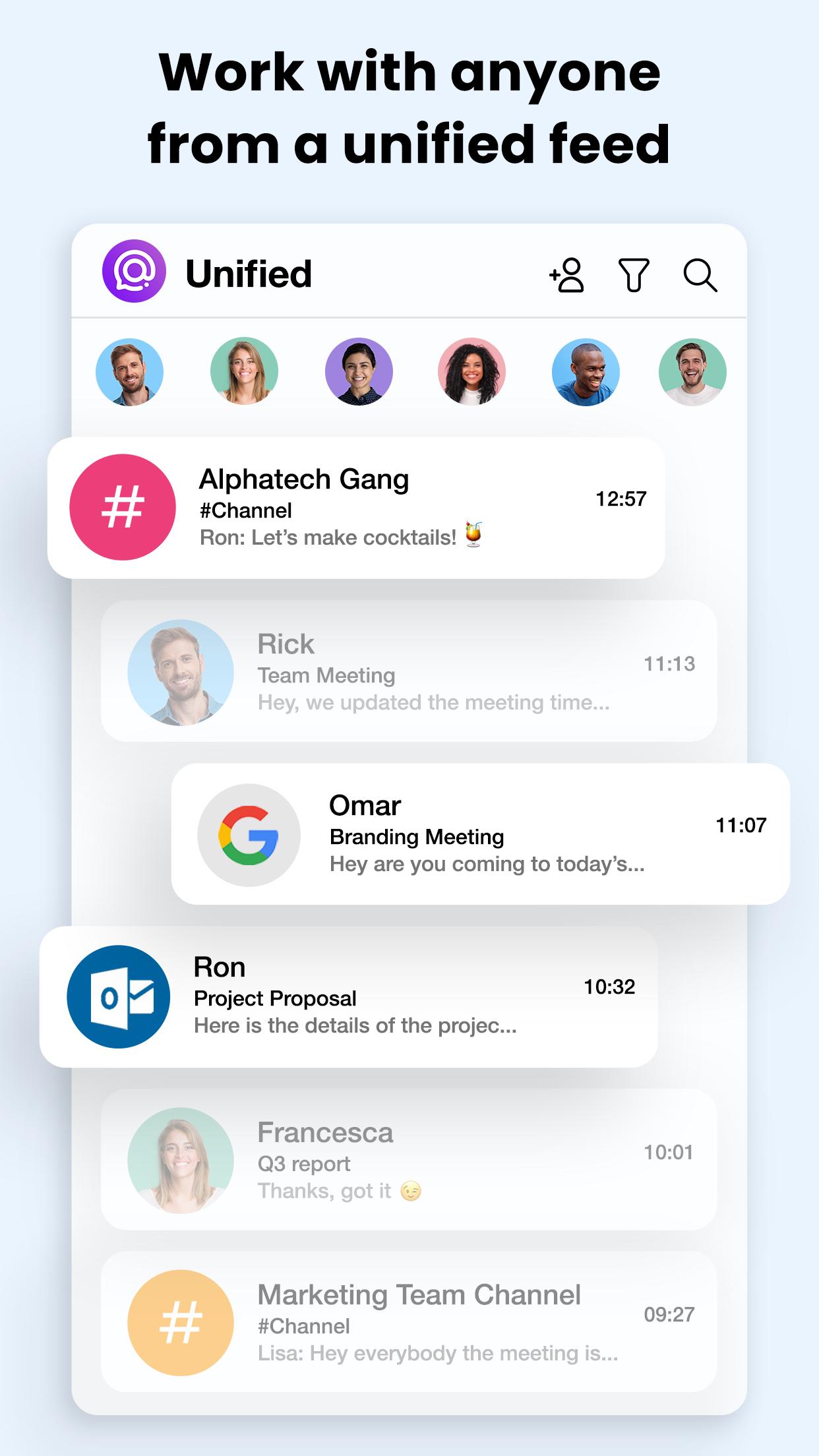
Unified accounts and super searchSpike connects multiple accounts such as Gmail, Outlook, iCloud, or Yahoo into a unified inbox. You can browse all messages in one view and find information across accounts with fast search. Files and attachments are grouped with their conversations, which makes it simpler to reopen documents or download a file you discussed earlier. This reduces switching between apps and mailboxes during the day.
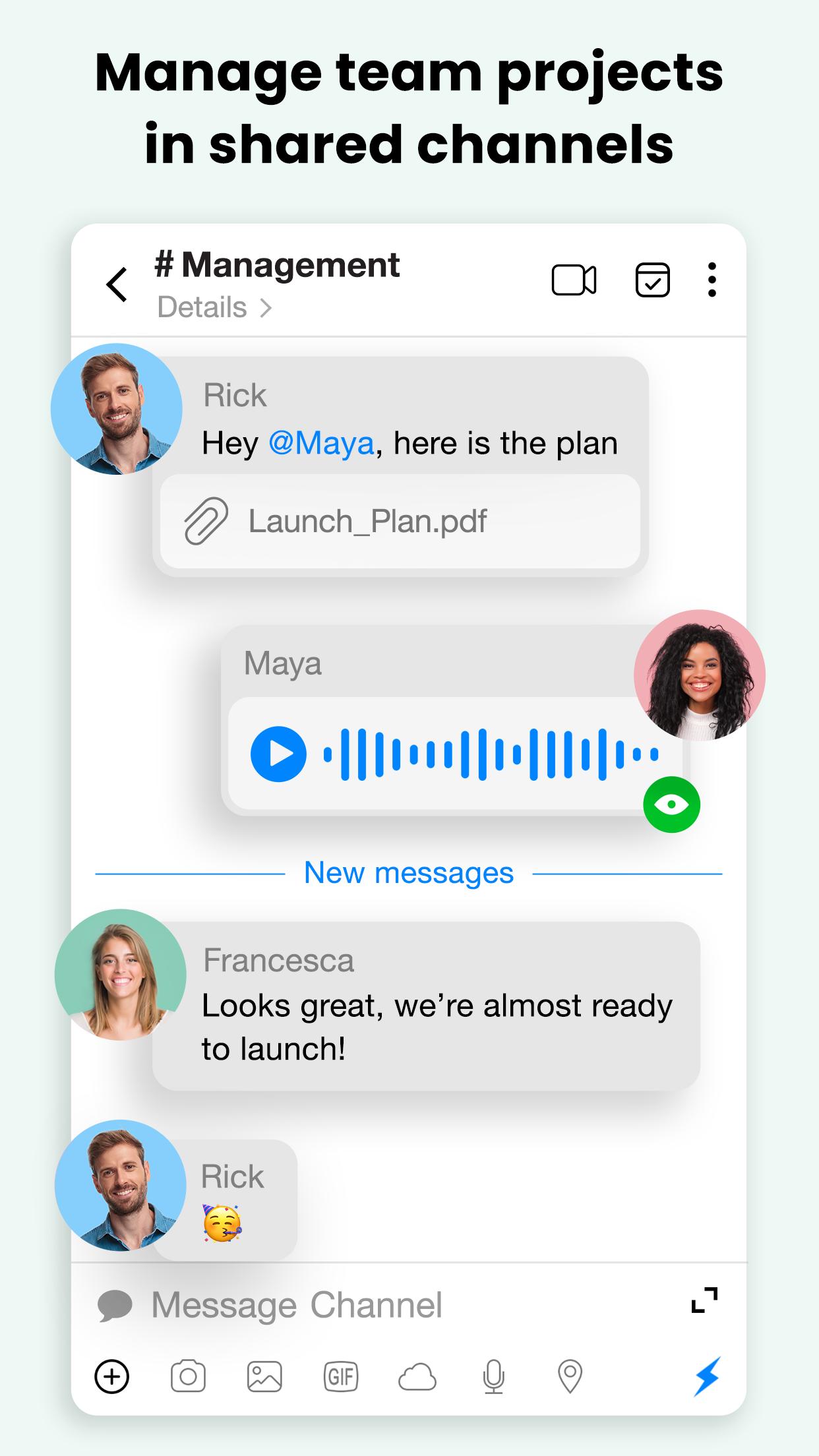
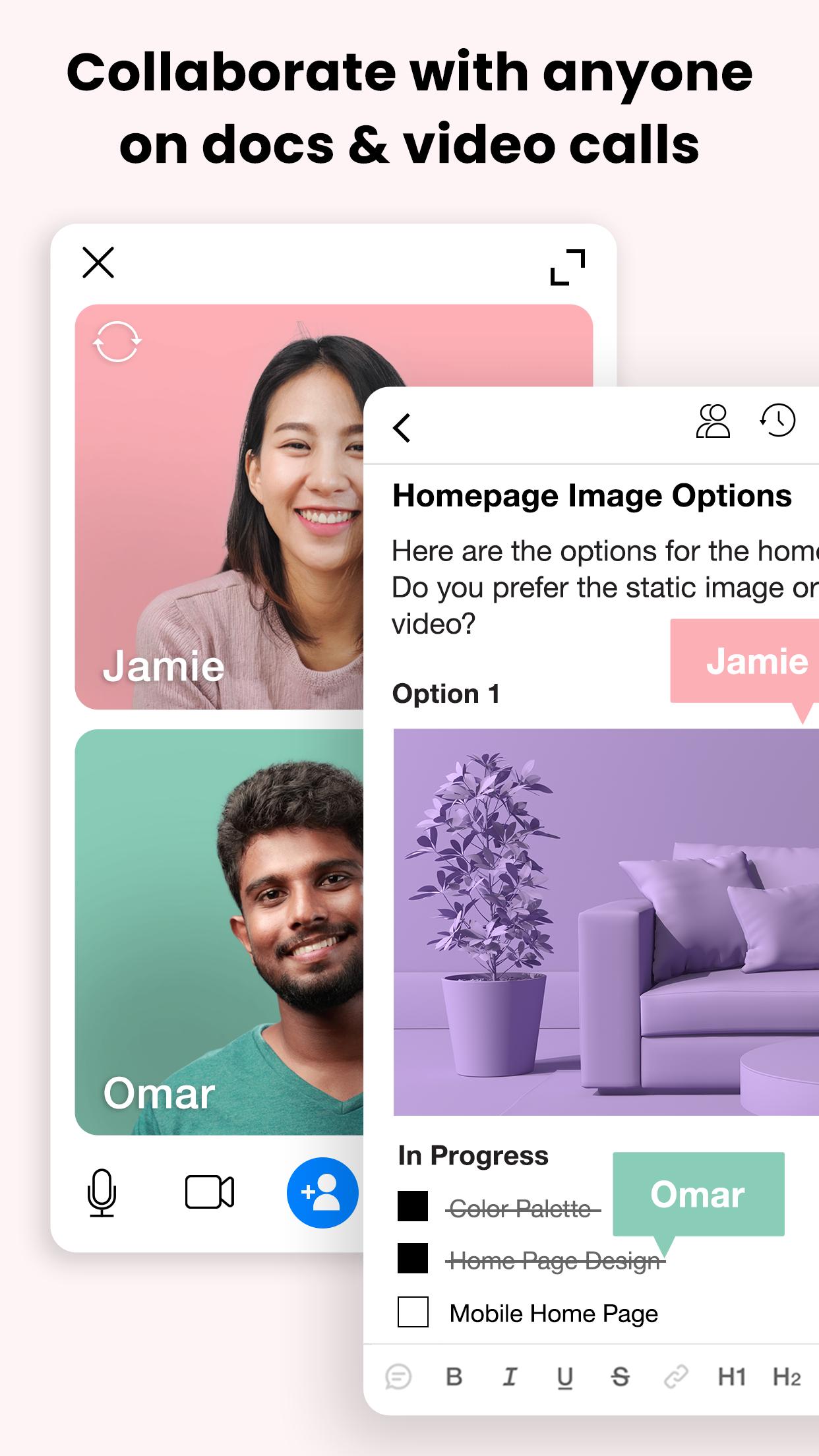
Teamspace and shared collaborationSpike includes Teamspace for creating a business email and bringing your team into one workspace. You can set up channels and groups for specific projects, then add notes, docs, and tasks that everyone can edit together. Shared inboxes help support and sales teams assign messages, track status, and respond in a clear order. Voice and video calls are available from the same place for quick follow ups.
Privacy and inbox controlSpike focuses on privacy with AES 256 encryption, no ads, and no tracking. You also get detailed controls to manage your inbox the way you prefer. Options include translation, send later scheduling, snooze and reminders, instant unsubscribe, bulk clean up, templates, swipe triage, tags, pinned or starred messages, custom notifications, and a dark mode. These tools help you reduce noise and keep important items visible.
There are two common starting points that suit different needs. If you want to keep your current address, use Spike with any existing email and connect all accounts into one inbox. If your team needs a branded business email and a shared workspace, choose Teamspace to create company addresses and centralize collaboration. Both paths let you add channels and organize work without replacing how partners and clients email you today.
Spike is designed to work with people who do not use the app. External recipients continue to receive regular emails, so you can maintain standard communication with clients and vendors. You can also invite guests into groups or channels when closer collaboration is helpful. This approach keeps projects moving without asking every contact to change tools.
Shared inboxes fit teams that manage addresses like support or sales. You can assign an incoming message, track who is handling it, and follow internal notes alongside the email. This creates a clear handoff when shifts change and avoids double replies. It also gives managers a quick view of workload and response progress.
Getting started on mobile is straightforward and takes only a few minutes in Spike for Android. The app guides you through account setup and brings your messages into a single view. After the initial sign in, you can adjust inbox controls and notifications to match your workflow.
Spike brings email and teamwork into one place so you can read, reply, and coordinate without switching apps. For the simplest setup and the most recent improvements, consider the Spike latest version when installing on your device.
For official help or more details, visit the Spike website or contact the team using the information below.
Latest Version
6.1.5.1Uploaded by
Flordeliza Manalang
Requires Android
Android 7.0+
Category
Free Productivity AppContent Rating
Everyone
Security Report
Report
Flag as inappropriateLast updated on Jun 7, 2026
Spike is now faster and more stable
Bug fixes




APKPure - A multi-platform app store primarily focused on Android, providing extensive app-related content. Discover the app you want easier, faster, and safer, with quick and efficient downloads and installations.