Package Name:com.underwood.route_optimiser
SHA-256:3dbe76eb75943d8c4239a686f621b8a45715b97ef315f7e7da059314f8b7562a
Show More


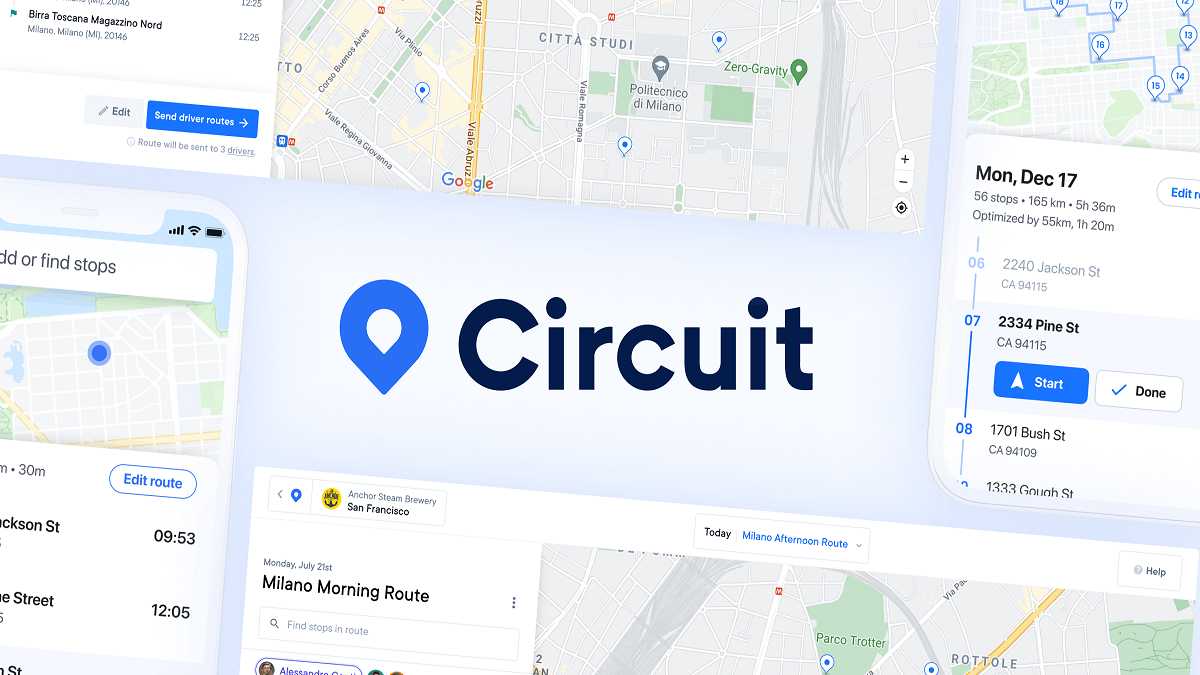
Spoke is built for couriers, delivery drivers, and last mile teams who need a clear way to plan daily routes. The app, formerly known as Circuit Route Planner, focuses on delivery work where stop order can change during the day. With Spoke APK, users can prepare a route, review the plan, and move through each delivery with less manual sorting. In addition, it supports drivers who handle many addresses in one shift.
Add stops in different ways
Spoke lets you enter delivery stops by typing addresses, using voice input, or uploading a spreadsheet. This helps when a driver receives stops from different sources before a shift starts. After the stops are added, the route can be checked and adjusted before navigation begins.
Optimize delivery order
Spoke Route Planner can arrange multiple stops into a faster delivery sequence. Instead of sorting addresses by hand, you can let the app calculate a practical order for the route. This is useful for couriers who need to visit many places in one area and want to reduce unnecessary backtracking.
Change routes during the day
Spoke supports route edits after the day has already started. You can add last minute stops, change priorities, set delivery time windows, or adjust stop order when plans change. As a result, the app fits delivery work where new requests, delays, and customer instructions may appear during a shift.
Use preferred navigation apps
Spoke works with Google Maps, Waze, and other GPS apps for turn by turn navigation. After a route is planned, you can open the next stop in the navigation app you normally use. This keeps route planning and road navigation connected without forcing every driver into one map tool.
Add delivery details to each stop
Spoke lets you add package details, stop priorities, rest breaks, custom stop durations, and time windows. These details help you understand what needs attention before reaching each address. For drivers handling different delivery types, this can make the route easier to follow from start to finish.
Spoke Route Planner is the new name for the app formerly known as Circuit Route Planner. Users who previously searched for Circuit Route Planner can recognize the same delivery planning purpose under the Spoke name. This naming change is important for returning drivers who want to find the current app and continue using familiar route planning functions.
The wider Spoke ecosystem also includes tools for delivery operations beyond individual route planning. Spoke Dispatch is aimed at courier companies that manage drivers and jobs, while Connect is described for retailers that work with delivery partners. For a single driver, the mobile app remains focused on planning stops, ordering routes, and moving through deliveries on an Android phone.
Spoke supports unlimited routes, which can help drivers who create different routes for separate workdays or delivery areas. However, full feature access and unlimited stops are tied to paid plans. Before using Spoke download for regular delivery work, users should review whether the available plan matches the number of stops and features needed for daily routes.
After installing Spoke latest version, start with the route information you already have for the day. The process works best when addresses and delivery details are prepared before driving, because the app can then organize the stops in a useful order.
Spoke gives delivery drivers a practical way to add stops, plan route order, and navigate through daily deliveries. If you need a route planner for courier work, download Spoke to organize multiple stops on Android.
Official information is available from the source below:
Latest Version
3.69.1Uploaded by
Sãmî Xtylîsh Khãñ
Requires Android
Category
Free Maps & Navigation AppContent Rating
Everyone
Security Report
Check Now
Report
Flag as inappropriateLast updated on Oct 7, 2026
What's new
• Bulk edit: select many stops at once. Long-press a stop, tap more, or draw around them on the map. Then change type, color, notes, order, arrival time or time at stop for all of them, remove them, or make them next.
• New sign-in screen with more ways to continue.
• Updated Settings screen.
• Smoother proof of delivery screen.
• Navigation stays centered on wide screens.
• Bug fixes and lower memory use.



APKPure - A multi-platform app store primarily focused on Android, providing extensive app-related content. Discover the app you want easier, faster, and safer, with quick and efficient downloads and installations.