

State.io puts you in command of moving dots that spread across connected states, capture neutral zones, and counter rival forces. Every match plays like a tactical puzzle, and you win by planning routes, timing transfers, and holding borders under pressure. The interface is simple to learn, yet every map demands a different approach. You can download State.io on APKPure to get quick matches that fit short sessions or longer runs. If you want the State.io APK latest version, APKPure offers a secure APK download so you can install and update with ease.
Real time territory control
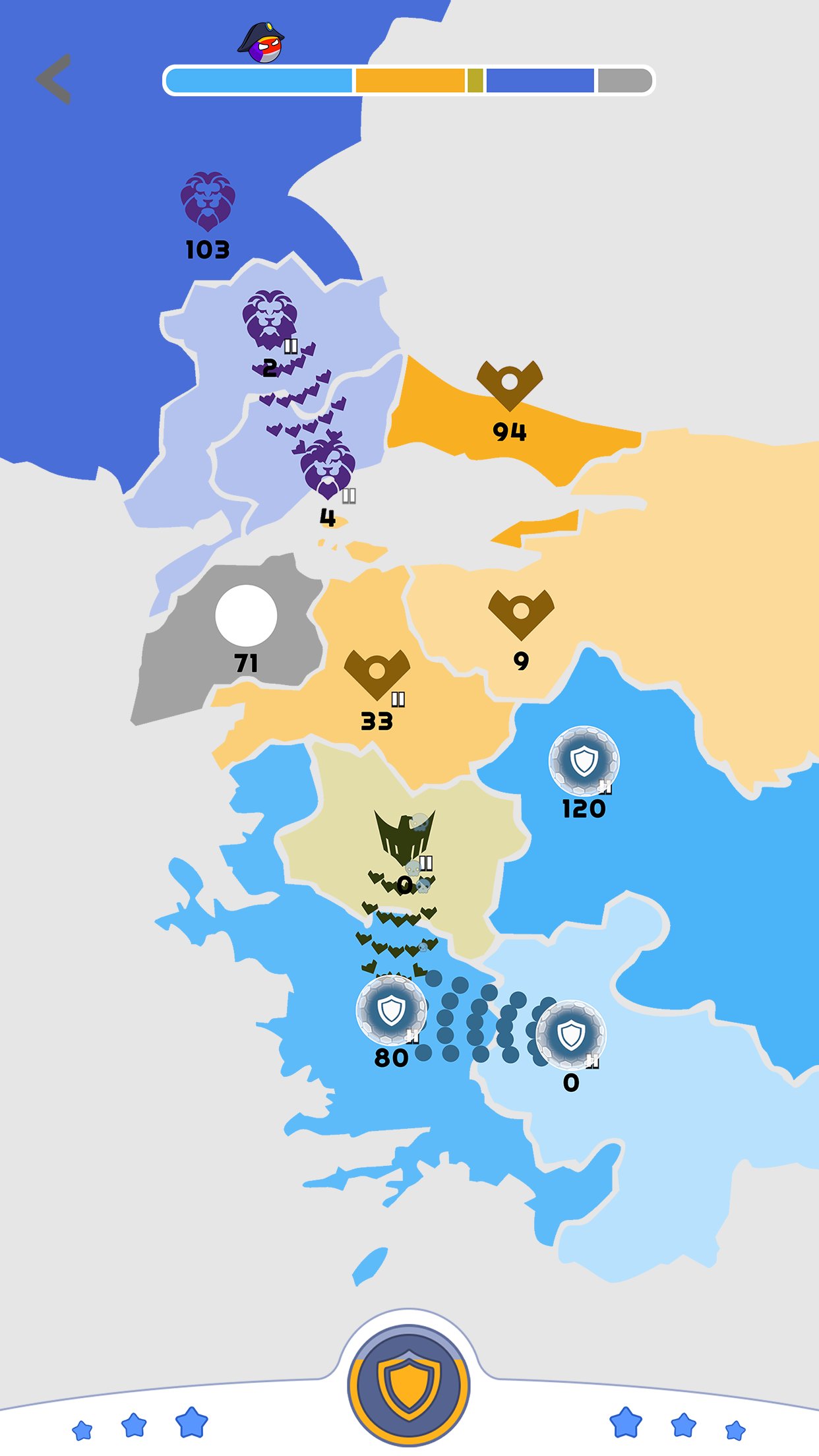
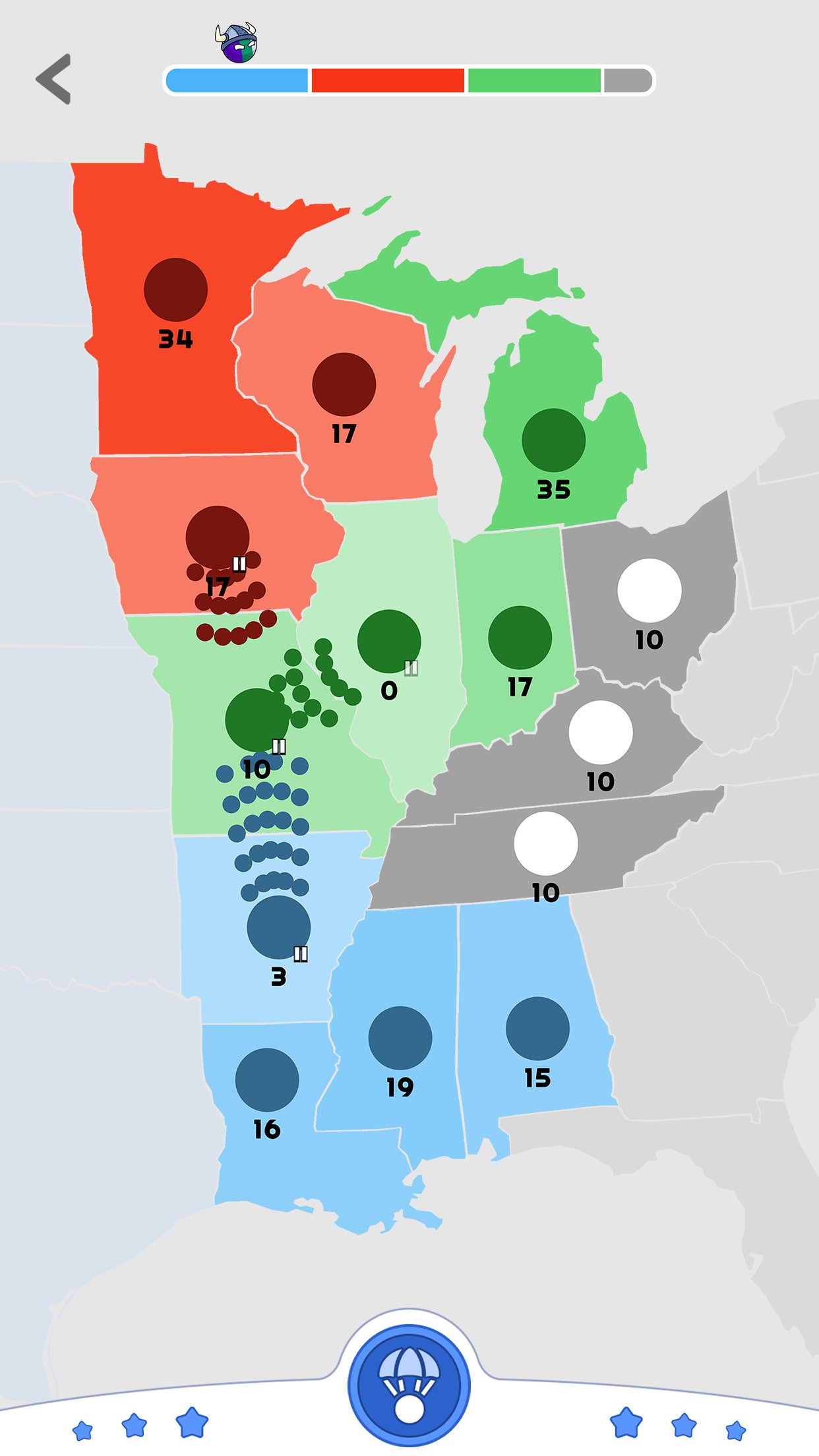
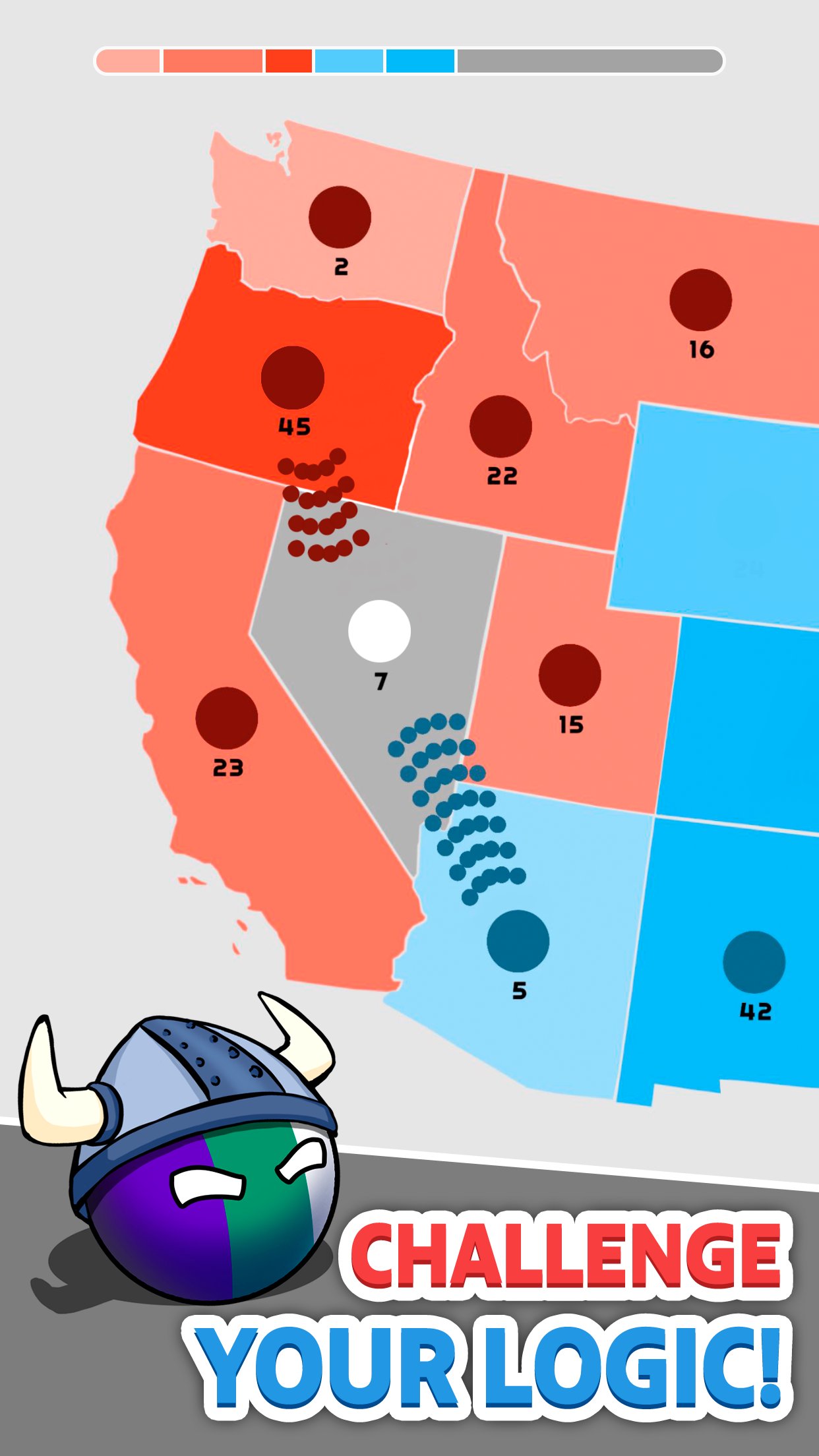
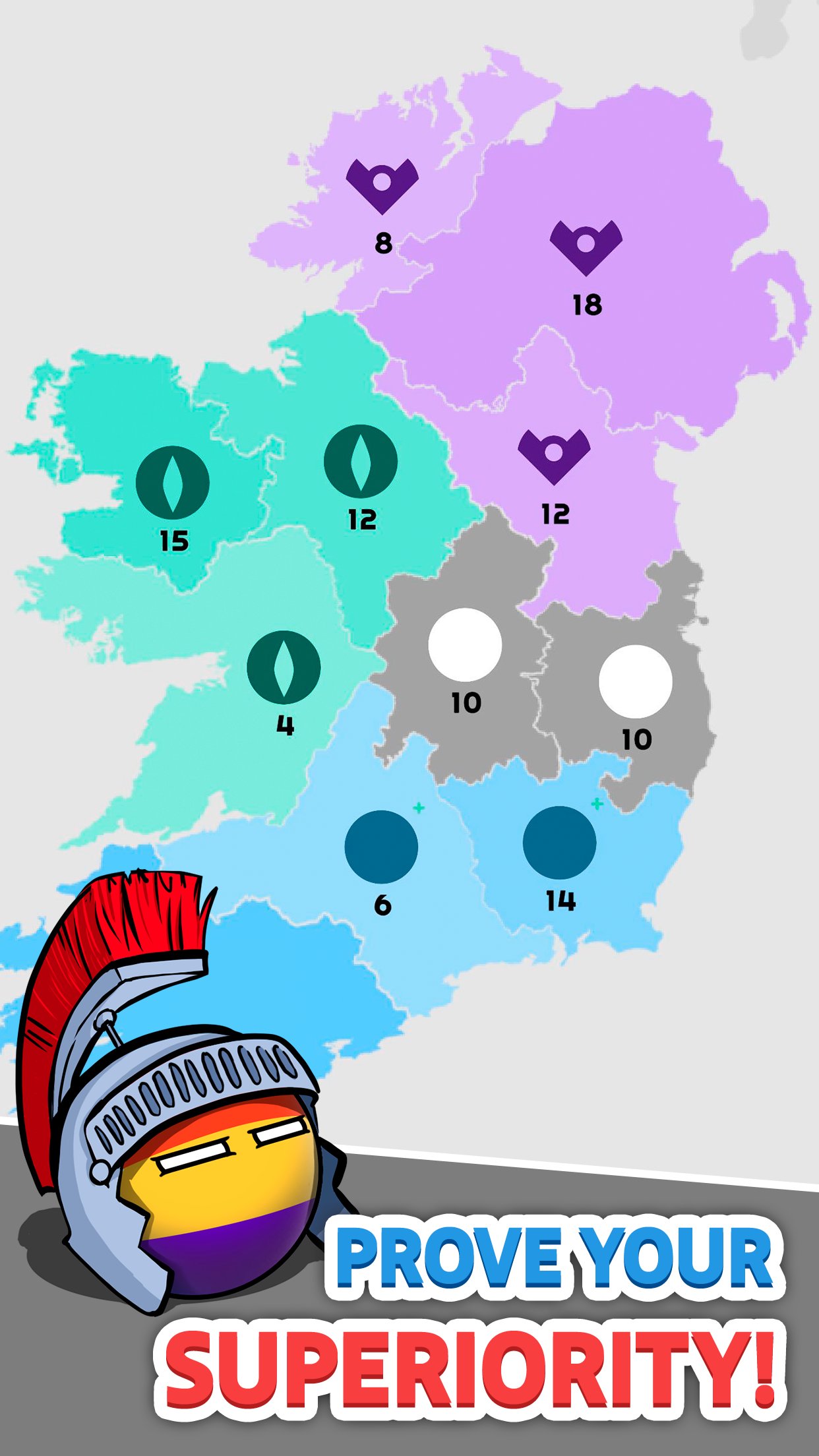
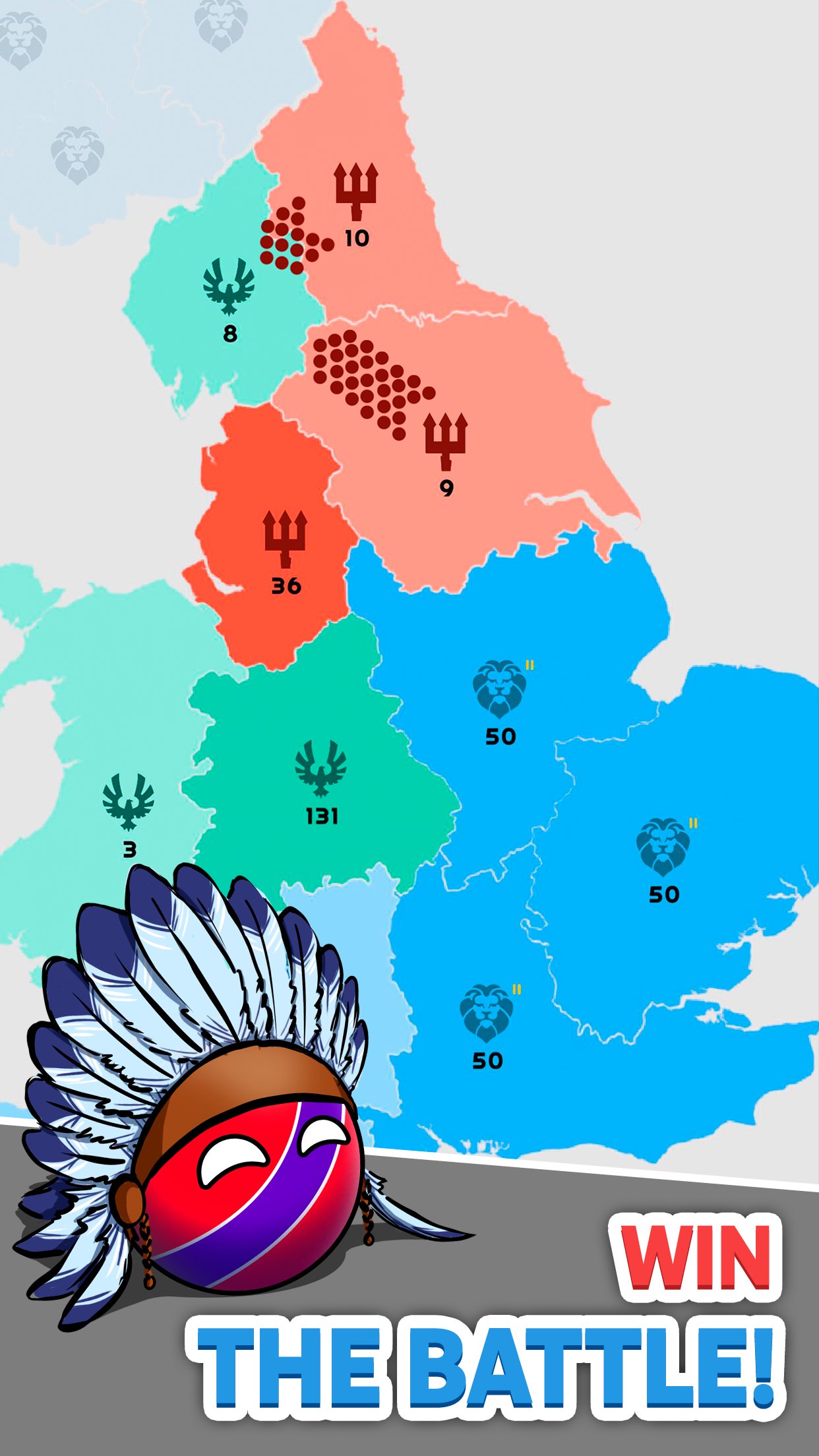
State.io lets you send dots from one state to another and fill control bars to capture territory. You watch borders shift in real time and adjust your plan accordingly. This creates a clear loop of expand, defend, and counterattack.
Strategy over raw numbers
You win by routing efficiently rather than stacking the largest army. Smart pathing and split sends allow you to outmaneuver rivals with fewer dots. Therefore timing matters as much as total production.
Varied maps that change your plan
State.io rotates layouts with chokepoints, islands, and multi-branch paths. Each layout favors different openings and reinforcement habits. Moreover, you learn to switch tactics as soon as the map reveals its weak spots.
Rising challenge across levels
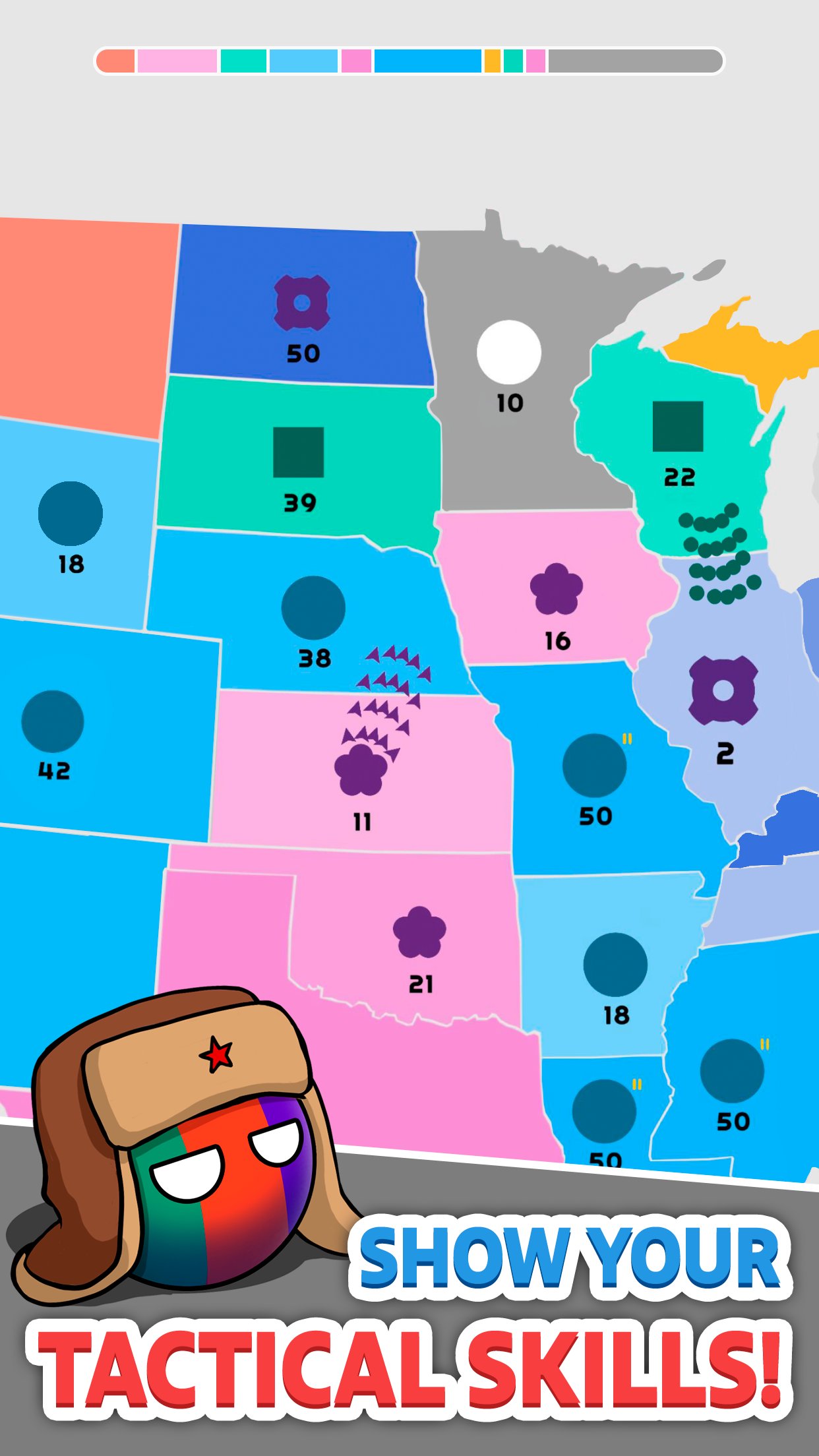
You start with simple 1v1 battles that teach the basics. Difficulty grows as extra opponents enter and pressure rises on multiple fronts. In addition, the quick restart flow makes practice straightforward.
Clean touch controls for quick actions
You tap and drag to chain targets and spread forces along a route. The interface highlights paths and capture progress so decisions stay clear. Also, short animations help you read risk at a glance.
Free to play with optional purchases
State.io uses ads and in app purchases to keep entry flexible. You can play at your own pace and choose if you want upgrades. Therefore you always control how you spend time or money.
Some players see a note that says a permanent connection is required, while others notice offline tags. Here is what that means in practice. Core gameplay can run without a connection in many builds, and you can progress through levels locally. However ads, in app purchases, event content, and any cloud sync features require the internet.
If the game asks for a connection at launch, keep Wi Fi or mobile data on to load assets and services. After essentials load, you can usually continue even if your signal fluctuates. Therefore you should treat the connection as needed for services, not for every second of play.
State.io is free to play and includes ads, so some data may be collected for analytics and advertising. Typical categories include device identifiers, diagnostics, and usage data that help improve stability and measure performance. According to common disclosures for similar titles, some data may be shared with partners and may not offer encryption or deletion options within the app.
For details, review the developer’s information and privacy policy on the official website. You can also contact the team by email if you have specific questions about how State.io handles data. Transparency helps you decide how to use the game’s online features.
State.io is available on Android and iOS for mobile play, and you can enjoy quick sessions on a phone or tablet. Some browsers also support a web version on select portals, which is useful if you want to try the game without installing. In addition, you can run the State.io APK on a PC using Android emulation to play on a larger screen.
New to State.io and want a quick start guide? This short walkthrough explains the core flow from your first tap to a clean win. It shows you how to route dots, control borders, and finish matches efficiently.
State.io delivers quick strategy loops that reward planning and fast reactions. Get the State.io APK latest version on APKPure to install, update, and jump into matches. Tap download State.io to begin, and enjoy fast tactical battles on your device.
Official contacts and links:
Can I play State.io offline?
State.io can run offline for core levels in many builds, but ads, in app purchases, and any cloud sync features require an internet connection. If you want stable services and faster loading, keep a connection active.
How do I download State.io on Android?
To install on Android, get the State.io APK on APKPure. Open the app page, tap download State.io, allow installation from this source if prompted, then follow the on screen steps to complete setup.
How do I update to the State.io APK latest version?
Use APKPure to update. Visit the State.io page on APKPure, tap Update if available, and install the State.io APK latest version to keep content and fixes current.
Is State.io available on iOS and can progress sync across devices?
State.io is available for iPhone and iPad through the platform’s store. Progress sync depends on the account and services used by the developer, so keep the same account and internet connection if you want to move data between devices.
Can I play State.io on PC?
There is no native desktop build of State.io, but you can run the State.io APK on a PC using Android emulation. Some players also use a web browser version on select portals for quick access without installation.
Latest Version
4.4.2Uploaded by
Weni Slstn
Requires Android
Android 7.1+
Category
Free Strategy GameContent Rating
Everyone
Report
Flag as inappropriateLast updated on Oct 6, 2026
Our application has become faster and more convenient for playing.
Thank you for staying with us!
Enjoy the game!



APKPure - A multi-platform app store primarily focused on Android, providing extensive app-related content. Discover the app you want easier, faster, and safer, with quick and efficient downloads and installations.




![Border Siege LITE [war & risk] APK](https://image.winudf.com/v2/image1/Y29tLmdhbWUuZHJpc2suZnJlZV9pY29uXzE1NjY5OTUzNDRfMDQ1/icon.png?w=102&fakeurl=1)