
Swiggy helps users handle common daily needs when cooking, shopping, or eating out is not convenient. It brings several order and booking options into one Android app, so you can look for meals, household items, restaurant offers, and train food delivery from the same place. In addition, the Swiggy APK gives access to live order progress and payment choices, which can help you plan around lunch breaks, late nights, travel, or busy home routines.
Food delivery from restaurants and chains
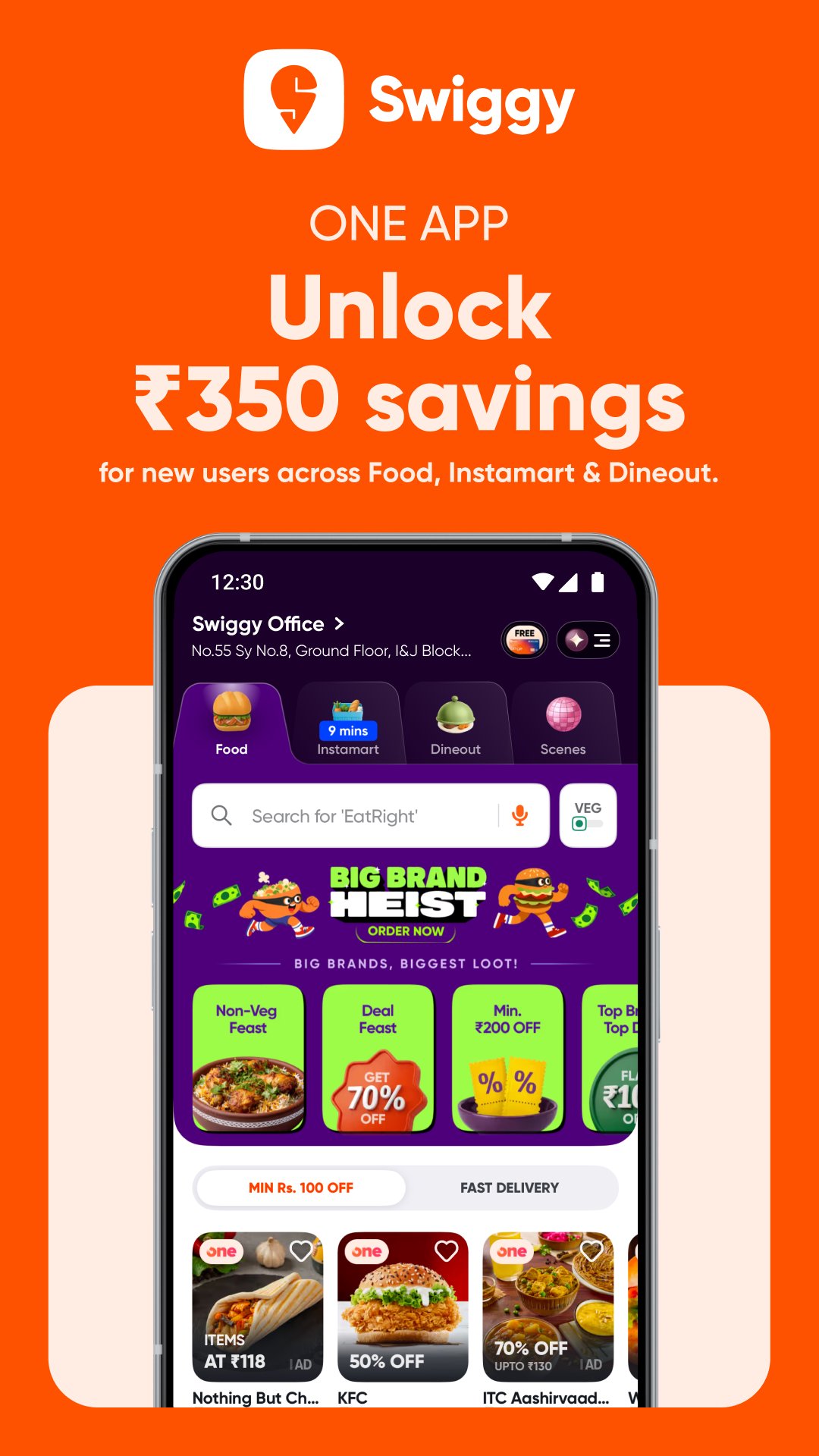
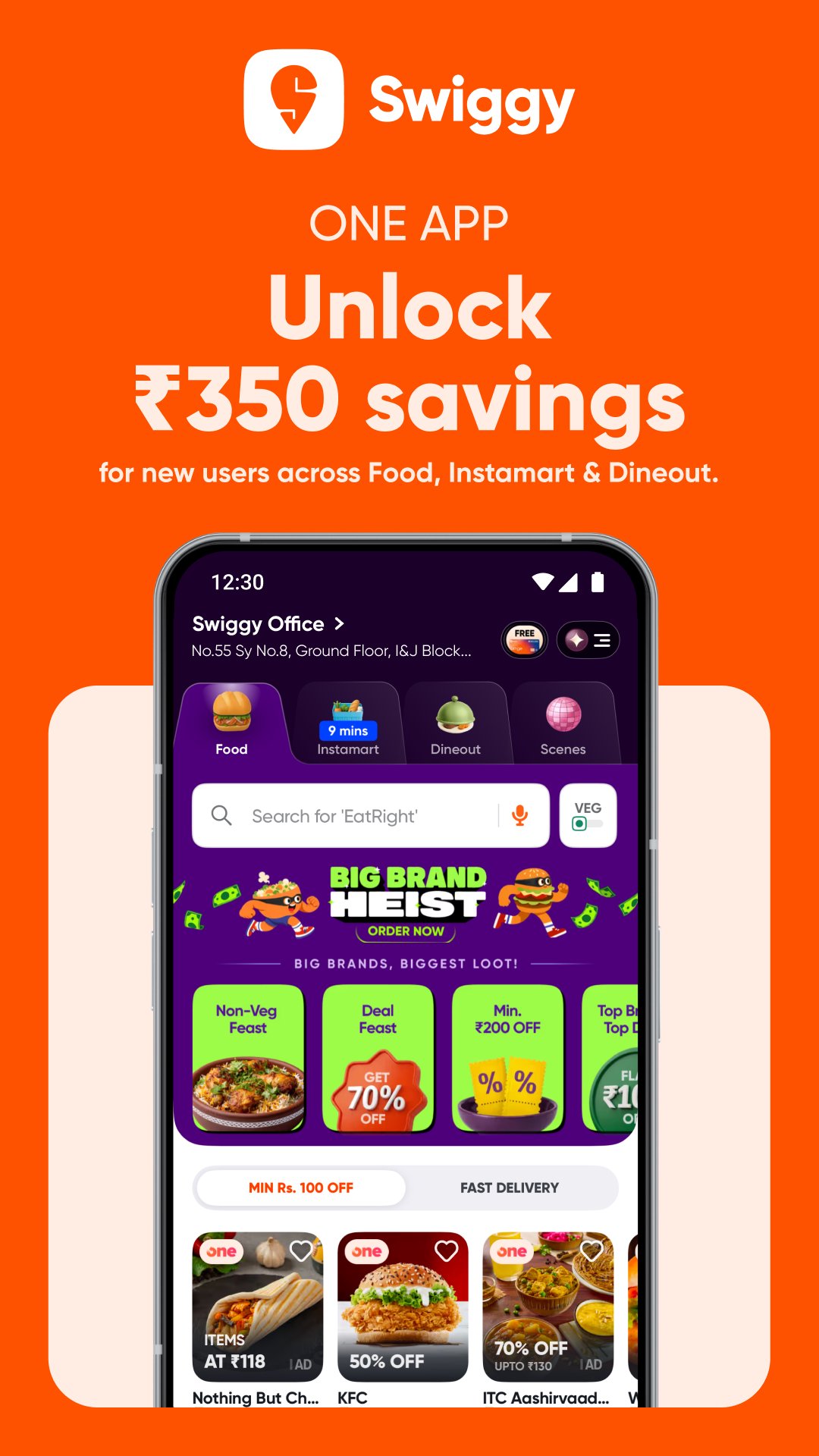
Swiggy lets you order food from local restaurants and major food chains in supported cities across India. You can browse more than 30 cuisine types, including North Indian, Chinese, South Indian, pizza, burgers, coffee, desserts, and late night meals. Since there is no minimum food order, you can place a small snack order or a full meal depending on what you need at that moment.
Instamart grocery and daily essentials
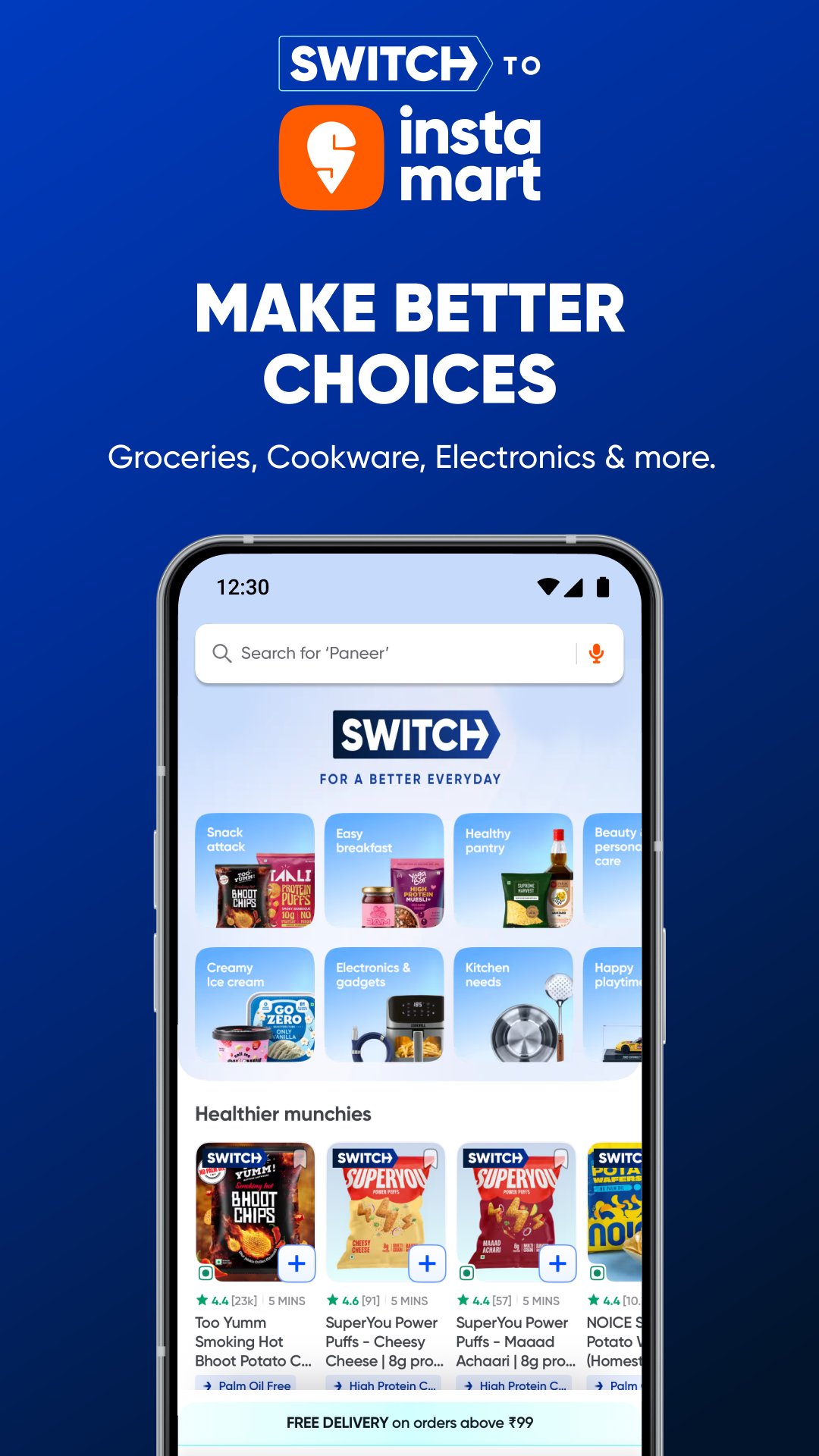
You can use Instamart inside Swiggy to shop for groceries and household items without switching to another app. The catalog can include snacks, dairy, fruits, vegetables, personal care products, baby care items, home supplies, electronics, and more. This makes the Swiggy app useful for both planned weekly shopping and urgent needs, such as milk, vegetables, or basic home items.
Live tracking for food and grocery orders
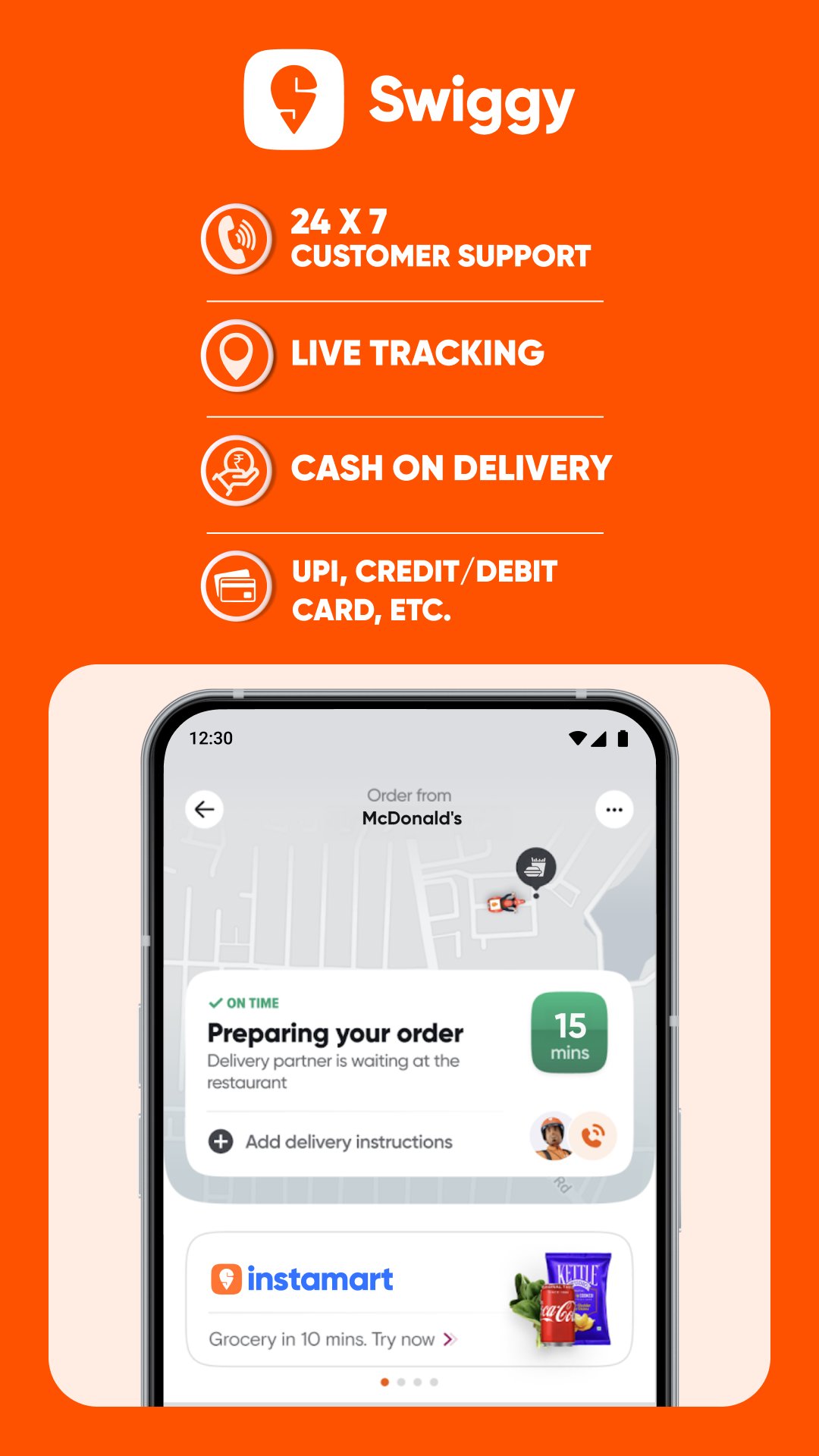
Swiggy shows real time order updates after you place an order. You can check the current status and estimated arrival time, which helps when you are waiting for lunch, arranging groceries at home, or timing a train food delivery. As a result, you do not need to keep guessing when the order may reach you.
Dineout deals and table reservations
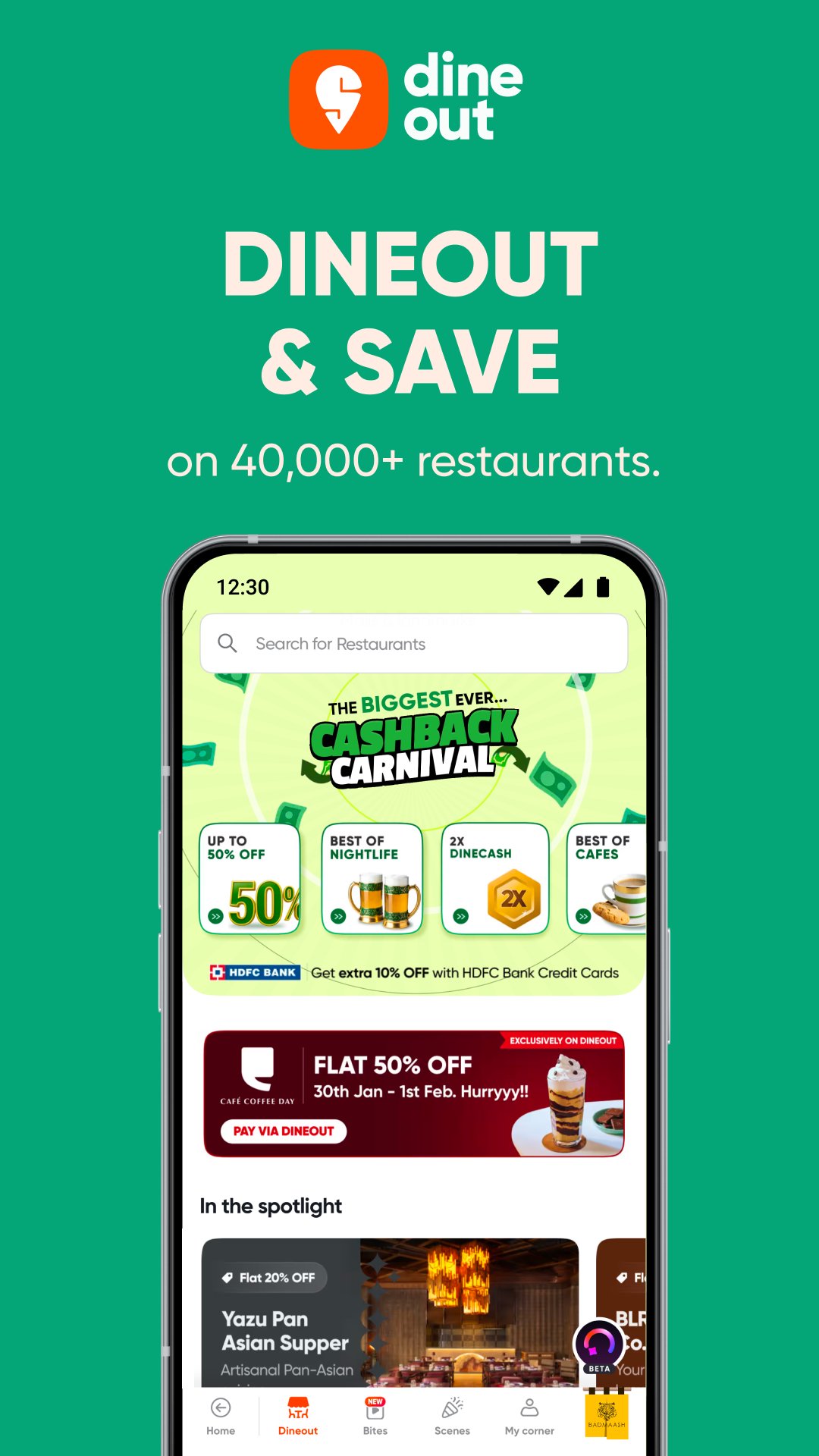
Swiggy also includes Dineout options for users who prefer eating at restaurants. You can discover partner restaurants, cafes, bars, and pubs with flat discount offers, table booking options, and bill payment offers where available. This feature is useful when you want to compare dining choices before going out for dinner or meeting friends.
Swiggy One benefits for frequent users
Swiggy One is designed for users who order often from food delivery or Instamart. It can include unlimited free delivery, extra restaurant discounts, free Instamart delivery, and no additional surge fee, depending on the available benefits. Before subscribing, you should compare your usual order frequency with the benefits shown in the app.
Swiggy works best when the services you need are available in your city or area. Food delivery, Instamart, Dineout, and IRCTC food delivery may not appear in the same way for every location, so the app experience can change based on your address, nearby partners, and supported railway stations. Checking your saved location early helps you see which services are actually available before placing an order.
Offers and discounts can also vary by restaurant, grocery category, time, and payment method. For example, a Dineout discount may apply only at selected partner places, while Instamart availability may depend on nearby stock. Therefore, it is useful to review the final order amount, delivery fee, and offer conditions before confirming payment.
After installing the Swiggy latest version, you can set up the app around your location and the service you want to use first. The process is simple because food delivery, Instamart, Dineout, and train meals are placed inside the same app flow.
Swiggy brings food orders, grocery delivery, restaurant deals, and supported train seat meals into one Android app for everyday use in India. If these services match your location and routine, you can download Swiggy to manage meals, essentials, and dining plans from one place.
Latest Version
4.118.0Uploaded by
Kham Touy
Requires Android
Android 10.0+
Category
Free Food & Drink AppContent Rating
Everyone
Report
Flag as inappropriateLast updated on Oct 5, 2026
This release includes minor bug fixes and general improvements. Update to the latest version for the best experience.





APKPure - A multi-platform app store primarily focused on Android, providing extensive app-related content. Discover the app you want easier, faster, and safer, with quick and efficient downloads and installations.