Tapas suits readers who want serialized stories on an Android phone without searching across many separate sites. It brings comics, novels, manga, manhwa, webtoons, and premium comics into one reading space, so you can follow different formats from the same app. In addition, the Tapas app focuses on story categories such as romance, fantasy, action, BL, K content, creator series, and original titles, giving readers a clear place to find ongoing digital stories.
Large story library
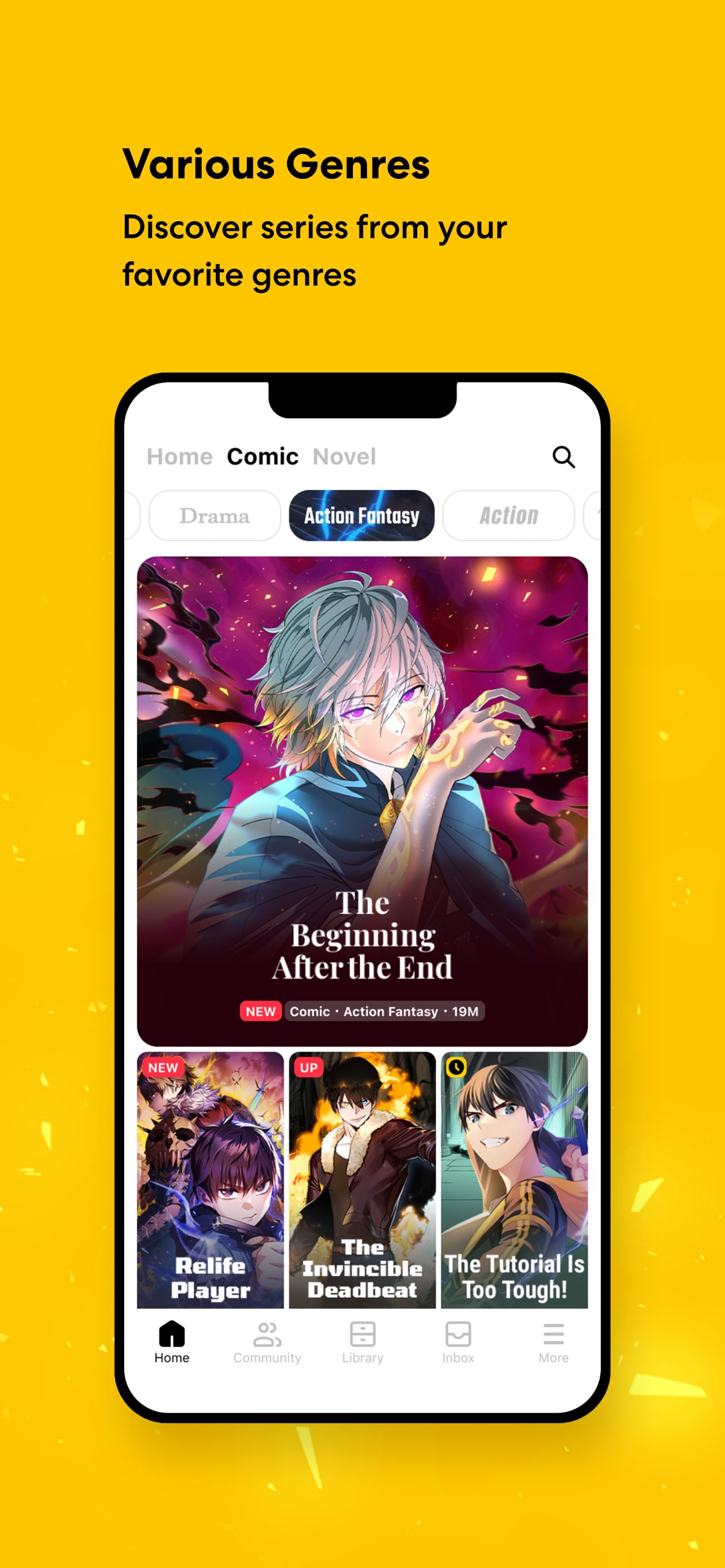
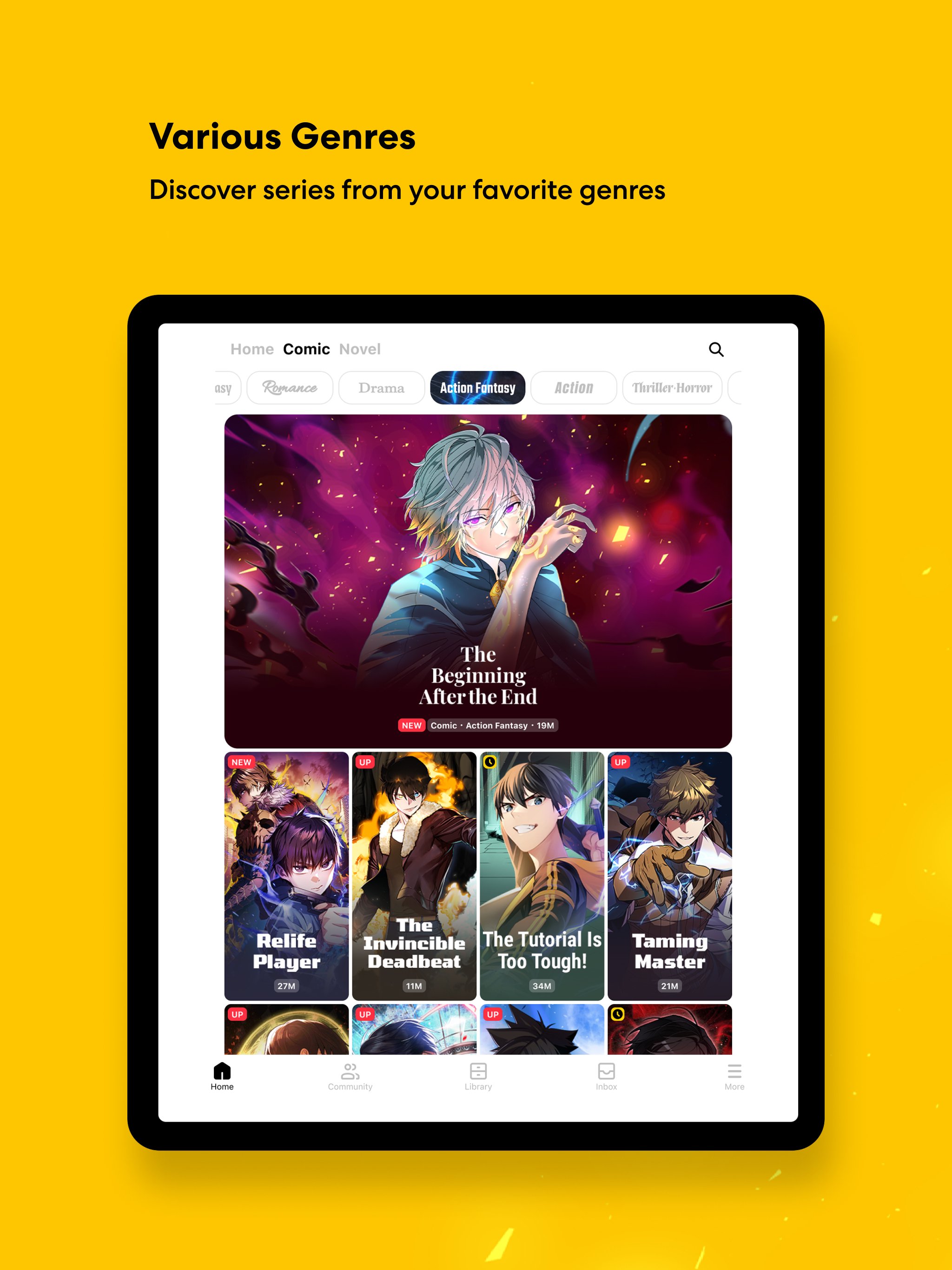
Tapas gives you access to a broad reading catalog that includes webcomics, webnovels, manga, manhwa, novels, and premium comics. You can browse by popular genres, which helps when you already know whether you want romance, fantasy, action, BL, or another story type. As a result, the app works for both quick reading sessions and longer story discovery.
Originals and known titles
Tapas includes Tapas Originals along with recognized titles listed in the app information, such as The Beginning After the End, Solo Leveling, A Business Proposal, Heartstopper, and Moving. You can use these titles as starting points if you prefer stories that already have a visible reader base. After that, related lists and collections can help you move toward similar comics and novels.
Daily chapters and free episodes
Tapas updates stories with new chapters daily, so readers can return often to continue ongoing series. The app also offers exclusive free episodes that drop every three hours, which gives you a regular way to check for available reading without paying for every episode. This setup is useful if you follow several series at once and want to plan short reading breaks during the day.
Wait Until Free access
Tapas uses a Wait Until Free system for selected episodes. You wait for the timer to finish, then unlock the next episode for free when it becomes available. This gives patient readers another path through serialized stories, while still keeping the reading flow tied to each title’s release and access rules.
Reader perks and creator publishing
Tapas offers app based perks such as Gift Passes, free Ink, bonus Ink, weekly Fortune Cookies, and notifications for favorite series. These items can help you manage access to selected episodes and keep track of stories you follow. In the same service, creators can publish comics or novels and connect with readers, which makes Tapas useful for both reading and sharing serialized work.
Tapas organizes stories through themed areas such as Trending Now, New Comics, New Novels, Tapas Originals, Community Staff Picks, Early Access, and genre focused lists. These sections can make discovery easier because you do not need to start from a blank search screen. If you like specific story moods, lists such as romance fantasy or action fantasy can narrow the library before you open a series page.
Some content can be read through free access options, while other episodes may use Ink or other app items. Because access can vary by title, it is useful to check the episode page before starting a long series. This helps you understand whether the story fits your reading pace and whether you want to use timed access, free rewards, or Ink.
After you download Tapas, open the app and choose the type of story you want to read first. The process is simple because browsing, reading, unlocking, and following series all happen inside the same mobile reading flow.
Tapas brings comics, novels, manga, manhwa, webtoons, reader rewards, daily releases, and creator publishing into one Android reading app. Users who want serialized digital stories can get the Tapas APK and use the app to browse, follow, and read titles at their own pace.
Official information for Tapas is available through the following channels.
Latest Version
7.13.1Uploaded by
Abdelrahman Sameh
Requires Android
Android 9.0+
Category
Free Comics AppContent Rating
Teen · Diverse Content: Discretion Advised
Report
Flag as inappropriateLast updated on Oct 1, 2026
Bug fixes and performance improvements






APKPure - A multi-platform app store primarily focused on Android, providing extensive app-related content. Discover the app you want easier, faster, and safer, with quick and efficient downloads and installations.