Scan Date:Dec 21, 2024
Show More


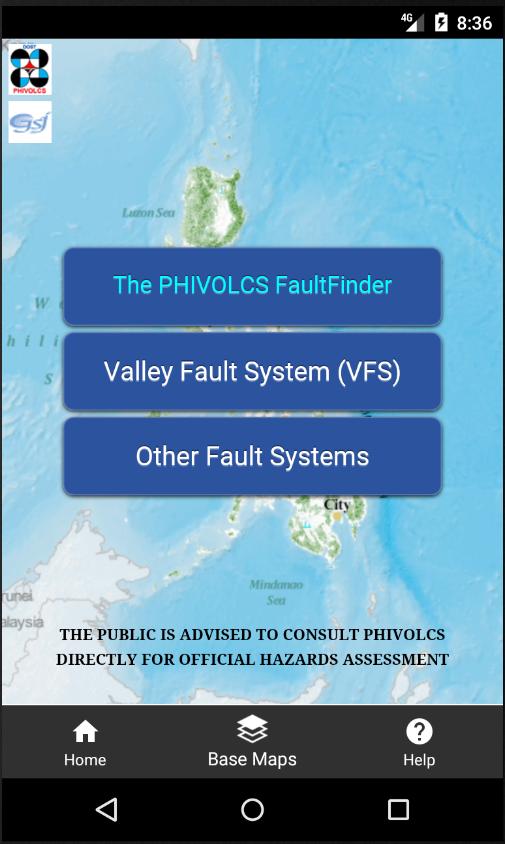
The PHIVOLCS FaultFinder supports situations when you need to check how close a home, school, or project site is to an active fault. It connects to the official PHIVOLCS online database to display fault locations and distance, so an internet connection is needed while using the app. The map view helps you inspect areas clearly and compare options as you plan. You can download The PHIVOLCS FaultFinder for a straightforward way to review proximity information using familiar online maps.
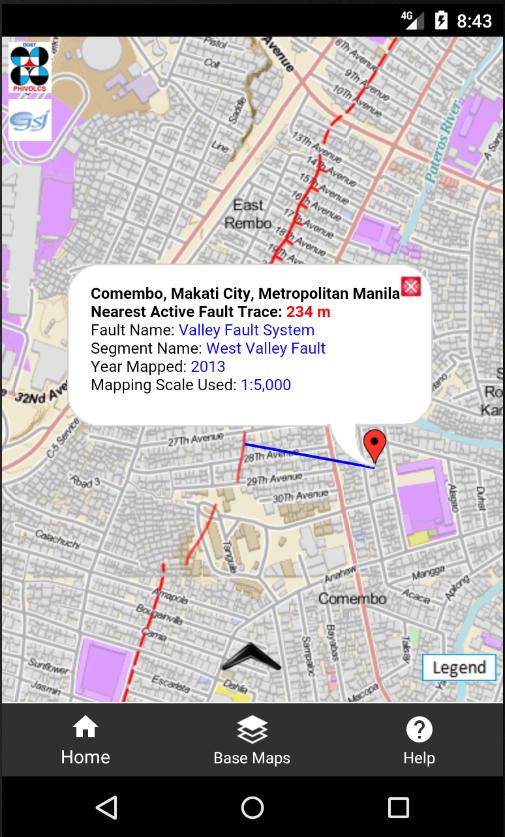
Nearest fault distance for any location
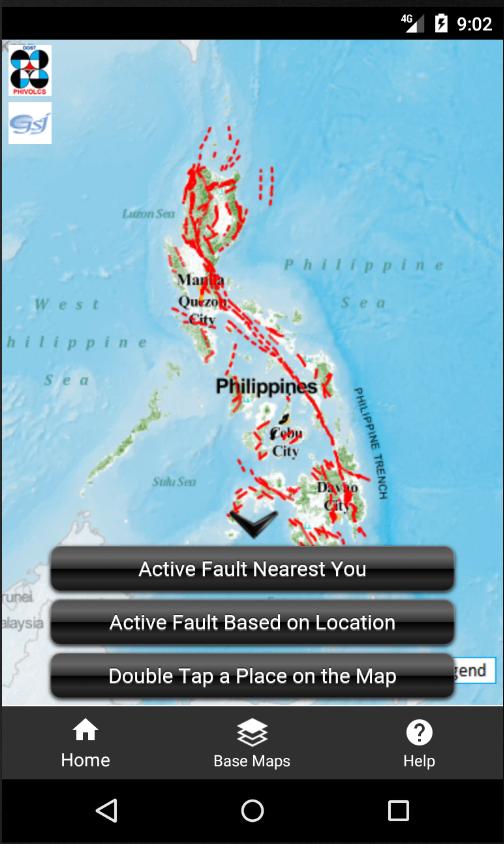
You can see how far the nearest active fault is from your current location, a typed address, or a spot you tap on the map. The app calculates the closest fault and displays the distance, which helps you assess a place quickly.
Official PHIVOLCS data and online services
The PHIVOLCS FaultFinder APK uses the official PHIVOLCS fault database while you are online. It retrieves fault traces from PHIVOLCS servers and processes your selected location to return accurate proximity results, ensuring the map reflects the same data used by Philippine authorities.
Multiple base maps for context
These base maps are delivered as web services by their data owners, giving you different views and labels to better understand the surroundings of any checked location.
Use this app to see how far a chosen spot is from the nearest active fault. Install The PHIVOLCS FaultFinder latest version to access current fault locations with an internet connection. Open the map, pick a place, and view the distance on screen.
Latest Version
17.0Uploaded by
Zheng Fei
Requires Android
Android 11.0+
Category
Free Maps & Navigation AppContent Rating
Everyone
Security Report
Report
Flag as inappropriateLast updated on Aug 13, 2025
This release includes minor bug fixes and general improvements. Update to the latest version for the best experience.




APKPure - A multi-platform app store primarily focused on Android, providing extensive app-related content. Discover the app you want easier, faster, and safer, with quick and efficient downloads and installations.