

TikTok for Android TV suits users who want to watch quick, personalized clips in the living room without using a phone. It presents a clean viewer layout that fits TVs and is easy to control with a remote. You can start as a guest for instant access, then decide later if signing in makes sense for you. As a result, it turns casual scrolling into a shared couch activity with simple navigation. Download TikTok for Android TV APK latest version on APKPure for quick access to discovery paths.
Remote friendly viewer layout
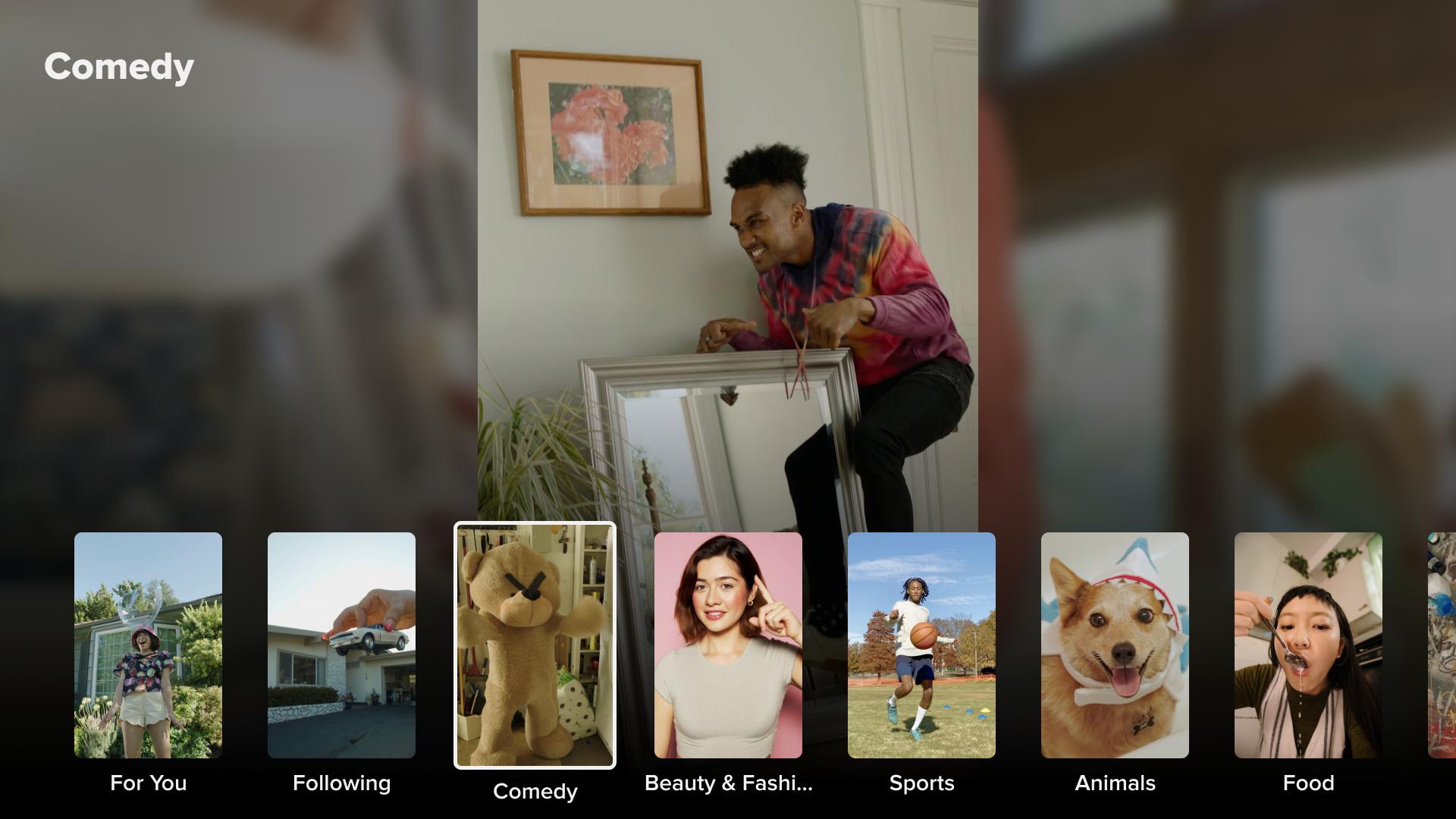
TikTok for Android TV arranges controls and menus for a couch experience. The interface prioritizes clear playback, large touch targets for remote navigation, and minimal on screen clutter. This makes browsing and watching feel natural from a distance.
Personalized For You and Following
The app shows For You and Following feeds tailored to your watch history and interactions. As you view, like, and follow creators, recommendations adjust over time. This helps the feed stay relevant while you relax on the sofa.
Quick discovery without typing
Browsing by categories and hashtags lets you explore topics using the remote. You can jump between themes and trends without searching by text. This speeds up discovery and keeps attention on viewing instead of input.
Start as a guest, sign in when ready
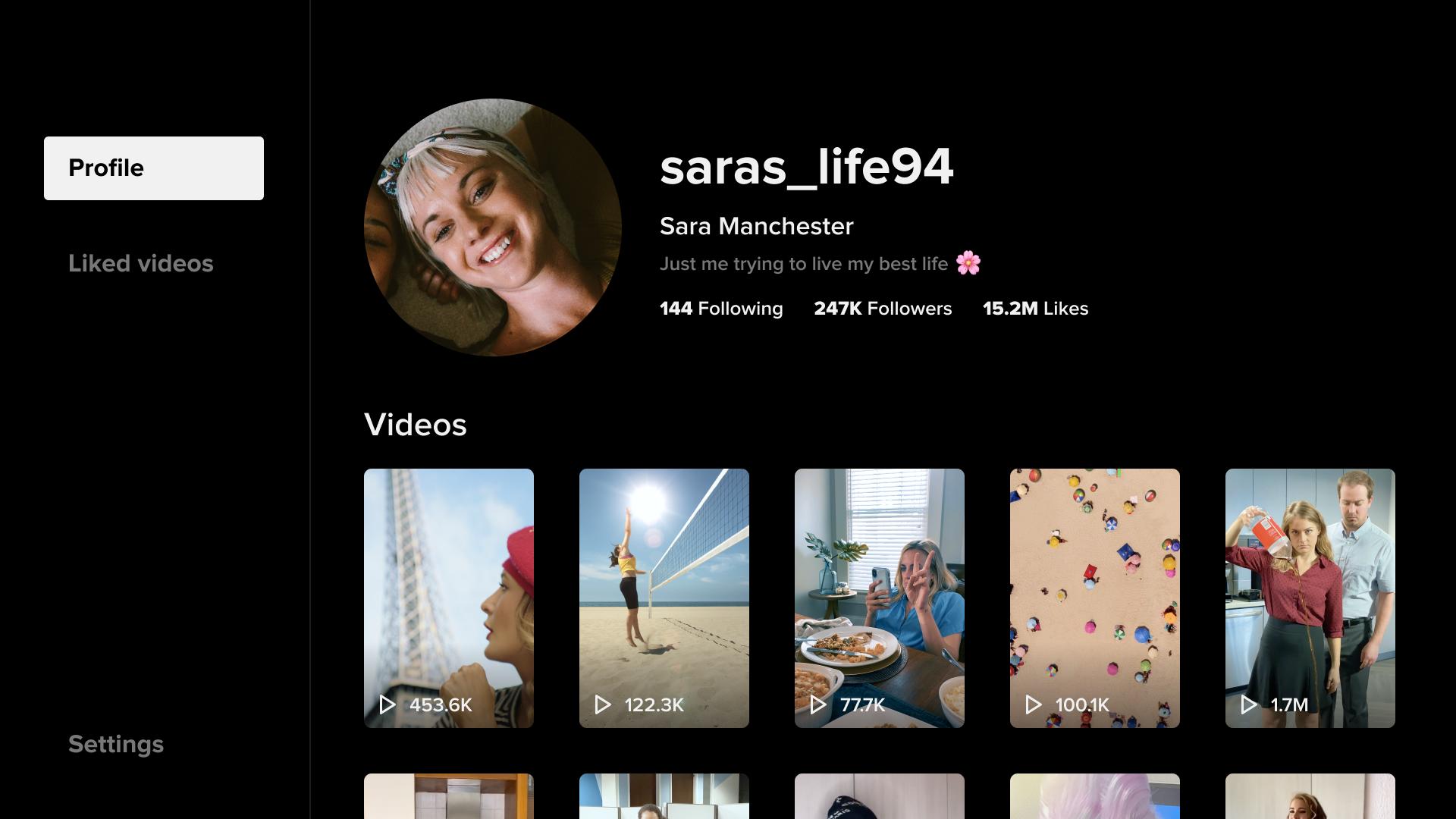
You can open the app and watch immediately with a guest profile. Later, signing in syncs follows, likes, and preferences with your account across devices. This transition improves recommendations while keeping setup simple at the beginning.
Viewer only, with focused interactions
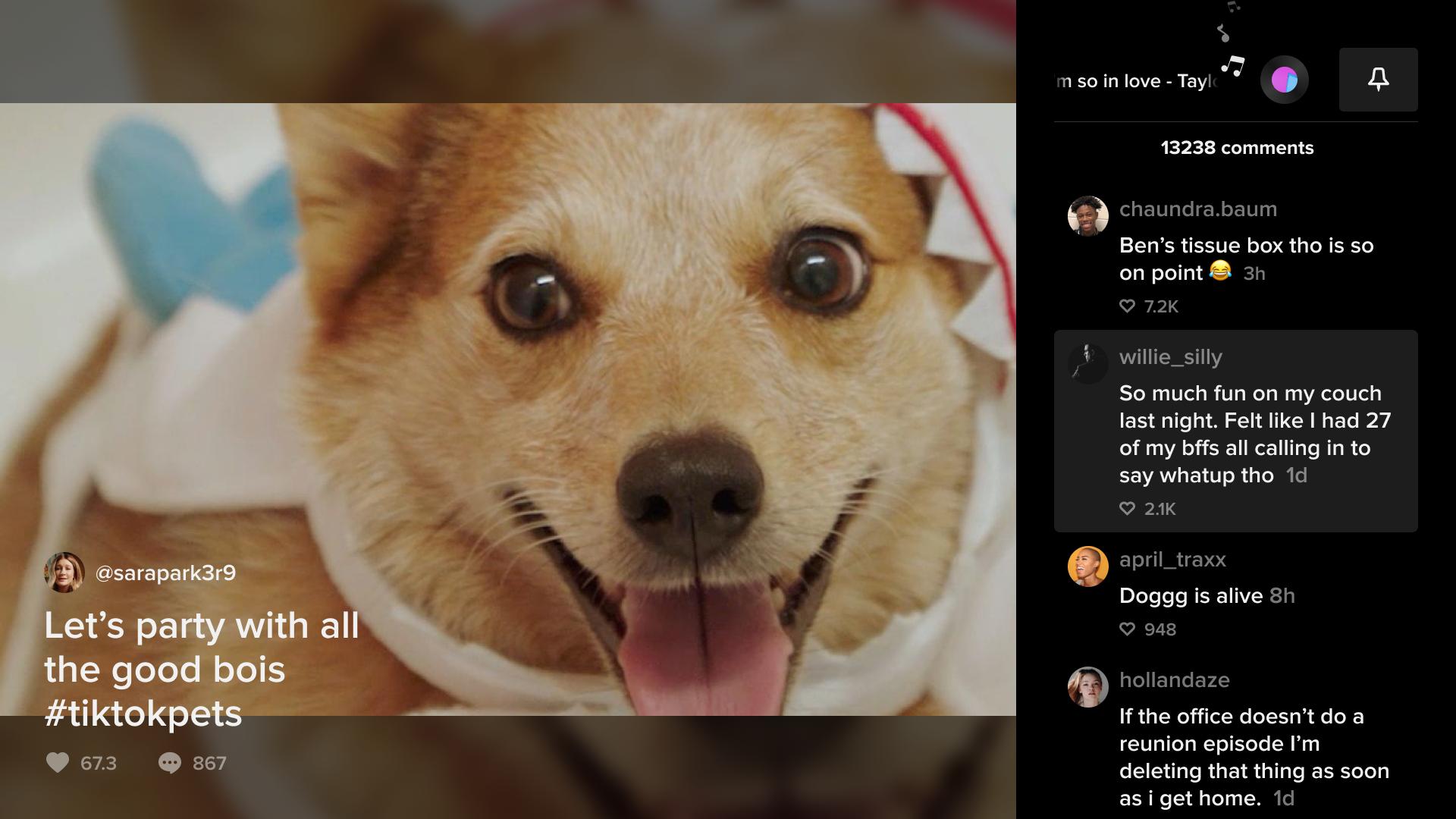
The TV app supports watching, liking, commenting, and following creators from your remote. It does not include video uploads or editing tools. This keeps the experience focused on viewing and light interaction from the TV.
Live content may not appear for every user. Access to Live and some interactive elements can differ by country, app version, and account status. If Live is missing, update to the newest build available here and then check again. If it still does not appear, it is likely not supported in your region or on your current version at this time.
Guest viewing is a fast way to start, and it is enough for casual sessions. Signing in can be useful if you want your TV feed to reflect the same follows and likes you have on your phone or tablet. After signing in, activity on the TV helps fine tune recommendations on your account across devices.
First, check the TV’s network settings and reconnect to Wi Fi or Ethernet.
Next, restart the TV or your Android TV box to refresh the connection.
Then open the app info and clear cache, which can resolve stuck sessions.
If the issue repeats, update the app to a newer build or reinstall it.
Finally, verify date and time settings, since incorrect time can trigger network errors in apps.
After installing the TikTok for Android TV APK, you can start watching right away. The interface is designed for remote control, so you can move through feeds and open videos quickly. If you prefer synced recommendations, sign in after your first viewing session.
Open the app on your TV, then choose to watch as a guest or select the sign in option.
Next, browse the For You feed with your remote, and press play to start a video.
After that, move to Following to see posts from creators you already follow.
Then explore categories and hashtags to find topics without typing any search terms.
Finally, use the on screen controls to like, comment, or follow creators directly from the video.
TikTok for Android TV brings short videos to the living room with a clean, watch focused design. You can begin as a guest, explore, and later sign in to sync activity across devices. Download TikTok for Android TV APK latest version on APKPure to watch as a guest or sign in for synced recommendations.
Latest Version
12.3.7.1Uploaded by
Bdar Fisl
Requires Android
Android 5.0+
Category
Free Entertainment AppContent Rating
Teen
Report
Flag as inappropriateLast updated on May 1, 2025
This release includes minor bug fixes and general improvements. Update to the latest version for the best experience.





APKPure - A multi-platform app store primarily focused on Android, providing extensive app-related content. Discover the app you want easier, faster, and safer, with quick and efficient downloads and installations.