Trucker Path supports CDL drivers, owner operators, and fleet drivers who need route details before and during long trips. It focuses on road conditions that matter to large trucks, so users can plan with more context than a basic map app provides. In addition, the Trucker Path APK brings navigation, stop planning, fuel information, and road updates into one Android tool for drivers working across North America.
Truck GPS routing
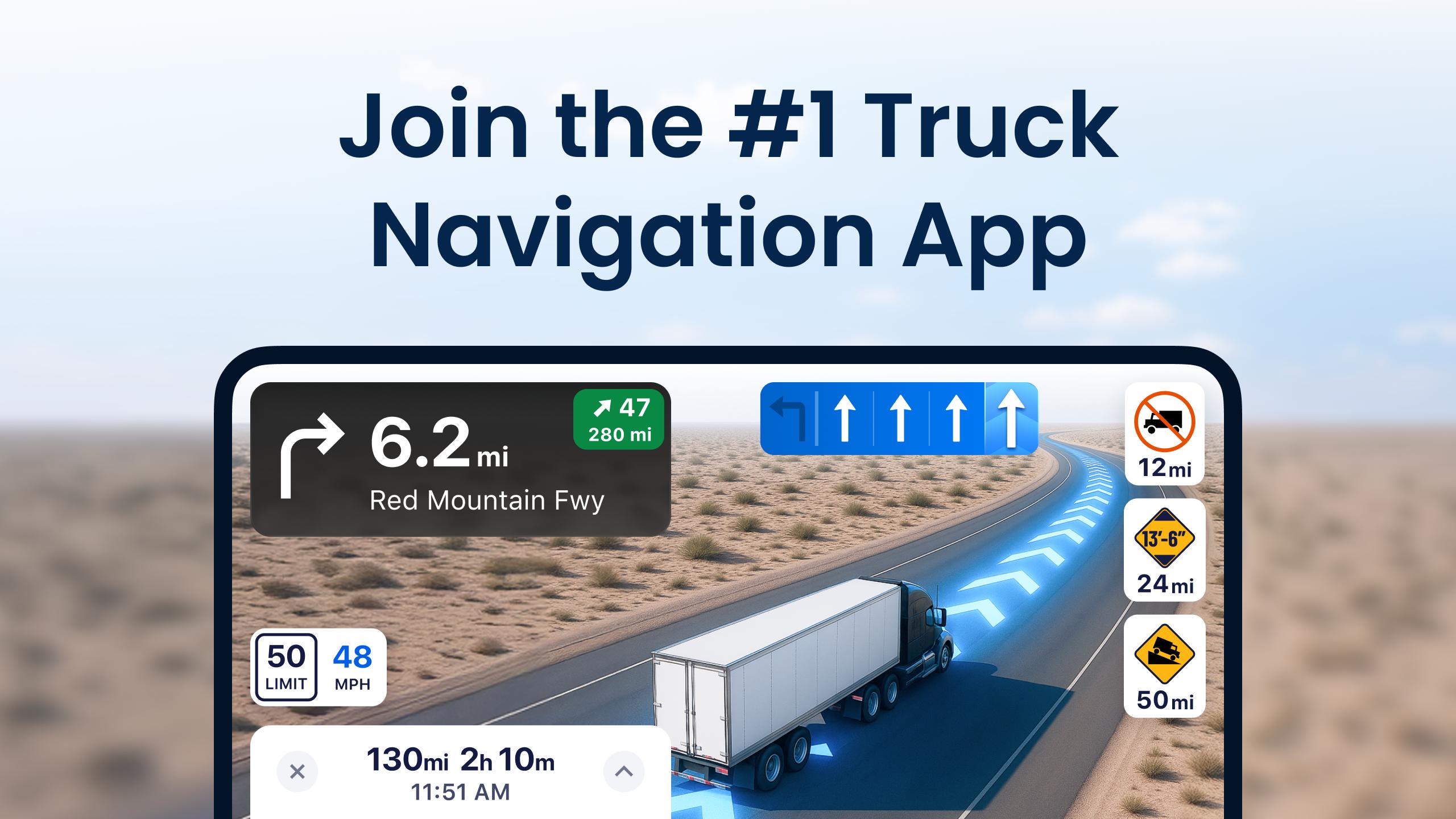
Trucker Path gives routes designed for commercial trucks, with attention to low bridges, weight limits, restricted roads, and roads that may not suit large vehicles. This helps you review a route before driving and adjust plans when a road is not appropriate for your truck. For long distance driving, this route focus can reduce avoidable detours and last minute route changes.
Live road and trip updates
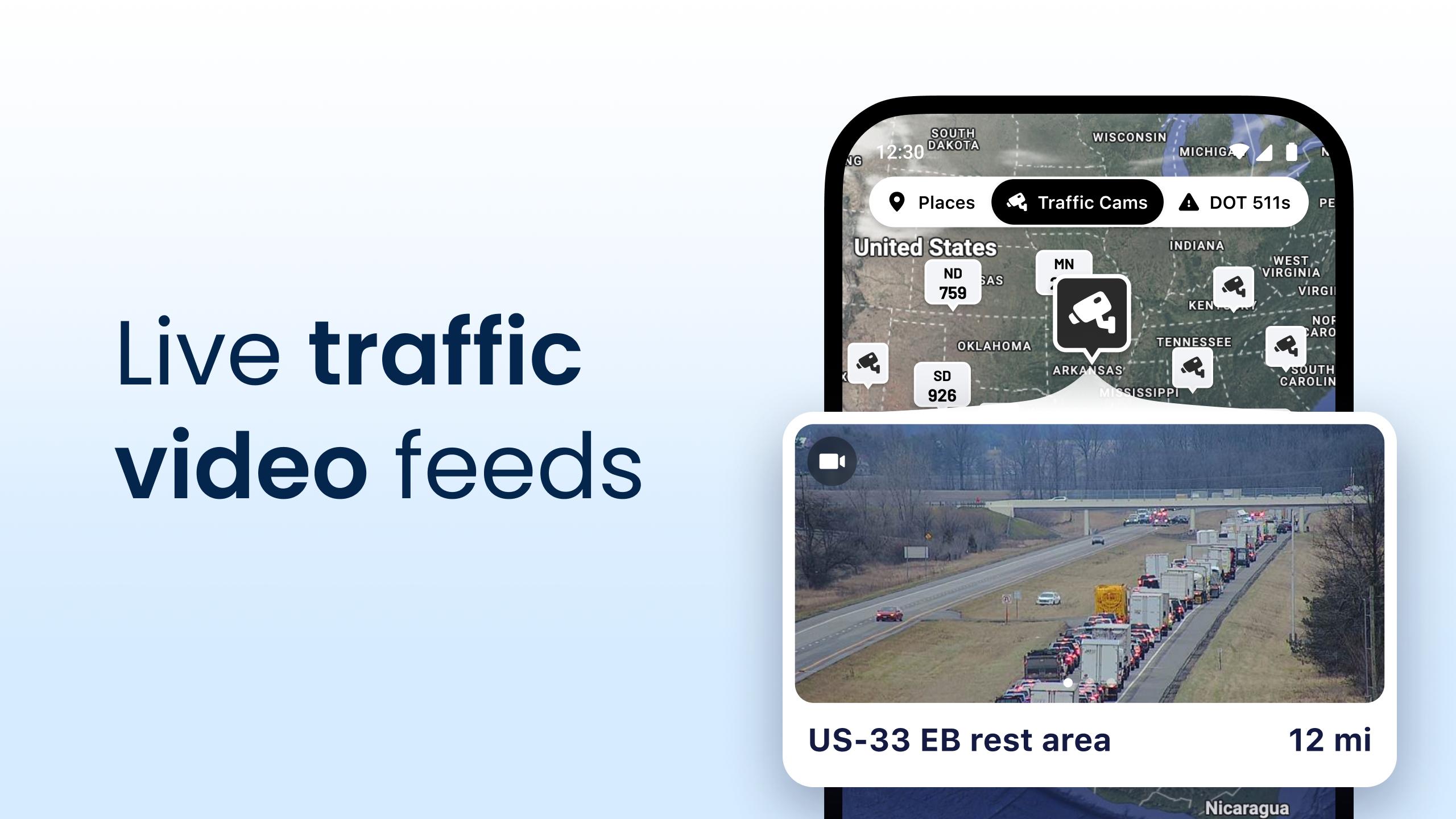
You can check traffic, weather, and road condition updates while planning a trip or while already on the road. These updates give drivers more context before entering busy areas, construction zones, or places affected by bad weather. As a result, Trucker Path works as a planning tool as well as a navigation app during active trips.
Truck stops and service locations
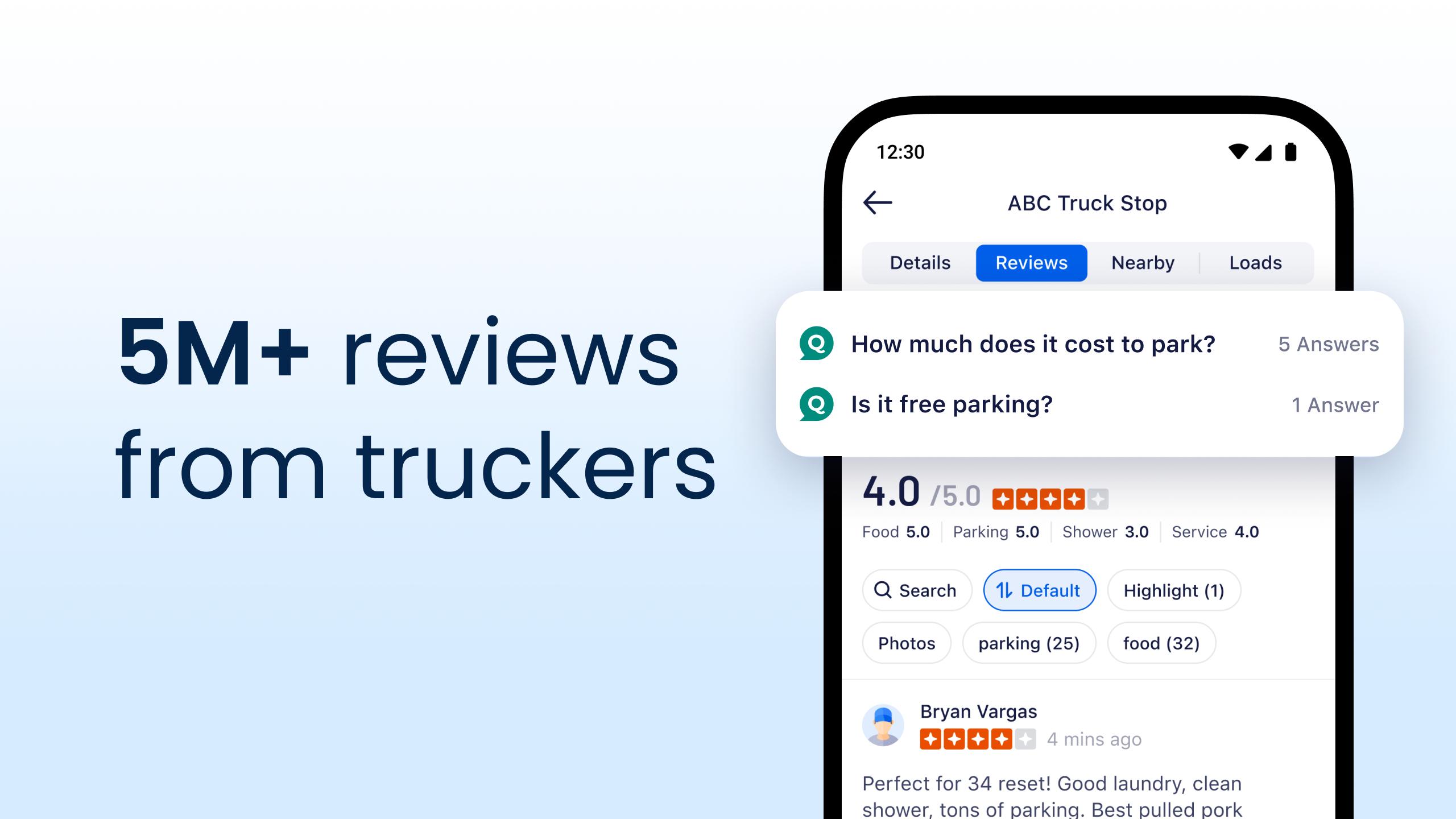
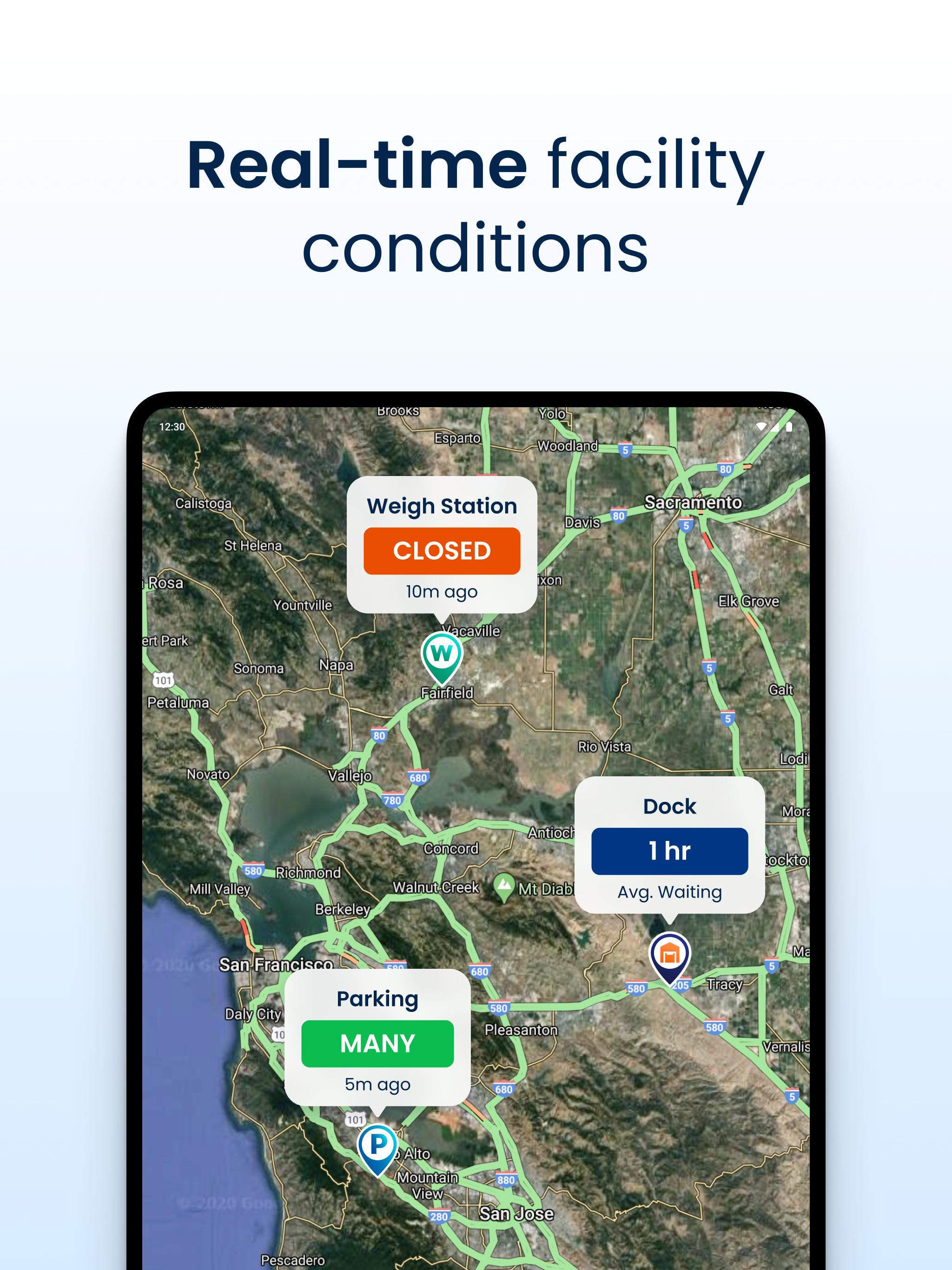
Trucker Path helps you find truck stops, rest areas, travel plazas, Walmart locations, CAT scales, weigh stations, and parking areas along your route. Instead of searching each stop separately, you can review nearby places based on what a truck driver may need during a trip. This is useful when planning breaks, checking scale locations, or choosing where to stop overnight.
Truck parking information
You can view parking availability marked as full, some, or empty through updates from the trucker community. This driver updated information is useful because parking can change quickly, especially late in the day. When used with route planning, Trucker Path can help you decide whether to stop earlier or continue toward another location.
Fuel prices and fuel stop planning
Trucker Path shows diesel fuel prices and supports fuel stop planning along a route. You can compare prices before choosing where to stop, which may help owner operators and fleet drivers manage trip costs. The app also includes fuel discount access at major truck stop brands, so users can review available savings before fueling.
Trucker Path is built for drivers who spend long hours on highways and need trucking information before making decisions on the road. It can be useful for independent drivers planning their own trips, owner operators watching fuel costs, and fleet drivers following assigned routes. Because the app combines navigation, parking, fuel, weigh station, and road condition details, it fits users who want more than simple turn by turn directions.
The Trucker Path app also supports trucking work beyond basic navigation. Depending on available tools and account access, drivers may use related trucking ecosystem features such as load board access, reserved parking, dock information, and fleet navigation. These tools are most useful when a driver needs to connect route planning with daily work tasks.
Many road decisions depend on information that changes during the day. Trucker Path uses updates from drivers to show details such as parking status, weigh station activity, fuel prices, and road conditions. This type of shared information can help users compare options, but drivers should still follow posted road signs, carrier instructions, and local rules while driving.
After installing Trucker Path latest version on an Android phone, open the app before starting a route so you can review key trip details. It is best to check navigation, stops, parking, and fuel information together, because each part can affect the next part of the trip.
Trucker Path gives Android users a truck centered way to plan routes, find stops, compare fuel prices, and check parking information. If you need a road planning tool for commercial driving, you can download Trucker Path and review its available trucking tools before your next trip.
Official information is available from the developer through the following channels:
Latest Version
7.1.6Uploaded by
Sibi
Requires Android
Android 8.0+
Category
Free Maps & Navigation AppContent Rating
Everyone
Report
Flag as inappropriateLast updated on Sep 23, 2026
- Route Editing with "Via" and "Avoid" options.
- Alerts for traffic, weather, and hazards.
- Route Comparison between distance, stops, and more.
- Improved Routing to reduce recalculations.
- Alternative Routes for better navigation.
- Live Traffic Cams & 511 Data along your route.
- Bug fixes and performance enhancements






APKPure - A multi-platform app store primarily focused on Android, providing extensive app-related content. Discover the app you want easier, faster, and safer, with quick and efficient downloads and installations.