

TubeMate addresses times when streaming is not reliable or data is limited. It focuses on saving videos for offline playback with a clear, direct flow that most users can follow quickly. Installing TubeMate APK gives you a way to prepare content before flights, commutes, or rural trips. With a simple layout and familiar controls, you can organize upcoming downloads without extra steps.
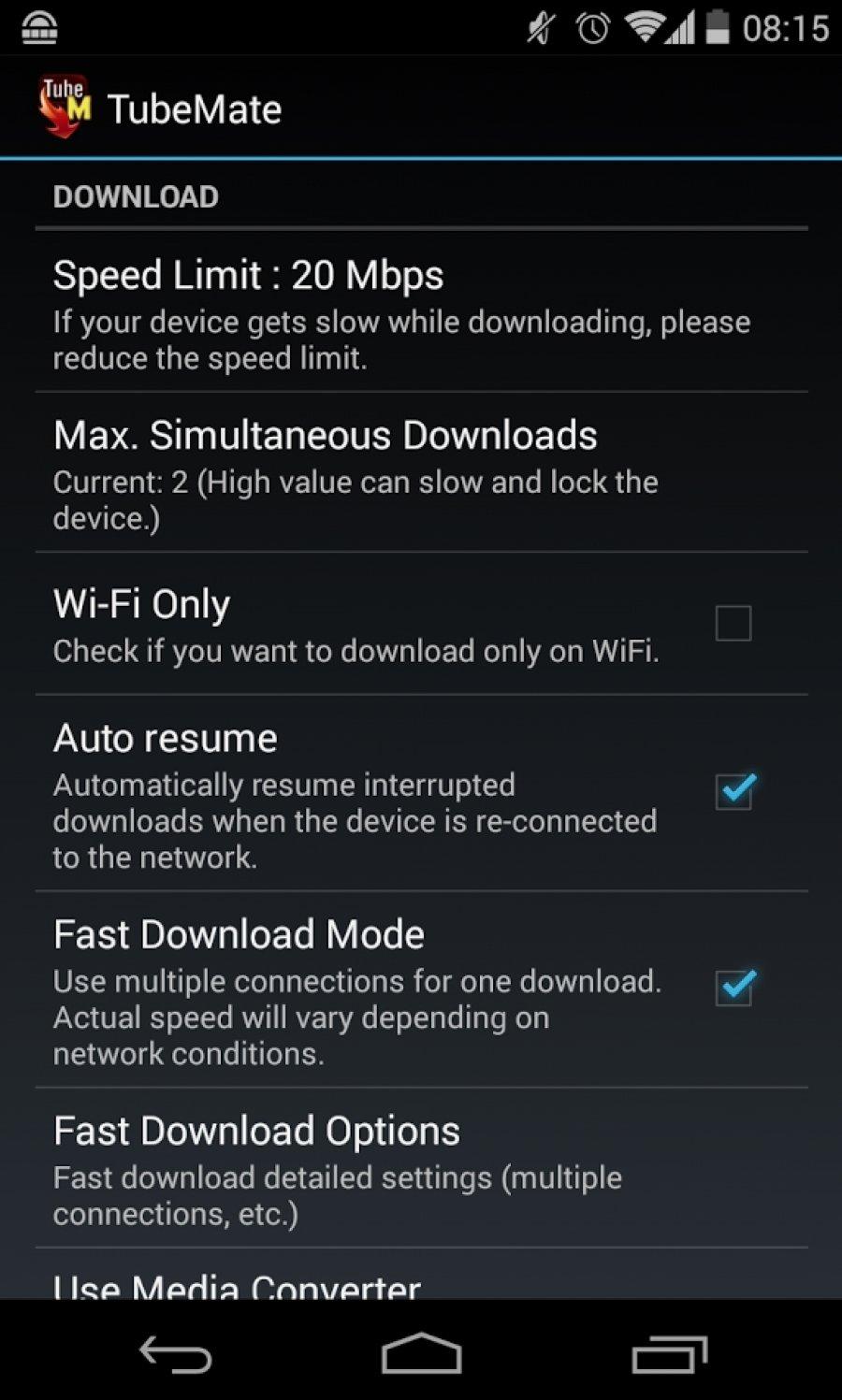
Speed mode with multiple connections
After you download TubeMate, the app can use several connections for a single file to improve transfer speed. This is helpful for large videos on stable networks. You can turn to this mode when finishing a download sooner matters.
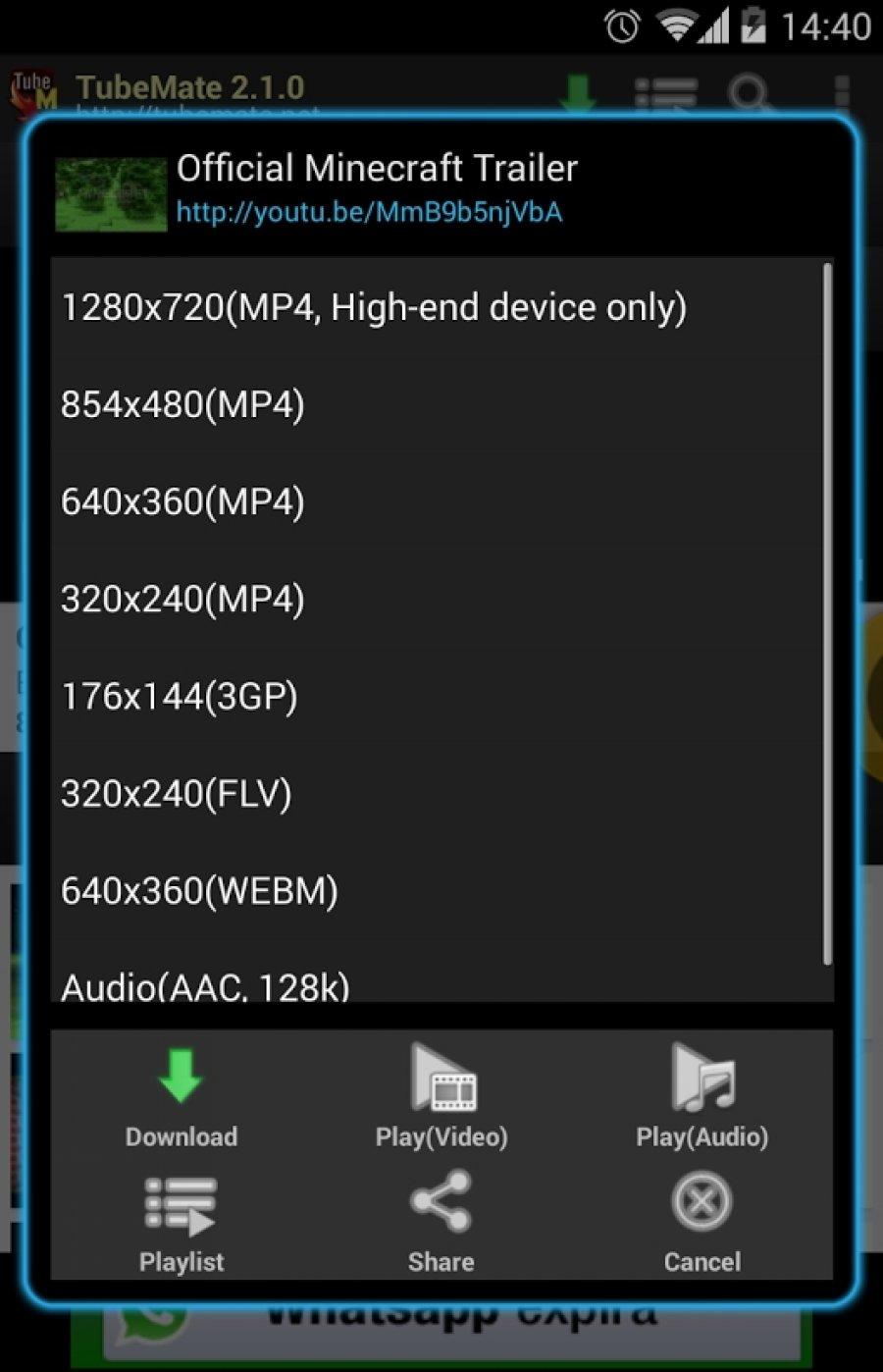
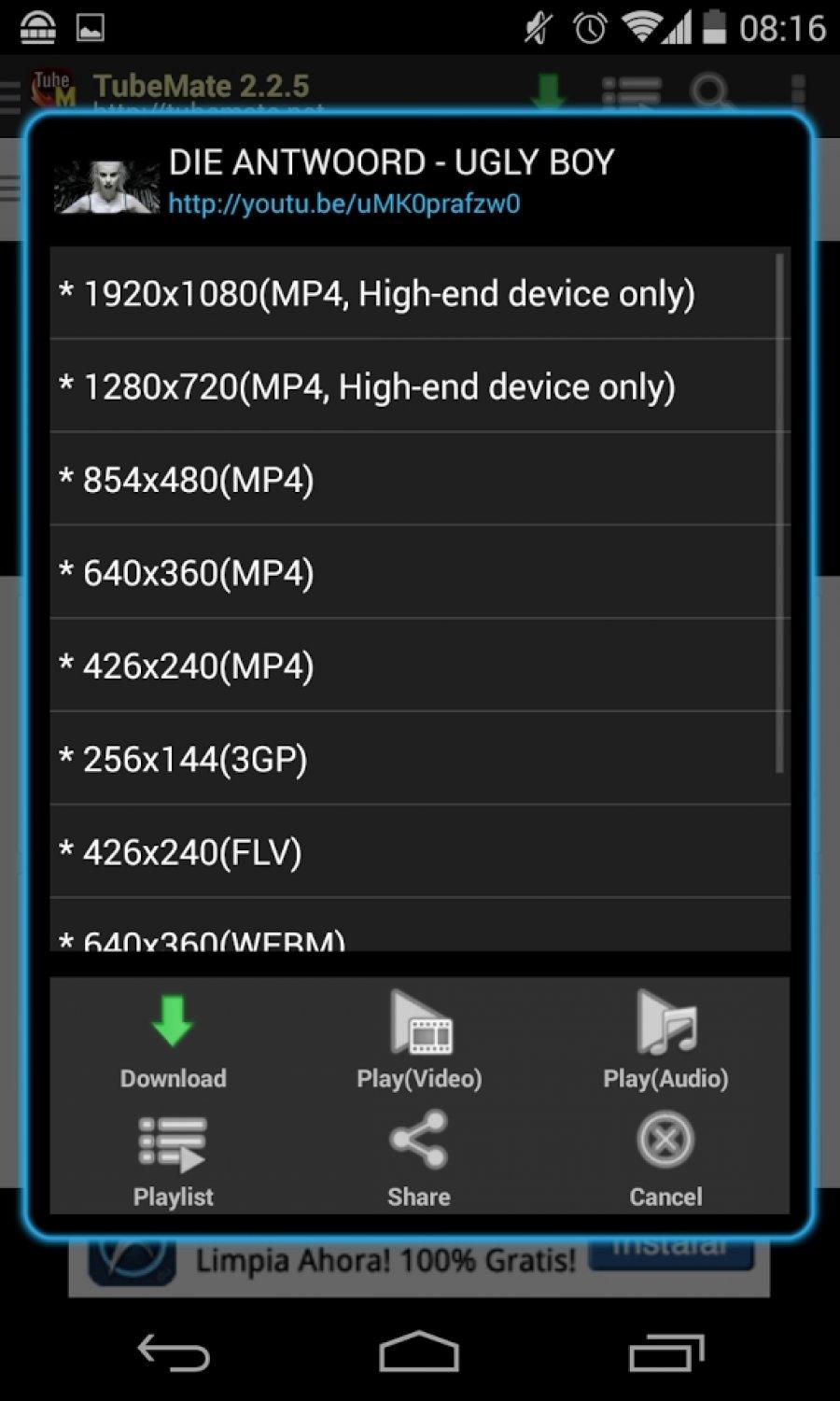
Resolution selection before saving
TubeMate lets you choose from available resolutions for each video. You can pick a smaller size to save storage or match the option to your screen. The app displays the choices that the source provides so you know what to expect.
Background downloads and task control
Convert video to MP3
TubeMate can convert a downloaded video to an MP3 audio file through MP3 Media Converter. This is useful when you only need the sound from a clip. Conversion happens after the video is saved to your device.
TubeMate provides a practical way to store videos and manage them on your device. Installing the TubeMate latest version helps with current compatibility and fixes on newer Android systems. Review available formats and available space before starting new downloads.
Latest Version
3.4.20Uploaded by
Devian Hong
Requires Android
Android 4.4+
Category
Free Tools AppReport
Flag as inappropriateLast updated on Jun 22, 2026
This release includes minor bug fixes and general improvements. Update to the latest version for the best experience.






APKPure - A multi-platform app store primarily focused on Android, providing extensive app-related content. Discover the app you want easier, faster, and safer, with quick and efficient downloads and installations.