Scan Date:Dec 22, 2024
Show More


UC Mini is built for users who want quick access to the web and videos without a heavy app. It suits phones with limited storage and handles slow or unstable networks with steady page loading. The interface is simple so you can search, watch, and save videos with minimal steps. Since entertainment is central, trending content is easy to find and open. When you plan to download UC Mini, expect a small install size and tools that help manage browsing and media in one place.
Built-in ad blocker
UC Mini blocks intrusive ads to keep pages readable and reduce interruptions. Fewer pop ups and overlays make it easier to focus on articles and videos. This can help cut extra data use on limited plans while you browse.
Fast browsing and search
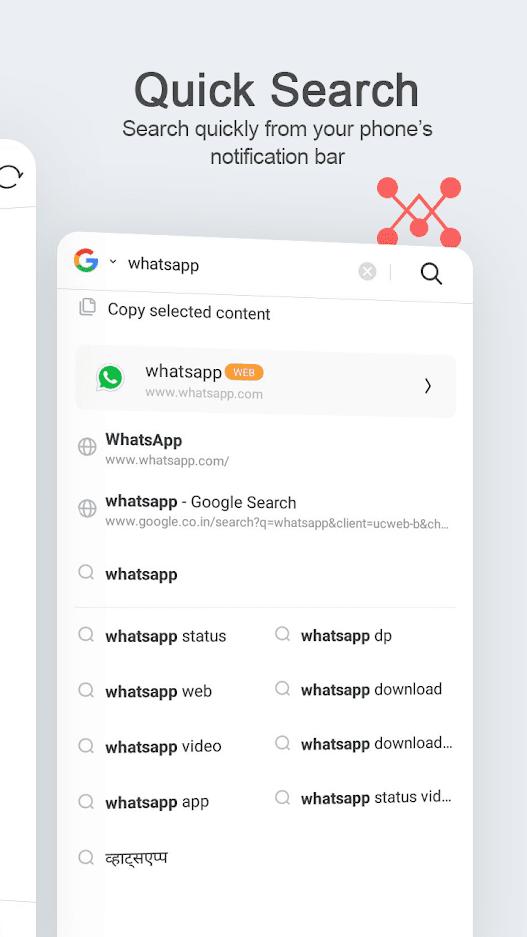
UC Mini is tuned for quick page loads and smooth scrolling, even on older devices. Search results appear responsively, and pages stay usable on patchy networks. This keeps navigation steady when signal strength changes.
Video discovery hub and Star Zone
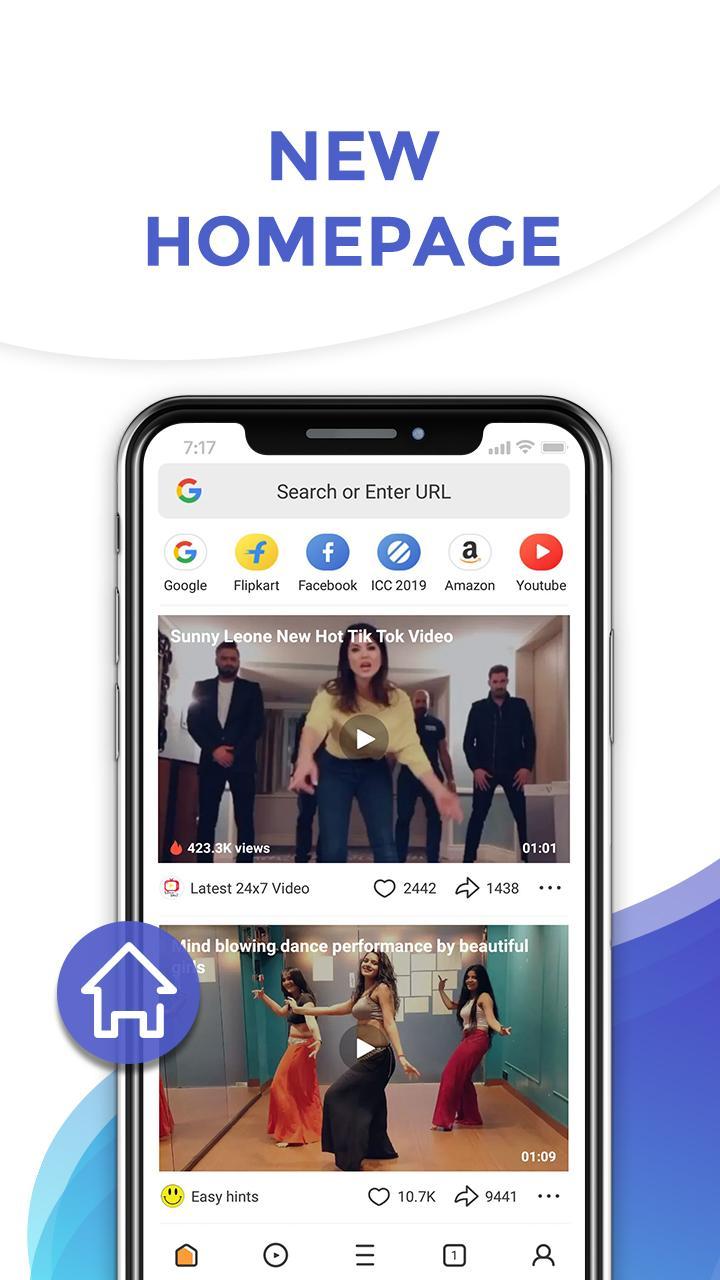
UC Mini organizes movies, TV series, Bollywood content, and funny clips in one hub so you can find something to watch fast. You can follow favorite celebrities in Star Zone to see updates in a single place. This setup reduces the time spent jumping between sites to look for new videos.
Boosted video downloader
UC Mini lets you save videos with a single tap and manage several downloads at once. Downloads continue in the background while you use other apps, and you can pause or resume as needed to control data and battery. The queue view helps you reorder or check progress without reopening each page.
Face Change Video Maker
UC Mini includes a playful tool that swaps your selfie onto selected celebrity clips. You can create a short video in minutes and share it to WhatsApp when finished. It adds a quick entertainment option on top of regular browsing.
According to the developer, no user data is shared with third parties. Users can request deletion of their data if needed. The app notes that data is not encrypted, so consider this when deciding what to store or share. Review your in app settings to align features with your privacy preferences.
UC Mini keeps everyday tasks simple on Android. The steps below cover the basics so you can get started quickly with the UC Mini APK.
Open the app, enter a web address or a search term in the address bar, then tap a result to load the page.
Go to the video hub to browse movies, series, Bollywood content, and short clips, and follow celebrities in Star Zone for quick updates.
When you find a video you want, tap the download option, choose a quality if offered, then let it run in the background while you switch apps. Check the download manager to pause, resume, or reorder tasks.
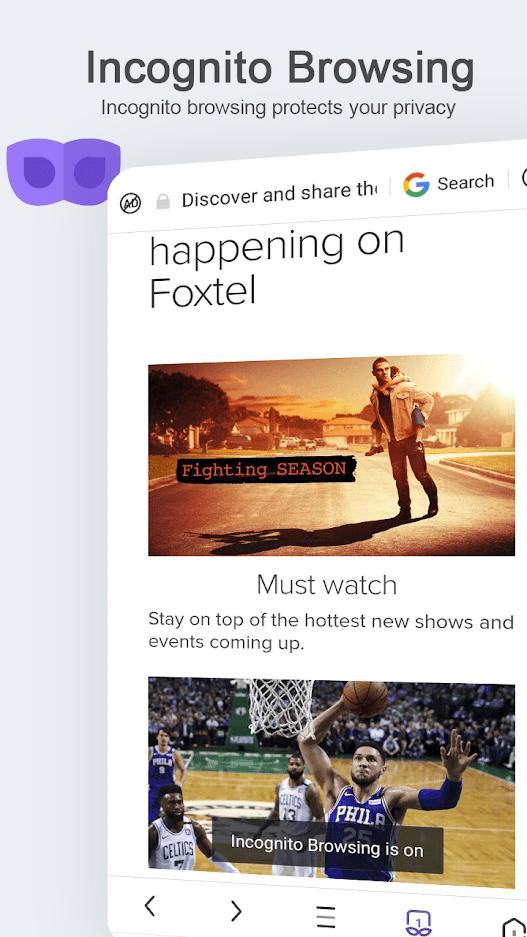
If you prefer fewer distractions or extra privacy, use the menu to adjust ad blocking and open an incognito session.
To try Face Change Video Maker, pick a template, add a selfie, generate the clip, and share it to WhatsApp.
UC Mini focuses on fast browsing, cleaner pages, and an integrated video hub in a small install. For the newest improvements and fixes, get the UC Mini latest version and start browsing with features that fit low storage phones and slow networks.
For official support and more information, use the contacts below.
Website: https://m.ucweb.com/
Email: help@idc.ucweb.com
Latest Version
99.9.9.9999Uploaded by
UCWeb Singapore Pte. Ltd.
Requires Android
Android 5.0+
Category
Free Communication AppContent Rating
Everyone
Security Report
Report
Flag as inappropriateLast updated on Apr 24, 2026
This release includes minor bug fixes and general improvements. Update to the latest version for the best experience.




APKPure - A multi-platform app store primarily focused on Android, providing extensive app-related content. Discover the app you want easier, faster, and safer, with quick and efficient downloads and installations.