
SAY IT, SEE IT. NOW DO MORE WITH ALEXA AND YOUR SONY SMART TV
Use your voice to view your cameras, play music, or control your smart TV. Just connect any Alexa-enabled device to your Alexa compatible Sony Smart TV to get started.
MUSIC YOU LOVE
Listen to music from Amazon Music, Pandora, Spotify*, iHeartRadio, TuneIn, and more! Search for specific songs or artists, or pick your favorite playlist.
Just ask Alexa: “Alexa, play songs by artist on <TV Name>”
KEEP TABS ON YOUR HOME
Ask Alexa to see feeds from smart cameras around your home on your Smart TV. Supported cameras include the Amazon Cloud Cam and cameras from Wyze, Ring, Arlo, Nest, TP-Link, and others.
Just ask Alexa: “Alexa show me front door camera on <TV Name>.”
CONTROL YOUR TV
Control content playback and change the channel, volume, and input of your TV, all with your voice!
Just ask Alexa: “Alexa, turn on <TV Name>.”
HOW IT WORKS
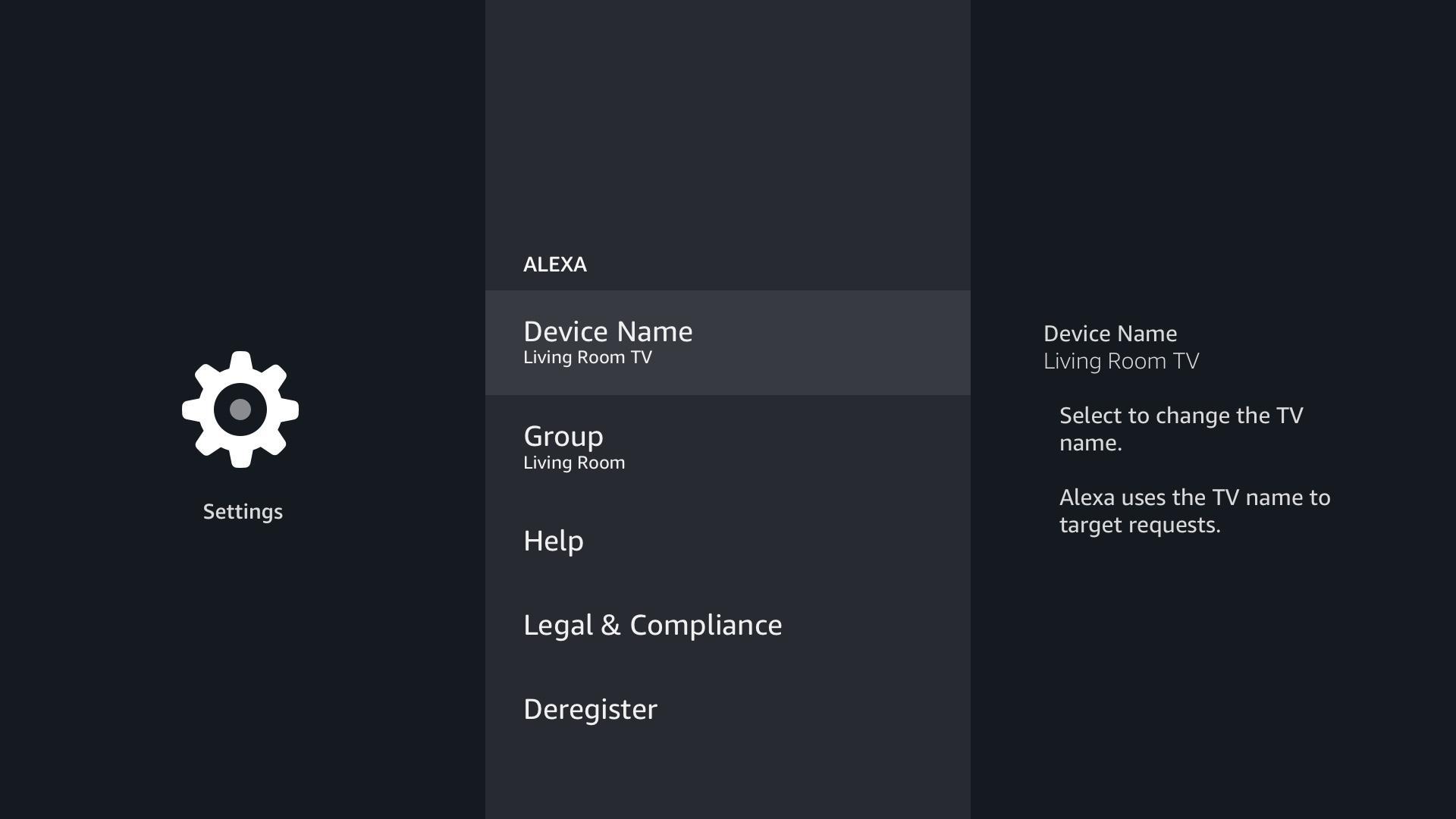
Go to the Alexa app your TV, enter your Amazon Credentials, select a group for your TV, and complete the guided Sony set-up (which includes entering your account details, and giving your TV a name). After the set-up is complete, just ask “Alexa, play music on the <TV Name>” or “Show bedroom camera on <TV Name>” and Alexa will play the requested content on the TV.
Please note, if not already, you will need to enable the skills for music providers and Cameras using the Alexa Mobile app. Once the skill is enabled the content is enabled to play on all Alexa supported devices including your TV.
* - Using Spotify with Alexa requires installing the Spotify app on your TV from the Google Play Store.
Phiên bản mới nhất
1.0.1172.0Yêu cầu Android
8.0 and up
Danh mục
Miễn phí Giải trí ỨNG DỤNGXếp hạng nội dung
Everyone
Báo cáo
Gắn cờ là không phù hợpLast updated on Sep 3, 2020
Phiên bản này bao gồm các bản sửa lỗi nhỏ và cải tiến chung. Hãy cập nhật lên phiên bản mới nhất để có trải nghiệm tốt nhất.




APKPure - Kho ứng dụng đa nền tảng chủ yếu tập trung vào Android, cung cấp nội dung phong phú về ứng dụng. Khám phá ứng dụng bạn muốn dễ dàng, nhanh chóng và an toàn hơn, với tính năng tải xuống và cài đặt nhanh chóng và hiệu quả.