With Office Remote, you can start your PowerPoint presentation, advance the slides, see your speaker notes, and control an on-screen laser pointer with a touch of your finger — all from your phone. You can also navigate between Excel worksheets and graphs, and control data slicers from the palm of your hand. And you can scroll through a Word document or quickly jump to specific sections or comments.
App requirements:
- Microsoft Office 2013. This app does not work with Office 2013 RT or earlier versions of Office.
- Bluetooth on your PC
- The desktop add-in for Office Remote must be installed on your PC http://aka.ms/officeremotepc
Office Remote has the following features:
PowerPoint:
- View current slide and laser point using touch on your phone
- Next slide preview
- Play and pause embedded audio and video files
- View slide thumbnails and jump to a slide
- View speaker notes on your phone
- View presentation timer and slide numbers
Excel:
- Change worksheets by swiping
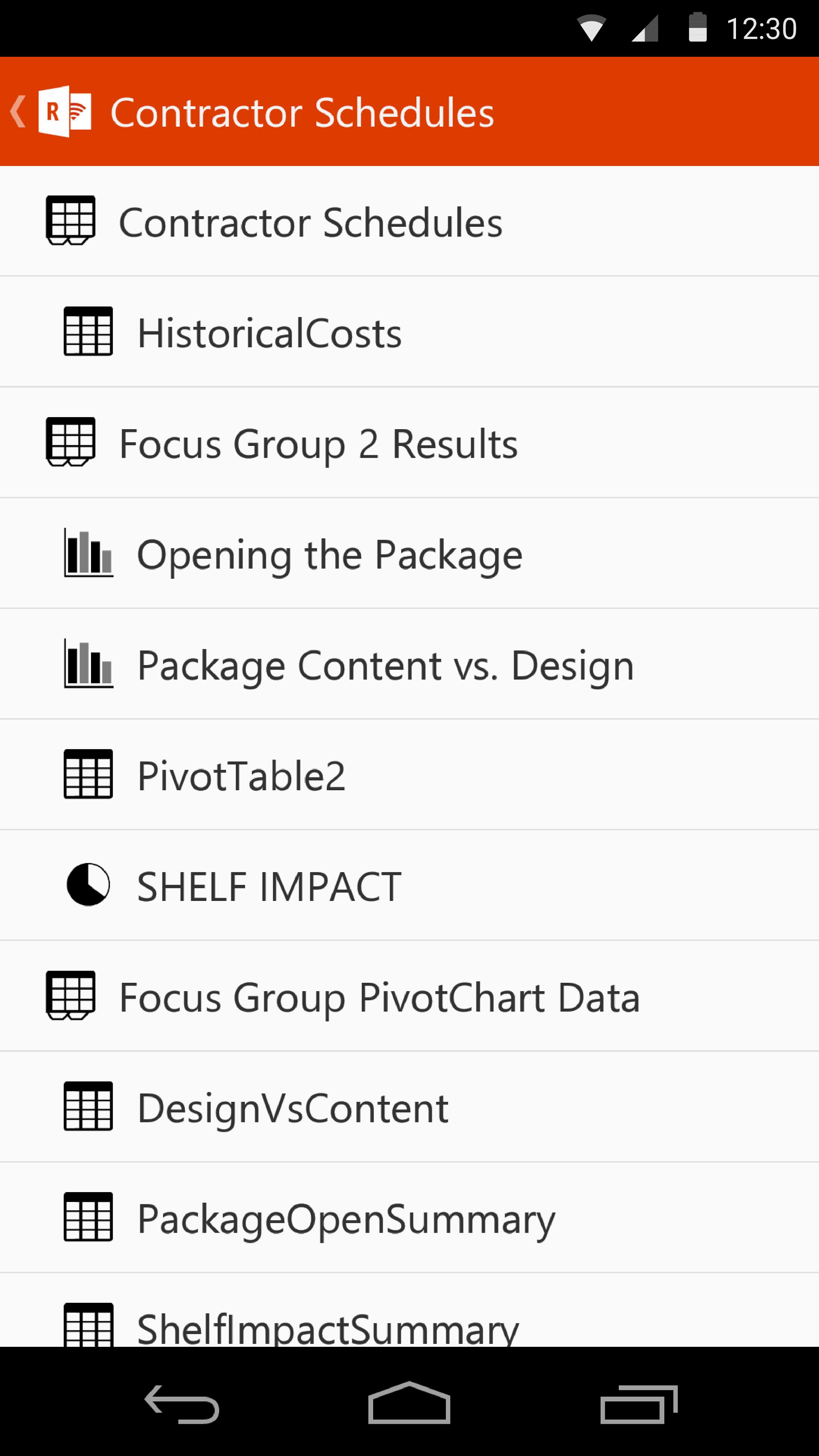
- Use Slicers, PivotTable, and Filters
- Jump to any named object in your workbook
- Move up or down the worksheet
- Change the zoom level
Word:
- Jump to headings
- Jump to comments
- Screen up/down
- Line up/down
- Change the zoom level
Phiên bản mới nhất
1.2.0.0Được tải lên bởi
Josue Recinos
Yêu cầu Android
Android 4.0.3+
Danh mục
Miễn phí Doanh nghiệp ỨNG DỤNGXếp hạng nội dung
Everyone
Báo cáo
Gắn cờ là không phù hợpLast updated on Jul 19, 2015
Phiên bản này bao gồm các bản sửa lỗi nhỏ và cải tiến chung. Hãy cập nhật lên phiên bản mới nhất để có trải nghiệm tốt nhất.




APKPure - Kho ứng dụng đa nền tảng chủ yếu tập trung vào Android, cung cấp nội dung phong phú về ứng dụng. Khám phá ứng dụng bạn muốn dễ dàng, nhanh chóng và an toàn hơn, với tính năng tải xuống và cài đặt nhanh chóng và hiệu quả.