* We are gradually rolling out a new, updated version of Ultra data saving mode, powered by Opera Max. Be on the lookout for the new version with an all new mode to save even more data.
Ultra data saving mode is a built-in feature of your Samsung phone, powered by Opera Max. Take full control of how your Samsung phone uses mobile data.
Key features:
Ultra data saving mode compresses data and restricts apps from running in the background. Turn it on to save up to 50% of your data or more.
Based on Opera Max compression technology, this Samsung tool saves you precious megabytes of data when using your favorite apps.
Check out how to use Ultra data saving mode:
https://www.youtube.com/watch?v=FIQEBM0BxwQ&feature=youtu.be
Tips:
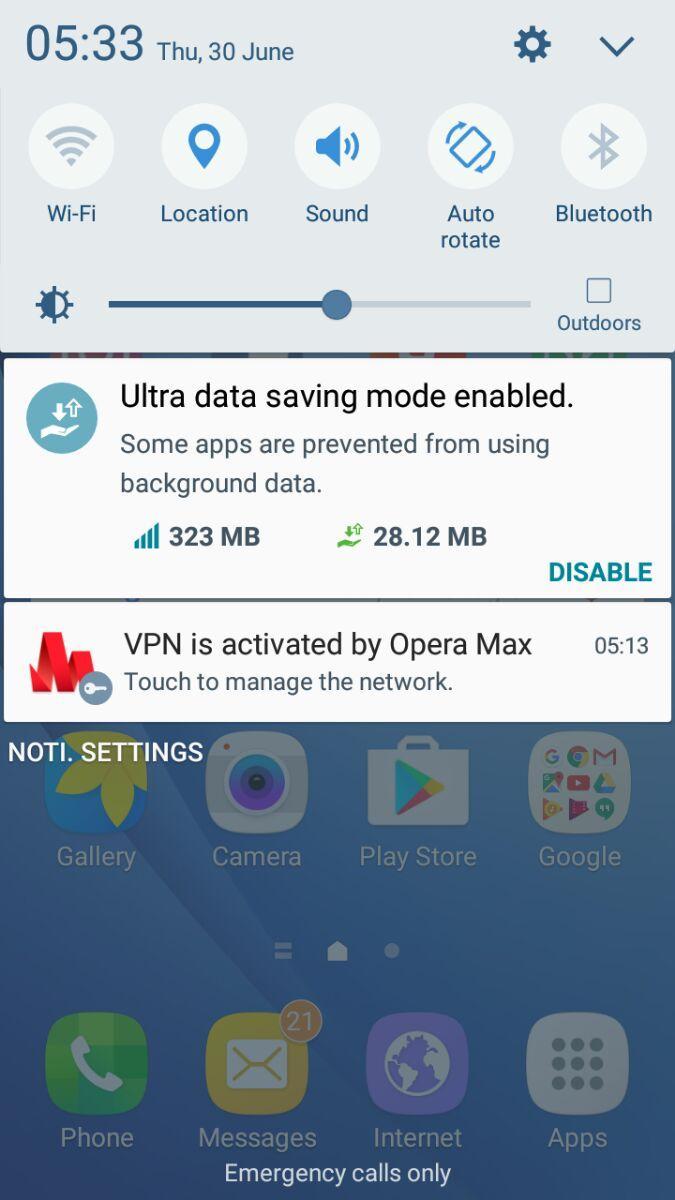
❖ To turn on Ultra data saving mode, swipe down on your phone's home screen to view your quick settings. Then, just tap Ultra data saving.
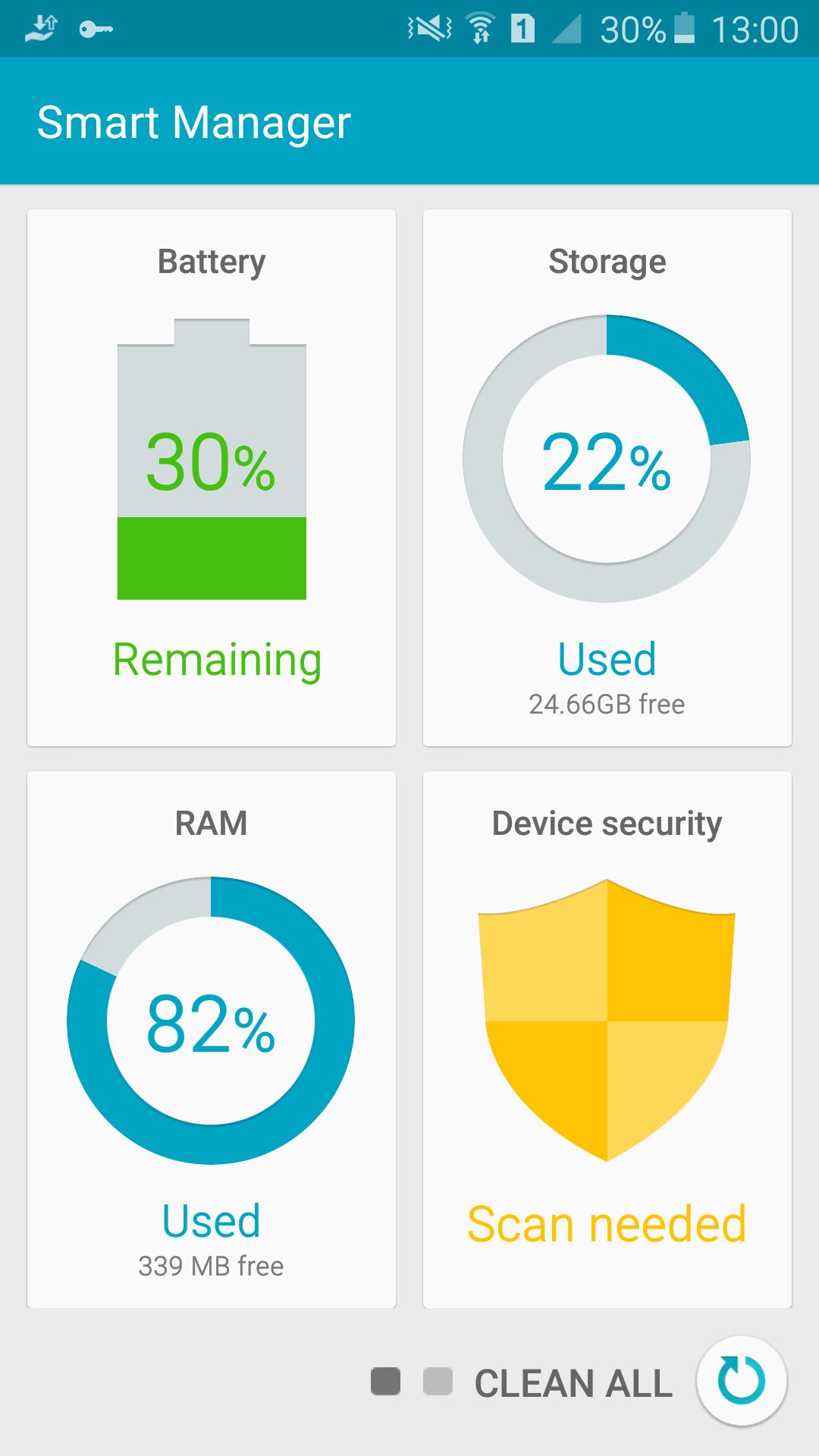
❖ You can also access Ultra data saving mode from the Smart Manager: tap the manager's icon and swipe left to see your savings. Then, tap the chart to customize how you use Ultra data saving mode. Switch on Data compression to get maximum data savings. Track how much you’ve saved on each app by tapping the DETAIL button. You can even add exceptions if you want to allow apps to use background data.
❖ Check which apps are saving the most by tapping the Opera Max icon in your Samsung's app drawer.
Watch more videos on YouTube and Netflix:
Save up to 50% of your data watching videos on YouTube or your favorite shows and movies on Netflix.
Listen to more music on the go:
Save up to 40% of your data on popular music-streaming apps like YouTube Music, Gaana, Saavn, Pandora and Slacker Radio.
Block sneaky apps from using data in the background:
Ultra data saving mode powered by Opera Max lets you selectively block apps from using background data.
Manage data for all your apps:
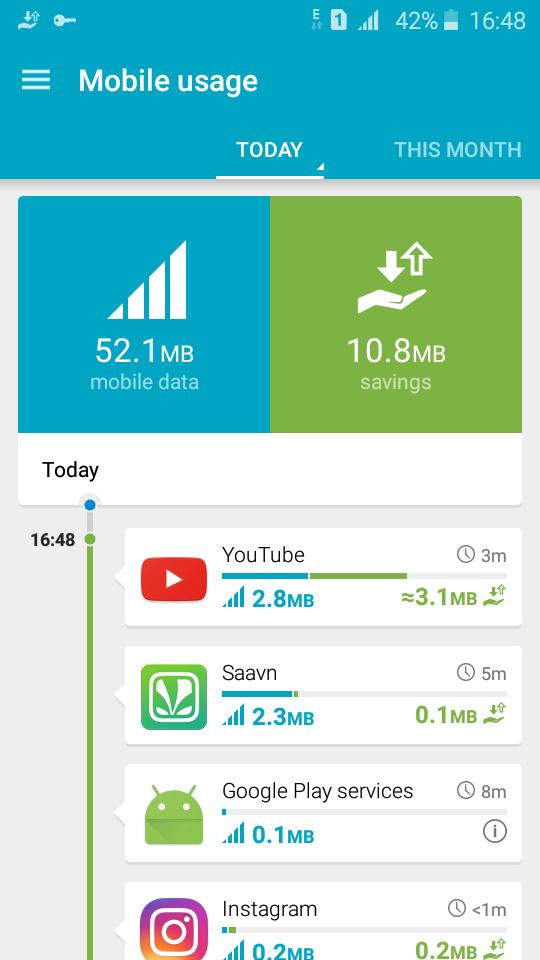
Monitor how your apps use data with the top savings view.
*Savings based on sampling of U.S. beta users. Your savings may vary.
Technical questions? Please refer to our FAQ at http://opera.com/help/max/android/.
Phiên bản mới nhất
4.8.29.1Được tải lên bởi
Opera
Yêu cầu Android
Android 5.0+
Danh mục
Miễn phí Công cụ ỨNG DỤNGXếp hạng nội dung
Everyone
Báo cáo
Gắn cờ là không phù hợpLast updated on May 5, 2026
Phiên bản này bao gồm các bản sửa lỗi nhỏ và cải tiến chung. Hãy cập nhật lên phiên bản mới nhất để có trải nghiệm tốt nhất.





APKPure - Kho ứng dụng đa nền tảng chủ yếu tập trung vào Android, cung cấp nội dung phong phú về ứng dụng. Khám phá ứng dụng bạn muốn dễ dàng, nhanh chóng và an toàn hơn, với tính năng tải xuống và cài đặt nhanh chóng và hiệu quả.