Package Name:zank.remote
SHA-256:7428147f36329432801d51bfd8a80b81a13a36c261430b0ae4bc15a2e8adedff
Show More


Zank Remote helps when a physical remote is missing, unresponsive, or inconvenient to use. It works over your home WiFi so you can control your TV box or Amazon Fire TV from a phone. You install the app on both devices, then connect and operate the TV without pairing. This suits living rooms, bedrooms, or shared spaces where switching remotes is common. For smoother setup and ongoing use, download Zank Remote to keep controls close at hand.
Zank Remote connects over the same WiFi network as your TV device. You can manage Android TV and Fire TV without Bluetooth pairing. This reduces setup steps and keeps controls available as long as both devices stay online. It is useful in homes where Bluetooth pairing is unreliable or blocked by distance.
Mouse, D pad, and keyboard inputYou can move a cursor, navigate with D pad, and type with a full keyboard from the phone. The Pro upgrade adds Air Mouse for quicker pointer movement. This mix of inputs helps with app sign‑ins, search fields, and on‑screen forms. As you switch apps, it is easy to change the control mode to match what you need.
System actions and casting controlOn TV, Zank Remote uses Accessibility Service to perform actions such as home, back, recent, clicks, and D pad navigation. The app states it does not collect or share user data, and the service is used strictly for remote actions. You can also start a screen cast session and control it from the phone. This keeps navigation and casting in one place.
Media and power controlMedia buttons let you play, pause, skip, and adjust volume without switching remotes. A music controller helps manage playback across supported apps, while the screen power option can turn the display on or off. These controls support quick changes during watching or listening sessions. You can keep the phone nearby for routine adjustments.
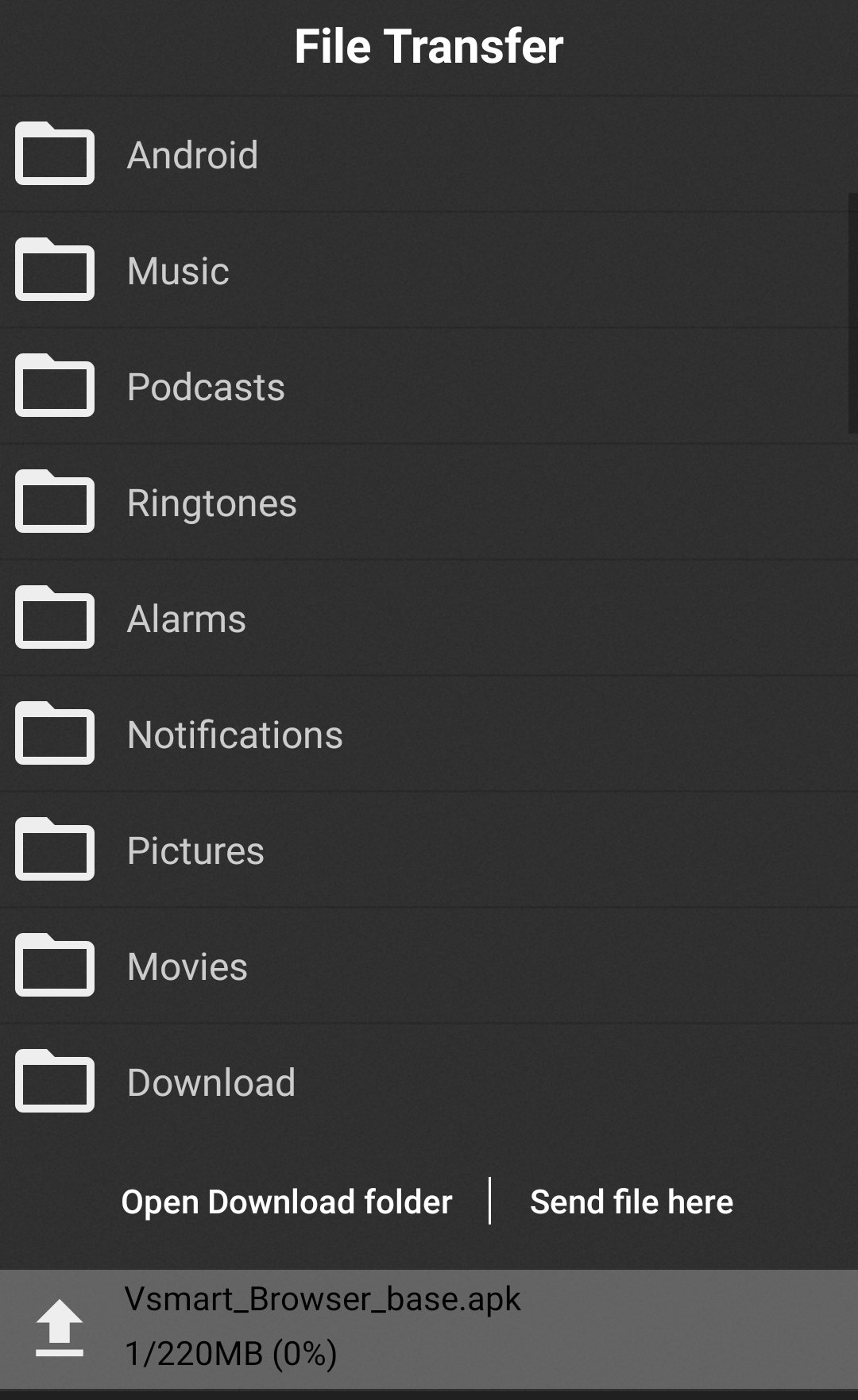
File transfer and gaming toolsZank Remote includes built‑in file transfer between your phone and TV device. This helps move media files or installers without a cable. For games, Pro adds a Game Pad and floating controls for faster access while multitasking. As you play or switch tasks, the floating panel keeps key actions ready.
Install the app on both your phone and the TV device, connect both to the same WiFi, grant Accessibility on the TV when prompted, then pair in the app. Some users report conflicts with the default Android Remote service; disabling or uninstalling it has helped restore control. If you need a fresh install, consider the Zank Remote APK to ensure both devices run compatible builds. Smart home users can integrate Zank Remote via Chowmain drivers; the partner resource link is provided inside the app description.
The free version includes core remote controls and file transfer. Pro removes ads and unlocks Air Mouse, media buttons on the main screen, floating controls, and the Game Pad. Choose Pro if faster pointer movement and on‑screen shortcuts are important for your setup. Otherwise, the free tier covers day‑to‑day navigation and playback.
The TV app requests Accessibility Service to run remote actions like home, back, recent, clicks, and navigation. According to the app, it does not collect or share user data. Review the on‑screen prompts during setup and grant only the requested permission. This keeps controls working while maintaining a clear permission scope.
Set up the phone and TV app, then connect over WiFi to begin controlling your device. For a quick start after Zank Remote app download, follow these steps and keep both devices on the same network.
Zank Remote turns a phone into a practical controller for Android TV and Fire TV. For the most stable experience, keep both devices on the same WiFi and review permissions during setup with the Zank Remote latest version.
Latest Version
21.0.7Uploaded by
Nga Saung
Requires Android
Android 10.0+
Category
Free Tools AppContent Rating
Everyone
Security Report
Check Now
Report
Flag as inappropriateLast updated on Sep 1, 2026
This release includes minor bug fixes and general improvements. Update to the latest version for the best experience.




APKPure - A multi-platform app store primarily focused on Android, providing extensive app-related content. Discover the app you want easier, faster, and safer, with quick and efficient downloads and installations.