Call of Duty: Mobile suits players who want to play Call of Duty matches on an Android phone in short sessions or longer squad games. It is free to play and requires an online connection for its game modes and social functions. Players can choose how they want to compete, then develop their account through matches, rewards, and seasonal activities. Before installing the Call of Duty: Mobile latest version, consider whether you prefer fast team combat, survival-focused matches, or higher-risk extraction sessions.
Classic multiplayer matches
Call of Duty: Mobile includes 5v5 matches on maps such as Nuketown, Raid, Rust, Terminal, and Shipment. You can select modes including Team Deathmatch, Domination, Search & Destroy, Hardpoint, and Kill Confirmed. Each mode uses a different objective, so players can focus on eliminations, holding areas, or completing team tasks.
Battle royale for solo players and squads
You can enter battle royale matches alone or with a squad on Alcatraz, Isolated, and Krai. During a match, you search for equipment, use vehicles and gadgets, and move around the map as the playable area changes. Positioning and coordination matter, especially when squads meet near objectives or late match zones.
DMZ: Recon extraction sessions
Call of Duty: Mobile offers DMZ: Recon, a player versus player versus environment mode where you face AI enemies and other squads. You collect loot and intel, complete contracts, and decide when to leave the match. Extracting secures your rewards and supports class progression, while staying longer can expose you to more encounters.
Controls and equipment choices
You can adjust the on-screen button layout and aiming sensitivity to fit how you hold your phone. Call of Duty: Mobile also lets you build loadouts with weapon attachments, perks, scorestreaks, operators, camos, and skins. Voice chat and text chat can help squad members share information during team matches.
Ranked matches, Clans, and seasonal activities
Players who want structured competition can enter ranked multiplayer and progress through tiers during a season. You can also join a Clan to play with other members and follow official Call of Duty: Mobile World Championship events. Seasonal rotations may add limited modes, themed events, Battle Pass rewards, and collaborations for a set period.
Call of Duty: Mobile uses optional content packs for items such as HD resources and maps. This lets you choose which extra game resources to install instead of adding every available pack at once. If you plan to play specific maps or use higher quality visual resources, check the in-game download options after installation.
Some events may offer eligible rewards through the official redemption flow. You can find your UID in the game when it is needed for a claim, and redeemed items are sent through the in-game mailbox. COD Points, event rewards, and redemption offers can vary by region, account, and active event conditions.
After you download Call of Duty: Mobile APK, open the game and sign in or create the required game account. The main menu is where you choose a match type, manage your equipment, and access available events. Start with standard multiplayer if you want to learn the controls before joining ranked or extraction matches.
Open the mode selection area and choose multiplayer, battle royale, or DMZ: Recon based on the type of match you want to play.
Before entering a match, set up a loadout with a weapon, attachments, perks, and other available equipment.
Adjust the HUD layout and sensitivity settings so movement, aiming, and firing controls are comfortable on your screen.
During team modes, follow the match objective and use voice or text chat when you need to coordinate with teammates.
After a match, collect earned rewards, review your progression, and check seasonal events or Clan activities if available.
Call of Duty: Mobile combines objective-based multiplayer, battle royale survival, and DMZ: Recon extraction gameplay in one online shooter. You can always download Call of Duty: Mobile APK latest version from APKPure.
For official game news, event details, and support resources, use the official website.
Official website: https://www.callofduty.com/mobile
Latest Version
1.0.57Uploaded by
Siskoo Charboty
Requires Android
Android 7.0+
Category
Free Action GameContent Rating
Restricted to 15+ · Strong Violence, Online Interactivity
Report
Flag as inappropriateLast updated on Sep 7, 2026
Version 1.0.57 begins Season 8, Against All Fate, with a Honkai Impact 3rd collaboration, plus new maps, characters, and themed modes to play.
The Battle Pass now includes 50 reward tiers, with the Static-HV SMG and ISO Hemlock Assault Rifle among the unlocks in this Call of Duty®: Mobile update.
Try the new roguelike, top-down shooter Multiplayer mode and take part in its themed events.
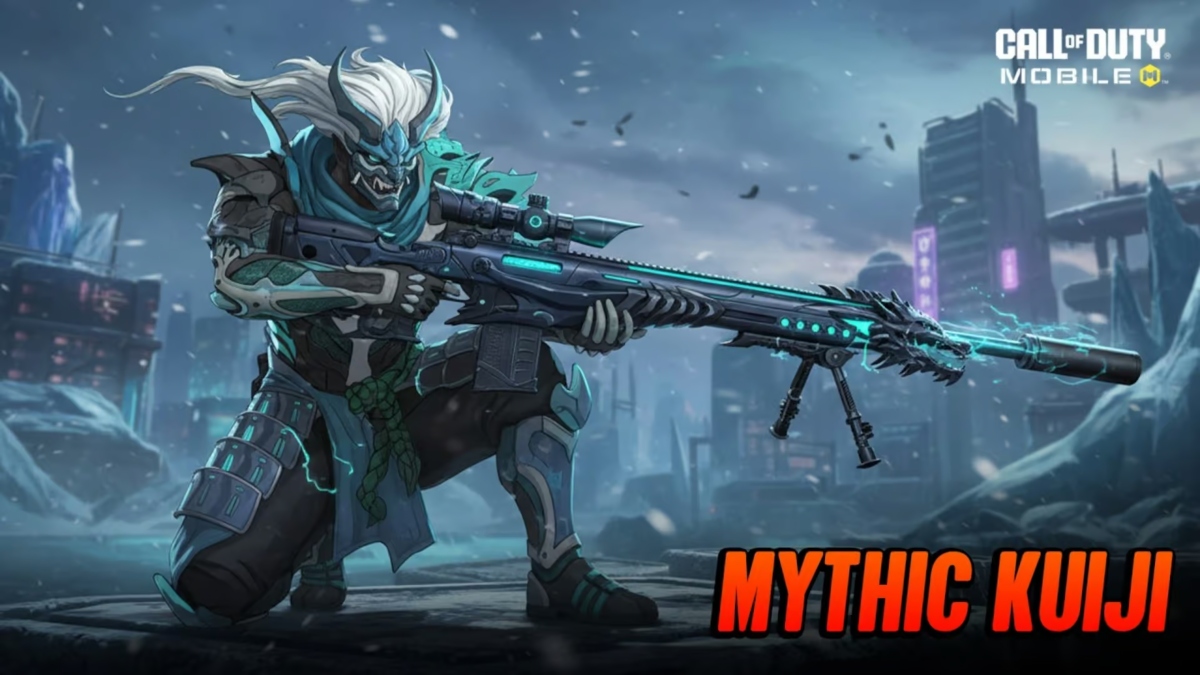
A limited-time point of interest on Isolated provides high-quality loot, while the Mythic Weapons Series Armory adds three Mythic Weapons in the Call of Duty®: Mobile latest version.



APKPure - A multi-platform app store primarily focused on Android, providing extensive app-related content. Discover the app you want easier, faster, and safer, with quick and efficient downloads and installations.