
Fortnite gives players one place to join competitive matches, play with friends, and switch between different activities when they want a change of pace. It is designed for players who want both short multiplayer sessions and longer progression goals linked to one account. In addition, Fortnite APK lets Android players access the game hub and its available experiences from a mobile device.
Battle Royale and Zero Build matches
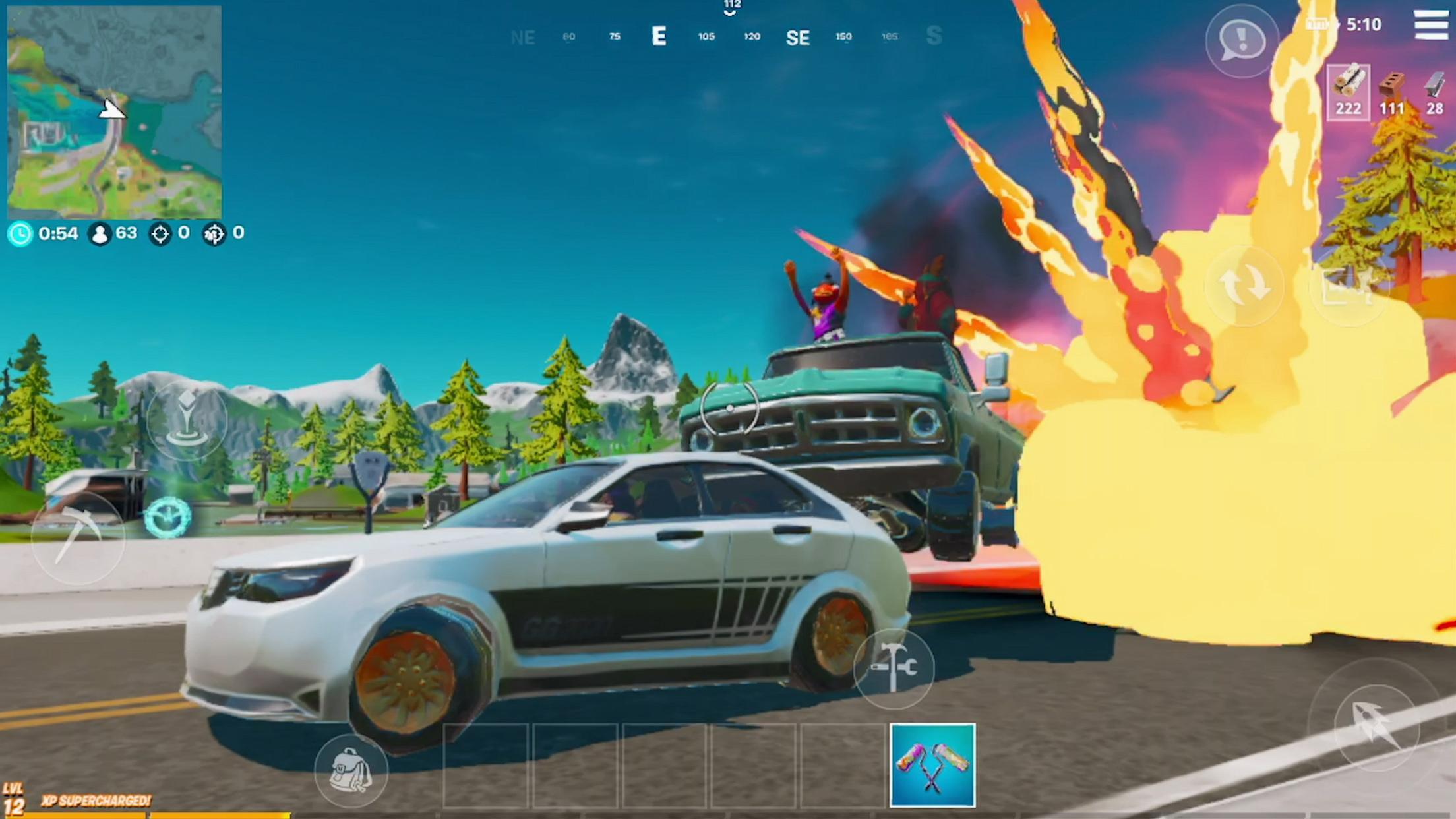
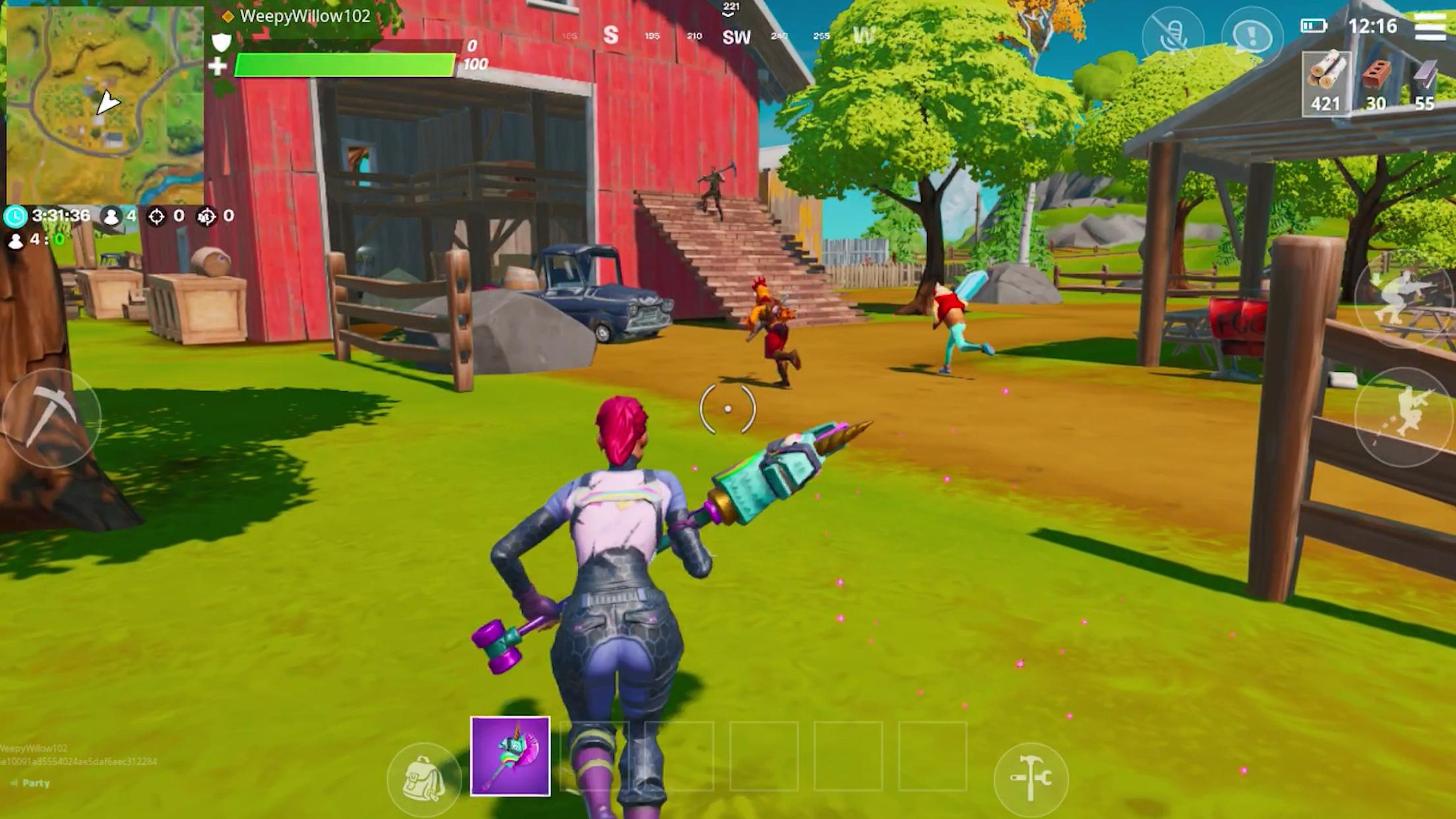
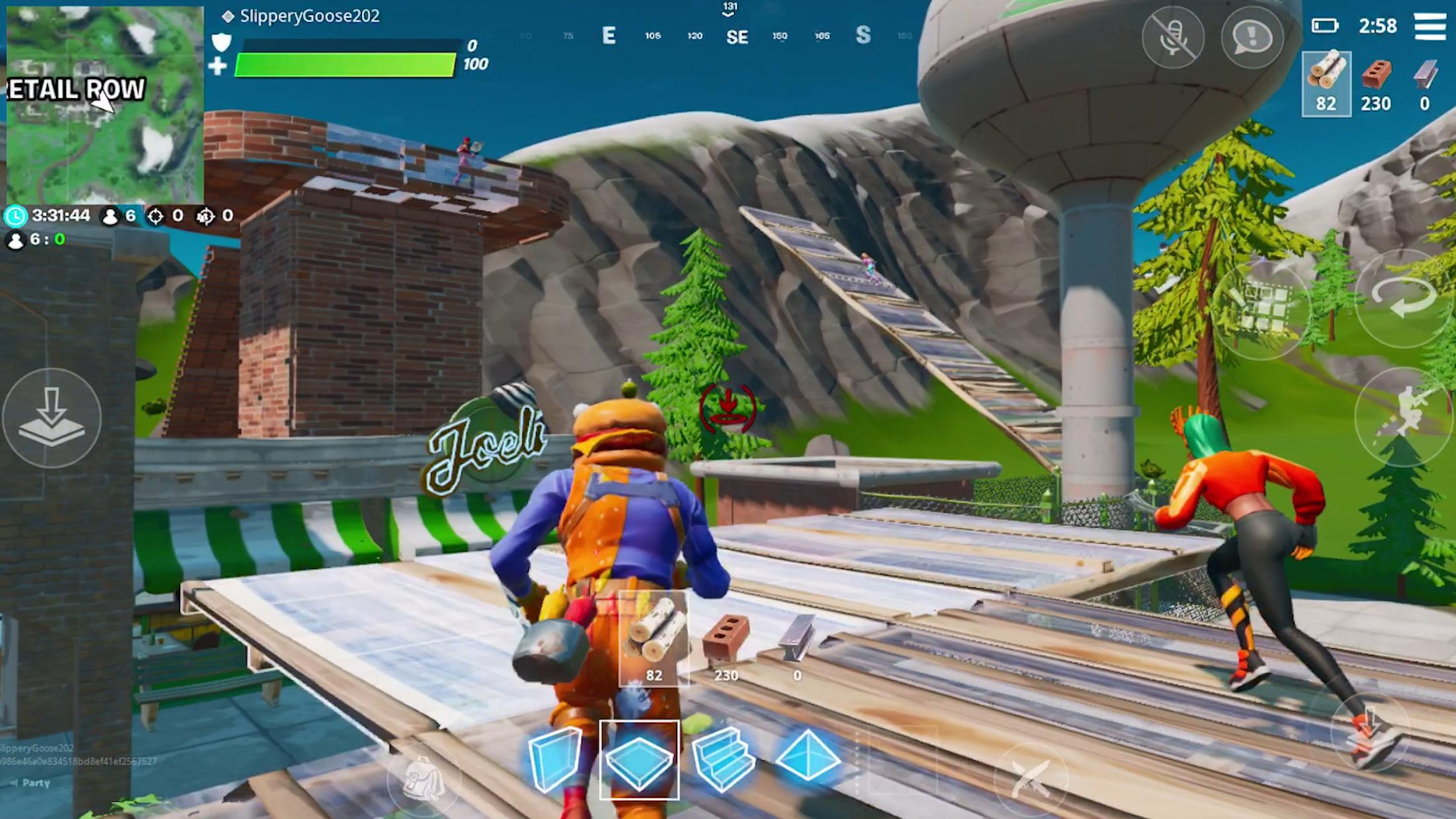
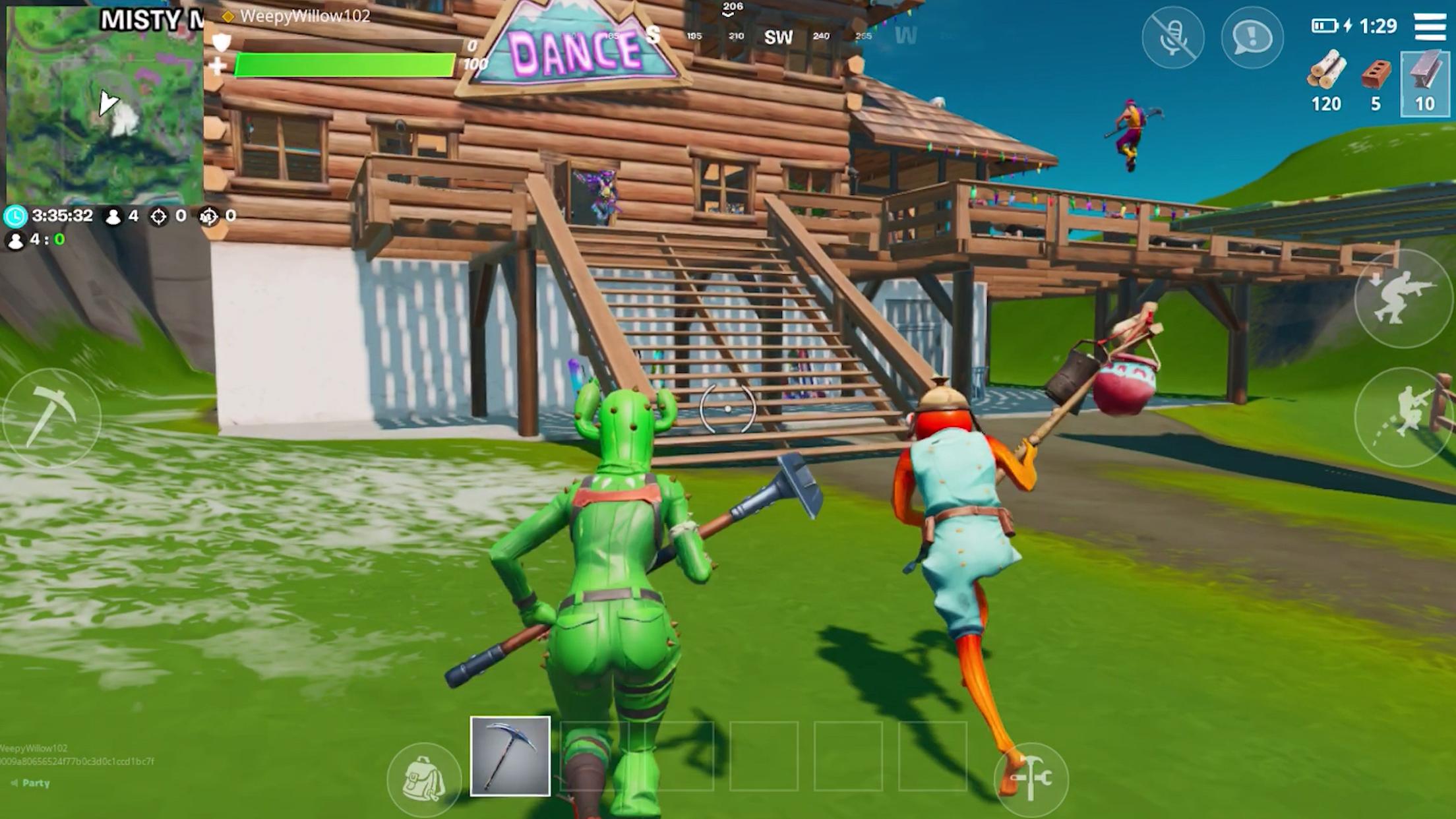
Fortnite Battle Royale begins with players dropping from the Battle Bus and searching the map for weapons, gear, and resources. The safe zone closes as the match continues, so you need to move, fight, and survive longer than opposing players or teams. Standard Battle Royale allows you to gather materials and build walls, ramps, and cover during combat.
Zero Build removes construction from the match. Instead, you rely on weapons, movement, existing cover, and your position on the map. This mode may suit players who prefer combat without managing building controls.
Solo, duos, and squads
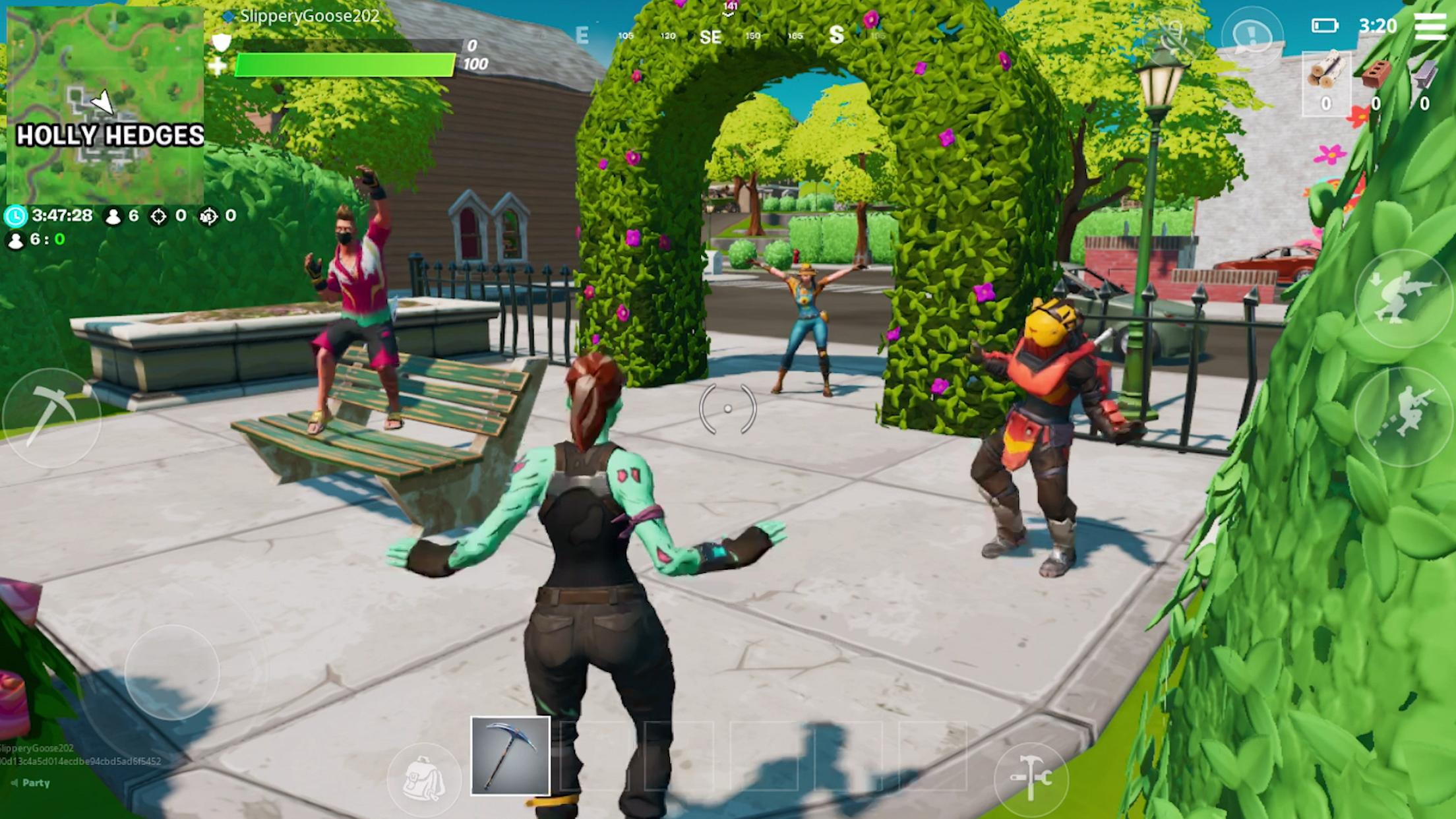
You can enter matches alone, join a duo, or play in a squad with other players. Fortnite lets you form a party before choosing supported multiplayer playlists, which helps friends enter the same match together. Crossplay is available in supported regions, although supported platforms and playlists can vary.
Discover islands and Creative games
Fortnite includes Discover islands made by the community alongside Epic Games activities. You can find racing games, deathruns, tycoon games, zombie survival modes, and other player created activities. If you want to make your own experiences, Fortnite Creative tools support building and publishing eligible games for other players to try.
More activities in one game hub
Fortnite is not limited to its main Battle Royale modes. Available activities can include Fortnite OG, Reload, LEGO Fortnite, and Fortnite Festival, with each one using different rules and gameplay goals. As a result, you can check the current selection from the game menu before choosing what to play.
Progression, cosmetics, and controls
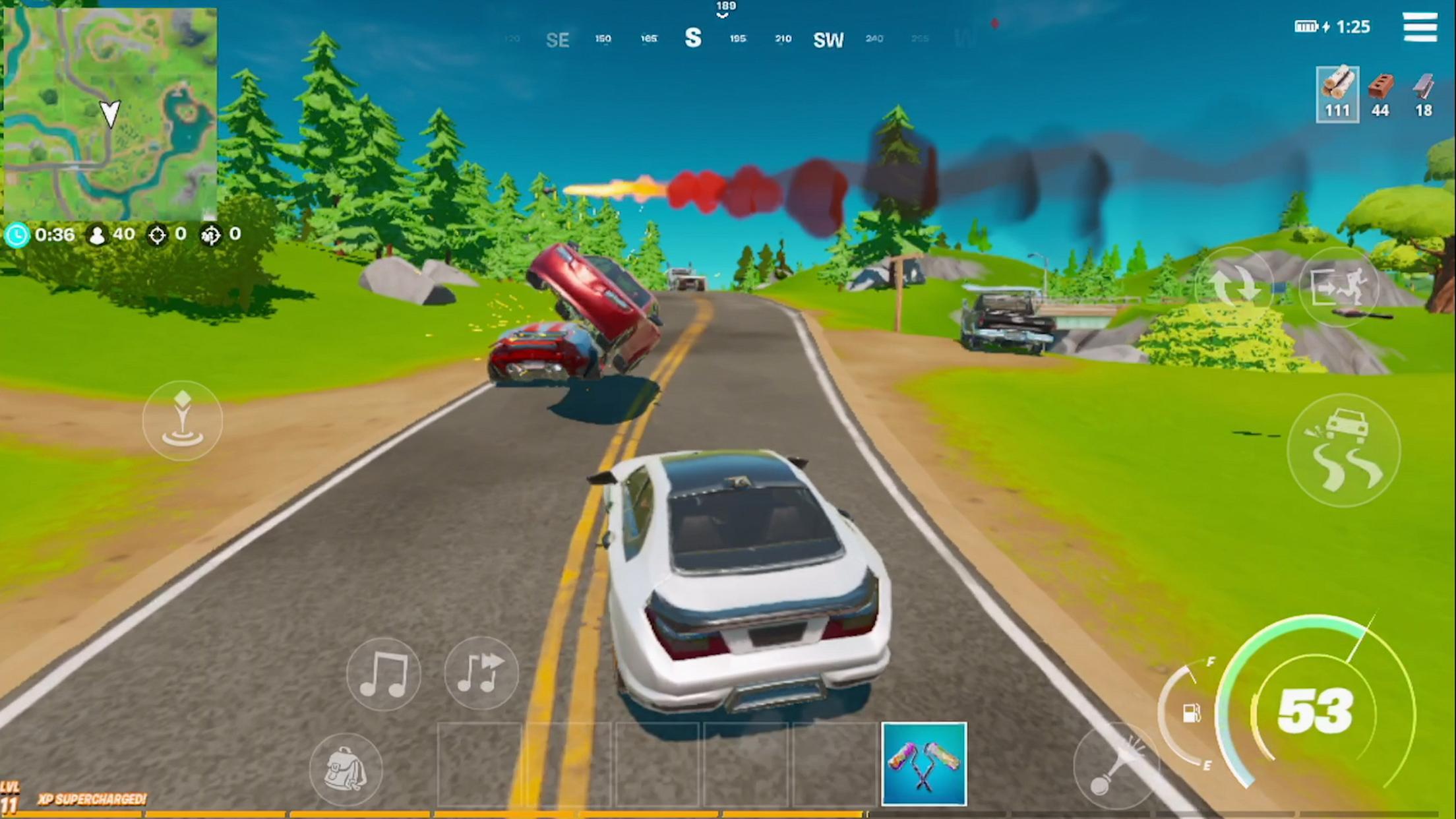
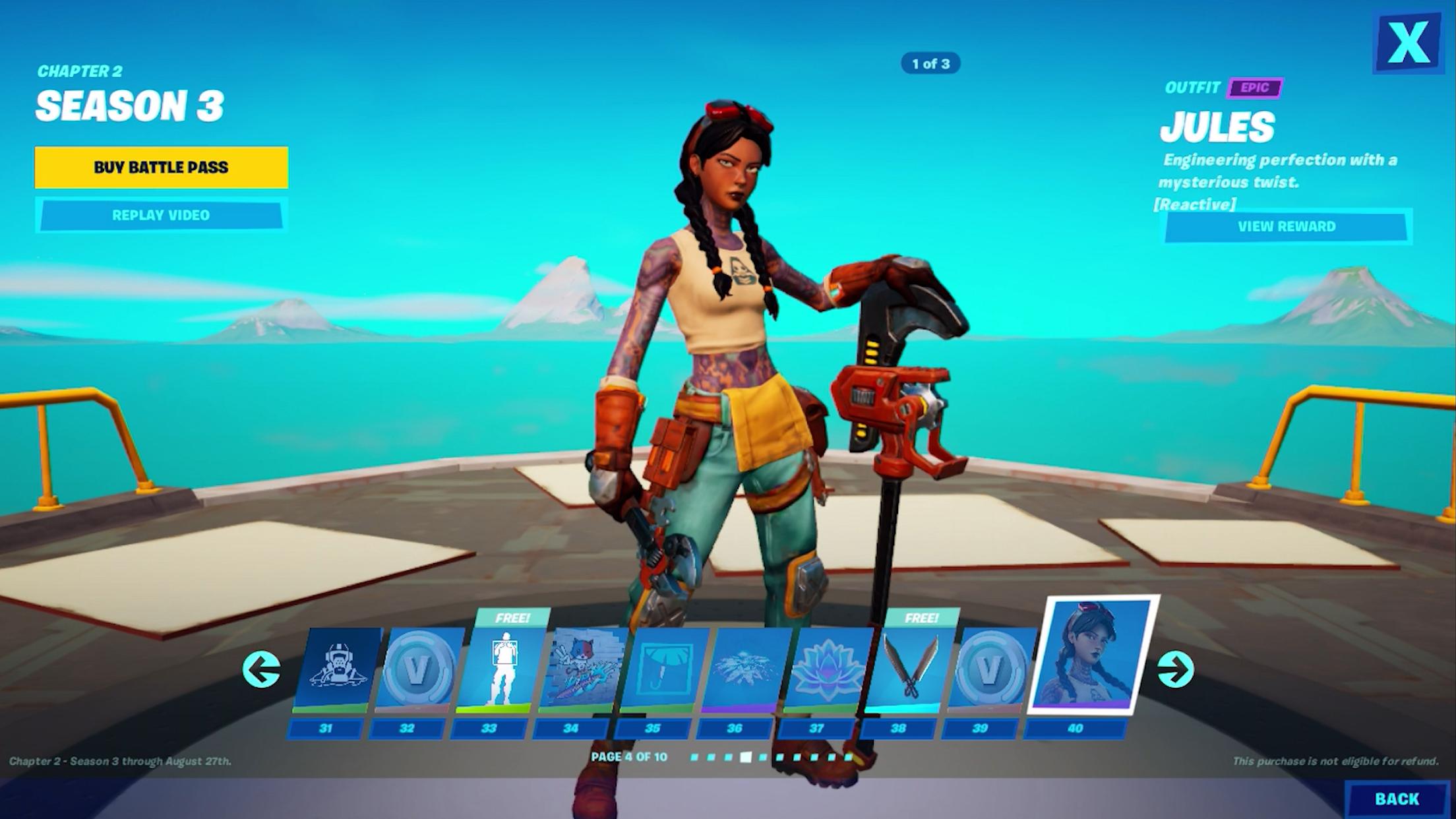
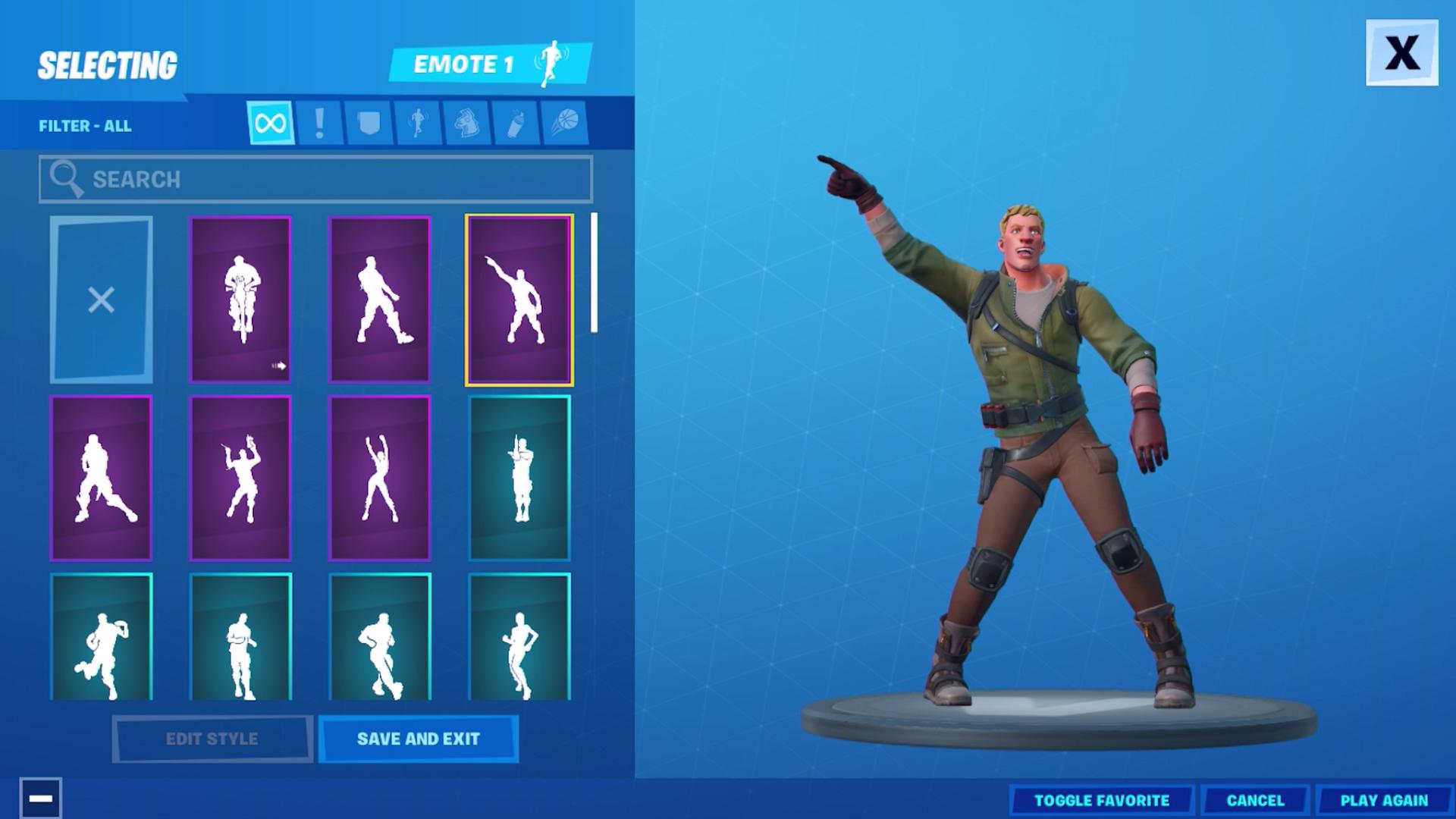
You can complete quests, play Ranked modes, progress through the Battle Pass, and collect cosmetics for your Locker. Fortnite connects selected progress, quests, statistics, and account items when you sign in with an Epic Games account. On Android, you can also rearrange the touch HUD, while compatible Bluetooth controllers may be used where supported.
Modes, community islands, events, and playlists can rotate by season and region. Therefore, a mode shown in screenshots or discussed by other players may not always be available in your current menu. Check Discover and the available playlists after opening the game to see the current options.
Voice chat, controller behavior, keyboard and mouse input, and other control options can depend on your device, selected mode, and current support status. Touch controls remain the main way to play on a phone, but players who use a compatible Bluetooth controller can check its behavior in a match before relying on it for Ranked play.
Fortnite Crew is an optional monthly membership for players who want extra account rewards. It includes premium rewards from Fortnite passes, 800 V Bucks each month, and a monthly exclusive Crew Pack. It is separate from regular access to the game, so you can play available Fortnite modes without joining the membership.
After you download Fortnite, start by choosing the activity that matches how you want to play. Sign in before playing if you want your quests, Battle Pass progress, cosmetics, and other selected account content to stay connected.
Open Fortnite and sign in with your Epic Games account, or create an account if you do not already have one.
Use the main menu to browse Battle Royale, Zero Build, Discover islands, and other available Fortnite activities.
Choose Solo for an individual match, or create or join a party before selecting Duos, Squads, or another supported team playlist.
Before entering a match, open the control settings to move touch buttons into positions that feel comfortable on your screen. Connect a compatible Bluetooth controller if you plan to use one.
During Battle Royale, collect equipment, follow the safe zone, and work toward being the last player or team remaining. After each match, return to the lobby to check quests, rewards, and other playlists.
Fortnite brings Battle Royale, Zero Build, community games, and rotating activities together in one mobile game. To download Fortnite, choose the modes available in your region and sign in to keep eligible progress connected to your account.
Official information is available through the Fortnite website.
Website: https://www.fortnite.com
Latest Version
42.30.0-58557680-AndroidUploaded by
بارق العراقي
Requires Android
Android 8.0+
Category
Free Action GameContent Rating
Teen · Violence
Report
Flag as inappropriateLast updated on Oct 1, 2026
Fortnite version 42.30.0-58557680-Android brings Fortnitemares 2026, as a cursed cartridge corrupts Battle Royale.
Battle Royale now includes new Overrides, weapons, and horror icons to encounter on the Island.
Players can squad up in Horde Rush and take on waves of monsters together.
The corruption also reaches Reload, with the Nitemare Island map returning on October 8. Download the Fortnite latest version to access this Fortnite update.


APKPure - A multi-platform app store primarily focused on Android, providing extensive app-related content. Discover the app you want easier, faster, and safer, with quick and efficient downloads and installations.