

It helps businesses, schools, museums, and smart home users turn tablets into controlled displays and self service stations. The app focuses on reliable kiosk mode, consistent content presentation, and centralized oversight for large deployments. Get the Fully Kiosk Browser APK latest version on APKPure to set up digital signage, dashboards, and interactive touch points with predictable behavior.
Secure kiosk lockdown
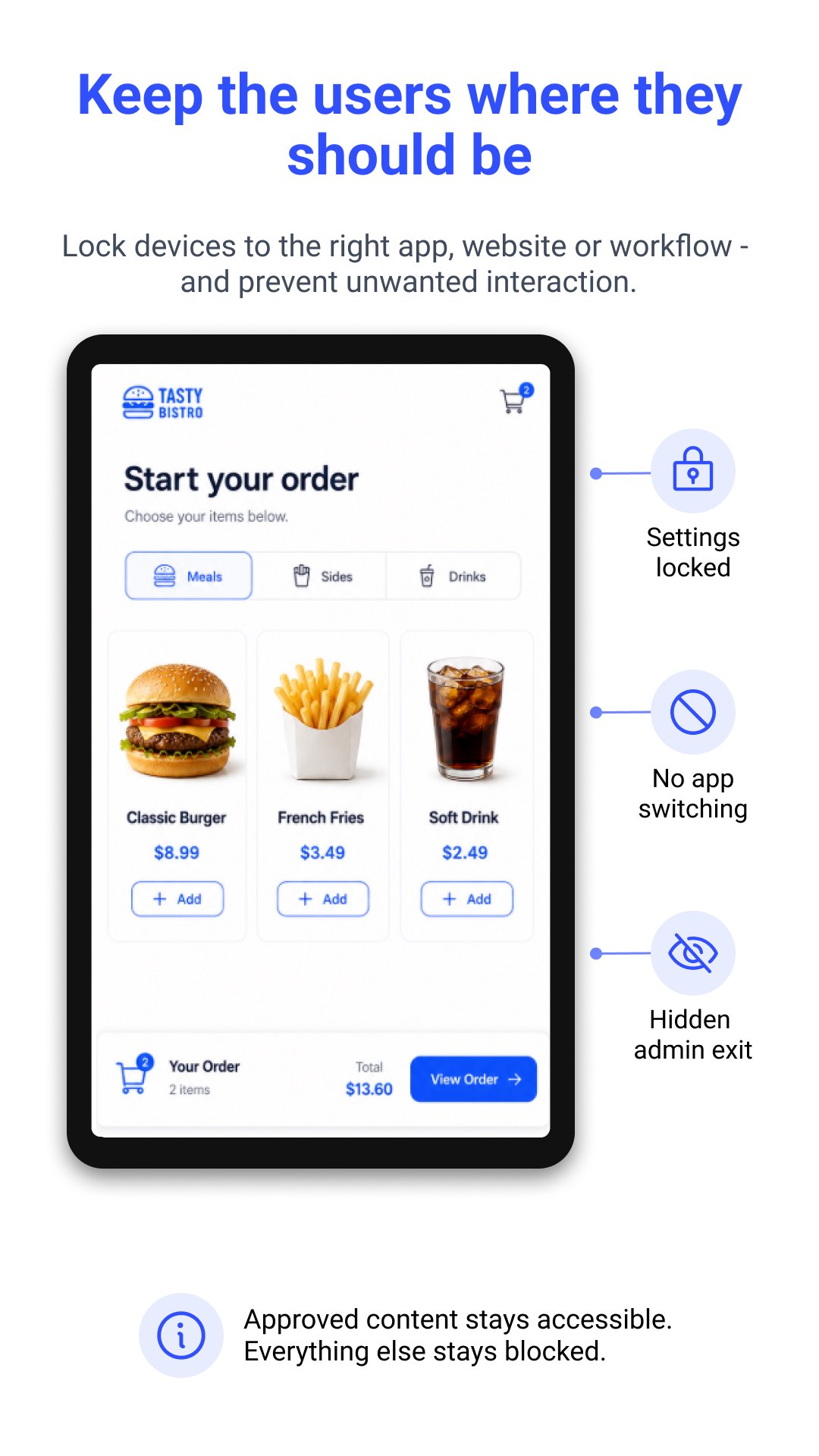
Fully Kiosk Browser locks the screen to one or more approved sites or apps. You can use fullscreen mode, custom browser controls, and a PIN or gesture to exit when needed. This creates a controlled environment for self service use.
Centralized management
You manage settings, start pages, and app behavior from a central dashboard with Remote Admin or Fully Cloud. Devices can be provisioned quickly and monitored in the field. In addition, you can push configurations without local access.
Rich web content support
The browser runs on Android WebView to display modern HTML5 pages, PDFs, and embedded video streams. Auto reload and reconnect options help recover after idle time or network loss. Therefore, screens stay up to date without manual attention.
Engagement and power saving
You can use screensaver rules, motion detection, and scheduled sleep or wake to control attention and energy use. Brightness and orientation can adjust to the location. Moreover, devices can react to presence so screens light up only when needed.
Integration and automation
Fully Kiosk Browser exposes REST, JavaScript, and MQTT interfaces for automation. You can scan NFC or QR codes, connect Bluetooth, and trigger actions from external systems. In addition, it supports common smart home and dashboard scenarios.
All features are available to test for free, and some advanced options add a small watermark during trials. Fully PLUS is a one time per device license priced at 7.90 Euro that unlocks premium functions. Fully Cloud is a subscription with volume discounts that can be as low as about 1.18 Euro per device each month.
Fully Cloud provides remote configuration, provisioning, and app management for fleets. You can enroll devices, assign settings, and track status without touching each tablet. Moreover, it helps standardize deployments across multiple locations with consistent policies.
The developer also offers Fully Single App Kiosk and Fully Video Kiosk for focused scenarios, and Fully Exam Kiosk for supervised testing. Smart home users often pair Fully Kiosk Browser with Home Assistant dashboards to run stable wall mounted panels. For best web compatibility, keep Android System WebView updated on your devices.
Follow these steps to prepare a device for kiosk use. The process focuses on installing, locking down the experience, and enabling remote oversight.
Fully Kiosk Browser turns Android devices into controlled kiosks for signage, dashboards, and interactive stations. Get the latest Fully Kiosk Browser APK on APKPure to deploy quickly and manage devices with consistent results.
For official resources and support, visit:
What browser engine does Fully Kiosk Browser use?
Fully Kiosk Browser uses the Android WebView engine. For best compatibility, keep Android System WebView updated in your device settings so modern sites and scripts render correctly.
Is Fully Kiosk Browser free?
Fully Kiosk Browser is free to download and test on APKPure, and all features can be evaluated. Some functions require a Fully PLUS license priced at 7.90 Euro per device, and Fully Cloud is an optional subscription with volume discounts that can reach about 1.18 Euro per device each month.
What is a kiosk browser?
A kiosk browser runs fullscreen and restricts navigation to specific content. Fully Kiosk Browser adds device lockdown, remote control, and automation so public or unattended screens stay on task and recover from network or power interruptions.
How do I install Fully Kiosk Browser?
To install, download Fully Kiosk Browser APK from APKPure, open the APK file, and allow installation from unknown sources if prompted. Launch the app, complete the setup wizard, and configure your Start URL and exit PIN. To update to the Fully Kiosk Browser APK latest version later, return to this page on APKPure and install the new build over your current one.
Latest Version
1.61.3-playUploaded by
Aglenilcia Dos Santos Ramos
Requires Android
Category
Free Business AppContent Rating
Everyone
Report
Flag as inappropriateLast updated on Sep 7, 2026
Enhanced Kiosk Mode protection
Full PEAP Wifi Configuration
Screensaver fully://clock
JS API for torch on/off
Set screen/screensaver brightness in percent
Better Fire OS and Android TV support
Bugfixes





APKPure - A multi-platform app store primarily focused on Android, providing extensive app-related content. Discover the app you want easier, faster, and safer, with quick and efficient downloads and installations.