How to Download Grok AI iOS App

2026-08-06
A step-by-step installation guide, features, setup instructions, and what you can do with Grok on iOS.
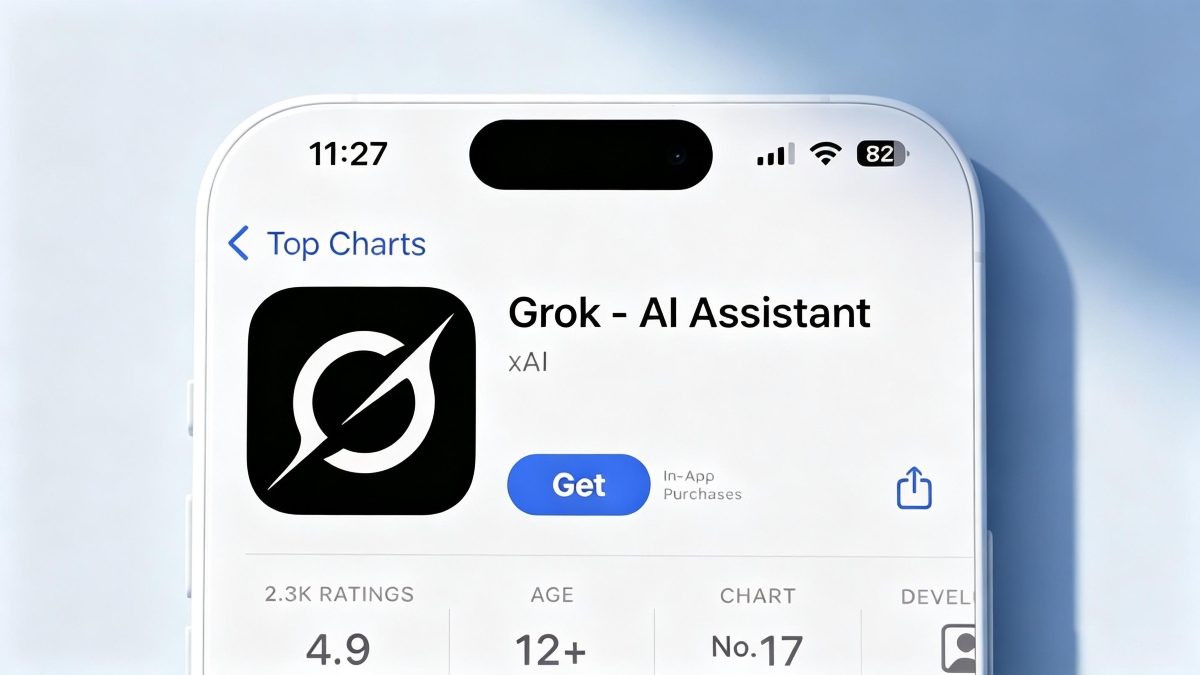
The Grok AI app is available for iPhone and iPad through the App Store. It gives you a dedicated Grok experience — chat, image generation, voice conversations, and all Grok features — without needing to open X. Here's how to download it and what to expect.
How to Download Grok on iPhone
- Open the App Store on your iPhone.
- Search for "Grok AI" or "Grok".
- Tap Get to download Grok for free.
- After installation, open Grok and sign in with your X account.

If you don't have an X account, you can create one during setup — it takes about two minutes.
Once signed in, you'll see the chat interface. The iOS app supports all core Grok features: text chat, voice mode, image generation with Aurora, file upload, and Deep Search.
Grok iOS App Features
- Voice conversations. Tap the microphone icon to talk to Grok. It responds in a natural voice. On iOS, this integrates with the device's audio system for hands-free use.
- Aurora image generation. Describe an image, and Grok creates it directly in the chat. Save generated images to your Photos library with one tap.
- Real-time X data. Grok pulls breaking news and trending topics from X. The iOS app shows relevant X posts inline when you ask about current events.
- Chat history sync. Your conversations sync across devices. Start a chat on your iPhone, continue it on your Mac or PC through grok.com.
- Siri and Shortcuts support. Use Siri to open Grok or trigger quick actions. iOS Shortcuts integration lets you build automations that include Grok queries.
Grok iOS vs Grok on X
The dedicated iOS app is faster and cleaner than using Grok through the X app. X is a social media platform first; Grok there lives in a sidebar or tab. The standalone app is built entirely around the AI experience — no timeline, no notifications from random accounts, no algorithm. Just you and the chatbot.
The X integration still works in the standalone app. Grok pulls data from X regardless of which app you're using. The difference is the interface, not the underlying capabilities.
Grok Free vs SuperGrok on iOS
The free Grok iOS app gives you basic access with usage limits. SuperGrok ($30/month) unlocks full access: higher message limits, Grok Super reasoning mode, full Aurora image generation, Deep Search, and priority response speed.
If you subscribe to X Premium+, Grok access is included at no additional cost. The subscription carries over to the standalone app when you sign in with the same X account.

- Grok Adds AI Companions Ani and Ruby
- How to Download Merge Prison:загадки и секреты APK Latest Version 1.147.2536 for Android 2026
- How to Download Free Adblocker Browser - Adblock & Popup Blocker APK Latest Version 139.1.4141 for Android 2026
 NEWS
NEWS REVIEWS
 HOWTO
HOWTO