


Package Name:com.symantec.mobilesecurity
SHA-256:b56d7542ae05943d48669ddda8a6f28e9e18f265455b9a73ecdb776592d21403
Show More


Norton360 Antivirus & Security fits users who browse, message, shop, bank, and connect to different Wi-Fi networks from one phone. It helps reduce common risks that can appear through unsafe apps, scam messages, fake websites, and exposed connections. In addition, the Norton360 Antivirus & Security latest version gives Android users a single place to check security issues and respond before problems become harder to manage.
Antivirus scans for unsafe apps
Norton360 Antivirus & Security scans apps for malware, spyware, ransomware, viruses, and privacy risks. If an app shows suspicious behavior, you can review the warning and remove the app before it affects your device or data. This is useful when you install new apps often or keep many apps on your phone for work, banking, shopping, and social use.
Scam checks across daily communication
Norton360 Antivirus & Security uses AI based checks to help detect scam content across web pages, SMS, email, calls, and supported videos. When a message, link, or call looks suspicious, the app can warn you so you can slow down and check the source. This can help with common scam situations, such as fake delivery messages, account alerts, prize claims, or requests for payment details.
Encrypted browsing with VPN protection
You can use the Secure VPN feature to help protect private information while browsing. This matters most when you connect through public or unsecured Wi-Fi, such as networks in cafés, airports, hotels, or shared offices. The feature is also connected with Norton VPN searches, so users looking for private browsing tools can understand that VPN protection is part of this app.
Wi-Fi checks before you share data
Norton360 Antivirus & Security checks Wi-Fi networks for risks such as unsafe connections, eavesdropping, or attacks that may expose personal or financial information. Before you sign in to accounts or make payments, you can review the network status inside the app. As a result, the app helps you make a clearer choice about whether to keep using a network or switch to a safer connection.
Link and app risk protection
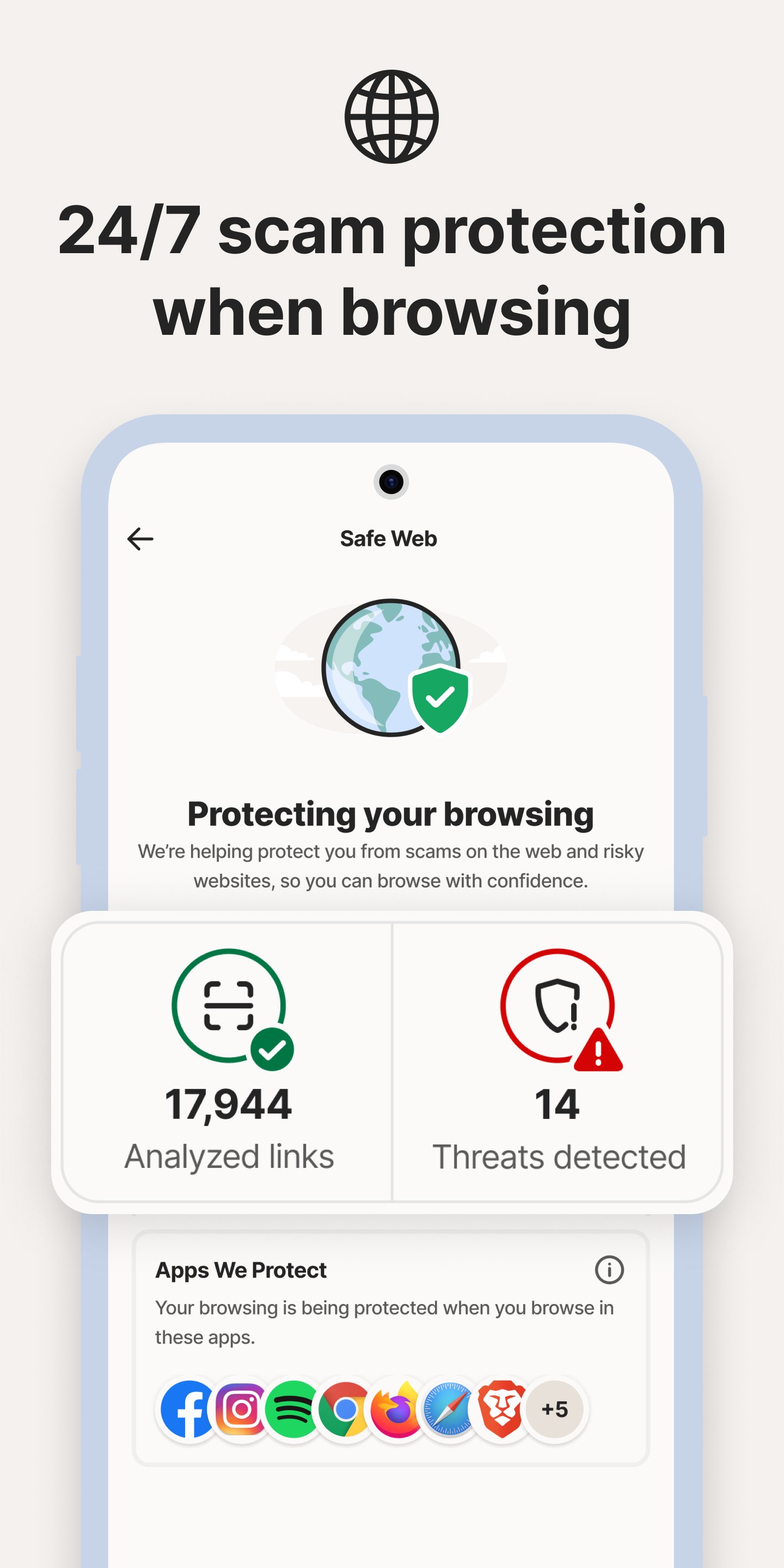
You can use Safe Web, Safe SMS, and anti phishing tools to help block malicious links, fake sites, scam texts, and unsafe pages during browsing or messaging. In a related way, App Advisor and Norton Mobile Insight analyze app risks before installation, including malware, intrusive adware, privacy leaks, and other issues. These features are useful for users searching for Norton Mobile Security or Norton Antivirus download information because they focus on everyday phone risks.
Norton360 Antivirus & Security is designed for users who want protection across several phone activities rather than only file scanning. It covers situations that often happen during normal Android use, including opening links, reading SMS messages, answering unknown calls, joining public Wi-Fi, and installing apps. Because these risks can appear in different places, the app groups checks into one security experience.
The app may show warnings when it finds a suspicious app, link, message, call, or connection. These warnings are meant to help you pause and review the situation before taking action. For example, if a text asks you to open a payment link, or a website looks like a bank login page, the app can help you notice that something may be unsafe.
Norton 360 users who already know the desktop or account based security service may recognize the same focus on device and privacy protection. On Android, the app centers on mobile specific risks, such as scam texts, unsafe apps, and public network exposure. This makes it suitable for users who use their phone as their main device for accounts, shopping, banking, and communication.
After installing the Norton360 Antivirus & Security APK, open the app and follow the setup prompts shown on your phone. The process usually starts with checking your device and enabling the protection areas you want to use.
Norton360 Antivirus & Security helps Android users check apps, links, messages, calls, browsing activity, VPN use, and Wi-Fi connections from one mobile security app. If these protections match your daily phone use, you can download Norton360 Antivirus & Security and review its alerts before taking risky actions online.
Official information is available from the developer website:
Latest Version
26.17.0.260908741Uploaded by
Andrew Satrio
Requires Android
Android 10.0+
Category
Free Tools AppContent Rating
Everyone
Security Report
Check Now
Report
Flag as inappropriateLast updated on Sep 23, 2026
Thanks for using Norton 360! We’ve tidied things up to give you an even smoother app experience. We’ll keep you posted whenever we release new updates.





APKPure - A multi-platform app store primarily focused on Android, providing extensive app-related content. Discover the app you want easier, faster, and safer, with quick and efficient downloads and installations.














