
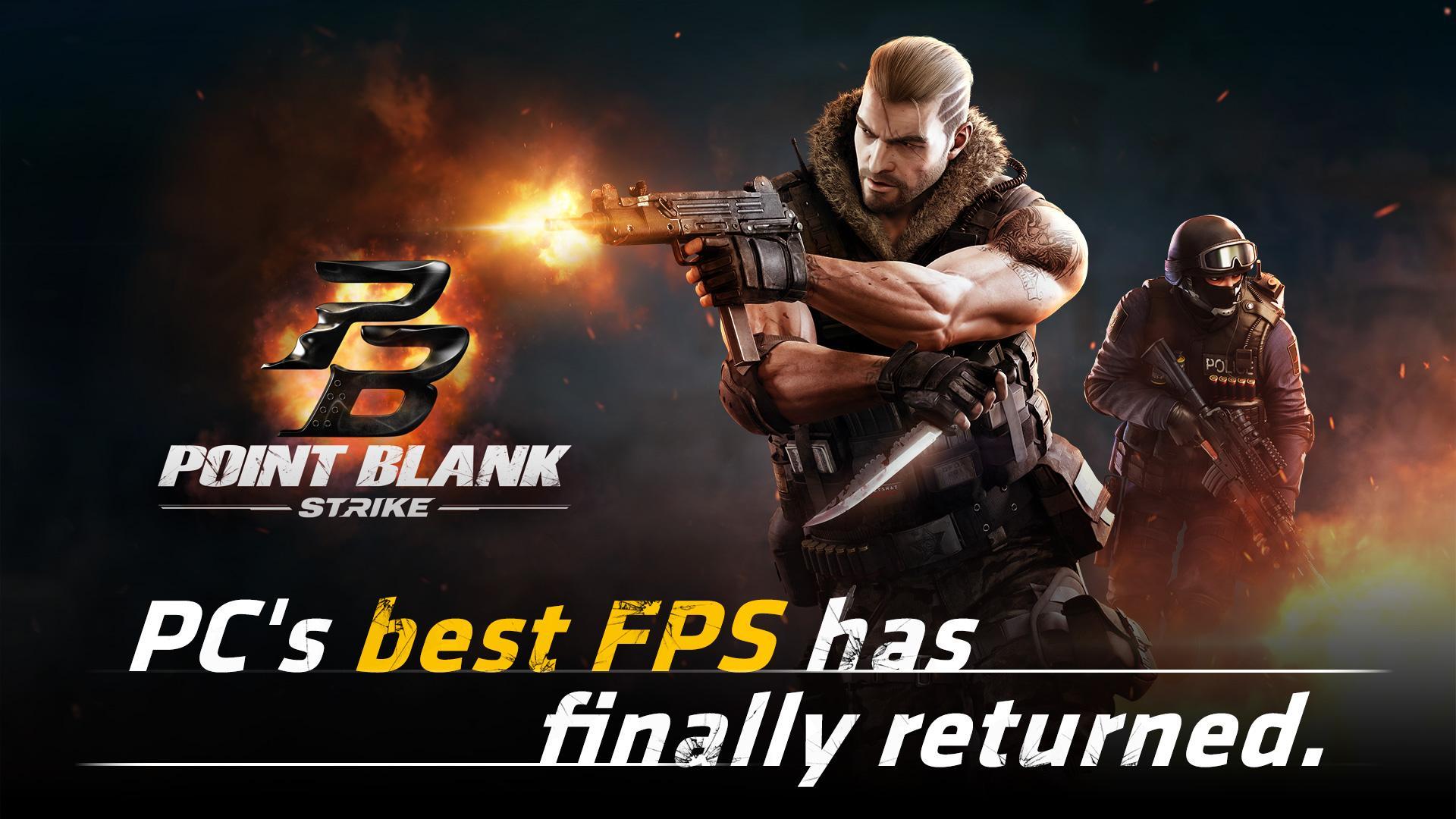
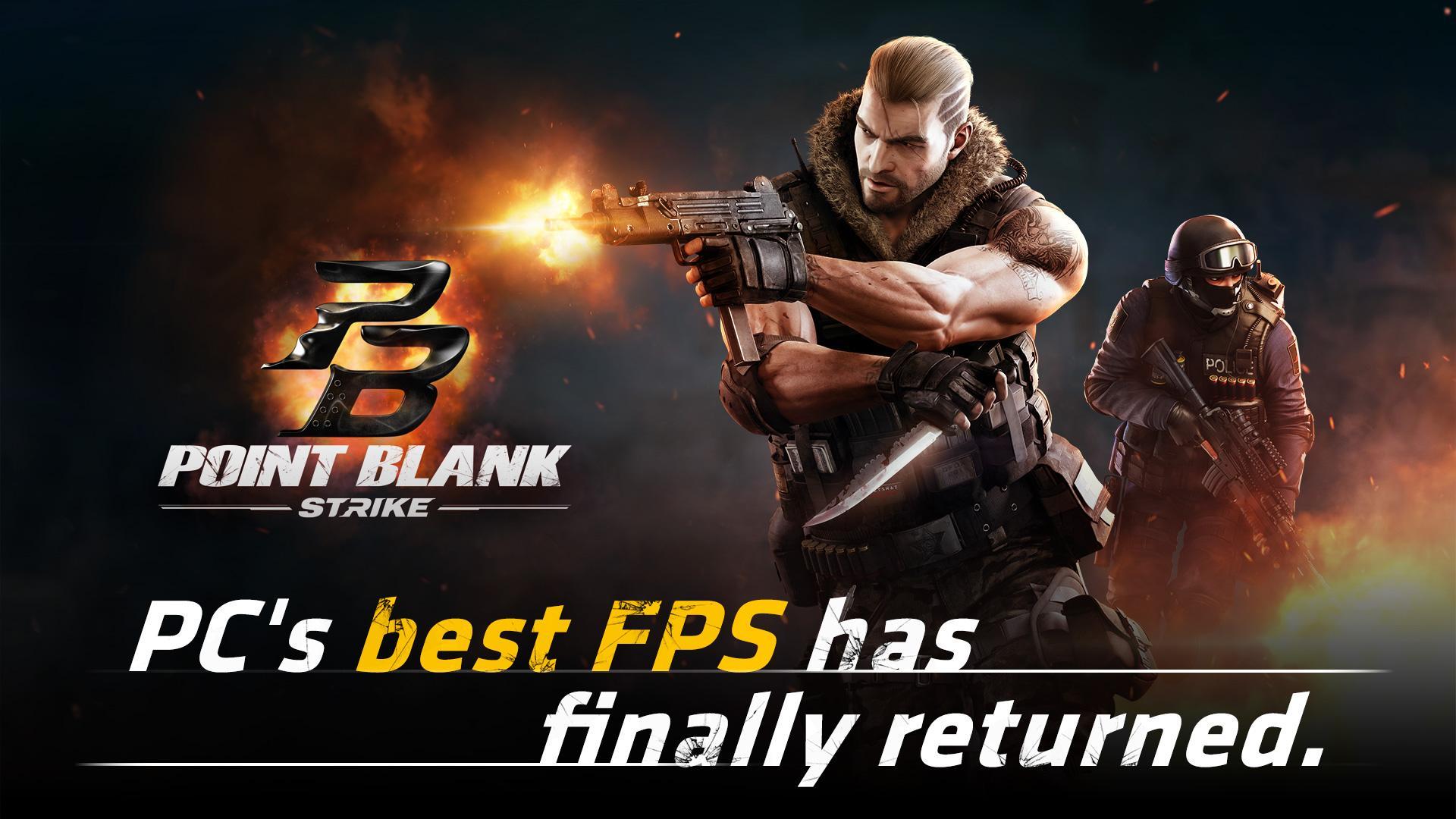
Point Blank: Strike helps players who want quick competitive matches on a phone without complex setup. Built from Zepetto’s original PC shooter and adapted for mobile by NEXON, it keeps the familiar feel while streamlining controls and sessions. You can jump in, play short matches, and get back to your day, while still enjoying classic Point Blank intensity. For users comparing install options, the Point Blank: Strike APK offers a direct way to set up the game on Android.
Original content and classic maps
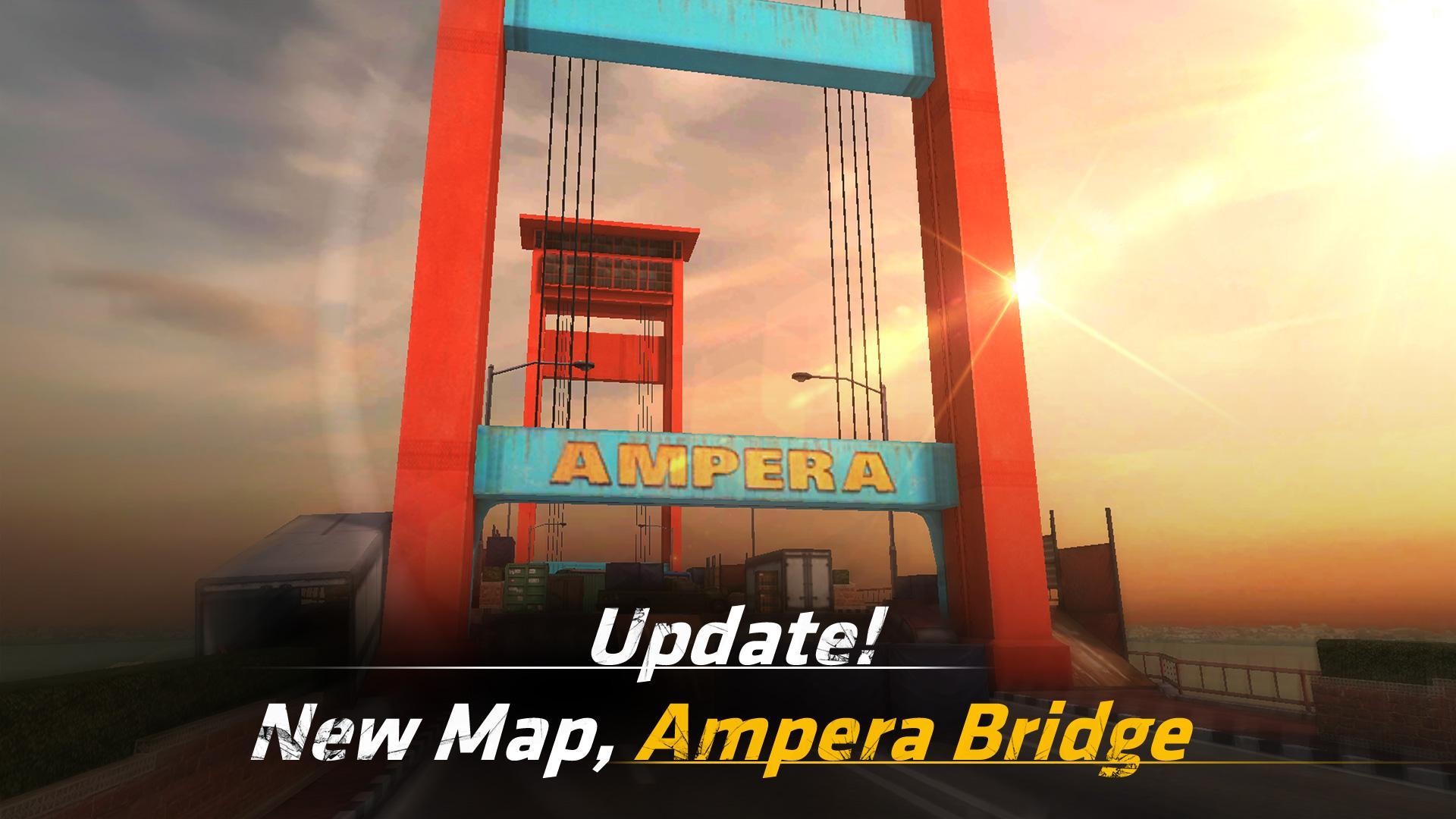
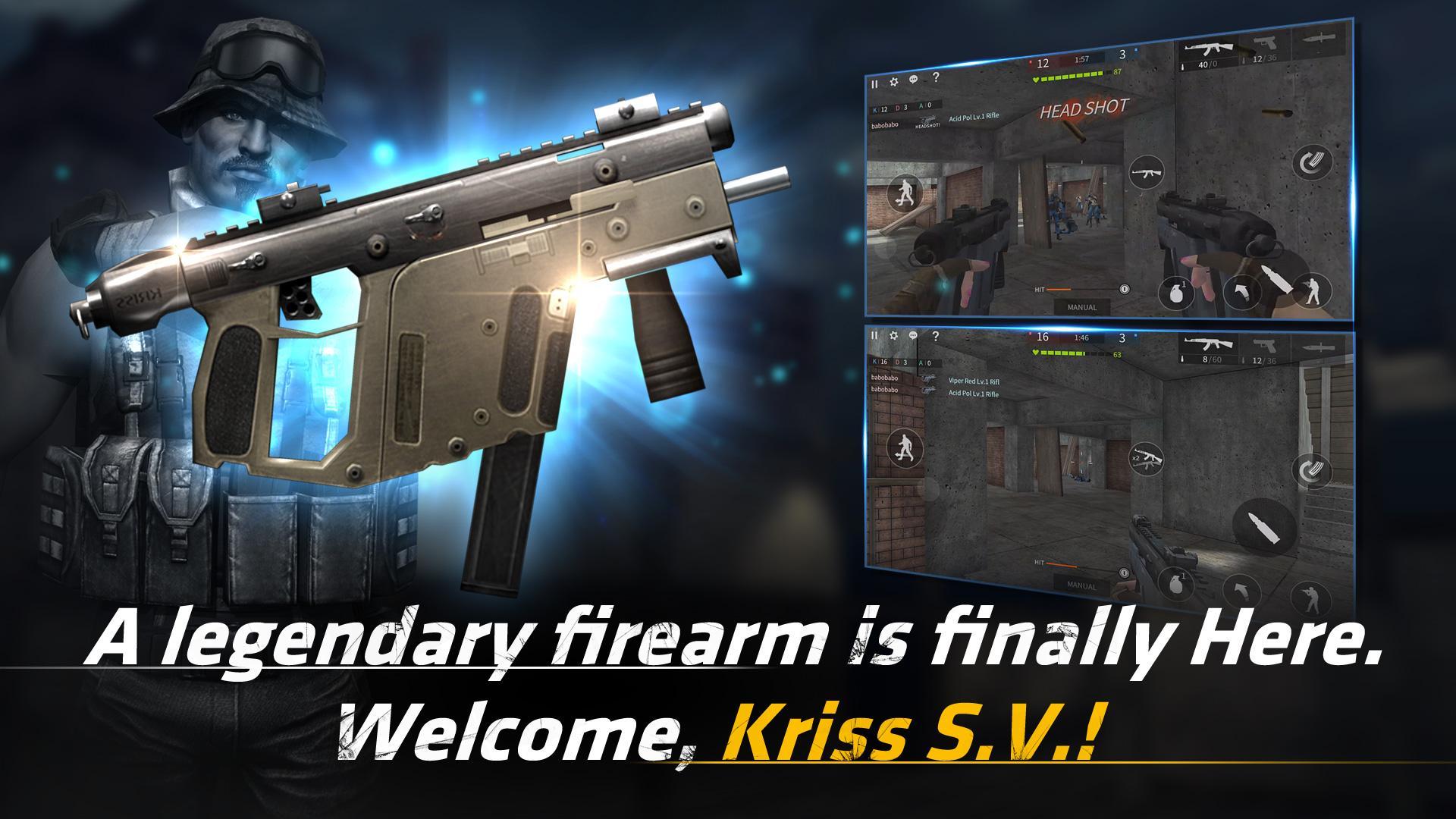
Point Blank: Strike brings the Original Point Blank mode to mobile with familiar rules and pacing. Fans will recognize classic maps such as Crackdown, Red Rock, and Burning Hall, along with the well known Kriss S.V firearm. This approach helps returning players feel at home, while new players can learn the layouts that defined the series. As a result, sessions feel consistent from match to match.
Quick 4v4 modes with fast matchmaking
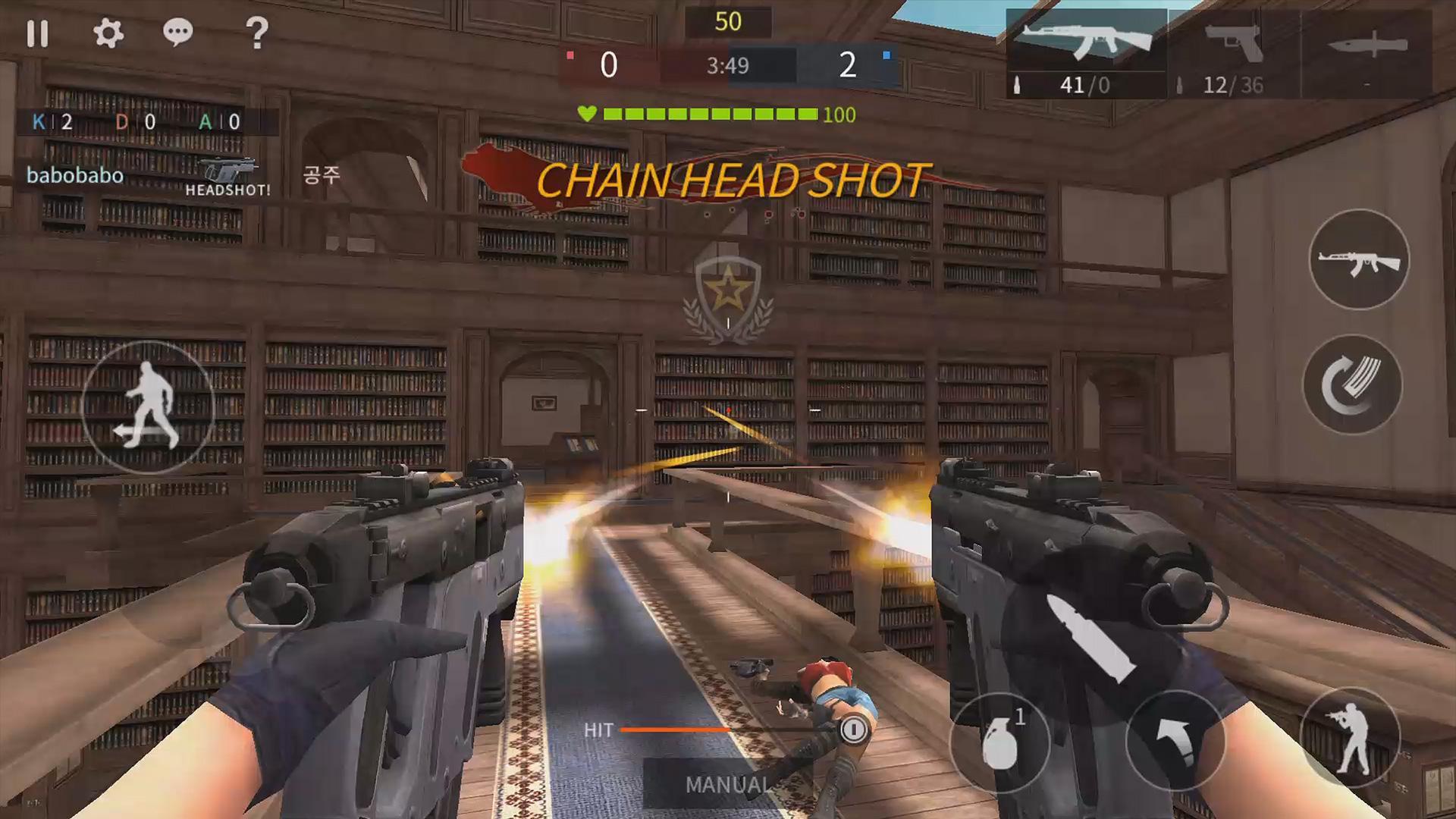
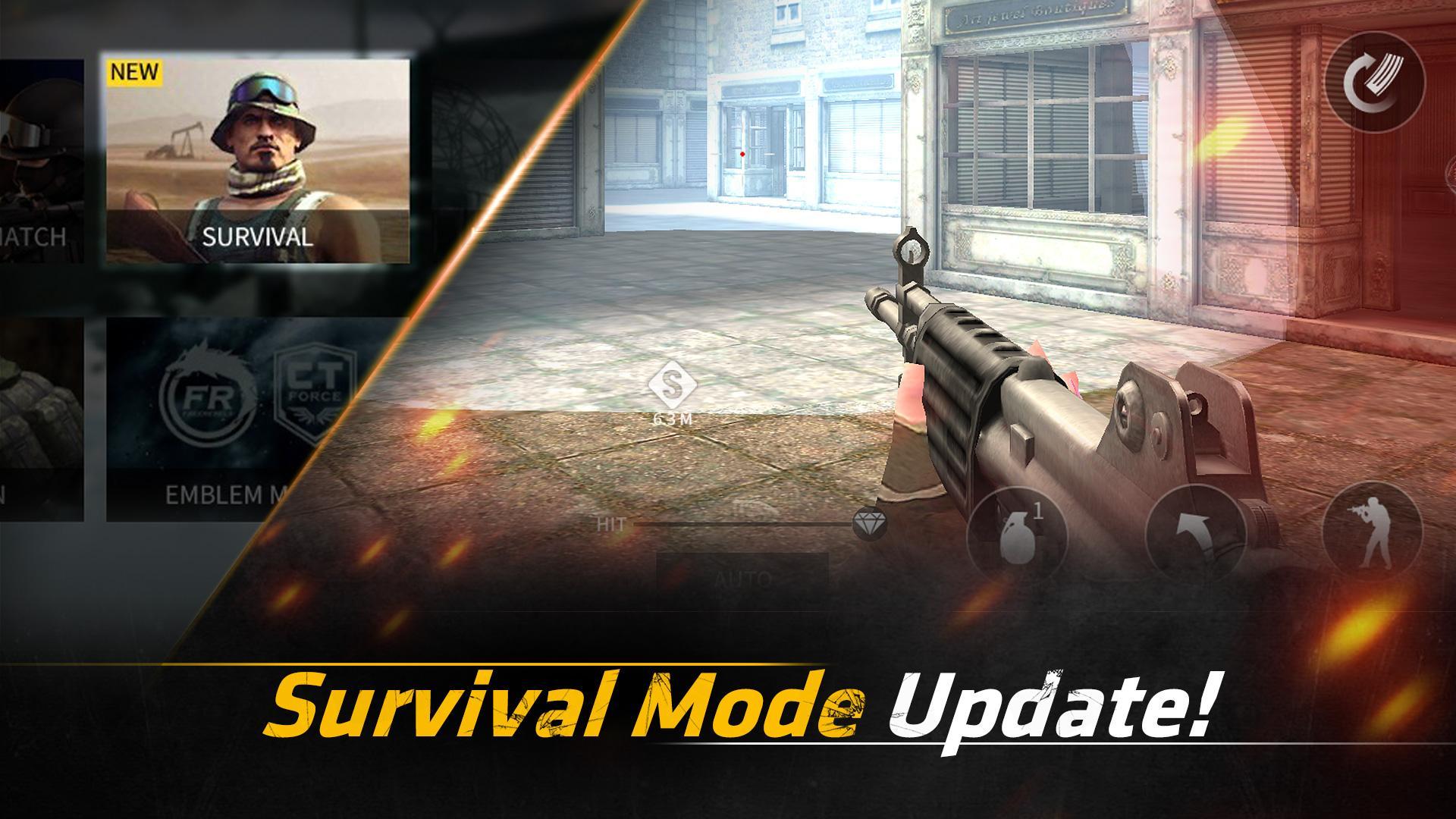
You can join real time 4v4 battles with short queue times and compact match lengths. Team Deathmatch, Demolition, Clan Match, AI Battle, and other options let you pick the format that fits your schedule. Because matches are brief, it is easy to play a round during a break and then move on with your day. The game prioritizes getting you into action with minimal waiting.
Accessible controls with auto firing targeting
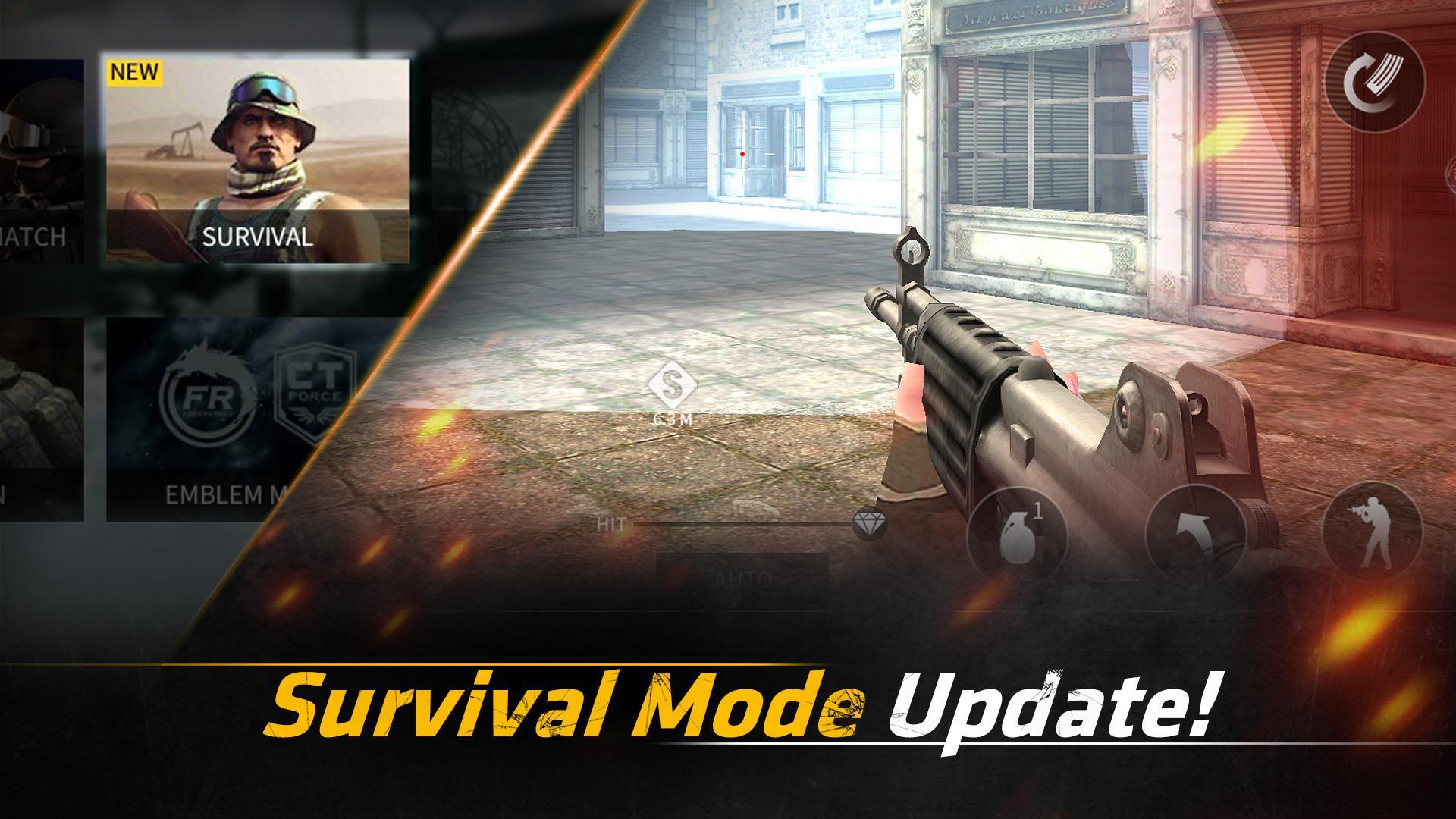
Controls are designed for smartphones so you can aim, move, and shoot with simple inputs. An optional auto firing targeting system assists with shots when your crosshair is on target, which lowers the learning curve without removing control from experienced players. Sensitivity and layout adjustments let you fine tune the feel to match your preferences. This balance keeps the pace high while remaining friendly to newcomers.
Clan play and ongoing PvP content
For players who enjoy team coordination, clan focused features support organized play and competition. You can group up with friends, practice roles, and enter modes that reward teamwork. Regular live PvP content keeps the rotation active so there is always something to play. This structure encourages both casual sessions and deeper competitive runs.
Optimized for mobile performance
Point Blank: Strike is streamlined for smooth performance on a wide range of Android devices. Movement and shooting feel responsive even on lower spec phones, which helps maintain consistent matches. A stable, always on network connection is required for PvP so matches remain fair and synchronized. This setup supports quick matchmaking and steady gameplay flow.
All competitive modes rely on a stable internet connection. If the connection drops, you may be returned to the lobby or the match may not record correctly. The game also offers in app purchases, which are optional and handled through the in game store menu. Review purchase prompts carefully before confirming any transaction.
Official community support is available through the in app Customer Center and the game’s Facebook page, which provide news, troubleshooting tips, and event notices. When contacting support, you may be asked to attach screenshots to explain an issue. In that case, the app can request access to photos, media, and files so you can include the images needed for the ticket.
To start, install the Point Blank: Strike latest version and open the app on your phone. The first launch may guide you through basic movement and aiming so you can get comfortable before joining matches.
Point Blank: Strike delivers classic Point Blank action in short mobile matches with accessible controls and competitive modes. To begin, download Point Blank: Strike and set up on your Android device, then choose a mode and join a match.
Latest Version
2.5.5Uploaded by
Jheffrey Jefferson Maués
Requires Android
Android 4.1+
Category
Free Action GameContent Rating
Teen · Violence
Report
Flag as inappropriateLast updated on Feb 21, 2019
This release includes minor bug fixes and general improvements. Update to the latest version for the best experience.


APKPure - A multi-platform app store primarily focused on Android, providing extensive app-related content. Discover the app you want easier, faster, and safer, with quick and efficient downloads and installations.