Does Cat Resolution Pro Work? Review of the Stretched Screen App for Mobile Phones

2026-09-04
Does Cat Resolution Pro work? See how to use the stretched screen app for Free Fire, Blood Strike, and other games, how to configure the resolution, and whether it's worth downloading.
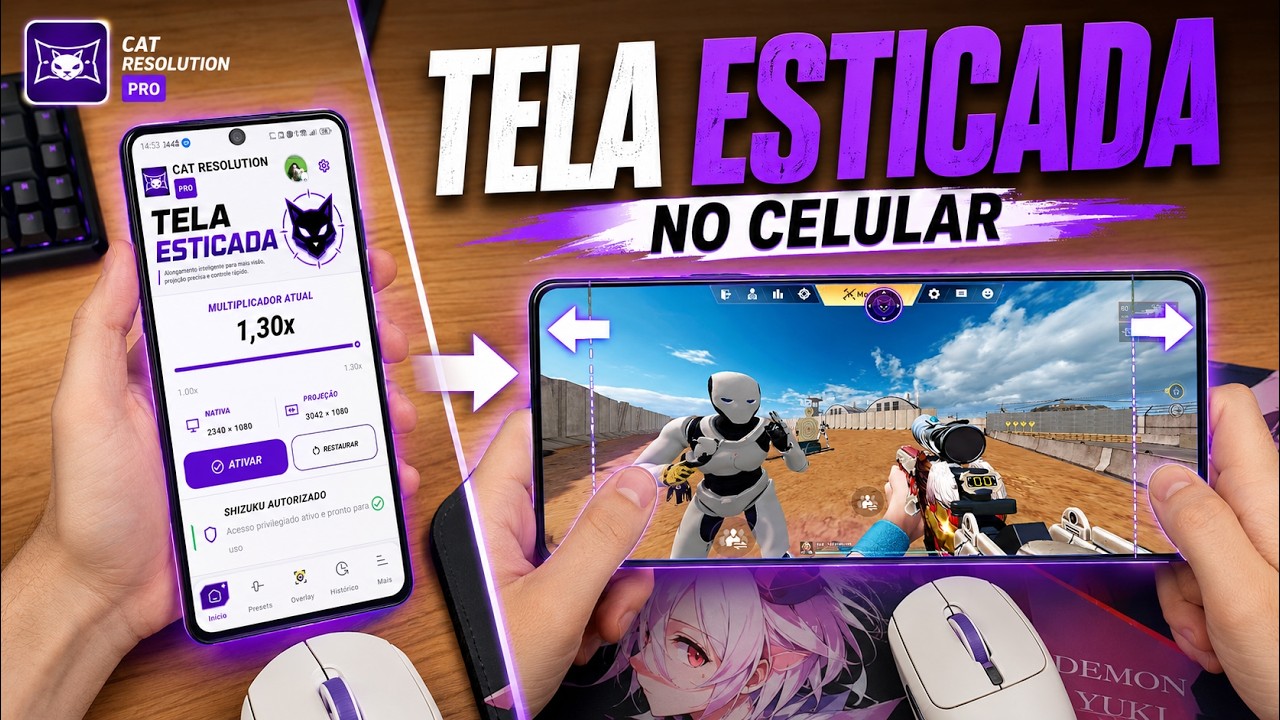
Cat Resolution Pro is a stretched screen app that adjusts the resolution and aspect ratio of your Android screen in just a few taps, creating the visual effect many people look for in Free Fire, Blood Strike, and other shooting games. The app became popular in the Brazilian community precisely because it delivers this adjustment without requiring technical knowledge. It's very straightforward.
But the actual gain in field of view is more modest than some videos make it seem, and there are some things you need to know before installing.
In this review, we explain what the app does, how to configure it in games, whether the free version is sufficient, and what changes when you upgrade to Cat Mouse Pro.
What is Cat Resolution Pro and how does the stretched screen work?
Cat Resolution Pro is a Brazilian utility that alters the resolution and aspect ratio of a mobile phone screen to achieve a stretched screen look. In practice, it modifies the resolution that Android delivers to games, making the image wider or taller than the device's default setting.
Stretched screen, also called screen stretching, is a technique known in Free Fire and Blood Strike. Instead of playing in the phone's original aspect ratio, the player forces the game to render in a more stretched format, such as ultra-wide. The result is a slightly wider horizontal field of view, which helps to notice enemies approaching from the sides, or slightly taller characters, depending on the chosen setting.
Why does this happen? Mobile shooting games render the scene based on the resolution the system specifies. If the app changes this resolution to a wider format, the game stretches the image to fill the screen, and the field of view follows the change. It's a display adjustment, not a performance gain.
Does Cat Resolution Pro really work? What does it actually do?
Tutorials circulating on Brazilian channels show the app delivering on its promise: the resolution adjustment is applied, the image changes, and the stretched screen effect appears in Free Fire, Blood Strike, and other games. In other words, it's not a fake app. It fulfills the core function of changing the Android resolution simply and quickly.
What needs to be clear is the difference between changing the resolution and automatically improving your aim. Cat Resolution Pro adjusts the screen resolution, not the aiming speed or sensitivity. Some videos sell the idea that the effect almost doubles your accuracy. In practice, the benefit is modest: a slightly wider field of view and, in some cases, visually larger targets. It's not magic. Those who already play well will continue to play well. Those expecting miracles will be disappointed.
It's important to emphasize one point before downloading Cat Resolution Pro: since it's a niche app distributed outside of the most well-known app stores, it's best to look for the version recommended by the developer and avoid packages from dubious sources.
How to configure Cat Resolution Pro in games
The setup is the part that generates the most questions, so let's go straight to the step-by-step process. The app's overall flow is simple and works without root access on most devices. It's that simple.
- Download and install the Cat Resolution Pro APK on your mobile phone.
- Open the app and see the available resolution and aspect ratio options.
- Choose a stretched resolution, preferably an ultra-wide format.
- Apply the adjustment and confirm the change.
- Open the game and check if the image has become wider.
Before applying any adjustments, note the original resolution of your device. The app changes the display of the entire system, not just the game, so you'll need this number to revert later. If the screen becomes distorted or the icons look strange, go back to the app and restore the default resolution.
An important tip: the stretched screen effect doesn't appear the same on all devices. On phones with a high aspect ratio, the gain tends to be smaller simply because the screen is naturally wider.
Stretched screen in Free Fire: the adjustment that makes a difference.
In Free Fire, the stretched screen has become a craze among players who want to improve their performance in ranked matches. The reason is simple: with a slightly wider field of view, you see an opponent approaching from the side a fraction of a second earlier. In a game where every shot decides the confrontation, that fraction can make all the difference.
This is where the stretched screen shows its greatest value, and it's also where Cat Resolution Pro fits best. Instead of manually tinkering with developer options or commands, you apply the stretched format with a few taps and then open the game.
Those who prefer not to use an app can try the manual route through the developer options, but the process is more technical and varies depending on the phone brand. Cat Resolution Pro condenses this work into a single interface, directly answering the question of those who have never messed with resolution before.
A common-sense observation: changing the resolution is a display adjustment, different from using cheats or scripts. Even so, each player should check the game's fair play rules before using any modifications, because the policy may vary from one update to another.
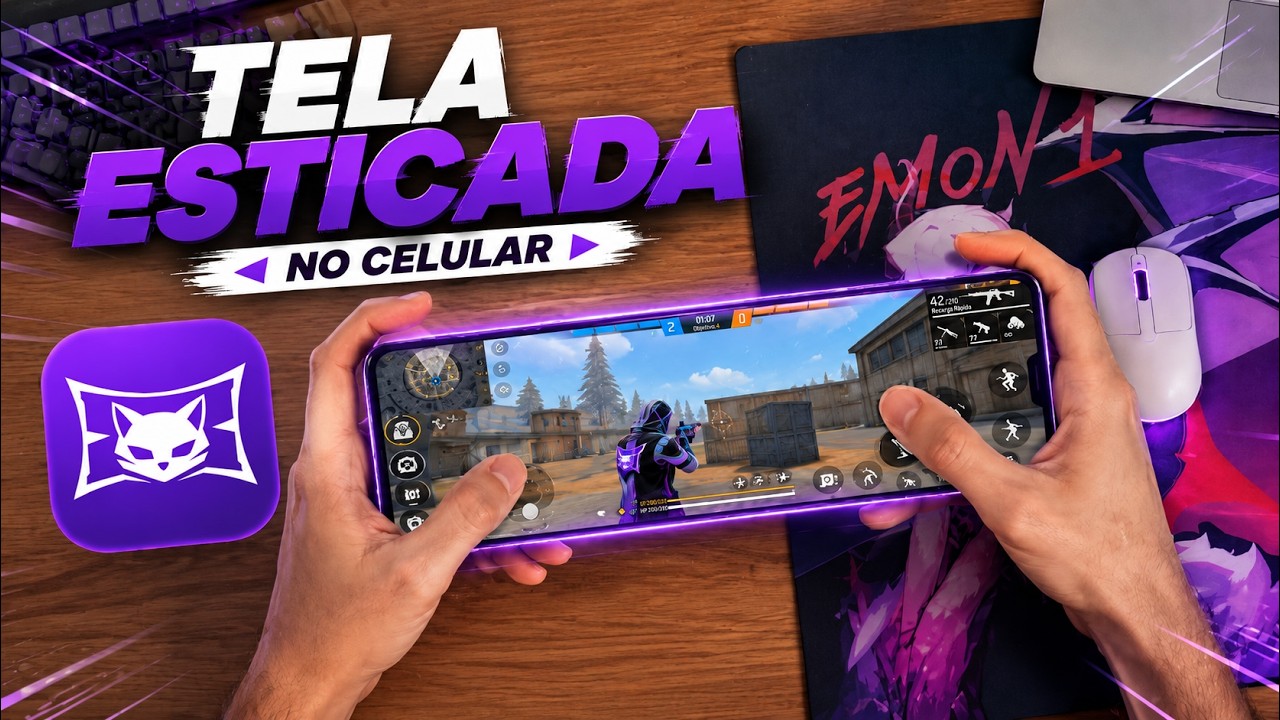
Is Cat Resolution Pro free or paid? And how do I buy Cat Mouse Pro?
A common question is whether the Cat Resolution Pro APK is free and what the Pro version unlocks. In practice, the app works with a basic set of free settings, and the Pro version tends to unlock extra resolutions and additional features for those who want to refine the result.
The question of how to buy Cat Mouse Pro arises because Cat Mouse Pro is a sister app focused on sensitivity and aiming. Those who already use Cat Resolution Pro often combine the two: the first handles resolution, the second handles sensitivity within the game. Purchasing Cat Mouse Pro is usually done within the app itself or through the developer's distribution channel.
For beginners, the advice is straightforward: first try the free version of Cat Resolution Pro. If you like the effect and want to further refine the settings, then it's worth evaluating Cat Mouse Pro. Test before you pay. There's no point in paying for a sensitivity app before finding out if you like the stretched screen effect.
Is Cat Resolution Pro worth it? Final verdict.
Cat Resolution Pro is worthwhile if your goal is to achieve the stretched screen effect without having to mess with developer options or commands. It delivers on its promise, is simple to use, and works well for players of Free Fire, Blood Strike, and other shooting games. It really works. For those who just want to try out the look, the free version is sufficient.
On the other hand, don't expect the app to transform your performance. The real gain is a slightly wider field of view, and nothing replaces training, well-adjusted sensitivity, and a good connection. That's right. If you're looking for a miracle in your aim, you'll be disappointed.
Pros and Cons of Cat Resolution Pro
Pros
- Adjust resolution and stretch the screen in just a few taps.
- It works without root access on most devices.
- Compatible with Free Fire, Blood Strike, and other games.
- Simple interface, good for beginners.
- The free version already fulfills the basic function.
Cons
- The actual gain in vision is modest.
- It changes the display of the entire system, not just the game.
- It doesn't improve aim or sensitivity on its own.
In short, Cat Resolution Pro works and is one of the most accessible ways to apply stretched screen on Android. If you play Free Fire and want to test a wider field of view, it's a valid option to start with, as long as you understand what the app does and what it doesn't do. Before applying, note the original resolution so you can revert it when needed. And if you like the effect, then upgrade to the Pro version or evaluate Cat Mouse Pro at your leisure.
 NEWS
NEWS REVIEWS
 HOWTO
HOWTO