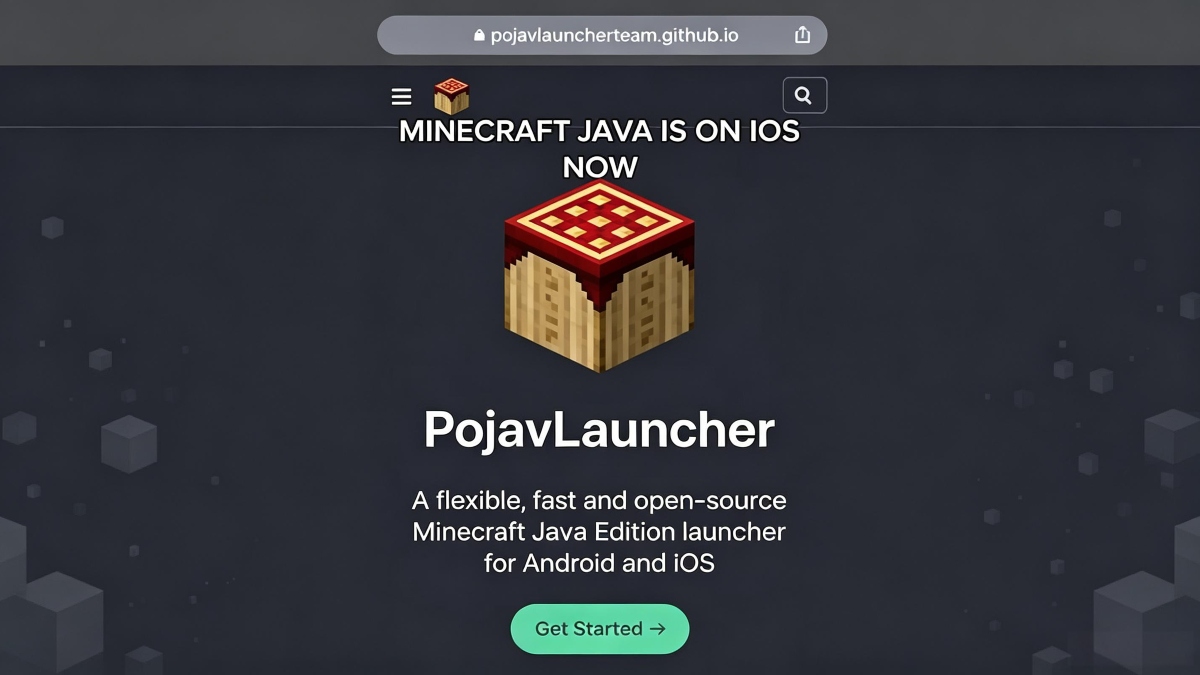

PojavLauncher helps Android users who want to use their Minecraft Java Edition account away from a computer. It is a launcher, not the Minecraft game itself, so a purchased Java Edition account is needed to download official game files and access online services. After you download PojavLauncher, you can choose game releases, manage separate setups, and play existing worlds or join Java multiplayer servers from your phone or tablet.
Run Java Edition releases
PojavLauncher can start supported Minecraft Java Edition releases on Android, including older versions and snapshots. This is useful when a world, server, or mod setup requires a specific release. You can keep more than one version available instead of replacing one setup each time.
Use mods and visual packs
You can install Forge, Fabric, or Quilt when a compatible mod setup is needed. PojavLauncher can also be used with compatible shaders and resource packs. Before launching, make sure the selected Minecraft version, mod loader, and each mod use matching versions.
Keep setups in separate profiles
PojavLauncher lets you create profiles for different game versions and mod collections. For example, you can keep a stable survival world in one profile and test a snapshot or new mods in another. This separation can help avoid conflicts between files made for different setups.
Choose your controls
You can adjust the on screen touch control layout for the way you play. PojavLauncher also supports Bluetooth or USB controllers, keyboards, and mice. As a result, players can use touch controls for short sessions or connect external input devices when available.
Play worlds and Java servers
You can open single player worlds or connect to Minecraft Java Edition multiplayer servers from the launcher. PojavLauncher uses your account to access supported online services. Server access still depends on the server’s own version, rules, account requirements, and network connection.
PojavLauncher does not include a Minecraft Java Edition purchase. You need an official purchased account to obtain game assets and play on online servers. If you only need to manage the launcher, you can review its profiles and settings first, but game content requires account access.
For modded play, check compatibility before adding files to a profile. A Forge, Fabric, or Quilt loader must match the selected Minecraft release, and the mods, shaders, and resource packs must support that same setup. Keeping experimental content in a separate profile helps protect worlds that already run correctly.
If a game session lags or fails to start, first check the selected profile and its mod loader. You can try another renderer setting and review the in app logs for error details. Removing recently added mods or switching back to a known working profile can help identify a version conflict.
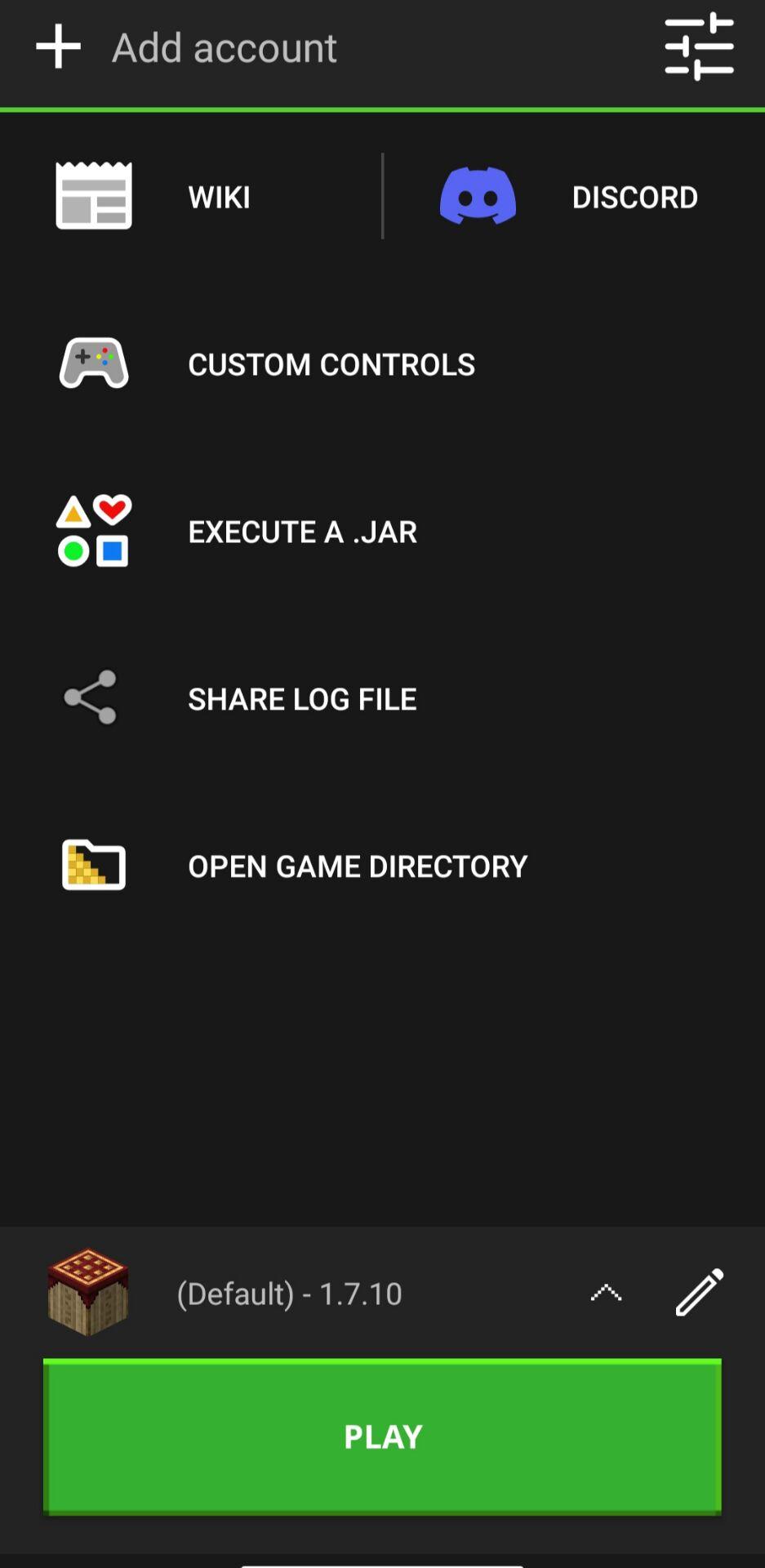
PojavLauncher stores account data locally in encrypted form and does not include ads or subscriptions. Renderer options and logs are available in the app for players who need to check stability problems. These tools can be useful when a specific release works differently from another profile.
Set up the launcher by choosing the game release and profile that match the world or server you plan to use. The PojavLauncher APK provides the launcher interface, while your purchased account supplies access to official game assets. Prepare one profile at a time so it is easier to find setup problems.
Open PojavLauncher and sign in with the purchased Minecraft Java Edition account you want to use.
Create a profile, then select the Minecraft release required for your world, server, or mod collection.
If you use mods, choose Forge, Fabric, or Quilt that matches the selected release before adding compatible mods, shaders, or resource packs.
Adjust the touch control layout, or connect a controller, keyboard, or mouse if you prefer external controls.
Launch the selected profile, then open a single player world or enter a Java server address. If a problem appears, check the renderer settings and in app logs.
PojavLauncher is for Android players who already own Minecraft Java Edition and need a launcher for releases, profiles, controls, and Java server access. Check the PojavLauncher latest version before setting up a new profile, especially when using mods or snapshots.
Latest Version
gladiolus-20250118-c04e3af-v3_openjdkUploaded by
Randy Scott-prince
Requires Android
Android 5.0+
Category
Free Tools AppContent Rating
Everyone
Report
Flag as inappropriateLast updated on Jan 19, 2025
Day-1 patch for the Gladiolus major update
- Fixed some control layouts not loading
- Fixed launcher UI getting stuck sometimes
- Fixed crashing in the control editor when rapidly deleting buttons
- Improved default localization strings
- Added some localization updates



APKPure - A multi-platform app store primarily focused on Android, providing extensive app-related content. Discover the app you want easier, faster, and safer, with quick and efficient downloads and installations.