What Is Gemini? Google's AI Assistant App Explained

2026-08-05
Learn how the Gemini app works, what it can do, and how it compares to other AI tools.
Gemini is Google's artificial intelligence assistant. It's the successor to Google Assistant and Google Bard, built on Google's in-house Gemini family of AI models. The app is available on Android, iOS, and the web, and it's deeply integrated into Google's ecosystem of products, including Gmail, Google Docs, Google Maps, and YouTube.
Unlike standalone AI chatbots that exist in their own apps, Gemini is designed to work across Google's services. You can ask it to summarize your unread emails, find specific information in your Google Drive, plan a route in Maps, or pull up a YouTube video, all from one conversation. This integration is what sets it apart from competitors like ChatGPT or Claude, which don't have native access to Google's suite of services.

Google Gemini is a productivity and creativity app that supports live conversations and multimodal creation.
What Gemini Can Do
Gemini covers the standard AI assistant capabilities: answering questions, writing text, generating code, analyzing images, and summarizing documents. But the Google integration adds layers of functionality that standalone AI tools can't match.
Email and productivity. If you use Gmail, Gemini can search your inbox, summarize long email threads, draft replies, and pull out action items from your messages. It can do the same with Google Docs and Sheets, finding information across your files without you having to open each one.
Maps and navigation. Ask Gemini for the fastest route somewhere, and it taps into Google Maps data. It can suggest restaurants along your route, check traffic conditions, and estimate arrival times, all while you're still in the chat.
YouTube and media. Gemini can search YouTube for specific content, summarize videos, and pull timestamps for key moments. If someone sent you a 45-minute tutorial and you only need the three minutes that cover one specific feature, Gemini can find that.
Image generation and analysis. Gemini can generate images using Google's Imagen model, analyze photos you upload, describe what's in an image, and answer questions about visual content.
Web search. Unlike some AI models that rely entirely on their training data, Gemini can search the web in real time for current information. It cites sources and links to the pages it references.
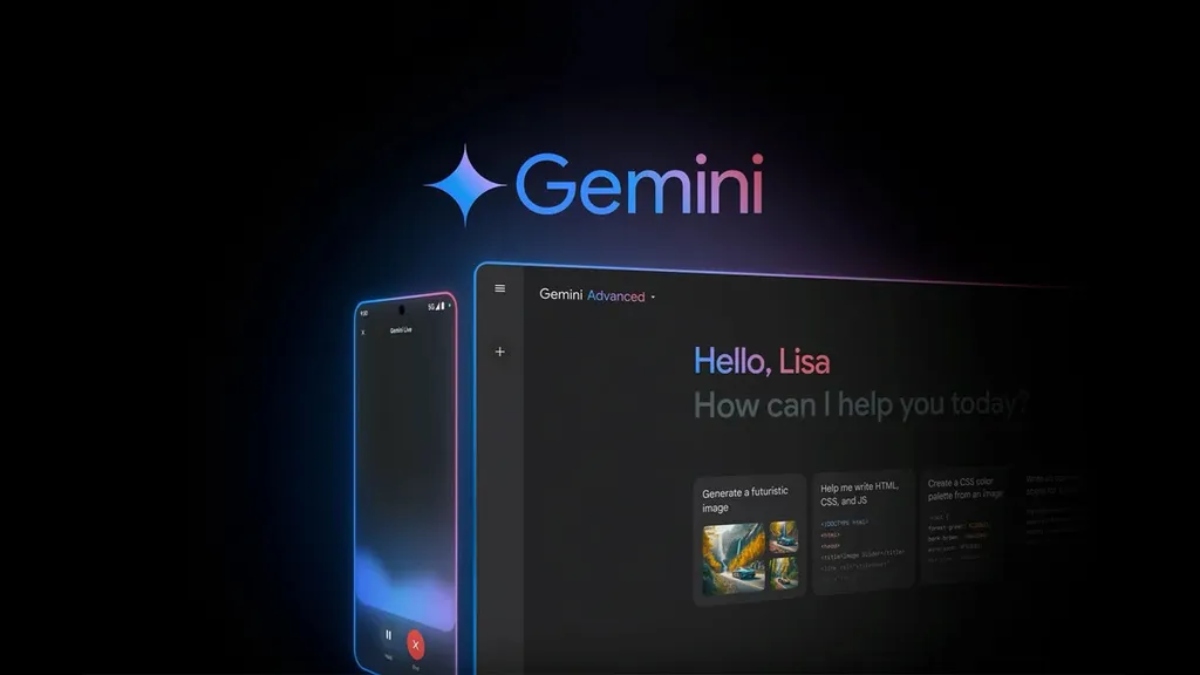
How To
How to Use Gemini AI, Google's AI Assistant on Android, iOS, and WebMaster Gemini AI with our guide. Covering setup, basic prompts and expert tactics to maximize Google’s AI assistant across Android and web browsers.
Learn MoreThe Gemini Family of Models
Google doesn't run a single Gemini model. It runs a family of models at different capability and cost levels:
Gemini Nano is the lightweight model that runs on-device for quick tasks like suggesting replies in messaging apps or basic voice commands. It's designed for speed and privacy, processing data locally without sending it to Google's servers.
Gemini Pro is the mid-tier model that powers most of what the standard Gemini app does. It handles everyday tasks like writing, research, and document analysis.
Gemini Ultra is Google's most capable model, reserved for complex reasoning tasks, advanced coding, and multimodal analysis that requires understanding text, images, and code simultaneously.
Gemini Advanced is the subscription tier that gives you access to Ultra and other premium features through the Google One AI Premium plan.
Gemini 2 and the Latest Models
Google has released multiple iterations of the Gemini model family. Gemini 2.0 brought significant improvements in reasoning and multimodal capabilities. Gemini 2.5, the latest as of mid-2026, added improved code generation, better long-context handling, and more accurate web search integration.
Each update has narrowed the gap between Gemini and OpenAI's GPT models. The original Gemini 1.0 launch in late 2023 was met with mixed reviews, particularly around image generation accuracy and reasoning depth. By Gemini 2.5, those issues have largely been addressed.
News
Gemini Update: Latest News & Features in Google's AI (August 2026)What's new in Google's AI, recent feature rollouts, model improvements, and what's coming next for Gemini users.
Learn MoreHow Gemini Works on Android
On Android, Gemini can replace Google Assistant as the default voice assistant. You activate it the same way, by saying "Hey Google" or long-pressing the home button. The difference is that instead of getting simple command responses, you get full AI-powered answers.
Gemini on Android has access to your device's capabilities. It can control your smart home devices, set reminders and alarms, send messages, make calls, and interact with other apps on your phone. This deeper system integration makes it more useful as a phone assistant than standalone AI chatbot apps.
Is Gemini Free
The standard Gemini app is free to download and use. You get access to the Gemini Pro model for text, image analysis, and web search. The free tier includes basic integrations with Google services like Gmail and Maps.
Gemini Advanced, included in the Google One AI Premium plan at $19.99 per month, unlocks access to Gemini Ultra, longer context windows, priority access to new features, and 2TB of Google One storage. For most users, the free tier covers everyday AI assistant needs. Advanced is worth it if you regularly need the Ultra model for complex reasoning, coding, or research tasks.
Download Gemini APK on Android
The app is also available on iOS through the App Store and accessible on the web at gemini.google.com. If you're on Android and already use Google Assistant, switching to Gemini takes a few taps in the Google app settings.
Google Gemini is a productivity and creativity app that supports live conversations and multimodal creation.
- How to Download DANA Indonesia Digital Wallet APK Latest Version 2.147.1 for Android 2026
- How to Download WallFancy - 4K Live Wallpaper APK Latest Version 1.9.1 for Android 2026
- How to Download Google Pay: Save and Pay APK Latest Version for Android 2026
 NEWS
NEWS REVIEWS
 HOWTO
HOWTO