


Best AI Photo Editor Apps for Android Ranked: Top 5 Picks

2026-09-09
We ranked the top 5 AI photo editor apps for Android by AI features, editing power, and value. Compare Lightroom, PicsArt, Canva, Snapseed, and VSCO.
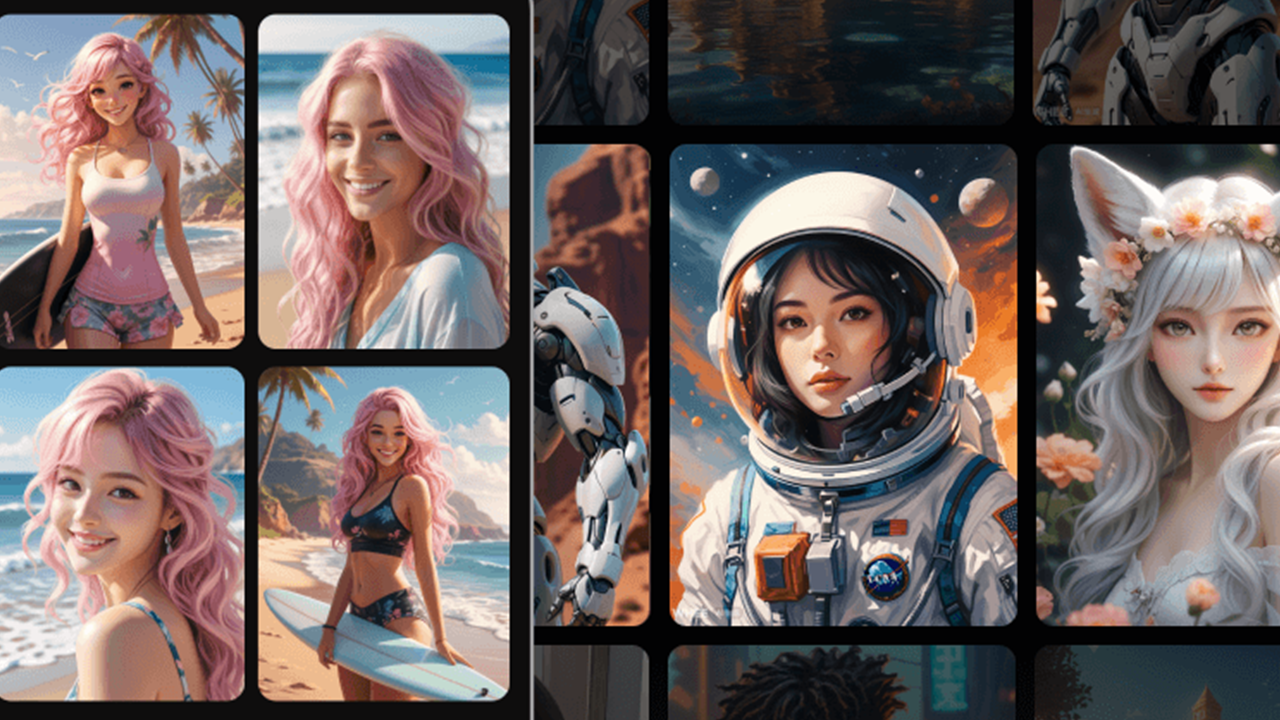
Every phone maker ships a gallery app with basic sliders. But if you want AI background removal, smart noise reduction, or generative object replacement, you need a dedicated AI photo editor app. The problem is that half the apps on Google Play with "AI" in their description are just pushing 2018-era filters with new marketing copy.
I tested over 30 photo editor apps on a Pixel 8 Pro, focusing on three criteria: how well the AI features actually work on real photos (not just demo shots), how much manual control the app gives you beyond AI automation, and what the free tier covers before hitting a subscription wall. Privacy matters too. Photo editors that upload your images to cloud servers for processing should be upfront about it, and a few apps on this list handle AI processing locally on your device.
Plenty of photo editing apps promise to fix your photos automatically. But when you actually try to edit photos on Android, the AI features on most of them amount to a contrast slider with a fancy button. The five apps below separated themselves from the pack. Here's how they rank.
Ranking Table
| Rank | App | Key AI Feature | Why It's Here |
|---|---|---|---|
| 1 | Adobe Lightroom | AI Denoise, AI Masking | Pro-level AI tools that cut editing time |
| 2 | PicsArt | AI Background Removal, AI Replace | Creative AI effects plus social community |
| 3 | Canva | Magic Studio (AI generation) | AI design tools meet photo editing |
| 4 | Snapseed | AI Auto-Tune, Selective Editing | Free, no ads, Google's smart tuning |
| 5 | VSCO | AI-Powered Presets | Film-grade color science with AI suggestions |
Adobe Lightroom: AI Denoise and Pro Masking
Rank one goes to Adobe Lightroom because its AI features solve problems that used to require desktop software. If you shoot in low light on your phone, the AI Denoise tool cleans up grainy RAW files with one tap. The results hold up at high ISO values where most apps just smear detail into mush. I've run side-by-side tests against Photoshop Express, and Lightroom's noise reduction preserves more texture in the process.
The AI masking tools are where this app pulls ahead of everything else on this list. Select Subject and Select Sky both use AI to create precise masks in seconds. What used to take five minutes of careful brushing on a computer now happens with one tap. You can stack multiple masks, invert them, and fine-tune each with linear gradients. The masking alone is reason enough to pick Lightroom over a filter-based editor.
Lightroom's Adaptive presets also factor into the ranking. The AI analyzes each photo and applies different adjustments based on content type. A travel shot gets different treatment than a portrait. The system gets it right most of the time. Not always. But enough that you'll start trusting it for batch editing sessions where you need to process dozens of photos quickly.
The free tier covers basic RAW editing and the AI features described above. Premium ($9.99/month) unlocks the full preset library, healing brush, and cloud sync across devices. If you already pay for Adobe Creative Cloud, the mobile app is included in your subscription.
Pros
- AI Denoise works on RAW files with strong detail retention
- Select Subject and Select Sky masking saves real editing time
- Cross-device sync with the desktop version of Lightroom
Cons
- Full feature set requires a Creative Cloud subscription
- Learning curve is steeper than filter-based photo editor apps
PicsArt: AI Creative Effects and Community
PicsArt lands at number two because its AI tools lean creative rather than technical. If Lightroom is for photographers who want clean images, PicsArt is for people who want to transform photos into something else entirely. The AI Studio suite includes background removal, object replacement, and art-style transfers that turn photos into stylized artwork.
The AI background removal is the standout. It handles hair edges and fine details better than most paid desktop software I've tried. You can swap in a solid color, another photo, or an AI-generated scene. The AI Replace feature lets you paint over any object, type a text description of what you want instead, and the app generates a replacement that blends into the surrounding context. Results vary. Simple swaps like changing a shirt color work well. Complex scene replacements are hit or miss.
One thing that separates PicsArt from the other apps here is the community. The app has a built-in social platform where users share edits, remix each other's work, and join daily creative challenges. If you learn by seeing what other people create with the same tools, that social layer adds value you can't get from a standalone editor.
The free version is generous with features but aggressive with ads. PicsArt Gold ($13/month or $57.99/year) removes ads and unlocks premium content. With over 250 million downloads, the community stays active enough that you'll never run out of ideas. Among photo editing apps on Android, PicsArt has one of the largest user bases.
Pros
- AI background removal handles complex edges like hair well
- AI Replace generates convincing object substitutions for simple swaps
- Active community with daily challenges and remix culture
Cons
- Ads in the free version interrupt your editing flow
- App demands significant storage space on your device
Canva: Magic Studio Meets Photo Editing
Canva didn't start as a photo editor. It started as a design tool for people who aren't designers. But the Magic Studio AI suite has blurred the line between the two categories. You can remove backgrounds, erase objects, generate images from text prompts, and apply smart adjustments, all without leaving the app.
The feature that matters most for photo editing is Magic Edit. Select any area of your photo, type what you want to replace it with, and the AI generates a new element that matches lighting and perspective. It's not perfect. Complex scenes with multiple light sources can confuse the AI, and the results sometimes look pasted in. But for simple swaps like changing a sky or replacing a background object, it works in seconds.
Canva's real strength is workflow. Edit a photo, then drop it into a social media template, a presentation slide, or a YouTube thumbnail without switching apps. For content creators who'd otherwise jump between three different tools, this saves real time. Not a minor convenience. An actual time-saver for anyone producing content regularly.
The free tier includes basic editing and a limited number of AI actions per month. Canva Pro ($14.99/month) unlocks unlimited AI generations, premium templates, and the full Magic Studio suite. If you create content regularly, the subscription pays for itself fast.
Pros
- Magic Edit handles object replacement with solid accuracy for simple scenes
- Photo editing and design templates in a single app
- Text-to-image generation for creating custom visual assets
Cons
- Not a dedicated photo editor, so pro photographers may find the tools limited
- Free tier AI usage limits are restrictive for heavy editors
Snapseed: Free AI Tuning From Google
Snapseed sits at number four because it does less than the apps above it, but what it does, it does for free. Google acquired the app in 2012, and it hasn't had a major redesign since. That sounds like a criticism, but the interface was good to begin with. And the price is hard to argue with.
The Auto-Tune feature analyzes your photo and applies corrections for exposure, color balance, and contrast. It's not labeled "AI" anywhere in the app, but the underlying technology does what AI photo editing should do: make your photo look better without manual effort. The results are solid for quick fixes on phone shots. For fine-grained control, you'll want Lightroom.
Selective editing is Snapseed's other strength. Tap a point on your photo, and the app applies adjustments to that area with smart edge detection. The edges stay clean without the halo effect that ruins similar features in lesser apps. The Healing tool removes small objects and blemishes by sampling surrounding pixels. It works on simple removals. Don't expect it to erase a person from a crowded scene.
Snapseed supports RAW files from compatible phones and DSLRs. You get 29 tools and filters, full-resolution exports, and zero watermarks. No subscription. No ads. It's the closest thing to a free lunch in the Android photo editing space, and it respects your privacy by processing everything locally on your device.
Pros
- Completely free with no ads, subscriptions, or watermarks
- Selective editing with smart edge detection
- RAW file support for phone and DSLR photos
- Local processing keeps your photos private
Cons
- No cloud sync or cross-device editing
- No AI object removal or background replacement

VSCO: AI-Powered Film Aesthetics
VSCO takes the fifth spot. It built its reputation on film emulation presets that make digital photos look like they were shot on Kodak Portra or Fuji Pro 400H. The AI component shows up in how those presets get applied to each photo.
The app analyzes each image and suggests presets based on lighting, color temperature, and subject matter. You can still browse the preset library manually, but the AI recommendations are useful when you're editing a batch of 50 vacation photos and don't want to test every filter on each one. The suggestions hit the mark about 70% of the time. Not great. But enough to speed up your workflow when you're dealing with volume.
VSCO also includes manual editing tools that go beyond filters. You get HSL adjustments, grain control, fade, and vignette. The RAW editing mode works with DNG files from phone cameras. What VSCO doesn't have is AI object removal or generative fill. If you need to erase a photobomber from your shot, use a different app.
The free version includes 10 presets and basic editing tools. VSCO Membership ($19.99/year) unlocks 200+ presets, advanced tools, and the full preset library. That price is reasonable for what you get, especially if film aesthetics are your thing.
Pros
- AI preset suggestions save time on batch editing
- Film emulation quality is the best on mobile
- Clean, distraction-free interface
Cons
- No AI object removal or background replacement
- Free preset selection is limited
The Takeaway
The best AI photo editor app for Android comes down to what you're trying to do with your photos. Adobe Lightroom wins for professional editing because its AI masking and denoising tools solve real problems that used to need desktop software. PicsArt is the better pick for AI-powered creative effects and a community to share them with. Canva bridges photo editing and design in one app, which matters for social media content. Snapseed gives you the most value at zero cost, and VSCO remains the top choice for film-inspired looks.
Download the one that matches your editing style from APKPure, and start turning those almost-right photos into the shots you actually wanted.
 NEWS
NEWS REVIEWS
 HOWTO
HOWTO










